Skip to content
View in the app

A better way to browse. Learn more.

Tip.It Forum

A full-screen app on your home screen with push notifications, badges and more.

To install this app on iOS and iPadOS
  1. Tap the Share icon in Safari
  2. Scroll the menu and tap Add to Home Screen.
  3. Tap Add in the top-right corner.
To install this app on Android
  1. Tap the 3-dot menu (⋮) in the top-right corner of the browser.
  2. Tap Add to Home screen or Install app.
  3. Confirm by tapping Install.

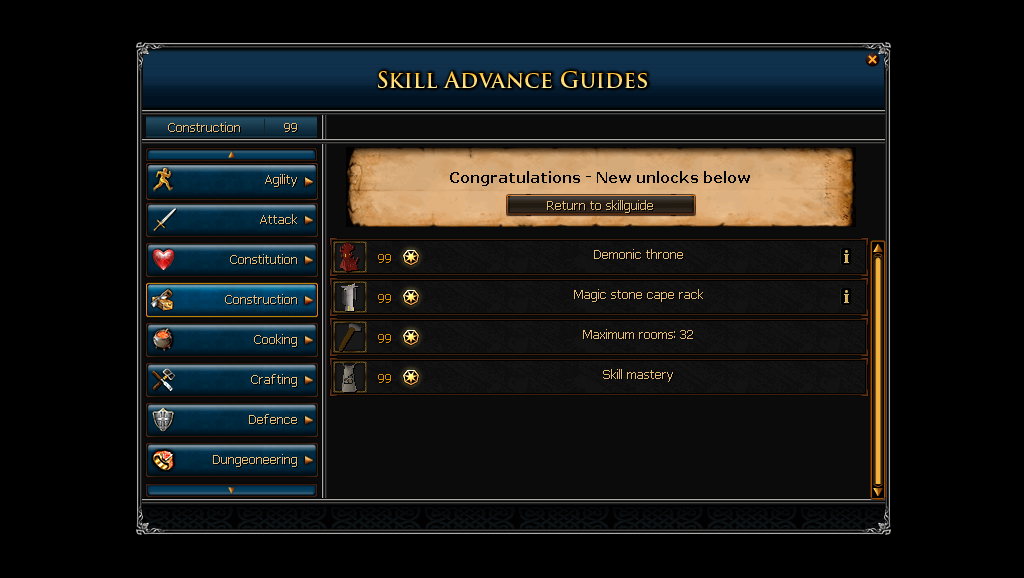
#20: 99 Construction

(0 reviews)

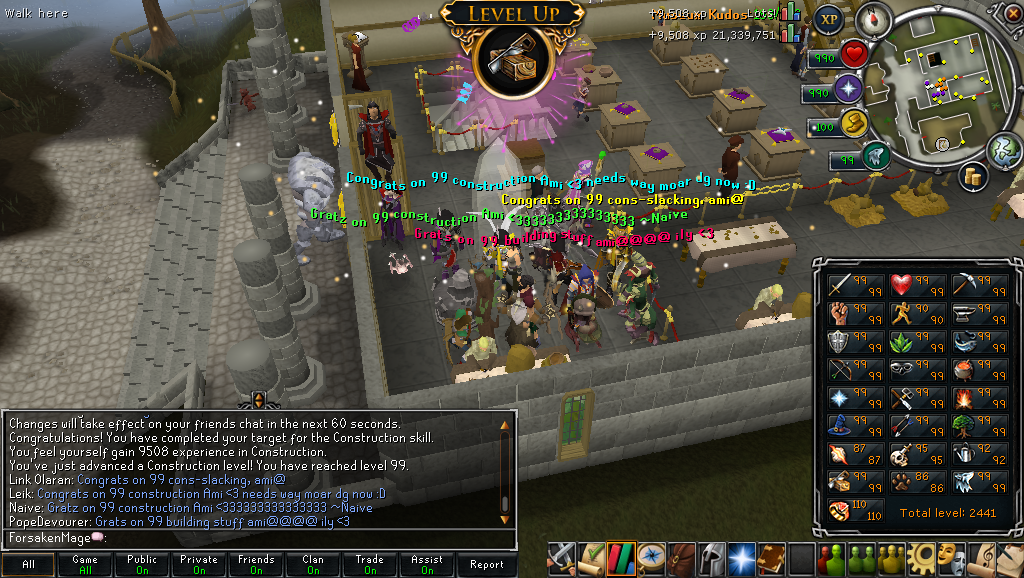
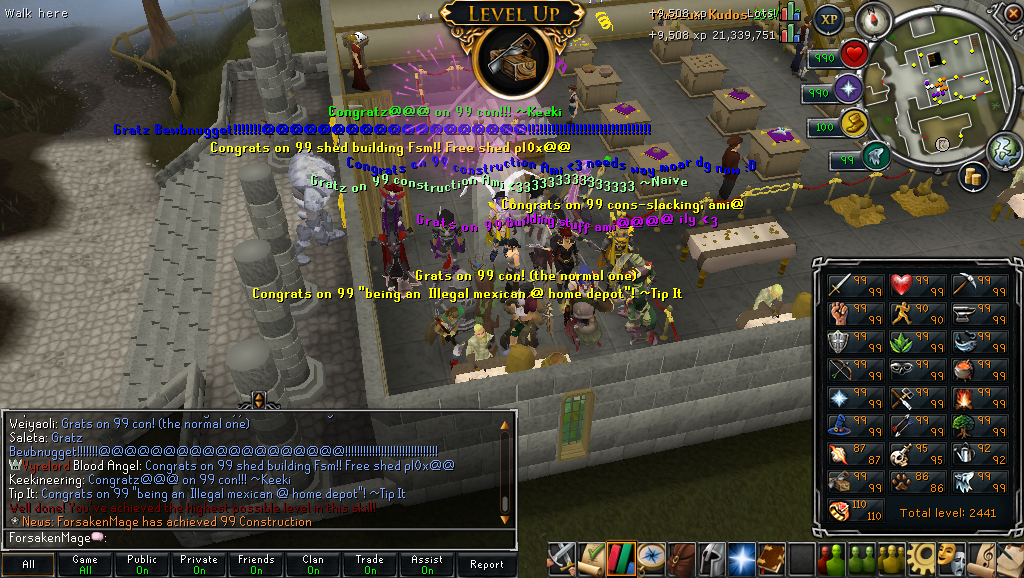
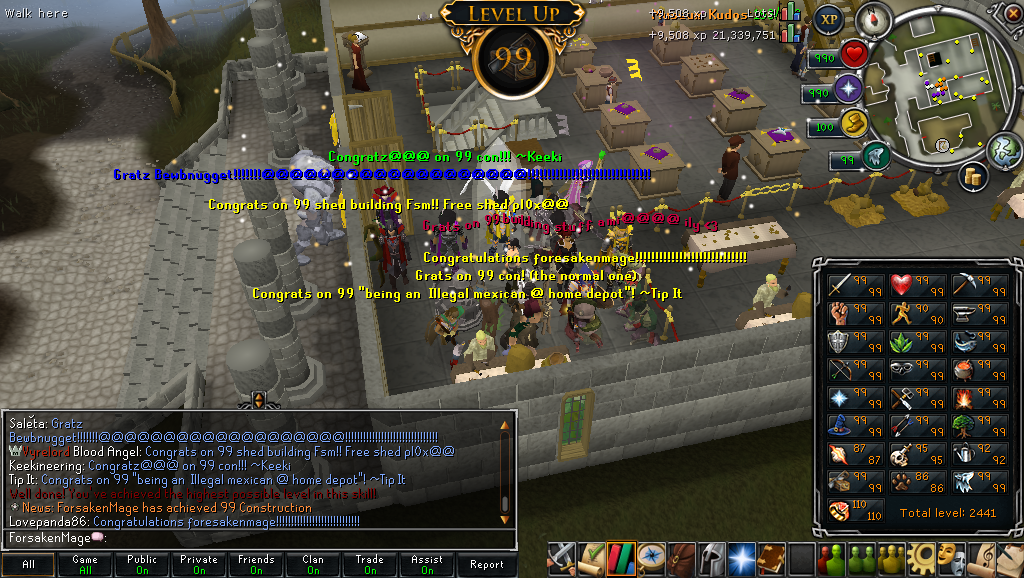
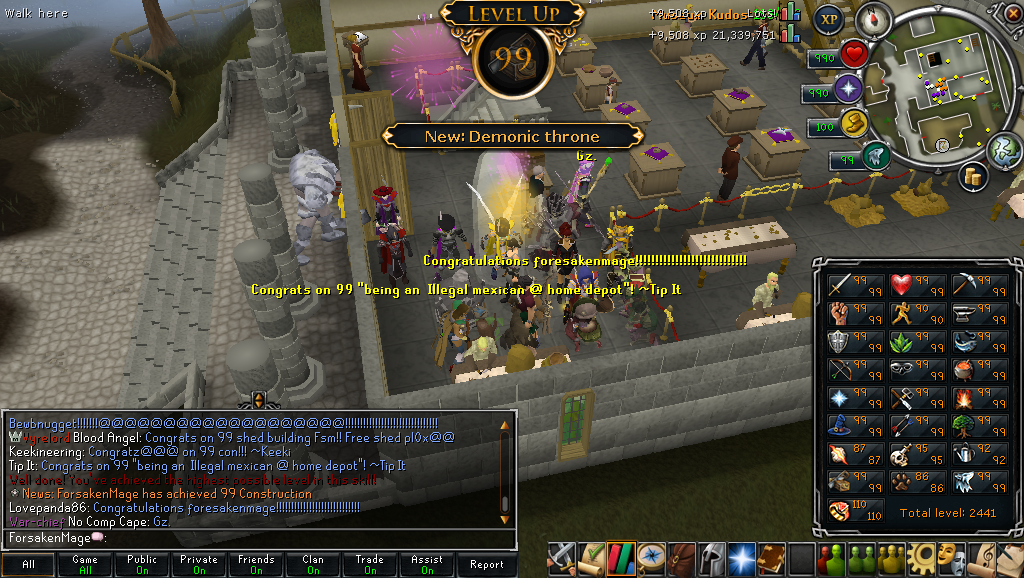
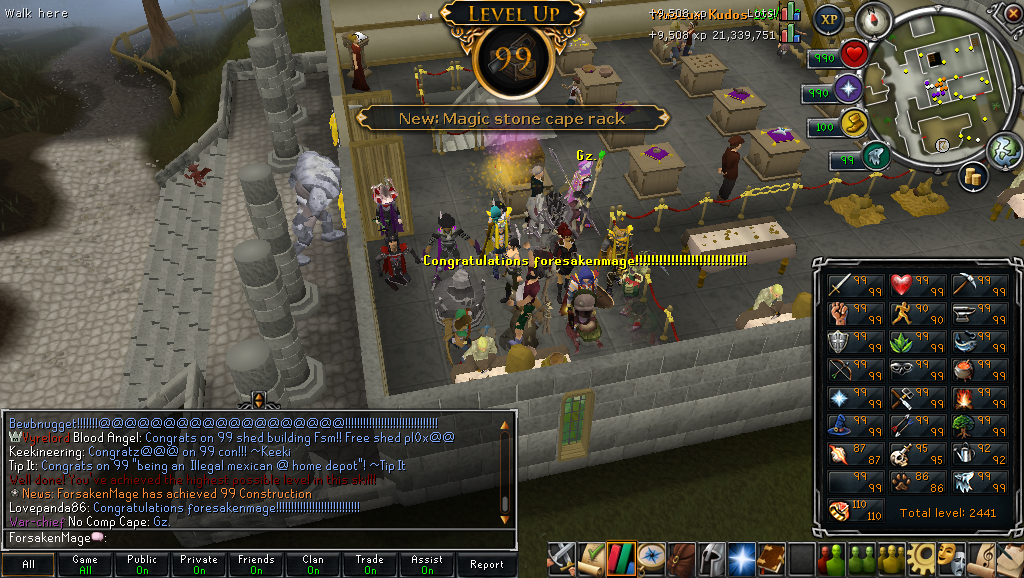
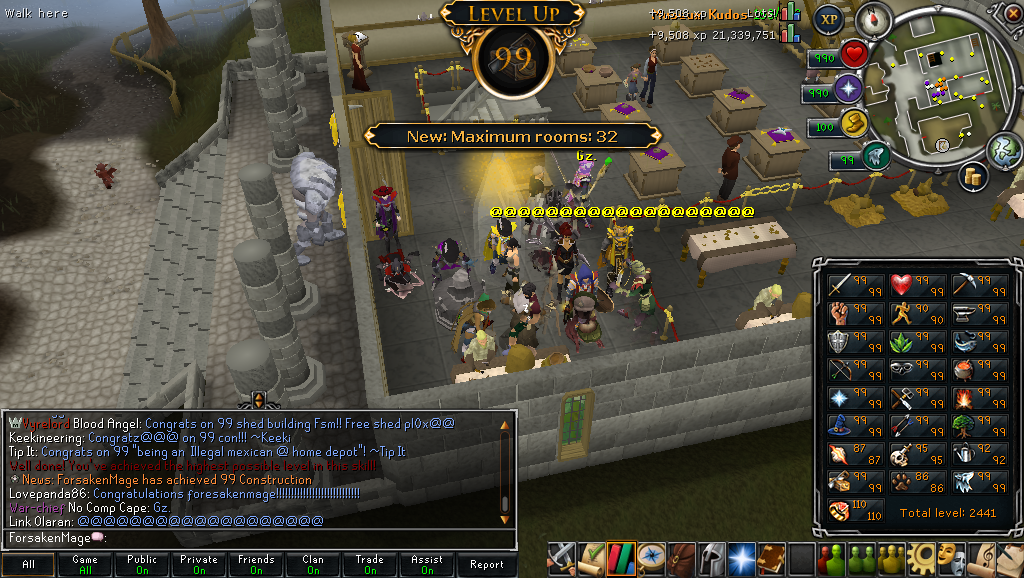
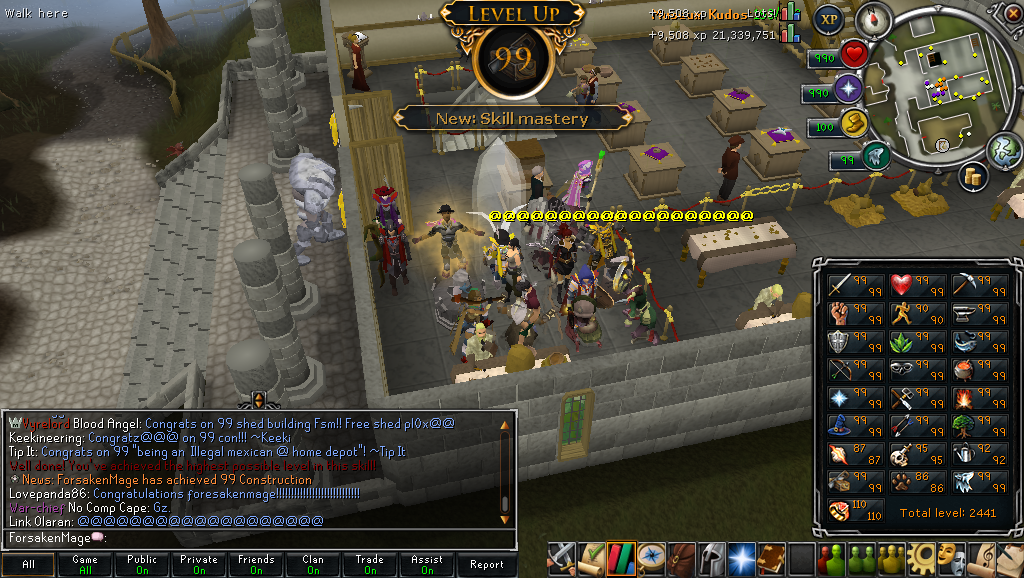
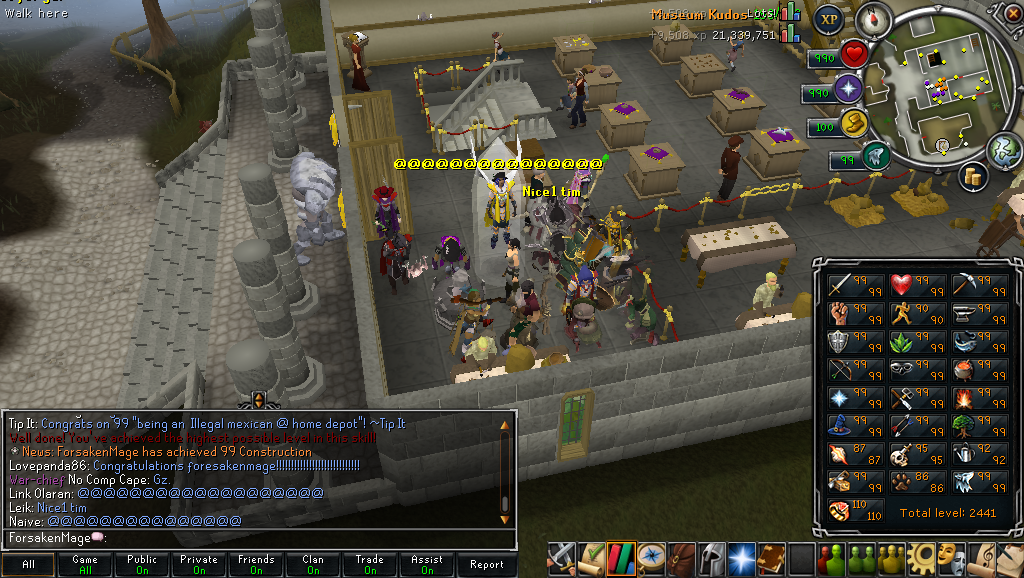
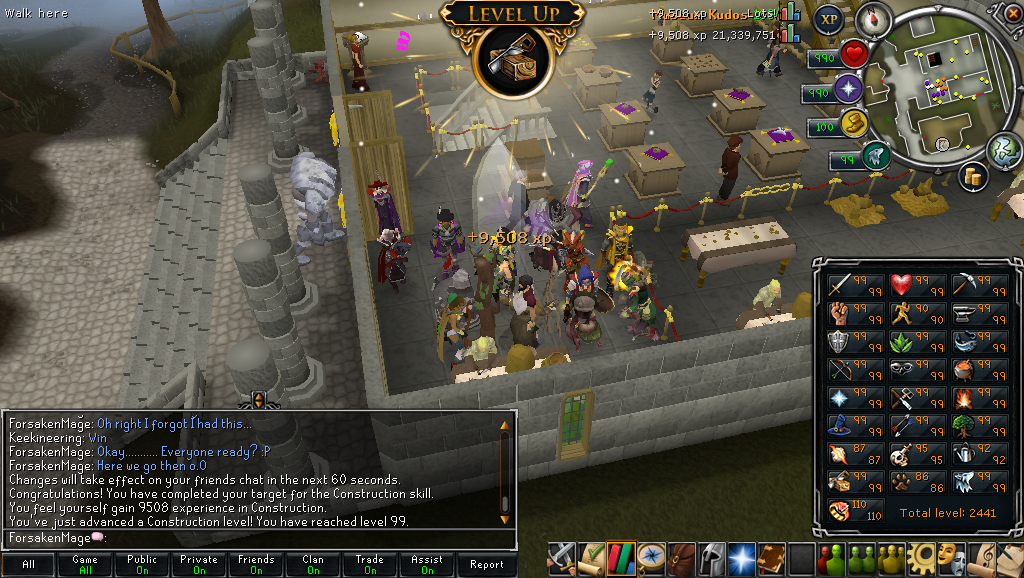
So I finally got my 20th Construction, making this my fifth 99 for the year (Summoning, Herblore, Crafting, Smithing being the previous ones). Still have five more skills to get to 99 for Max Cape, but in a way I may want to get 120 Dungeoneering before that so I can get the Completionist Cape and Max Cape at the same time. We'll see. =) Special thanks to all my friends for putting up with my whining and spamming of "11111111111111111111." :P


[hide='Many Pictures for Your Viewing Pleasure]JagexLauncher2012-03-2911-59-15-98.png
JagexLauncher2012-03-2911-59-18-02.png

JagexLauncher2012-03-2911-59-19-69.png

JagexLauncher2012-03-2911-59-21-51.png

JagexLauncher2012-03-2911-59-23-30.png

JagexLauncher2012-03-2911-59-25-40.png

JagexLauncher2012-03-2911-59-27-01.png

JagexLauncher2012-03-2911-59-28-49.png

JagexLauncher2012-03-2911-59-30-59.png

JagexLauncher2012-03-2912-00-19-19.png[/hide]

2 Comments

Recommended Comments

Saradomin_Mage

Members

:thumbup:

Final Five !

Slayerrrrrrrrrrrrrrrrrrrrrrrrrrrrrrrrrrrrrrrrrrrrrrrrrr please


<3:

Important Information

By using this site, you agree to our Terms of Use.

Account

Navigation

Search

Search

Configure browser push notifications

Chrome (Android)
  1. Tap the lock icon next to the address bar.
  2. Tap Permissions → Notifications.
  3. Adjust your preference.
Chrome (Desktop)
  1. Click the padlock icon in the address bar.
  2. Select Site settings.
  3. Find Notifications and adjust your preference.