Skip to content
View in the app

A better way to browse. Learn more.

Tip.It Forum

A full-screen app on your home screen with push notifications, badges and more.

To install this app on iOS and iPadOS
  1. Tap the Share icon in Safari
  2. Scroll the menu and tap Add to Home Screen.
  3. Tap Add in the top-right corner.
To install this app on Android
  1. Tap the 3-dot menu (⋮) in the top-right corner of the browser.
  2. Tap Add to Home screen or Install app.
  3. Confirm by tapping Install.

Day of skilling and a Daggonth King Trip
(0 reviews)

My day started out with some smithing of gold which I found to be a decent thing to do as soon as waking since I could browse tip.it and catch up on my homework, and such. I ended up getting this level.
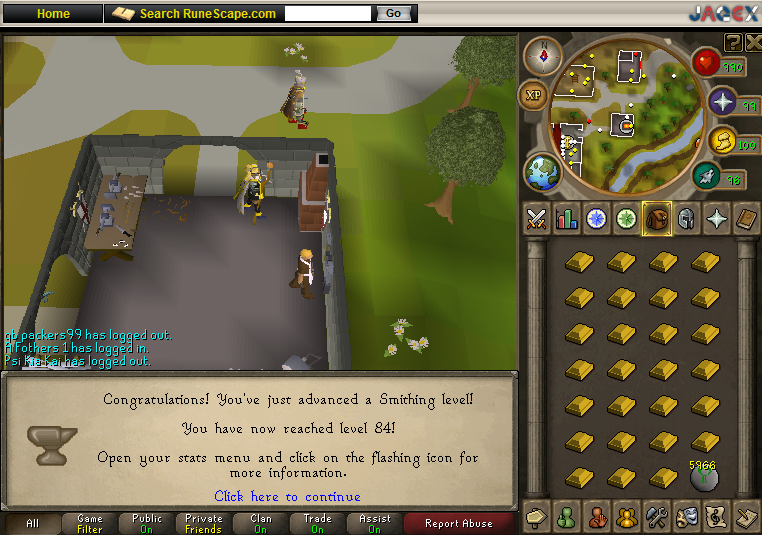
84Smithing.png

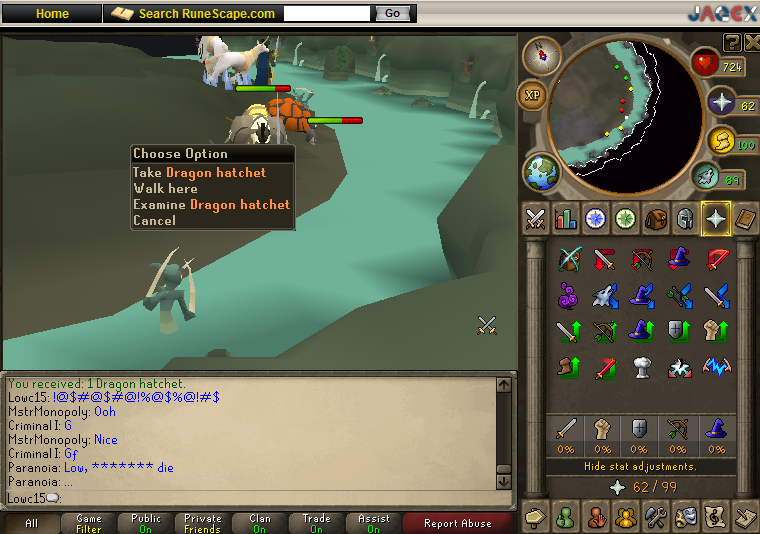
Continued smithing for a bit but then decided that I wanted to kill some dag kings so I asked a couple sodbers to tribrid with me since thats all ways fun and here is what I got on that lootshare trip.

#2
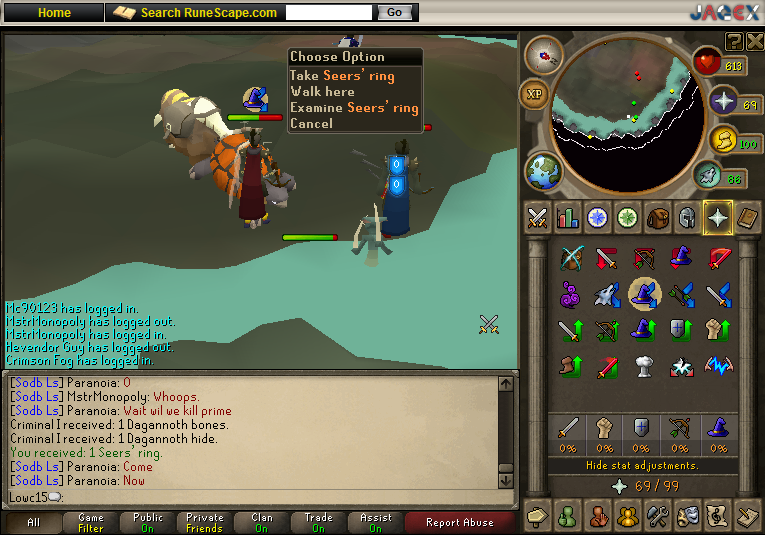
SeersRing2.png

#27

DragonHatchet27.png


Ended up having to teleport shortly after due to my connection lagging a ton for some reason. I'm thinking i banked about 2.4m though from that short trip so not a bad day. I plan to continue smithing while slaying when I get a chance and the occasional boss trip when I have time this week. Hopefully I have time that is, I expect a lot of homework like usual throughout the week. <_<

4 Comments

Recommended Comments

Aiel

Members

I'll come DKs sometime once I buy combat gear back.

la la la

Members

Your stats are good. Looking to max?

Singh

Members

Very nice productive day :thumbsup: :thumbsup:

Low C

Members

Your stats are good. Looking to max?


Not at this point, I don't see that happening for a few years or more since I have a heavy work load of school work. More so than I did in high school, which i eased by with little effort.

Important Information

By using this site, you agree to our Terms of Use.

Account

Navigation

Search

Search

Configure browser push notifications

Chrome (Android)
  1. Tap the lock icon next to the address bar.
  2. Tap Permissions → Notifications.
  3. Adjust your preference.
Chrome (Desktop)
  1. Click the padlock icon in the address bar.
  2. Select Site settings.
  3. Find Notifications and adjust your preference.