Some questing and other stuff. (0 reviews) Share https://forum.tip.it/blogs/entry/2785-some-questing-and-other-stuff/ Share on X Share on Facebook {lang="reddit_text" Share on Pinterest More sharing options... Followers
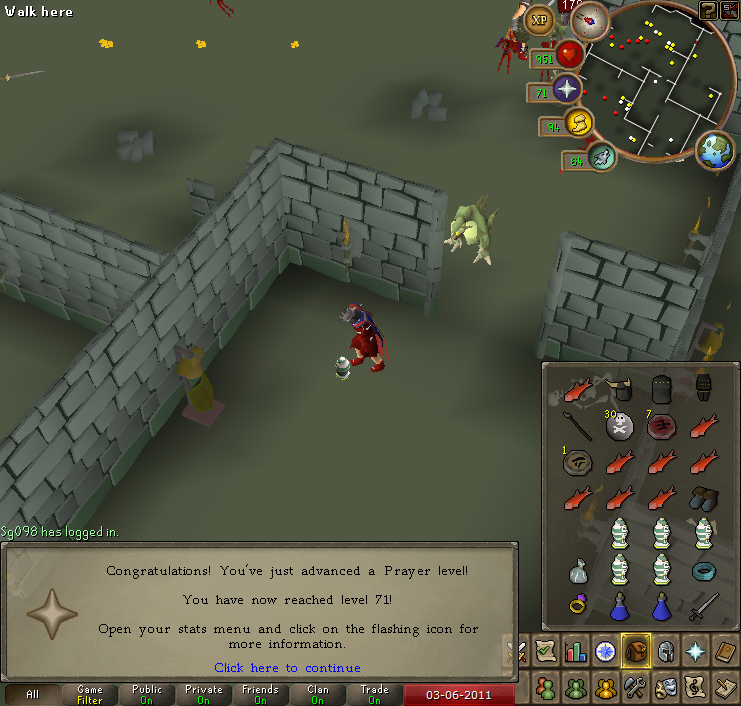
K4ylan Members June 5, 201115 yr Author stats You're too pro to be using dragon, guthans (with a bunyip?), and salmon
PuppyKing Members June 5, 201115 yr Author stats You're too pro to be using dragon, guthans (with a bunyip?), and salmon Then what would I use for defense bonuses?(and the salmon is from when I got 99 fishing/cooking. I have about 70k banked, lol)
PuppyKing Members June 7, 201115 yr Author stats Or is the point having attack and strength bonuses, rather than defence bonuses?
K4ylan Members June 7, 201115 yr Author stats Or is the point having attack and strength bonuses, rather than defence bonuses? Well there's that, and the fact that you can use Torag's or just Guthan's alone.






Recommended Comments