Skip to content
View in the app

A better way to browse. Learn more.

Tip.It Forum

A full-screen app on your home screen with push notifications, badges and more.

To install this app on iOS and iPadOS
  1. Tap the Share icon in Safari
  2. Scroll the menu and tap Add to Home Screen.
  3. Tap Add in the top-right corner.
To install this app on Android
  1. Tap the 3-dot menu (⋮) in the top-right corner of the browser.
  2. Tap Add to Home screen or Install app.
  3. Confirm by tapping Install.

Different Account. Different Name. Different Everything.

(0 reviews)

'ello all,

As it turns out, I've been bored lately. Everyone knows what that means! It's De-Retirement Time Everyone!!!! As I come out of retirement I've realized a couple of things.

  1. I used to love the colour purple way too much.
  2. Almost everything that I knew about this game is no longer applicable.
  3. I wasn't nearly as badass as I thought I used to be.
  4. My p2p character now feels limited and like a cheater in f2p.
  5. Uhhh, nope, that's pretty much it.

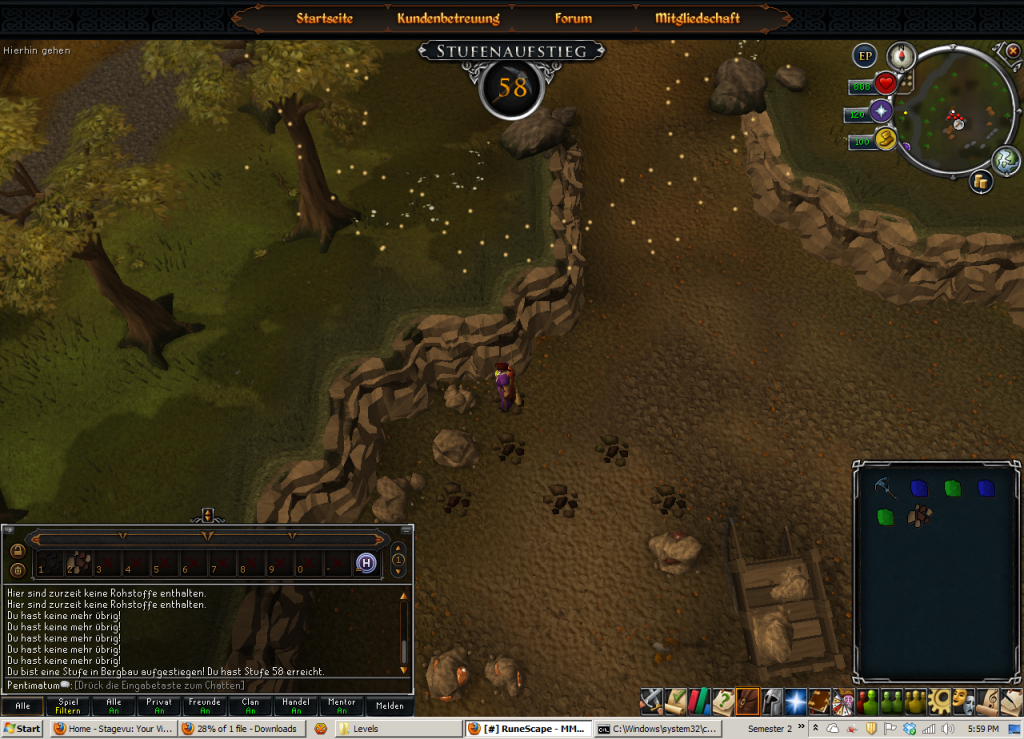
As such, a new account has been born! Say hello to "Pentimatum" (mix of penultimate and ultimatum. I created it a while ago and had just never played it). I'll post stats and update the goals and such of the blogs eventually, but for now we'll start out with some simple screenshots of what I've done on him so far.


[hide=57 Mining]57Mining.png[/hide]
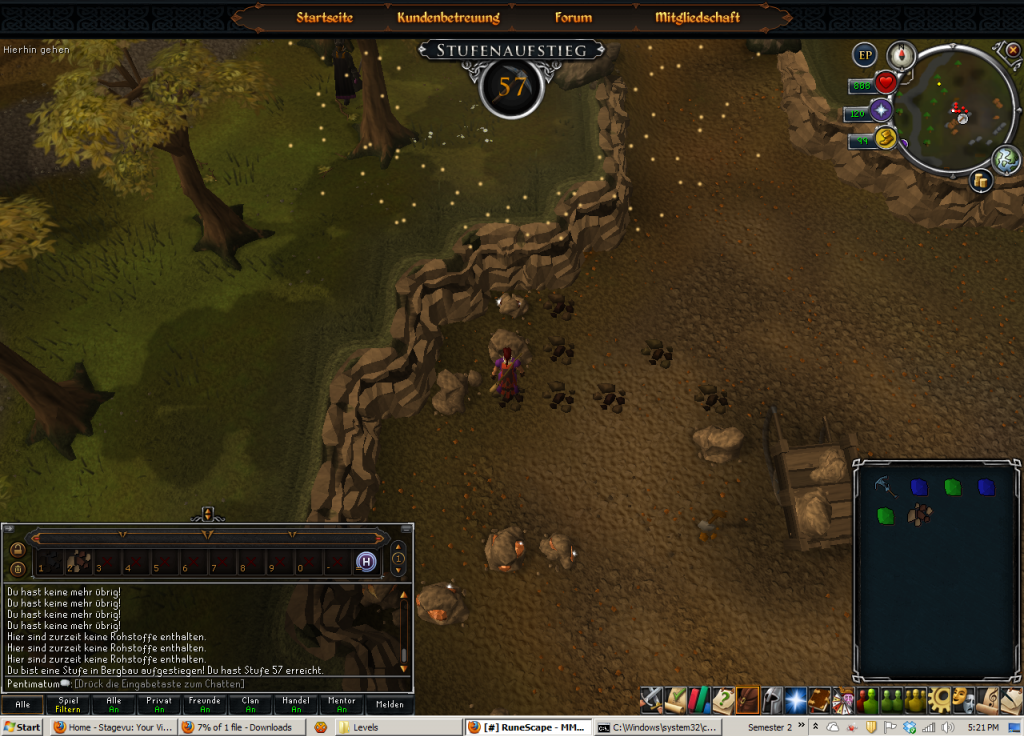
[hide=58 Mining]58Mining.png[/hide]


Keep posted for updates.


Sincerely,

Pentimatum

2 Comments

Recommended Comments

PolarBearBlue

Members

Nice mining levels. keep it up. Thou it looks like you are power mining iron. Do you have a lot of money for smithing as well?

money123678

Members

On this account? No, I've got like 30k =P Haven't quite thought about what to do for the smithing yet. I figure that at 70 mining I'd be able to mine ores fast enough to get the smithing without much effort anyways. Smithing should cath up easy enough. I guess we'll see however =)

Important Information

By using this site, you agree to our Terms of Use.

Account

Navigation

Search

Search

Configure browser push notifications

Chrome (Android)
  1. Tap the lock icon next to the address bar.
  2. Tap Permissions → Notifications.
  3. Adjust your preference.
Chrome (Desktop)
  1. Click the padlock icon in the address bar.
  2. Select Site settings.
  3. Find Notifications and adjust your preference.