



Skip to content
View in the app

A better way to browse. Learn more.

Tip.It Forum

A full-screen app on your home screen with push notifications, badges and more.

To install this app on iOS and iPadOS
  1. Tap the Share icon in Safari
  2. Scroll the menu and tap Add to Home Screen.
  3. Tap Add in the top-right corner.
To install this app on Android
  1. Tap the 3-dot menu (⋮) in the top-right corner of the browser.
  2. Tap Add to Home screen or Install app.
  3. Confirm by tapping Install.

Unicows, Swordchicks & Frogeels; Oh my!

(0 reviews)

Finally got around to finishing the Ardougne achievement diary today. Probably wont be getting the Elite tasks done for a while yet as that summoning level is going to take ages to reach.


[spoiler=Oh my!]gallery_124794_87_173160.png
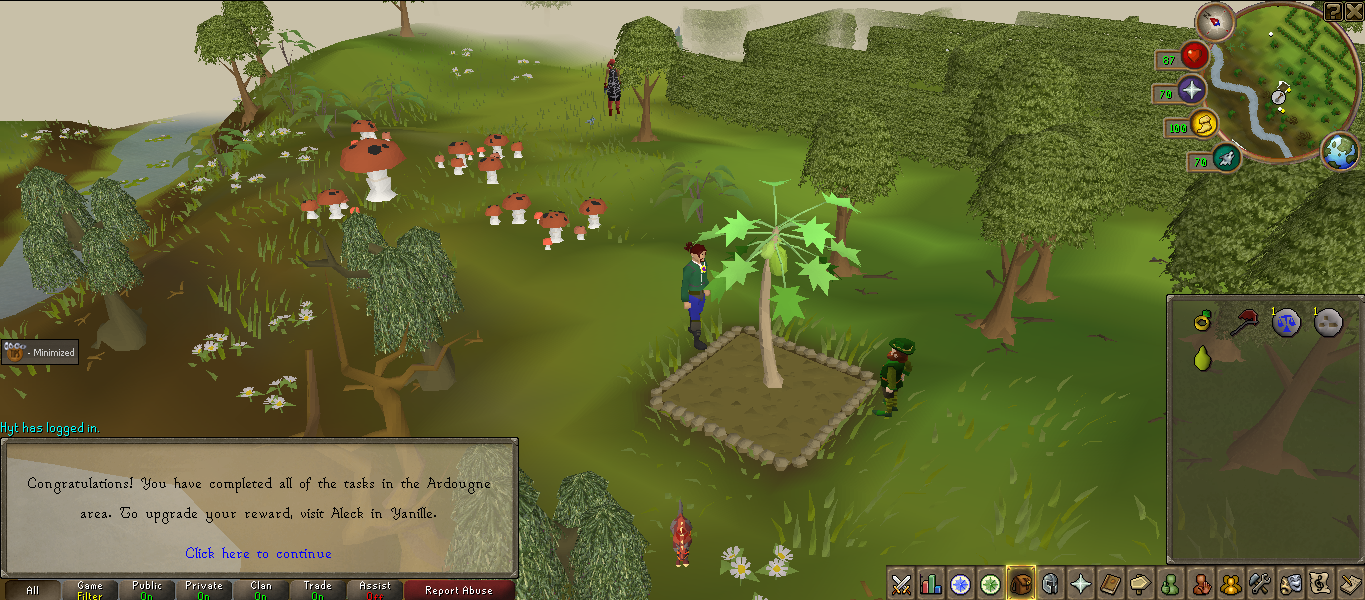


I also just got off for my 5 day term break so I've been playing a lot of fast stealing creation because I'm hoping to go from 70-80 (possibly 85) construction tomorrow. I have around 100 more points to get which should only take me a little over an hour.


But now I'm tired so I'm going to sleep, cutting this dull blog short. (Hooray!) :P

1 Comment

Recommended Comments

Bladewing

Members

Too bad unicows are only about 500k/hour with Cape 3, maxed stats, extreme pots, void, et al. I was hoping to have a good, semi worthwhile method to get my own horns.

Important Information

By using this site, you agree to our Terms of Use.

Account

Navigation

Search

Search

Configure browser push notifications

Chrome (Android)
  1. Tap the lock icon next to the address bar.
  2. Tap Permissions → Notifications.
  3. Adjust your preference.
Chrome (Desktop)
  1. Click the padlock icon in the address bar.
  2. Select Site settings.
  3. Find Notifications and adjust your preference.