Skip to content
View in the app

A better way to browse. Learn more.

Tip.It Forum

A full-screen app on your home screen with push notifications, badges and more.

To install this app on iOS and iPadOS
  1. Tap the Share icon in Safari
  2. Scroll the menu and tap Add to Home Screen.
  3. Tap Add in the top-right corner.
To install this app on Android
  1. Tap the 3-dot menu (⋮) in the top-right corner of the browser.
  2. Tap Add to Home screen or Install app.
  3. Confirm by tapping Install.

Partyhat, Visage, Moar

(0 reviews)

Finally got one of these; I probably overpaid, but oh well.
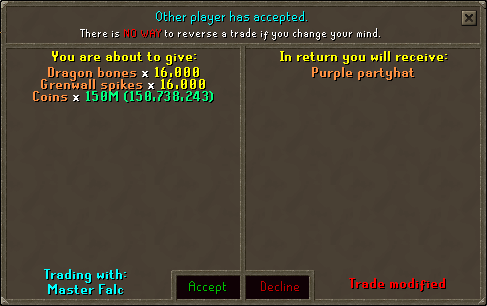
purplephat.png


After the new quest, I decided to unblock steels because of the new uncrowded and segregated Steel Dragons. First task after unblock, about 25 kills in. This is for you, Bacon.
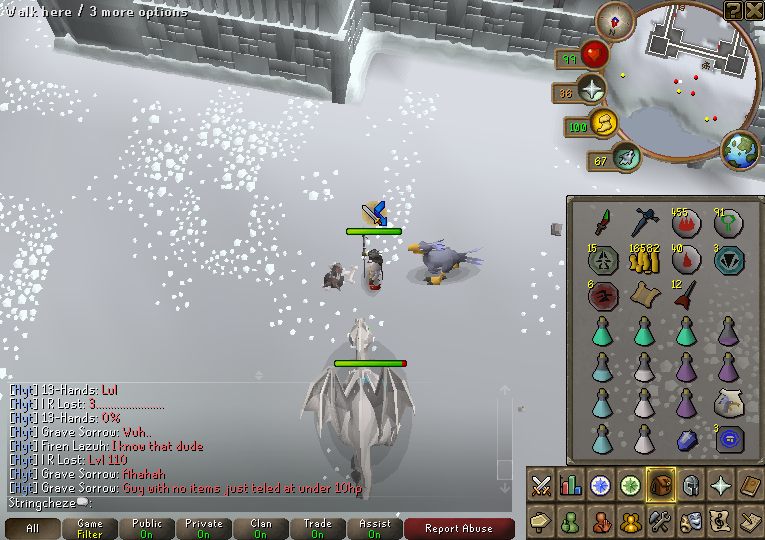
visage2.png


Recent levels:

Another Elite Task down:
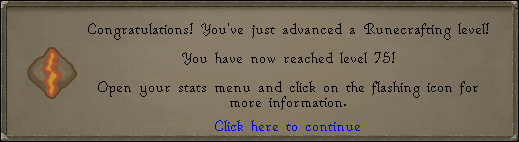
75rc.png


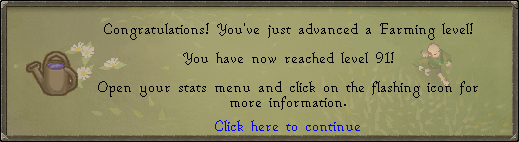
One closer to 99:

91farm.png

1 Comment

Recommended Comments

Maxingmck

Members

Epic

Important Information

By using this site, you agree to our Terms of Use.

Account

Navigation

Search

Search

Configure browser push notifications

Chrome (Android)
  1. Tap the lock icon next to the address bar.
  2. Tap Permissions → Notifications.
  3. Adjust your preference.
Chrome (Desktop)
  1. Click the padlock icon in the address bar.
  2. Select Site settings.
  3. Find Notifications and adjust your preference.