Skip to content
View in the app

A better way to browse. Learn more.

Tip.It Forum

A full-screen app on your home screen with push notifications, badges and more.

To install this app on iOS and iPadOS
  1. Tap the Share icon in Safari
  2. Scroll the menu and tap Add to Home Screen.
  3. Tap Add in the top-right corner.
To install this app on Android
  1. Tap the 3-dot menu (⋮) in the top-right corner of the browser.
  2. Tap Add to Home screen or Install app.
  3. Confirm by tapping Install.

DeEliteOne

Members
  • Joined

  • Last visited

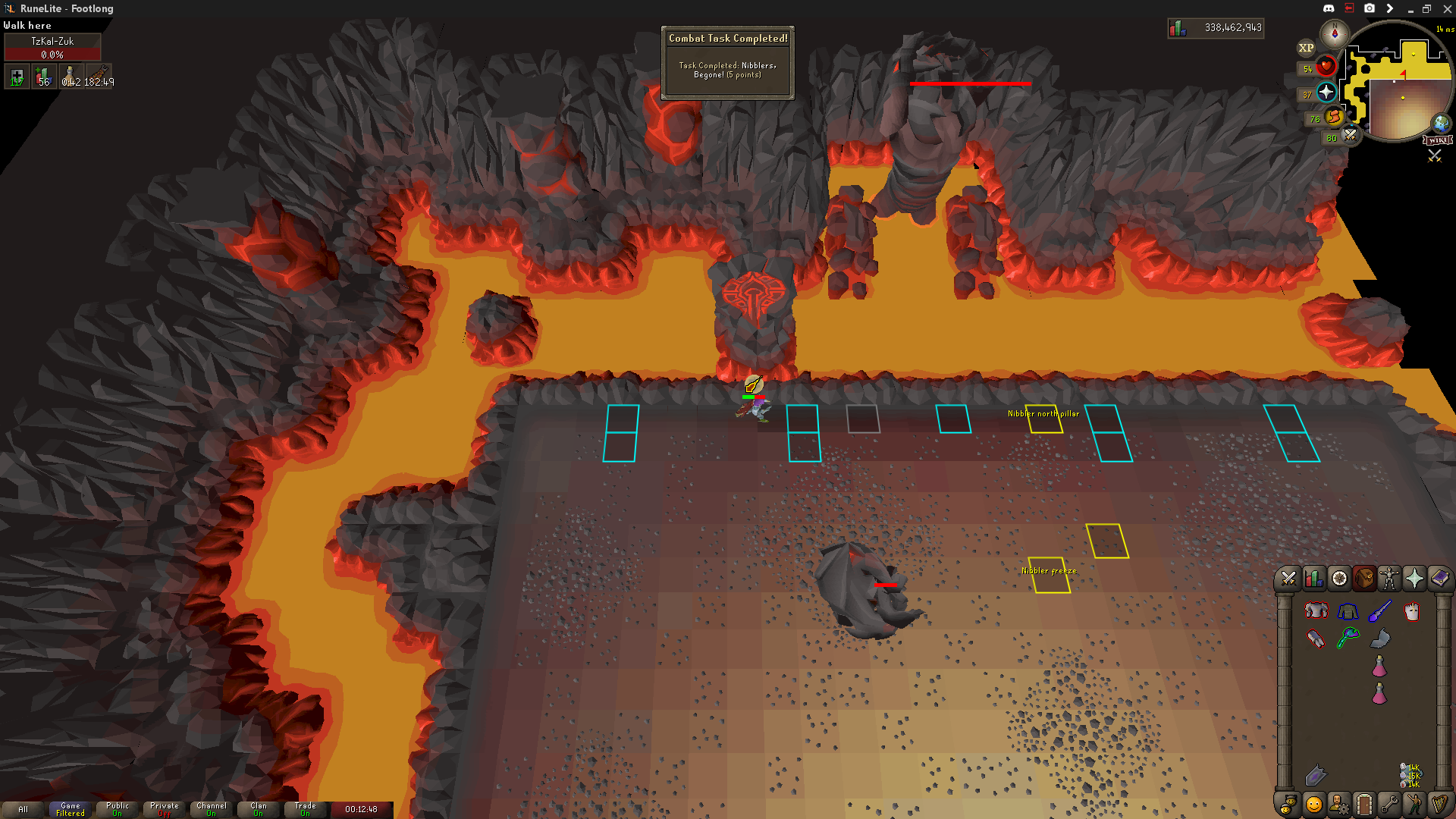
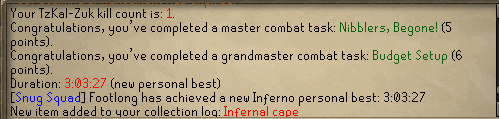
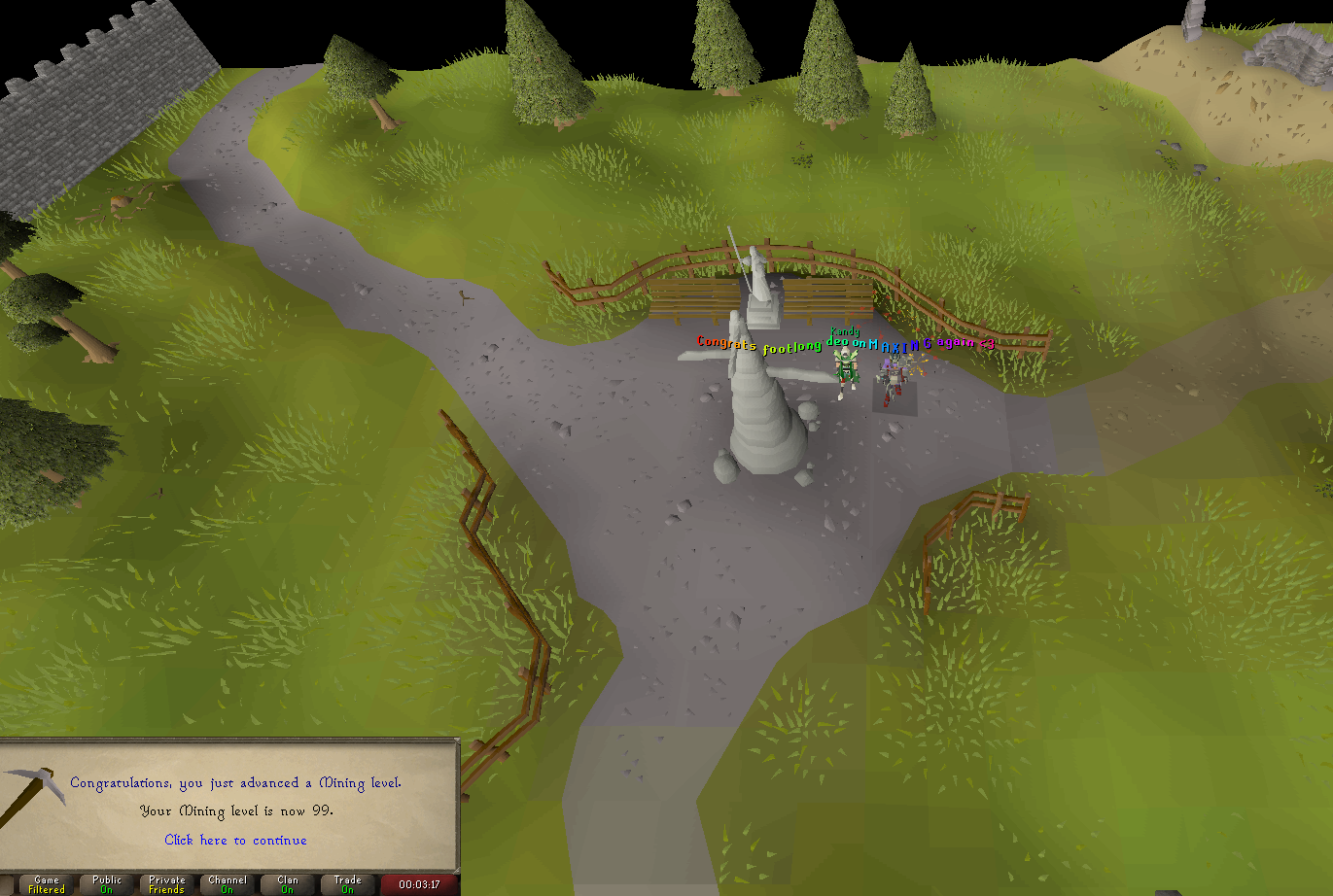
  1. Finally did it. New goals roughly in order: - Elite CAs - Inferno - All permanent slayer point unlocks - 200 elites / 100 masters
  2. Still working on max. 2242 total atm. Recently got my rune pouch upgraded to divine after getting spooned on the thread at 2 kc. Thanks to Zwiers (Dragonkng198) and Kandy for the moral support.
  3. cb-wise just have 94 magic left which is gonna take a while (barrows for elites and alchgility)
  4. Been overwhelmingly doing lessers but the same group of pkers attacked me twice in like 30 mins so went to skeles and got this literally 2 kills into the trip, and like 200 overall. Cool. All primed to go hella dry on lessers. edit:
  5. Used Twitch Prime's one month p2p offering to come back for a bit. Some pics (looks like puush is down atm): All 3 of these were yesterday and decently under 1/5k: Working on the remaining 3 before hitting max cb.

Important Information

By using this site, you agree to our Terms of Use.

Account

Navigation

Search

Search

Configure browser push notifications

Chrome (Android)
  1. Tap the lock icon next to the address bar.
  2. Tap Permissions → Notifications.
  3. Adjust your preference.
Chrome (Desktop)
  1. Click the padlock icon in the address bar.
  2. Select Site settings.
  3. Find Notifications and adjust your preference.