





Very happy about 80 defence, now i have my melee skills 80 or above!

Will help with quests, bosses, pvp, and slayer!
-
- 906 views
- 0 comments
A better way to browse. Learn more.
A full-screen app on your home screen with push notifications, badges and more.
My blog.
Very happy about 80 defence, now i have my melee skills 80 or above!
Will help with quests, bosses, pvp, and slayer!


got 68 slayer from a hellhounds task.

Woot, just got 78 defence and a dragon platedrop from iron dragon. ( steels as a slayer task. ) i was thinking maybe i should just teleport out, then i thought hmm maybe ill get a lucky drop from this kill. and i did!
just got 77 defence, but forgot to take a screeny :(
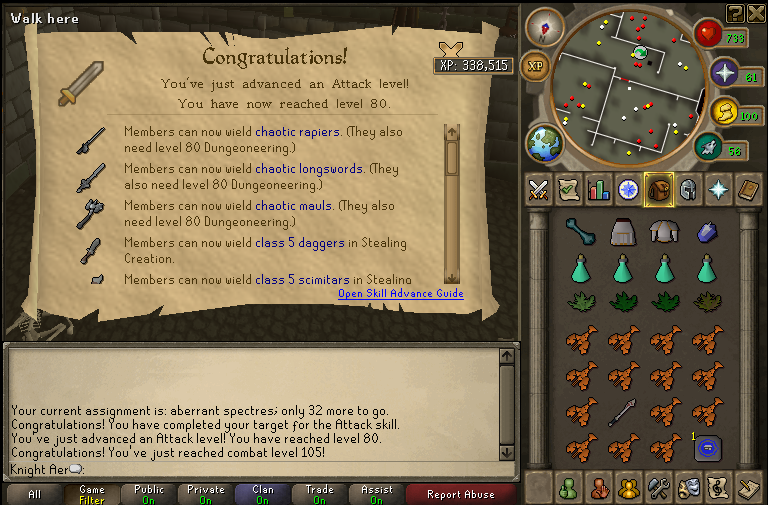
1st one : 03/15/2011
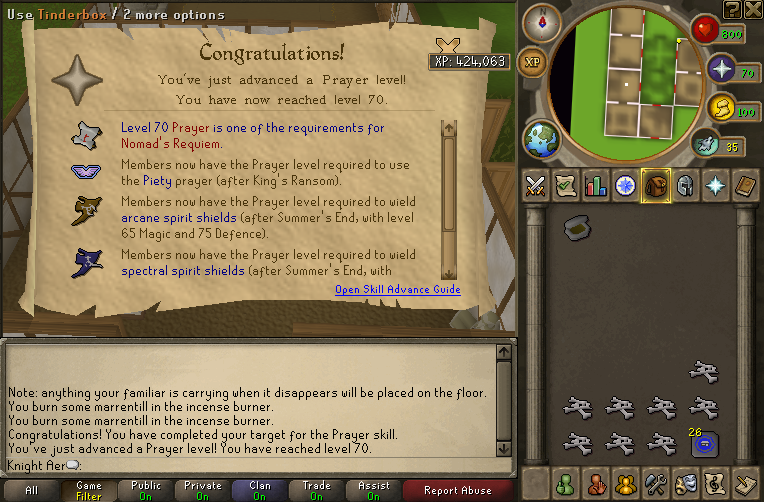
Second one: 03/16/2011
By using this site, you agree to our Terms of Use.