




Skip to content
View in the app

A better way to browse. Learn more.

Tip.It Forum

A full-screen app on your home screen with push notifications, badges and more.

To install this app on iOS and iPadOS
  1. Tap the Share icon in Safari
  2. Scroll the menu and tap Add to Home Screen.
  3. Tap Add in the top-right corner.
To install this app on Android
  1. Tap the 3-dot menu (⋮) in the top-right corner of the browser.
  2. Tap Add to Home screen or Install app.
  3. Confirm by tapping Install.

Handmade Journal

(0 reviews)

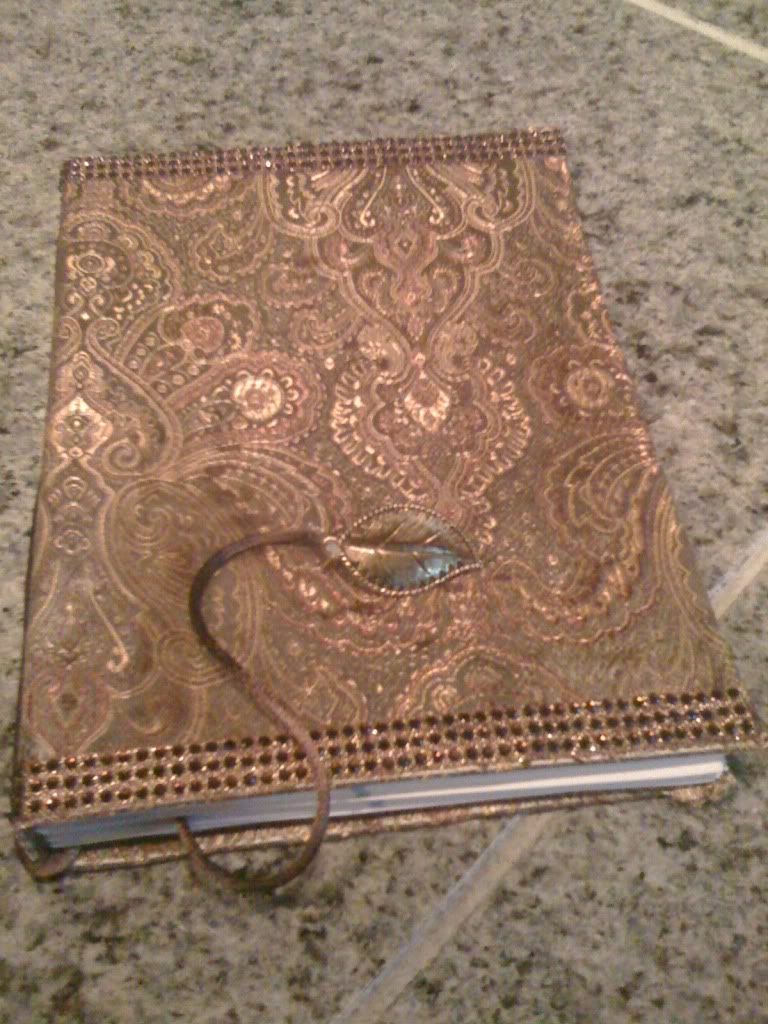
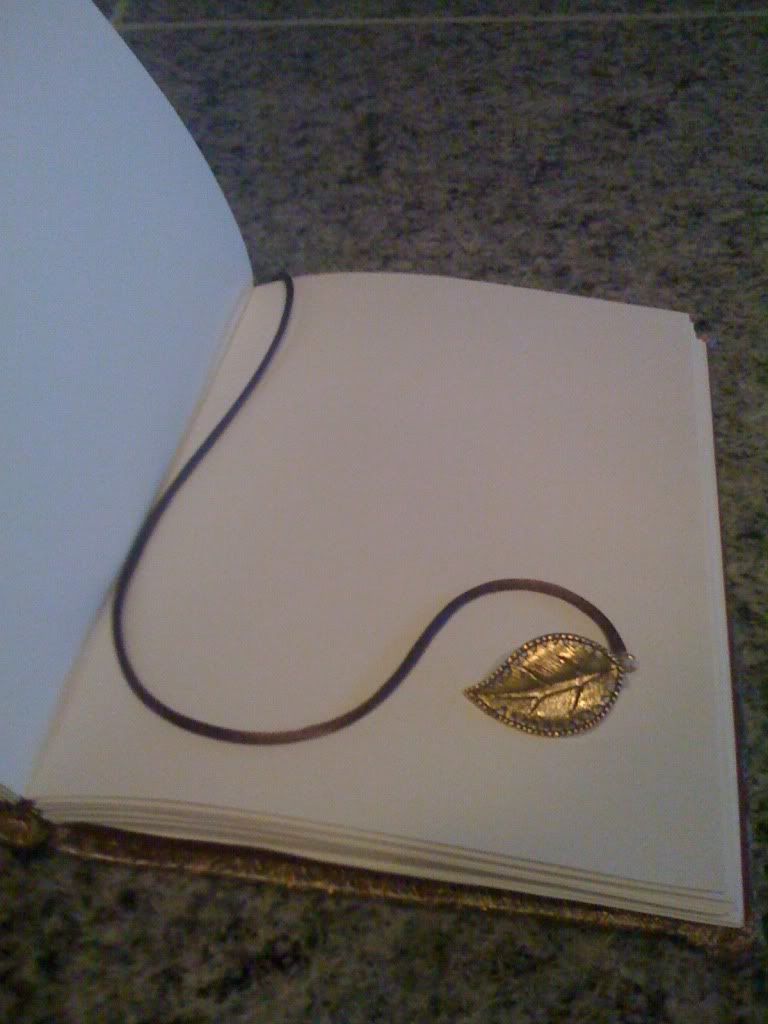
I made this journal for my sister :) Sewed the pages and made the cover myself, I didn't just throw some fabric over a pre-made journal ;) It's 80 pages and I used a lovely Chinese silk for the front cover (as well as some rhinestone trim along the edges). The bookmark isn't totally done yet. The leaf charm actually isn't attached to the cord yet, I need to find an O-ring somewhere. Once I do, the cord will be trimmed down and the charm will be attached. I don't want the cord to be quite that long :P
 

19ba53cd.jpg


5e18ae8e.jpg


I apologize for the low quality images. The fabric is really quite stunning in person. The photograph doesn't do it justice!

2 Comments

Recommended Comments

DarkDude

Members

That looks awesome :thumbsup:

Dork

Members

Amazing as always :)

Important Information

By using this site, you agree to our Terms of Use.

Account

Navigation

Search

Search

Configure browser push notifications

Chrome (Android)
  1. Tap the lock icon next to the address bar.
  2. Tap Permissions → Notifications.
  3. Adjust your preference.
Chrome (Desktop)
  1. Click the padlock icon in the address bar.
  2. Select Site settings.
  3. Find Notifications and adjust your preference.