



Handmade Leather-Bound Book

By tripsis
· 1055 views
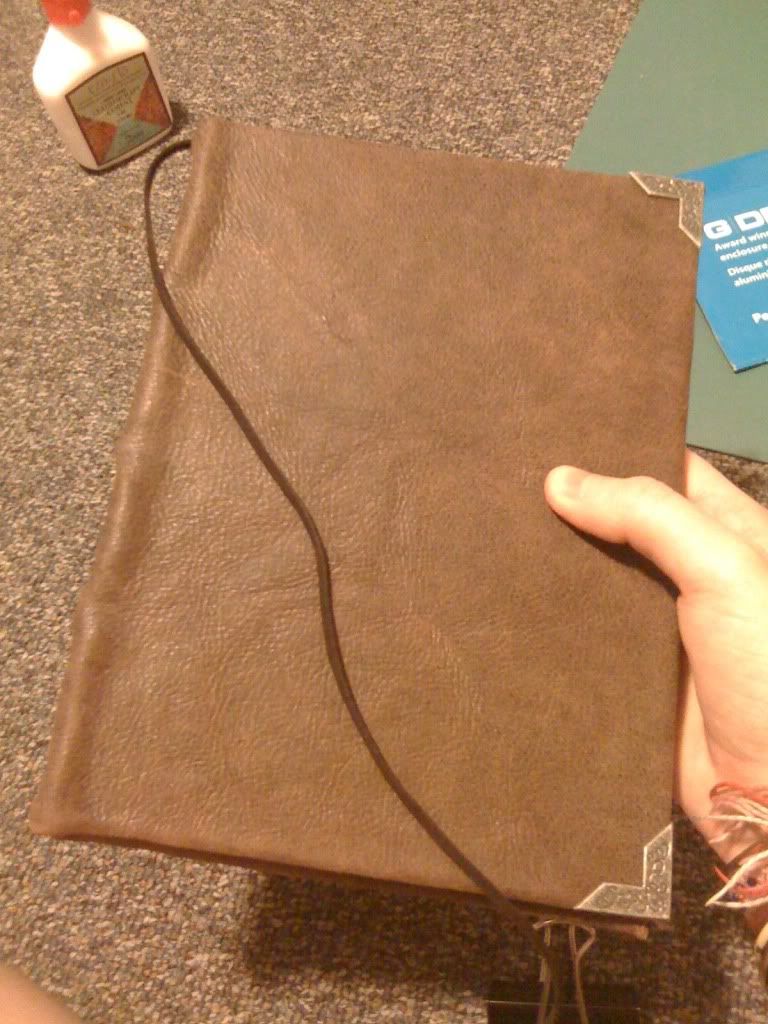
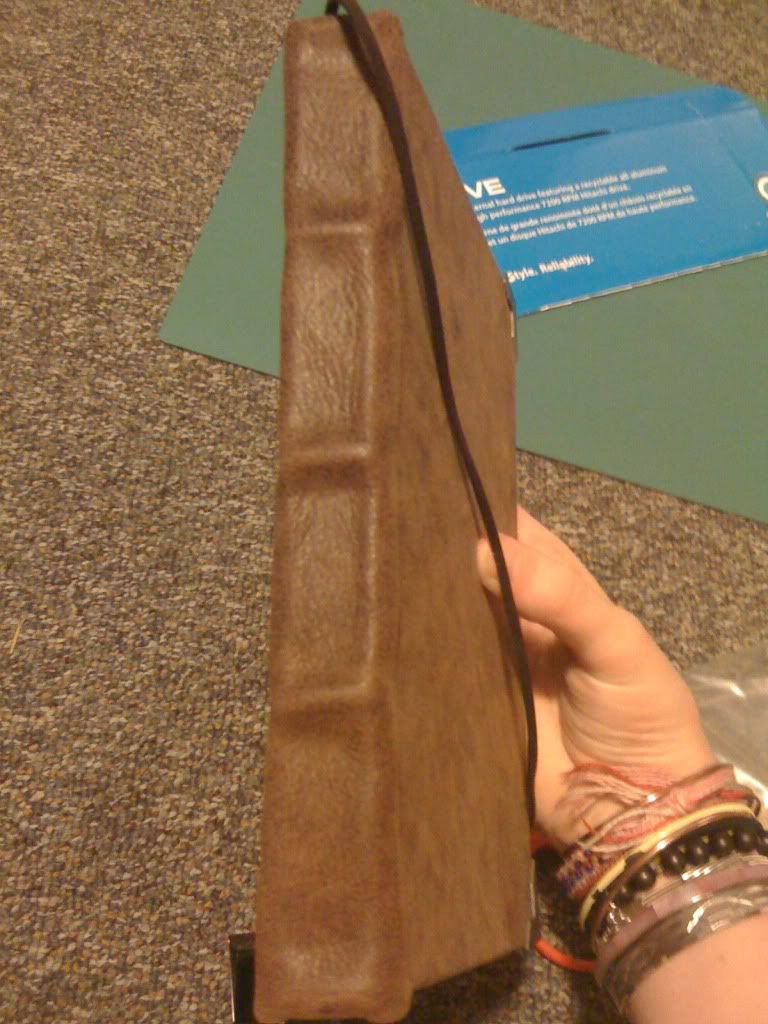
More books! Well as I mentioned a few entries ago, I wanted to make a practice leather-bound book before binding my Book of Zamorak. There were a few things that I wanted to try out. For starters, until now, all of my books had been bound in fabric; I had never used leather before. I thought it was important to practice with leather before working on a big project since leather is much thicker than fabric. Second of all, I wanted to experiment with a beveled spine (not sure if that's the proper term, but that's what I call it!). It was certainly a learning experience but I think it went alright! The book is not completely finished yet. You can't really tell in the photos, but the pages aren't actually in the book yet because the leather/cover/spine is still drying. There's a bit of wet glue and I don't want to get the pages stuck in areas they're not supposed to :P Also, the metal pieces on the corners aren't actually glued down yet because I can't decide if I like them or not D:
Recommended Comments