Skip to content
View in the app

A better way to browse. Learn more.

Tip.It Forum

A full-screen app on your home screen with push notifications, badges and more.

To install this app on iOS and iPadOS
  1. Tap the Share icon in Safari
  2. Scroll the menu and tap Add to Home Screen.
  3. Tap Add in the top-right corner.
To install this app on Android
  1. Tap the 3-dot menu (⋮) in the top-right corner of the browser.
  2. Tap Add to Home screen or Install app.
  3. Confirm by tapping Install.

Get Smashed Gate Crash?

(0 reviews)

Omg. Omg. Omg.

I'm very excited atm, cause I'm going to Oxegen tomarrow until Monday! Here's what it is if you haven't found out yet:


http://2010.oxegen.ie/line-up/ <<<<<<<<<<<<<<<<<<<<<<<<<<<<<<<<<<


It's a music festival in Naas, just outside of Dublin in Ireland. It's just brilliant stuff like! Even though it's suppose to rain; that doesn't matter...I'm gonna be drunk and having an amazing time! And to cure the hangover each morning = I'll drink some more! :thumbup:

Hopefully all goes to plan and I actually survive until Monday morning without gaining an STI or alcohol poisoning etc. :shame:


But on thing has gone to plan; and this IS runescape related (Only doing this cause i realised my past few blogs have been me blabbering on bout stuff@)

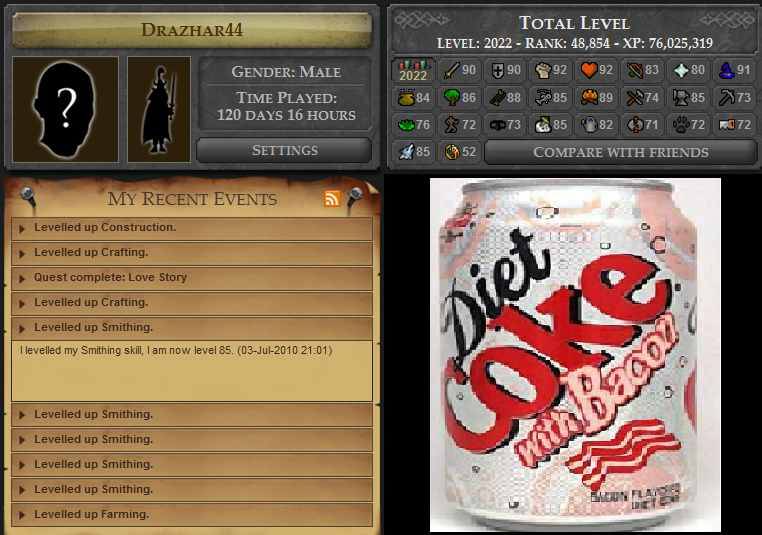
I managed to get from 76->85 Smithin in 6 days with gold ore + goldsmithing gauntlets :D

and a few other things...I didn't realise i rocked :rolleyes:
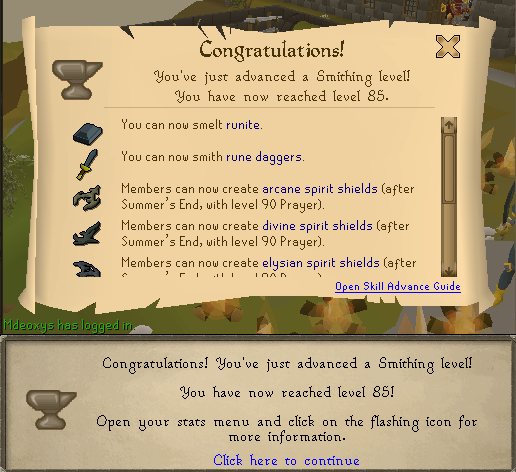
85Smithing.png

Adlog.png

Bow-chikka-wow-wow


Yeah, short and sweet blog this time.. BE SURE TO CHECK OUT THE OXEGEN LINE UP TO SEE WHAT FUN I'M HAVIN


Slán ya muckers!

1 Comment

Recommended Comments

UnknownRemoval

Members

The Stranglers shown in small font under the main stage? SMALL FONT? WHAT IS THIS BLASPHEMY


If you step foot inside the Dance Arena, I will personally ferry myself to the festival and brutally kill you. Have fun :thumbup: (don't forget to see The Stranglers)

Important Information

By using this site, you agree to our Terms of Use.

Account

Navigation

Search

Search

Configure browser push notifications

Chrome (Android)
  1. Tap the lock icon next to the address bar.
  2. Tap Permissions → Notifications.
  3. Adjust your preference.
Chrome (Desktop)
  1. Click the padlock icon in the address bar.
  2. Select Site settings.
  3. Find Notifications and adjust your preference.