Skip to content
View in the app

A better way to browse. Learn more.

Tip.It Forum

A full-screen app on your home screen with push notifications, badges and more.

To install this app on iOS and iPadOS
  1. Tap the Share icon in Safari
  2. Scroll the menu and tap Add to Home Screen.
  3. Tap Add in the top-right corner.
To install this app on Android
  1. Tap the 3-dot menu (⋮) in the top-right corner of the browser.
  2. Tap Add to Home screen or Install app.
  3. Confirm by tapping Install.

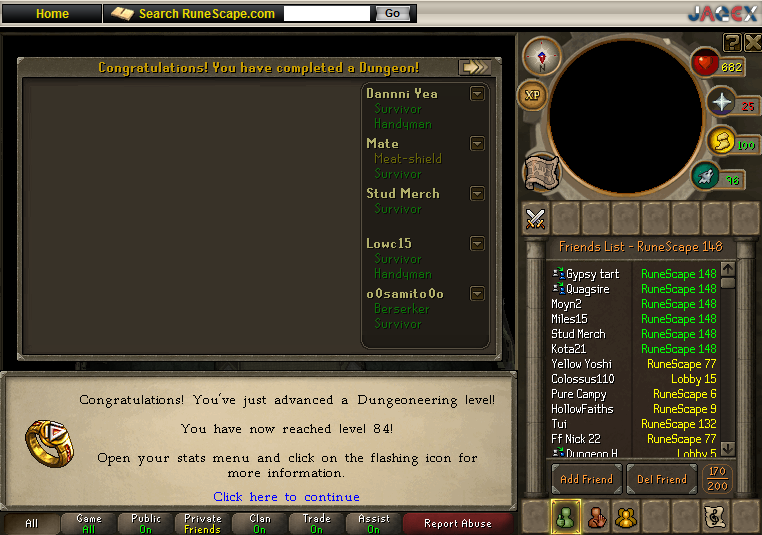
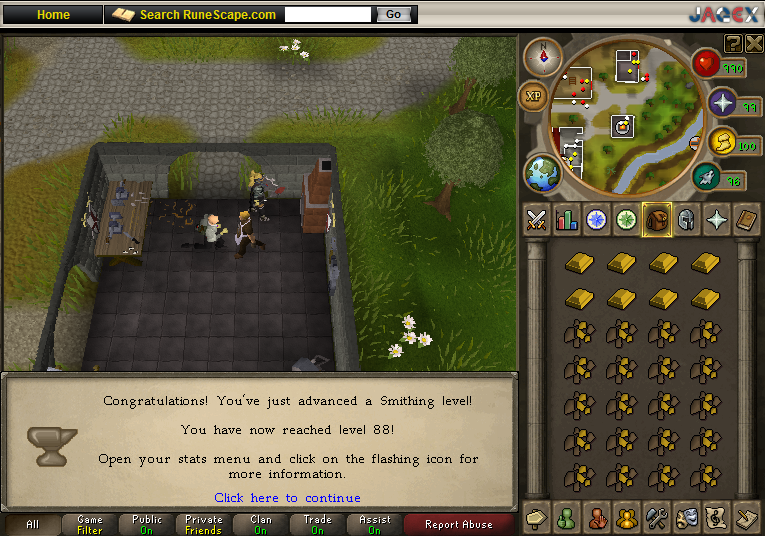
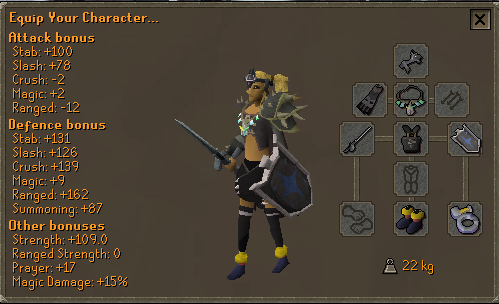
Rapier + 88 Smithing + 84 Dungeoneering!
(0 reviews)

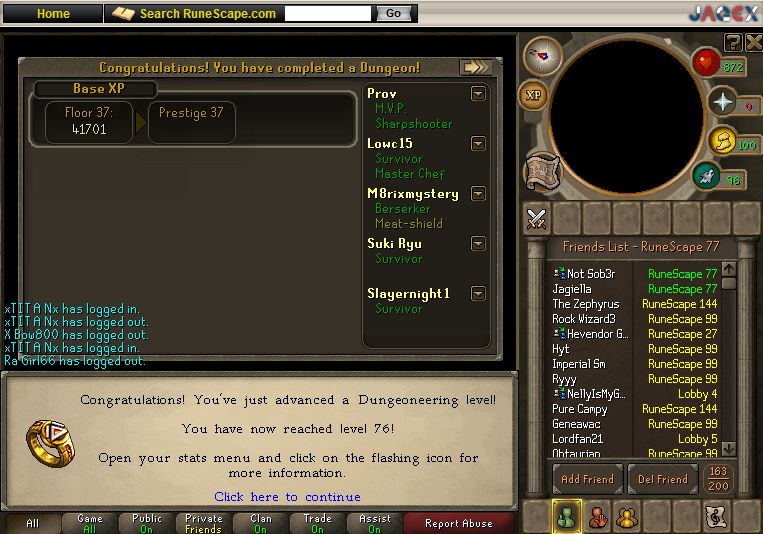
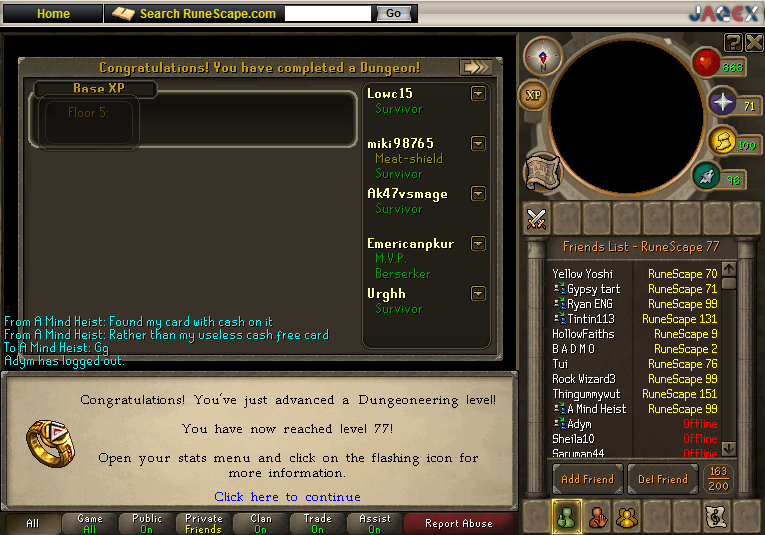
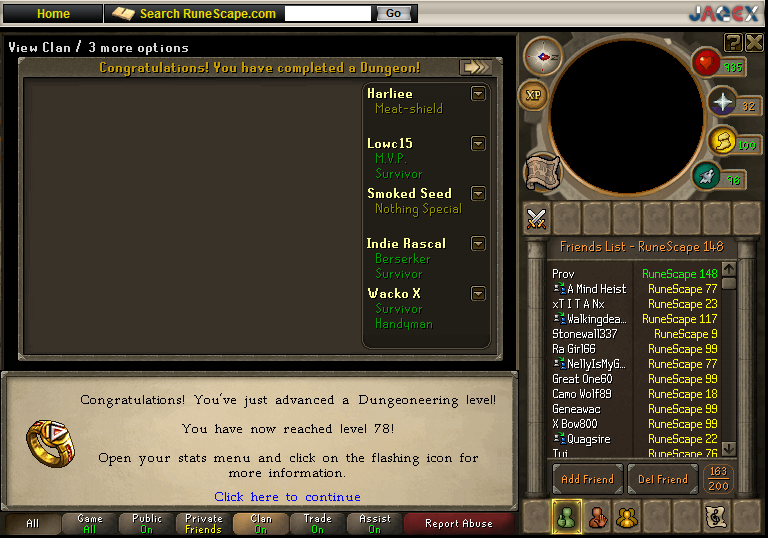
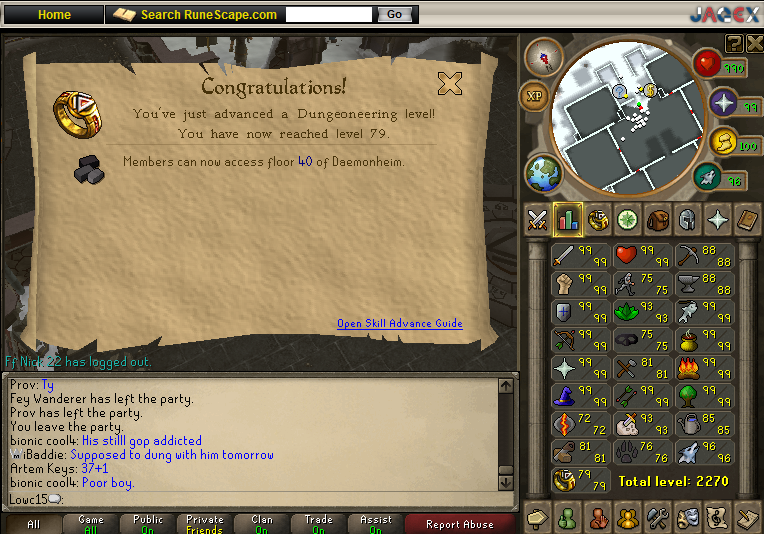
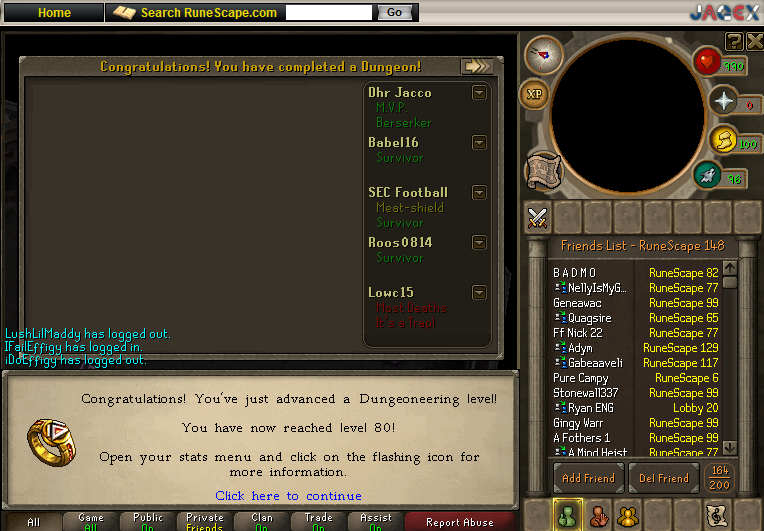
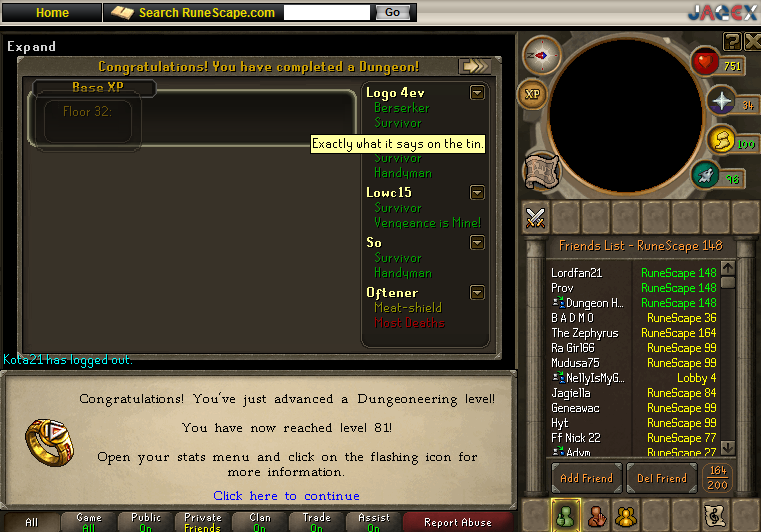
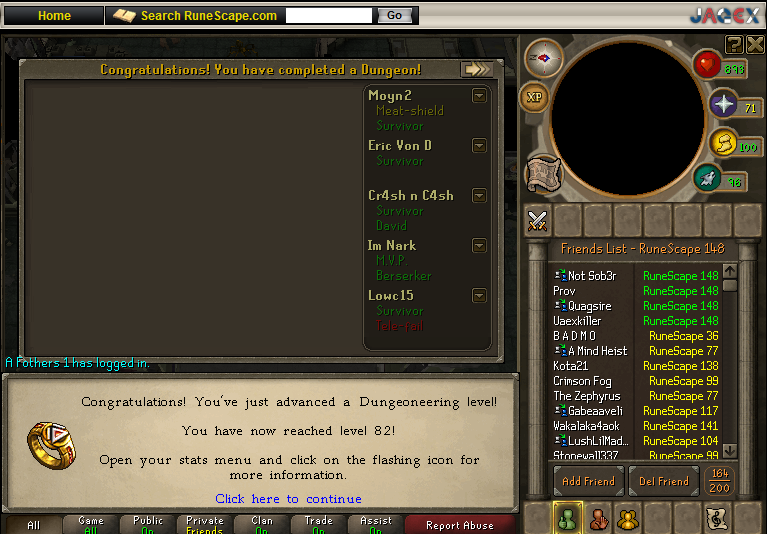
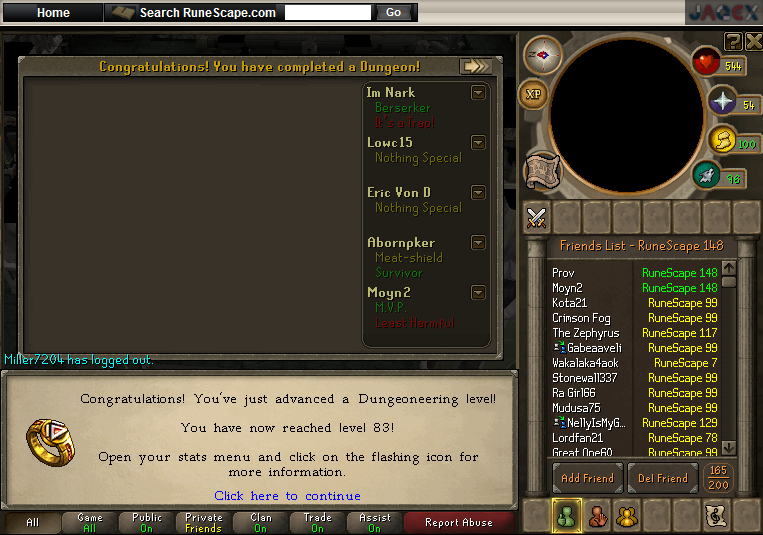
Yes. All that in the 9 days since my last entry, I've had lots of homework and lots of time wrapped up in these goals. Still going to work on 93 dungeoneering for Dge so I can get Cls for monster hunting and such. Heres all the pictures from my week.

:shades:
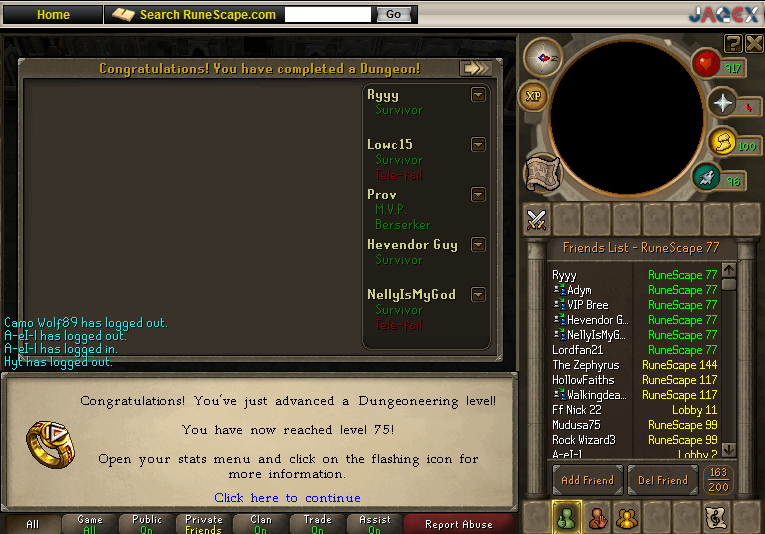
75Dungeoneering.png

76Dungeoneering.png

77Dungeoneering.png

78Dungeoneering.png

79Dungeoneering.png

80Dungeoneering.png

81Dungeoneering.png

82Dungeoneering.png

83Dungeoneering.png

84Dungeoneering.png

And i've advanced further towards my goal of 90/90 mining/smithing.
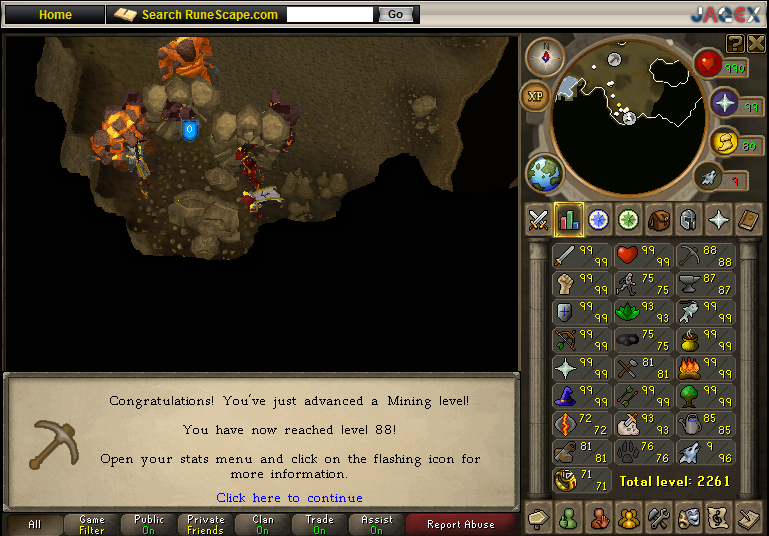
88Mining.png

88Smithing.png

Oh and rapier bought.

Rapierbought-1.png

2 Comments

Recommended Comments

Singh

Members

:thumbsup: :thumbsup:

MstrMonopoly

Members

Noob wep tbh

Important Information

By using this site, you agree to our Terms of Use.

Account

Navigation

Search

Search

Configure browser push notifications

Chrome (Android)
  1. Tap the lock icon next to the address bar.
  2. Tap Permissions → Notifications.
  3. Adjust your preference.
Chrome (Desktop)
  1. Click the padlock icon in the address bar.
  2. Select Site settings.
  3. Find Notifications and adjust your preference.