Skip to content
View in the app

A better way to browse. Learn more.

Tip.It Forum

A full-screen app on your home screen with push notifications, badges and more.

To install this app on iOS and iPadOS
  1. Tap the Share icon in Safari
  2. Scroll the menu and tap Add to Home Screen.
  3. Tap Add in the top-right corner.
To install this app on Android
  1. Tap the 3-dot menu (⋮) in the top-right corner of the browser.
  2. Tap Add to Home screen or Install app.
  3. Confirm by tapping Install.

Skilling!

(0 reviews)

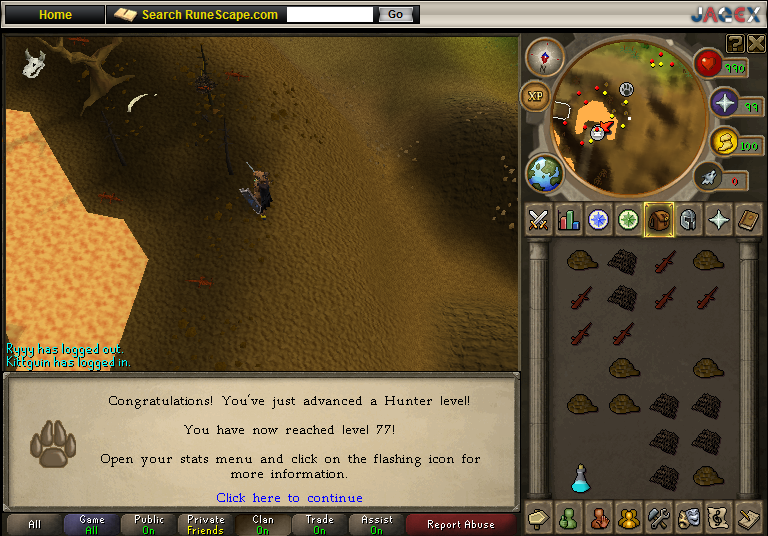
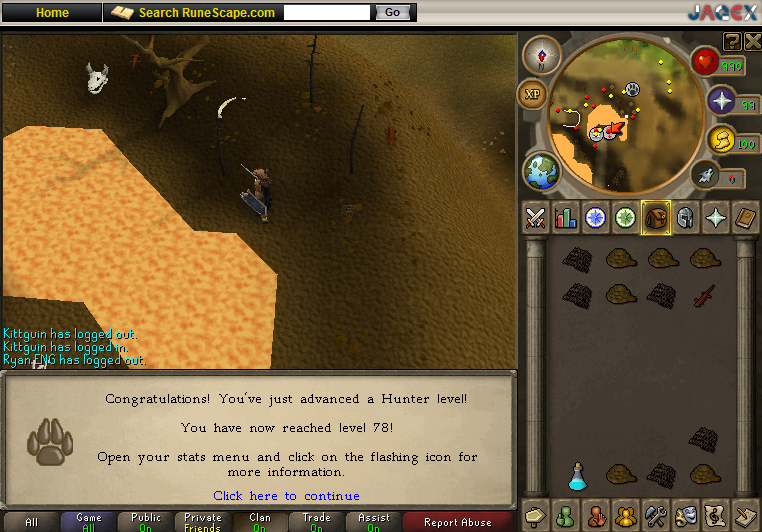
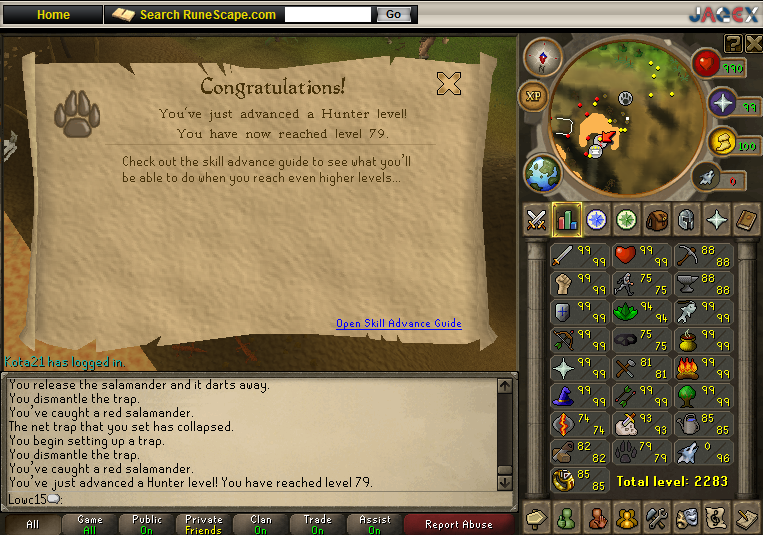
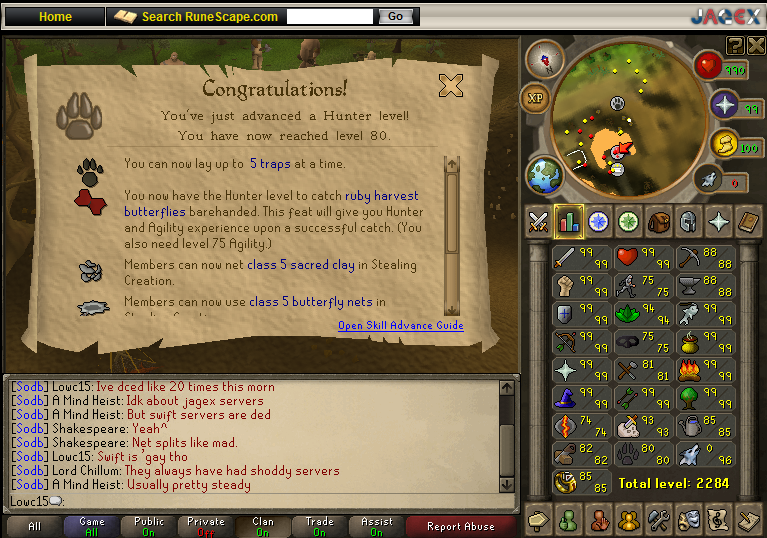
You heard right, I've been skilling. I want 2300 total so I'm working on my lower skills that I've always disliked.

Need 85 hunter eventually, working on agility first before I advance with this.
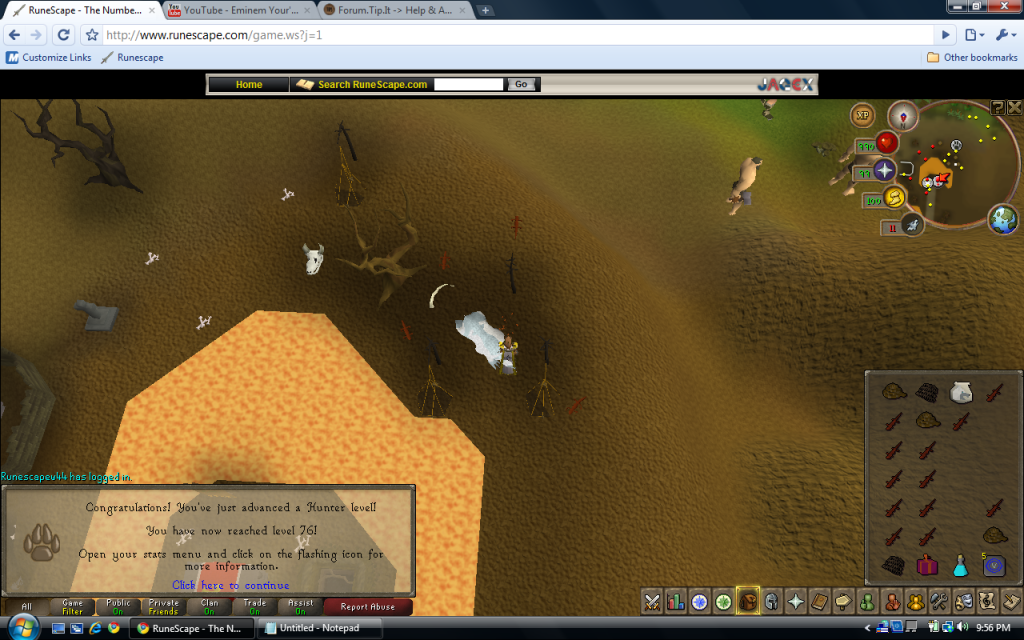
76Hunter-2.png

77Hunter-1.png

78Hunter-1.png

79Hunter-1.png

80Hunter-1.png

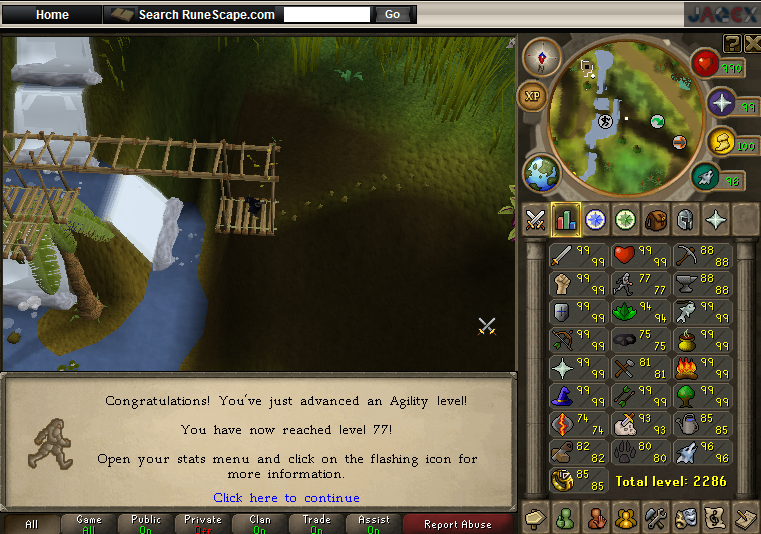
Working on this currently, 80 agility is my current goal as it will allow me to do the gnome adv. with pies and catch sapphire butterflies.
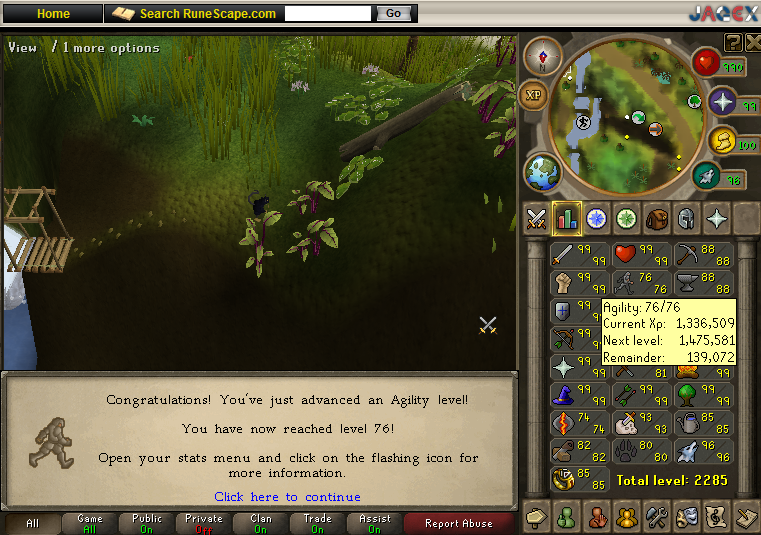
76Agility-1.png

77Agility-1.png

Got 85 banked. Pretty boring to train but I'll get it done eventually.
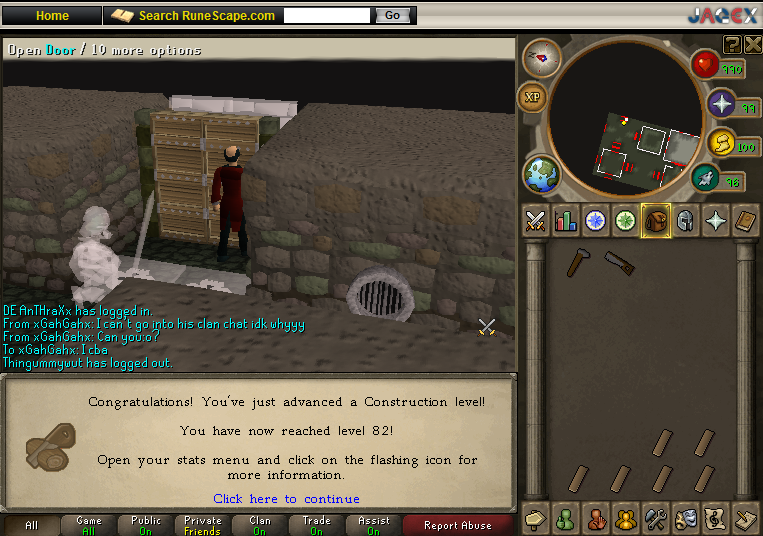
82Construction.png


I also need to make about 30m for 81-85 crafting and that should also net me the effigies for 75 runecrafting. So i have plenty of goals in the works. :smile:

2 Comments

Recommended Comments

MstrMonopoly

Members

Gl on your goals =)

Low C

Members

Thanks.

Important Information

By using this site, you agree to our Terms of Use.

Account

Navigation

Search

Search

Configure browser push notifications

Chrome (Android)
  1. Tap the lock icon next to the address bar.
  2. Tap Permissions → Notifications.
  3. Adjust your preference.
Chrome (Desktop)
  1. Click the padlock icon in the address bar.
  2. Select Site settings.
  3. Find Notifications and adjust your preference.