Skip to content
View in the app

A better way to browse. Learn more.

Tip.It Forum

A full-screen app on your home screen with push notifications, badges and more.

To install this app on iOS and iPadOS
  1. Tap the Share icon in Safari
  2. Scroll the menu and tap Add to Home Screen.
  3. Tap Add in the top-right corner.
To install this app on Android
  1. Tap the 3-dot menu (⋮) in the top-right corner of the browser.
  2. Tap Add to Home screen or Install app.
  3. Confirm by tapping Install.

Can I has levels pl0x? :3

(0 reviews)

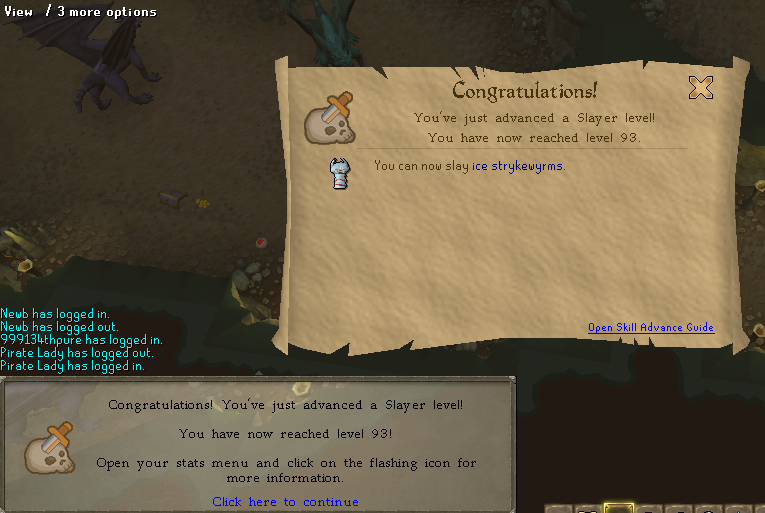
93_slayer_2.png


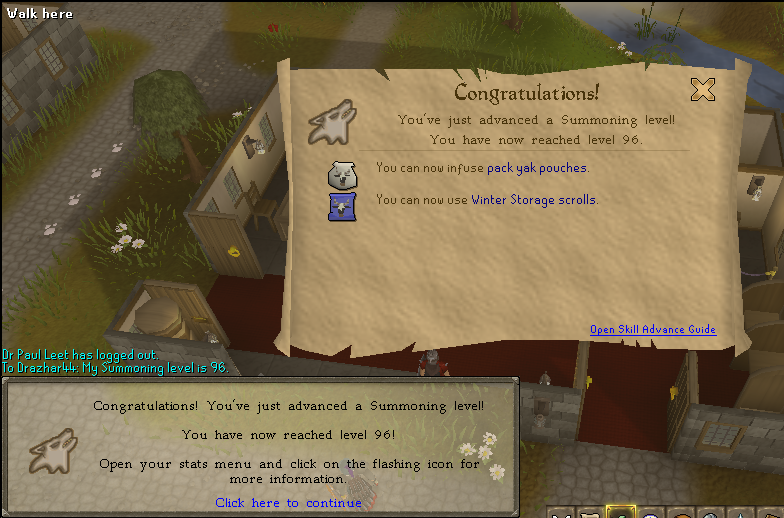
96_summoning_2.png


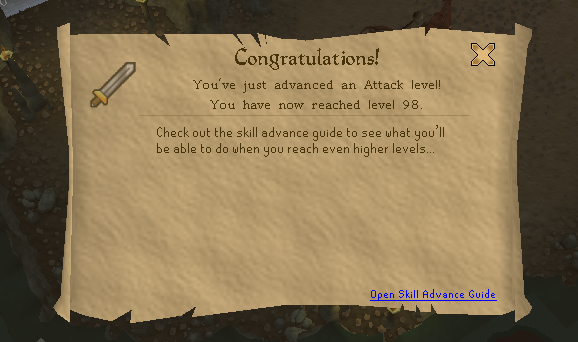
98_attack.png


So yeahs! :) Got some of my goals for this year already pretty much down and done :)


90 Herblore

96 Summoning

93 slayer

95 Prayer

96 Herblore

85 Dungeoneering

Chaotic Rapier

Chaotic Longsword

99 Attack

99 Strength

99 HP

99 Slayer


However, uni comes first from this week on now, so RS time will be down quite a bit. However, my current aim is to go for 100K slayer exp a night until I hit 94 and am level with Octarine, then focusing on 75 dungeoneering before Easter so chaotics will be on the cards asap then! :D

2 Comments

Recommended Comments

Othelbark

Members

:thumbup:

Important Information

By using this site, you agree to our Terms of Use.

Account

Navigation

Search

Search

Configure browser push notifications

Chrome (Android)
  1. Tap the lock icon next to the address bar.
  2. Tap Permissions → Notifications.
  3. Adjust your preference.
Chrome (Desktop)
  1. Click the padlock icon in the address bar.
  2. Select Site settings.
  3. Find Notifications and adjust your preference.