




By xxamzyxx
· 1070 views
As you all know I have been thinking annnd thinking what my next 99 will be after RC welll...unfortunatly its been decided.... uugghh and because people have been saying RC isnt a worthy 99 anymore...this is ha
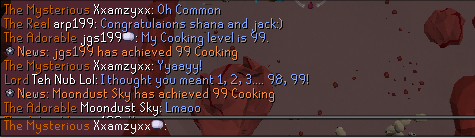
It all began when my mate Moondust Sky finished her 99 Cooking yesterday.... * wipes tear from eye* proudest moment ever after 7 years shes finally got a 99 ha
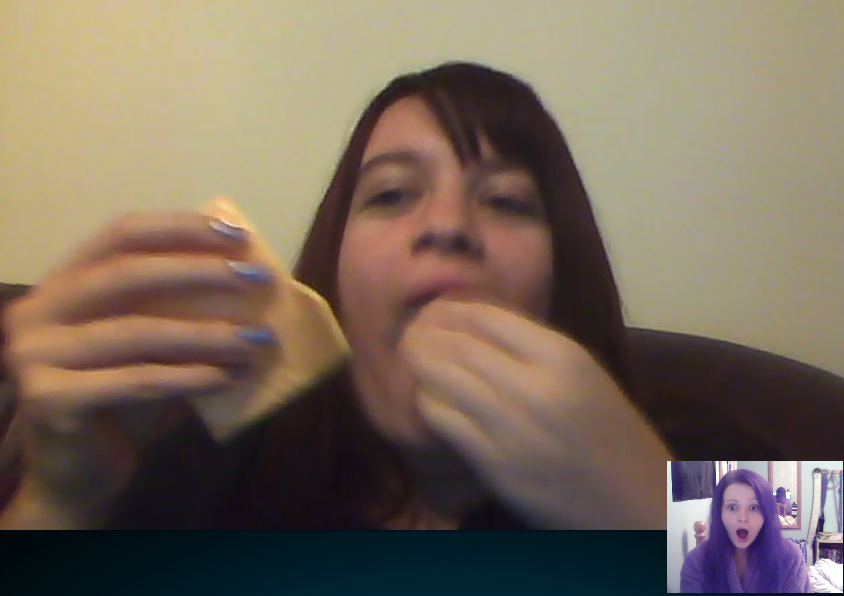
and for her celebration she ate....cheese..like the slices lmao dont believe me...............
so I decided to pick 3 skills, put them on bits of paper move them around and the one left is the one she would do so...
Her 3 was either..... Mining.... Fishing or Firemaking so except for mining it wasnt too bad of a selection
And she picked....* DRUM ROLLLLLL* .......................FISHING! ...and she moaned about it lol trust that to happen ha
This seemed like a fun game so when I finished runecrafting she was gonna pick 3 skills for me and then blah blah I pick blah...... but ofcourse because I was nice giving her good skills she gave mmeeee!!!!
Agility,,,Summoning.....Firemaking......christ trust her to pick summoning its lvl 6! for a reason I have no idea how to lvl the thing ( if anyone would like to tell me please do ha)
Ughhh so in the end I had Agiility and Summoning left ..ha ha ha...typical but thankfully I got Agility instead so at least I dont have to learn how to do a skill I just have to die for the next few months......fun....
Recommended Comments