



Ceremonial IMPOSSIBLE!!!!
By xxamzyxx
· 1940 views
Just when I thought that I was having a nice day!
It all went to pot when this stupid [bleep]en dwarf and his stupid ceremonial sword plans > :-|
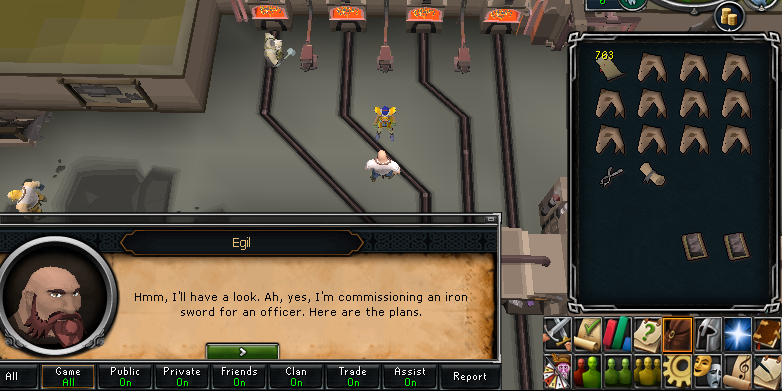
When I got this task I didn't know what a ceremonial sword is so I had to look it up... runescape wiki didnt give me any indication of the ass fest that would be a complete waste of my time and resources... Well thats just [bleep]en great you shit monkeys!.
So I bought some Iron ore and managed to get 10 of the IV things heated it up and ofcourse instead of just clicking on the sword to make it I've gotta actually hammer it myself!!
So apparently theres 4 hammering styles I can choose from:
1: Hard: Hits up to 0-5 cm
2. Meduim: 0-3 cm
3. Soft: 0-2 cm
4. Carefull: 0-1cm
And then theres sodding cool down thing that goes down every hit you do uugghhh > :-|
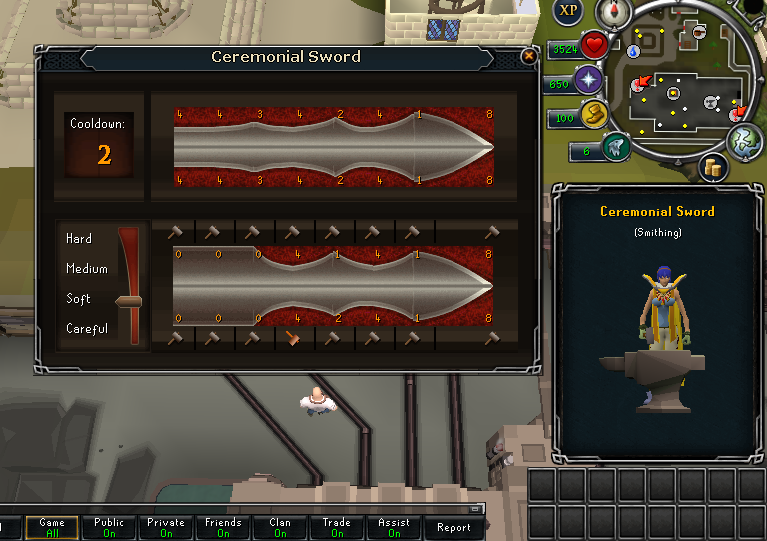
This is the closest I got out of 10!! NOT EVEN 1!!!!!!! was done.
I'd understand it if it was like lvl 90+ but [bleep]en seriously?? In the end after 10 trys and I basically told the Dwarf where to stick it
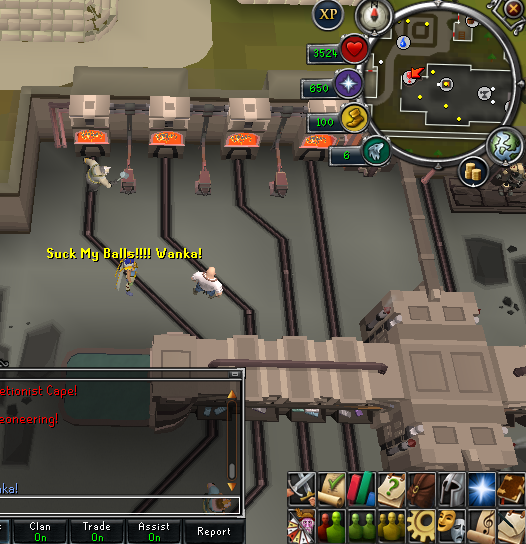
*If anyone has completed it then screw you lol*
Recommended Comments