Skip to content
View in the app

A better way to browse. Learn more.

Tip.It Forum

A full-screen app on your home screen with push notifications, badges and more.

To install this app on iOS and iPadOS
  1. Tap the Share icon in Safari
  2. Scroll the menu and tap Add to Home Screen.
  3. Tap Add in the top-right corner.
To install this app on Android
  1. Tap the 3-dot menu (⋮) in the top-right corner of the browser.
  2. Tap Add to Home screen or Install app.
  3. Confirm by tapping Install.

I am Jesus.

(0 reviews)

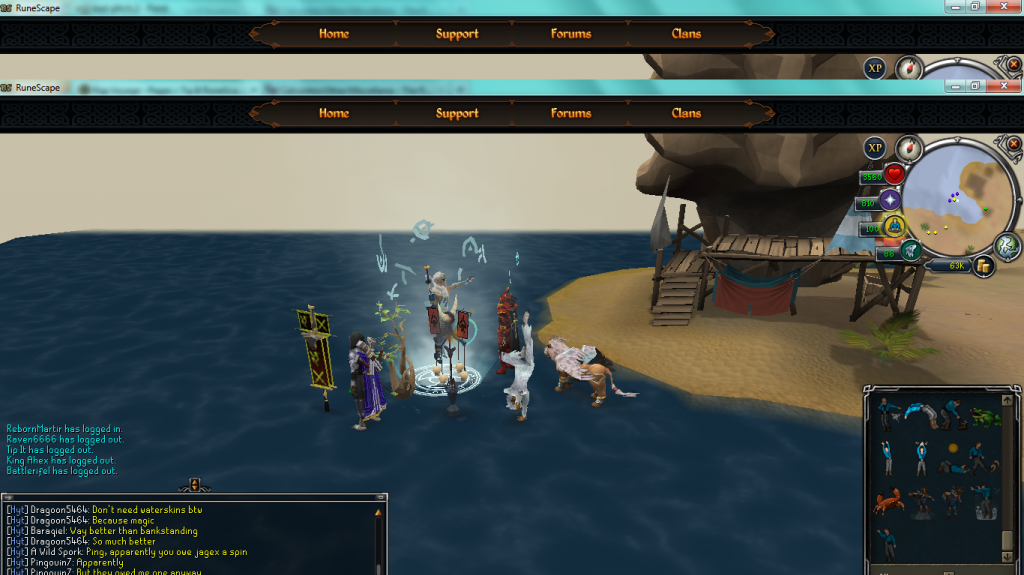
While nothing is real life happened, no much in RS went down. Got a regular voyage with 1 ancient bone. So I took it. And...


[hide]bonemission1_zps13e3876c.png[/hide]


In the words of MJ, who's bad?!


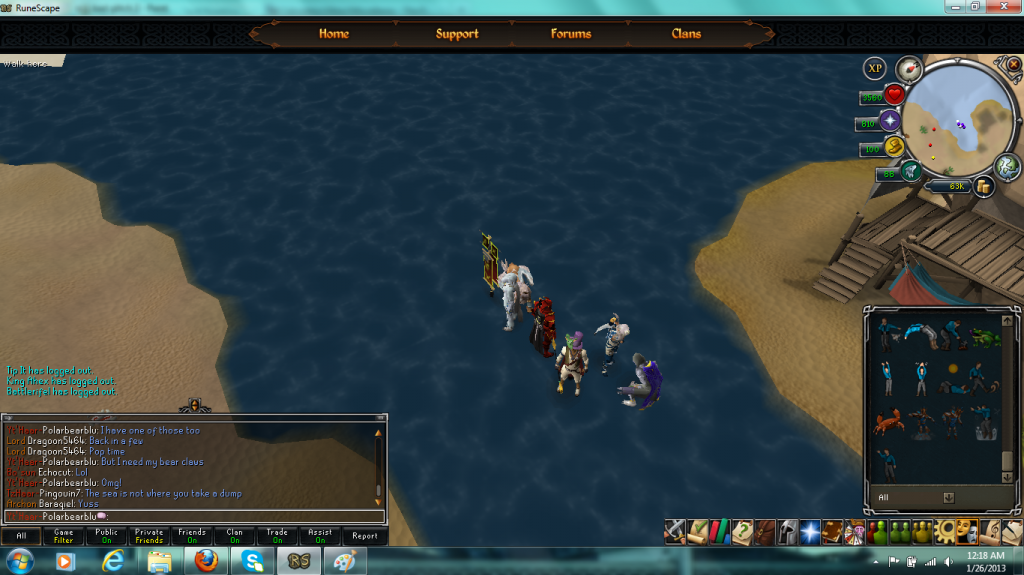
but hey, some of us from HYT Chat found something funny.


[hide]Badglitch_zps28d99a59.png
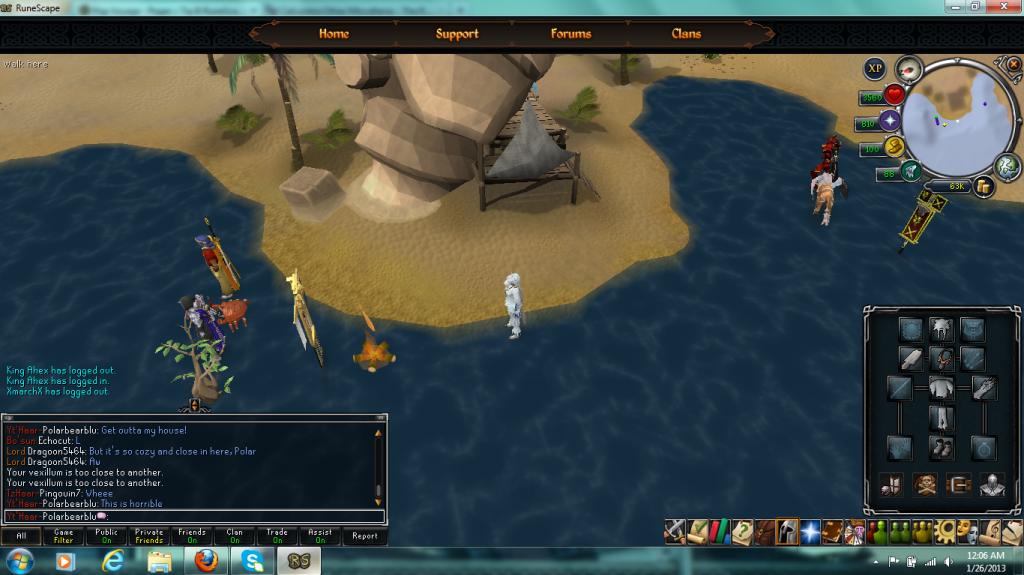
badglitch2_zps34b1961e.png

badglitch3_zps8eac0633.png

badglitch4_zps2561ccfa.png[/hide]


And we didn't suffer desert effects while on water. Eventually a penguin came by. Me and Goon tired to herb it and after a few minutes (and Goon quitting), I finally got it on water.


[hide]peepinonwater_zpsc1d23f5f.png[/hide]
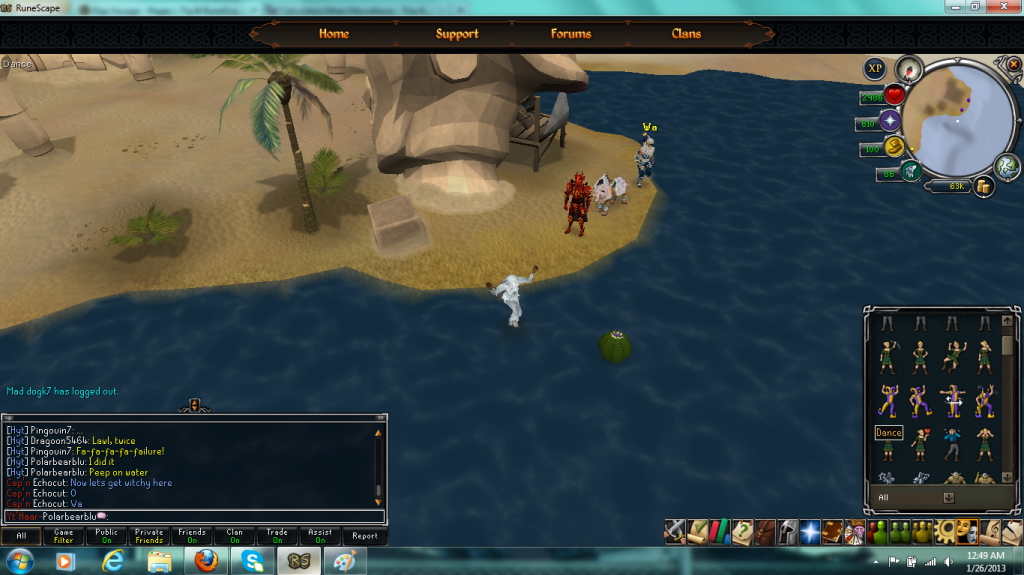
 

Just enough time to screenie it.


Until next time.

5 Comments

Recommended Comments

Ginger_Warrior

Members

You're not Jesus. The power of The Crate gives all HYTers an innate ability to levitate. Plenty of other things too which you haven't discovered. Worship The Crate!

PolarBearBlue

Members

Lol. Do you mock my great power. Foolish mortal. I AM THE CRATE!

InsaneChef

Members

grats on the bone polar ;)

InsaneChef

Members

bone bone bone bone bone bone bone bone bone bone bone bone bone bone bone

PolarBearBlue

Members

port port port pot port port port port port port port port port port

Important Information

By using this site, you agree to our Terms of Use.

Account

Navigation

Search

Search

Configure browser push notifications

Chrome (Android)
  1. Tap the lock icon next to the address bar.
  2. Tap Permissions → Notifications.
  3. Adjust your preference.
Chrome (Desktop)
  1. Click the padlock icon in the address bar.
  2. Select Site settings.
  3. Find Notifications and adjust your preference.