



Levels, Levels, and Levels. Oh My!!

By money123678
· 2514 views
Well, as many of us remember from when we started, levels come really really fast at the lower levels. Oh my lord I've gotten a lot of levels in the last week or two, and I've barely played!!
- 23 - 46 Woodcutting
- 34 - 42 Smithing
Hmm, that seemed like a lot bigger of a list until I decided to type it out... Oh well. Anyways, Pictures!!
[hide=Woodcutting]
[hide=23 Woodcutting]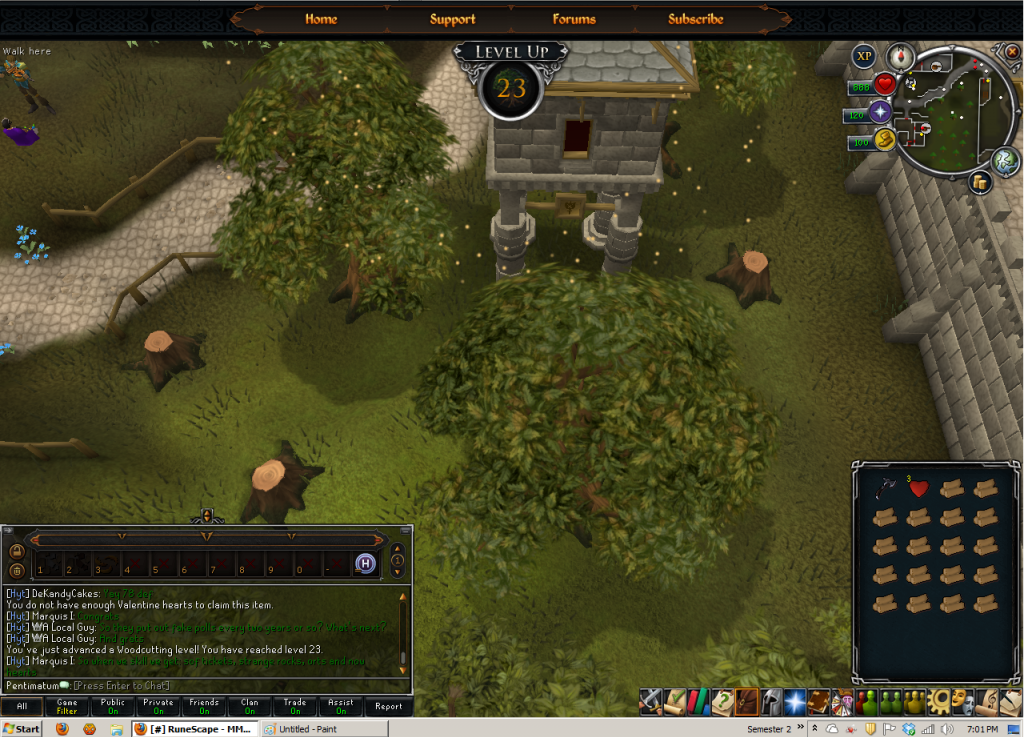 [/hide]
[hide=24 Woodcutting"]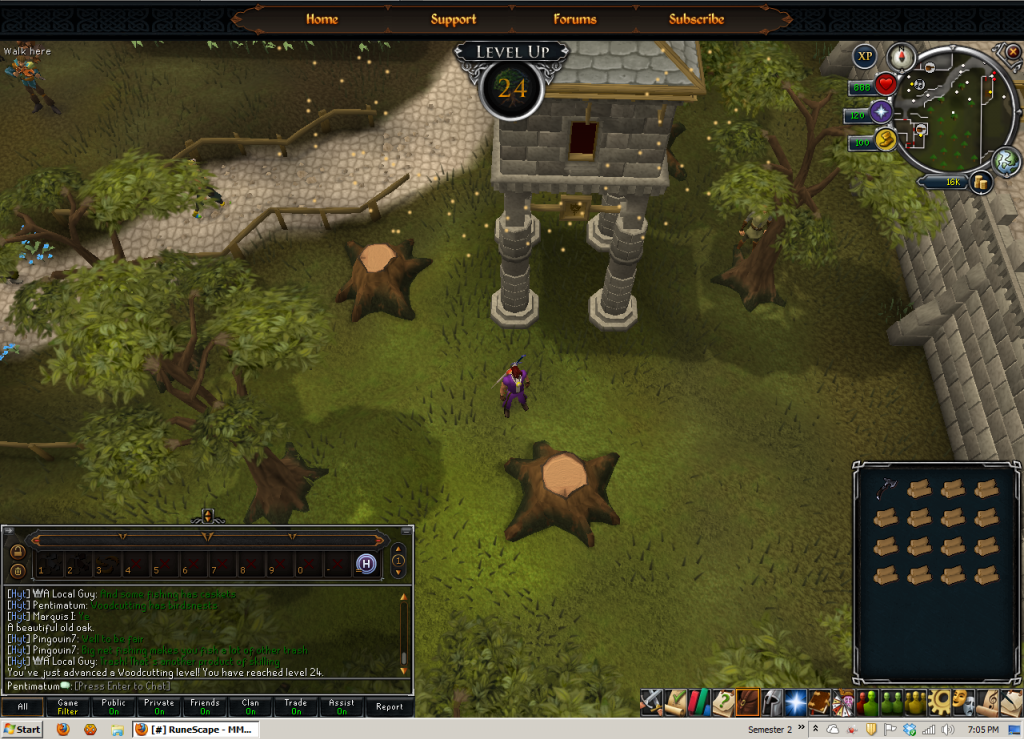 [/hide]
[hide=25 Woodcutting]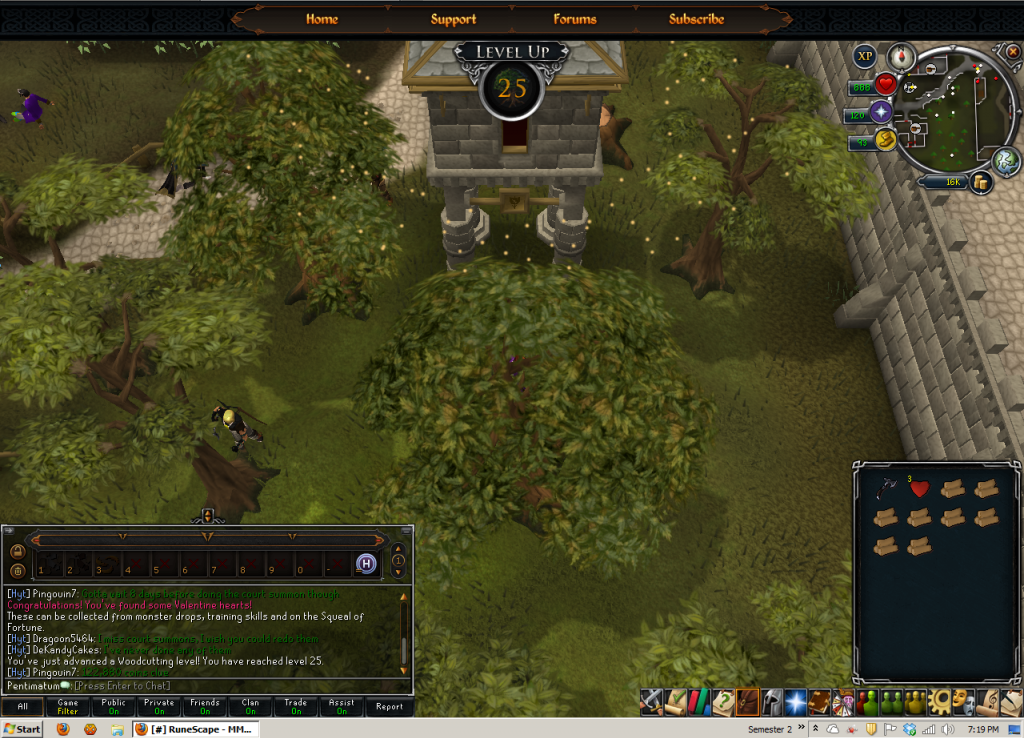 [/hide]
[hide=26 Woodcutting]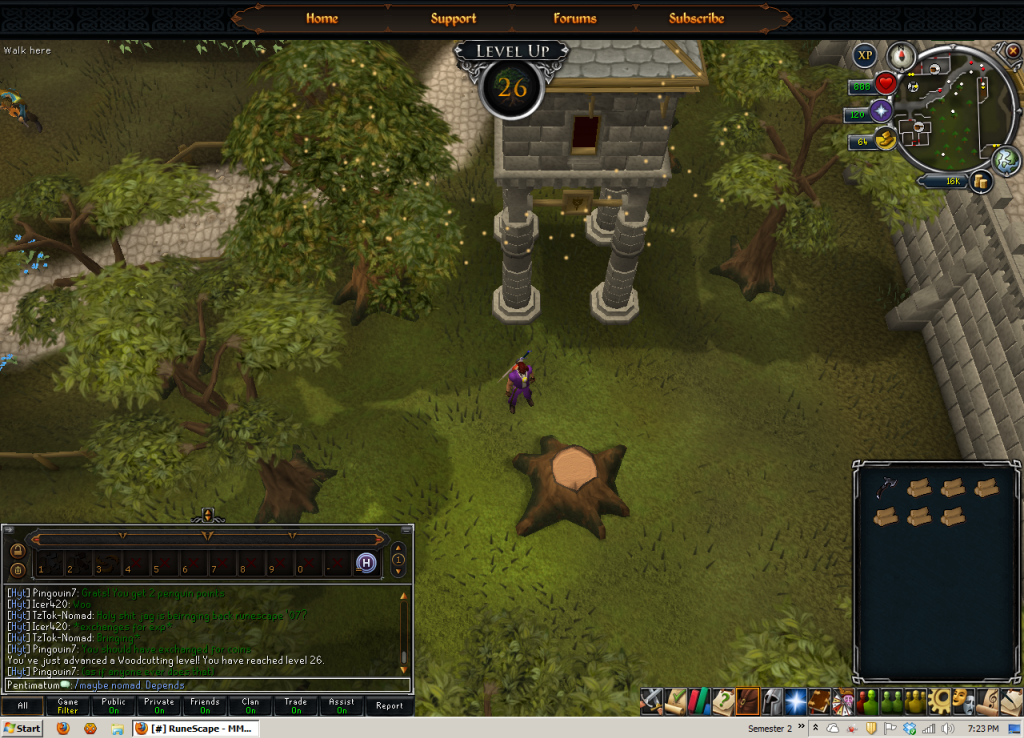 [/hide]
[hide=27 Woodcutting]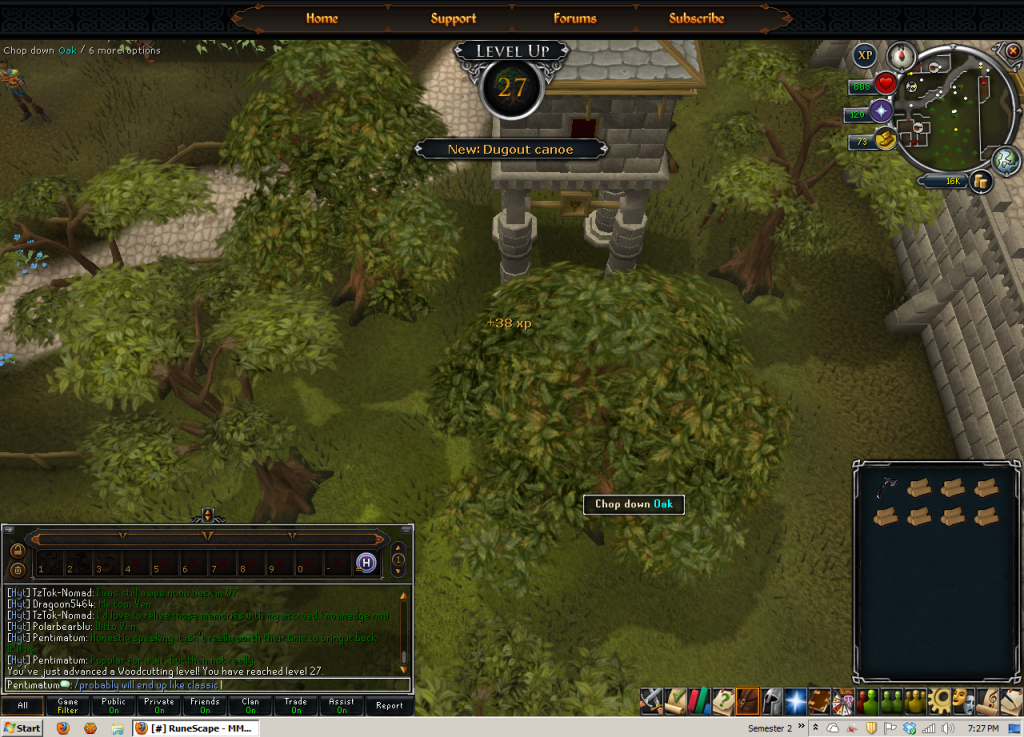 [/hide]
[hide=28 Woodcutting]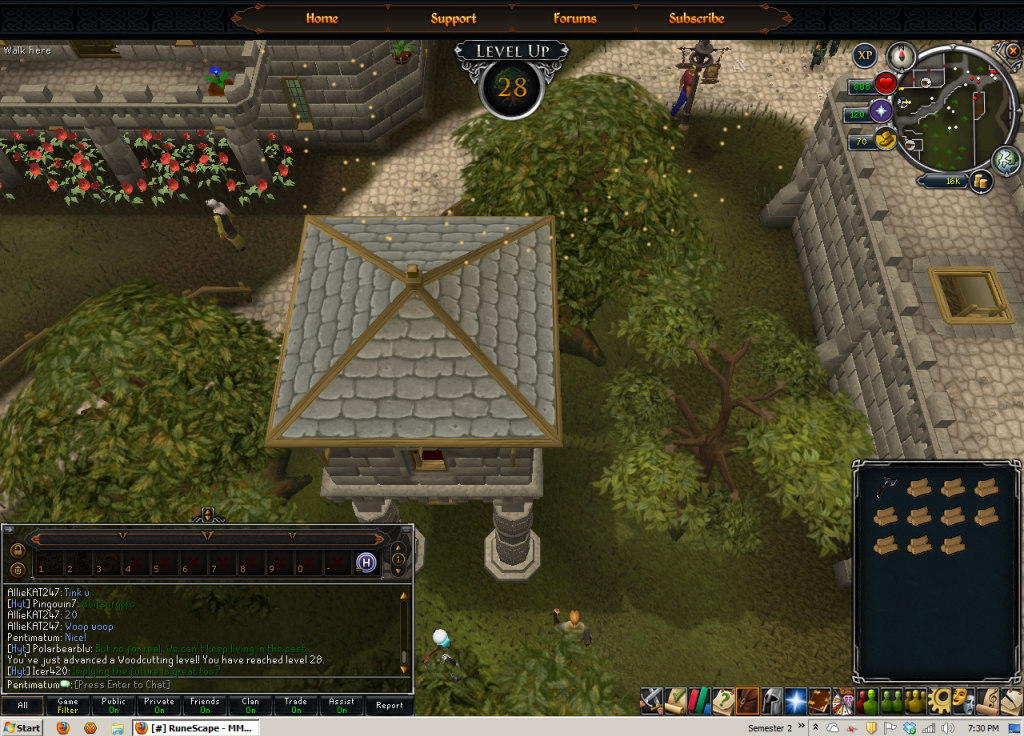 [/hide]
[hide=29 Woodcutting]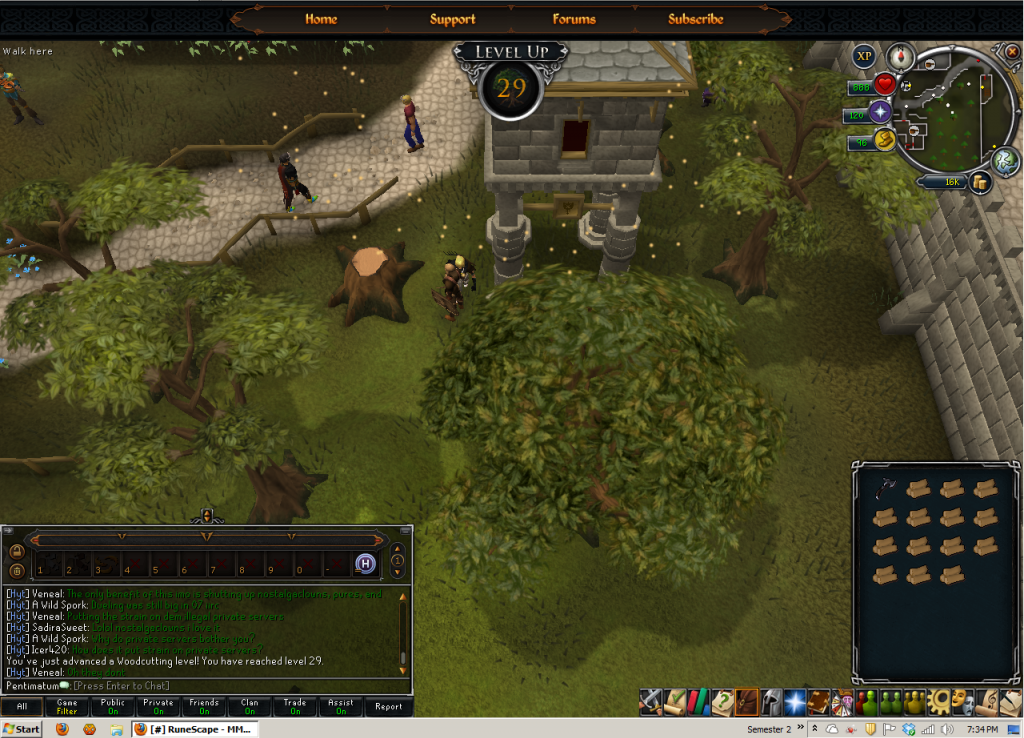 [/hide]
[hide=30 Woodcutting]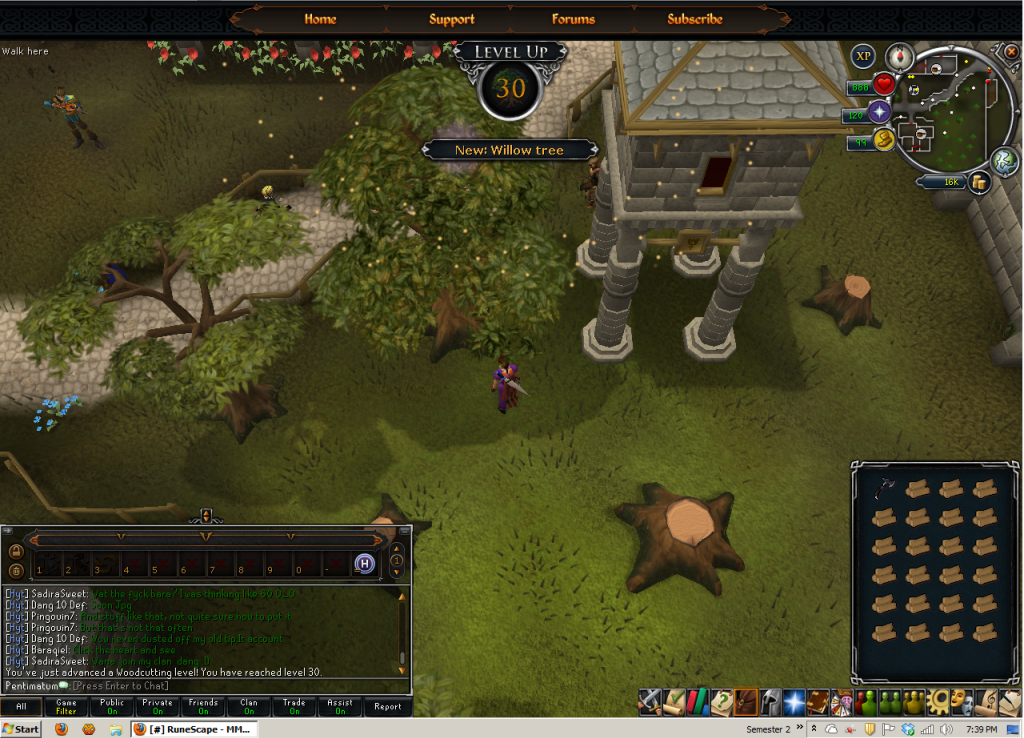 [/hide]
[hide=31 Woodcutting]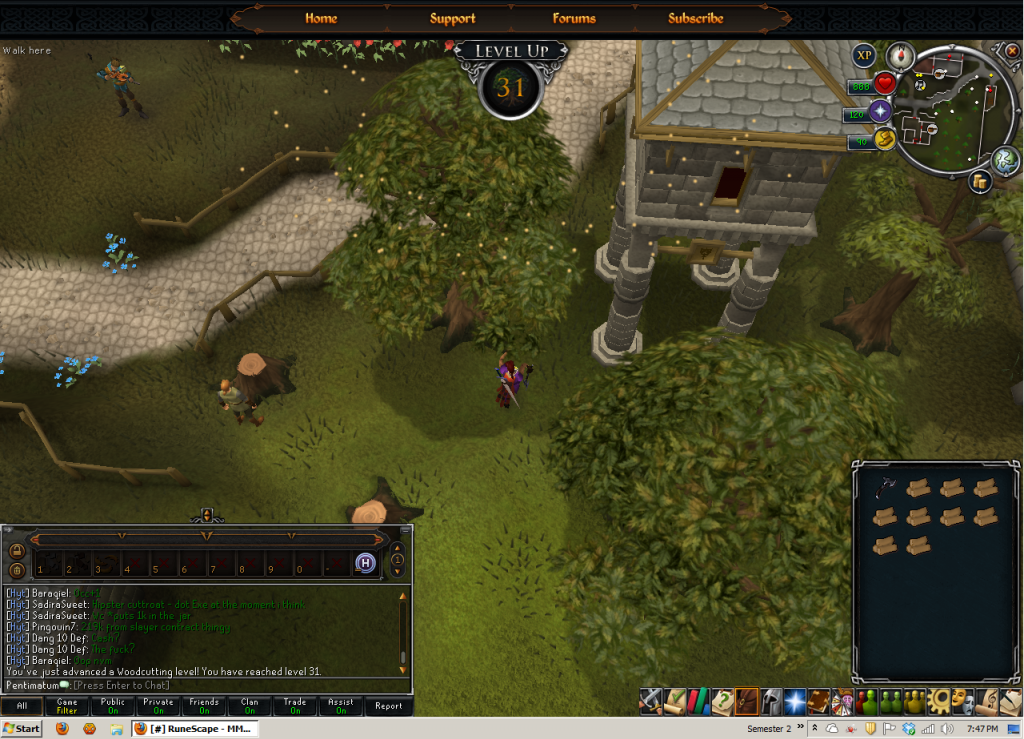 [/hide]
[hide=32 Woodcutting]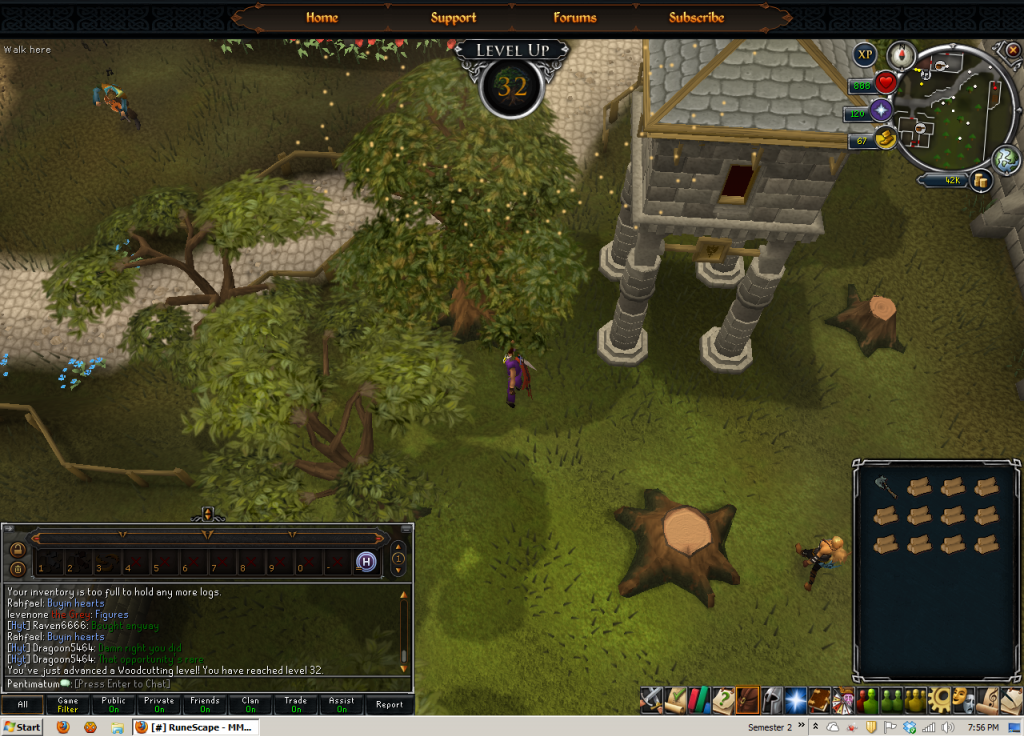 [/hide]
[hide=33 Woodcutting]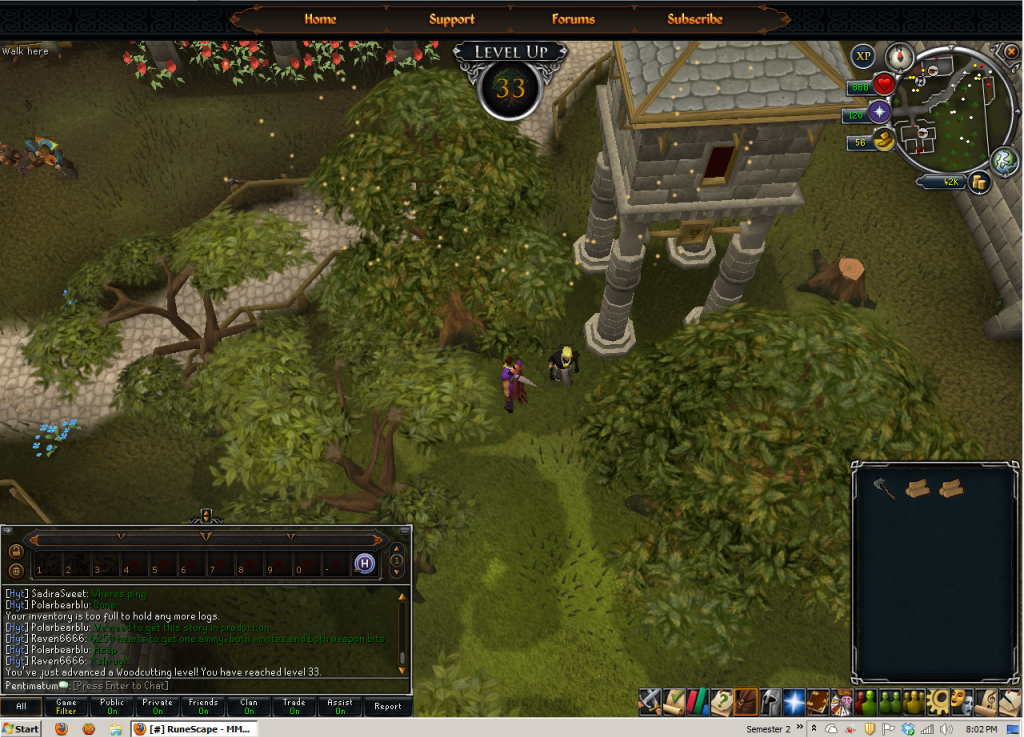 [/hide]
[hide=34 Woodcutting]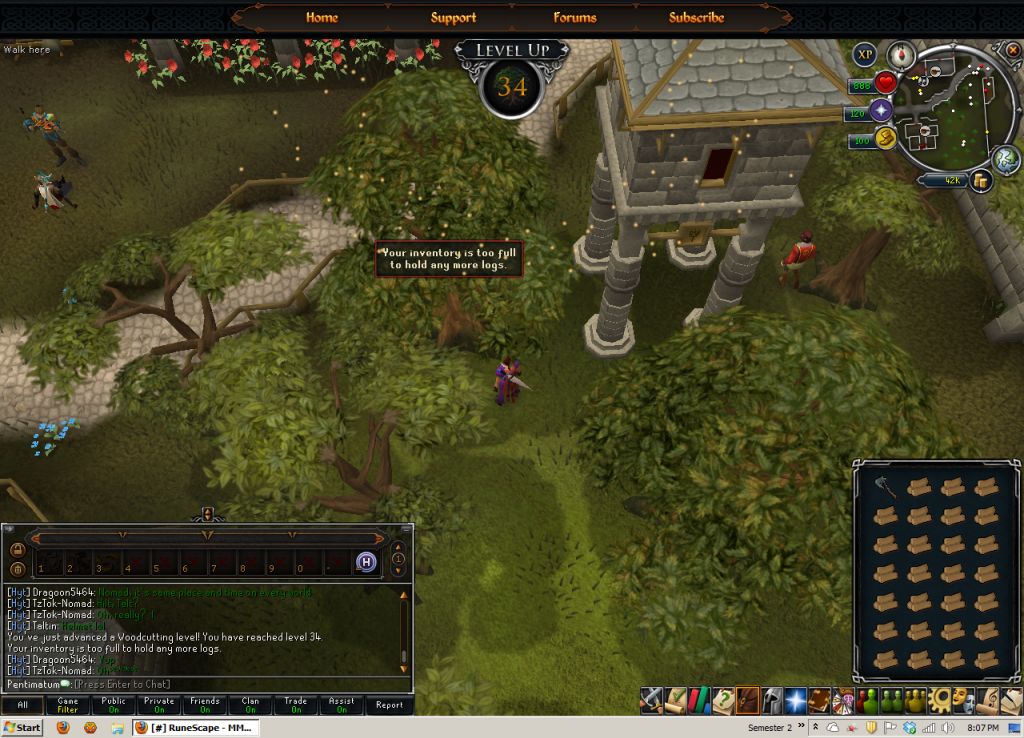 [/hide]
[hide=35 Woodcutting]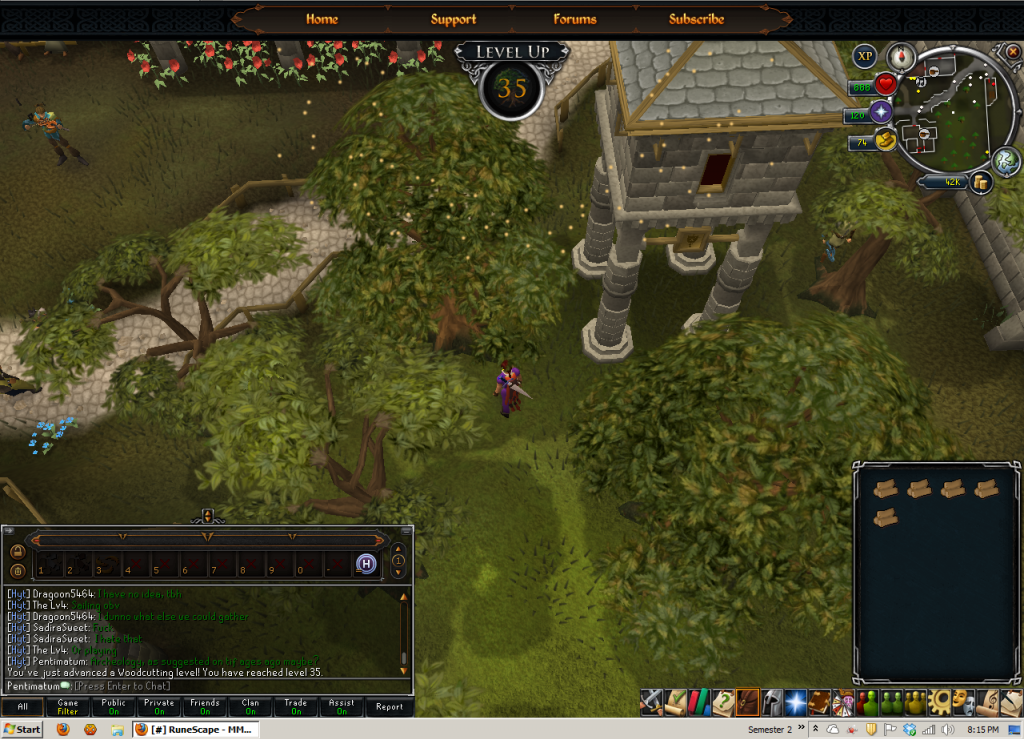 [/hide]
[hide="36 Woodcutting]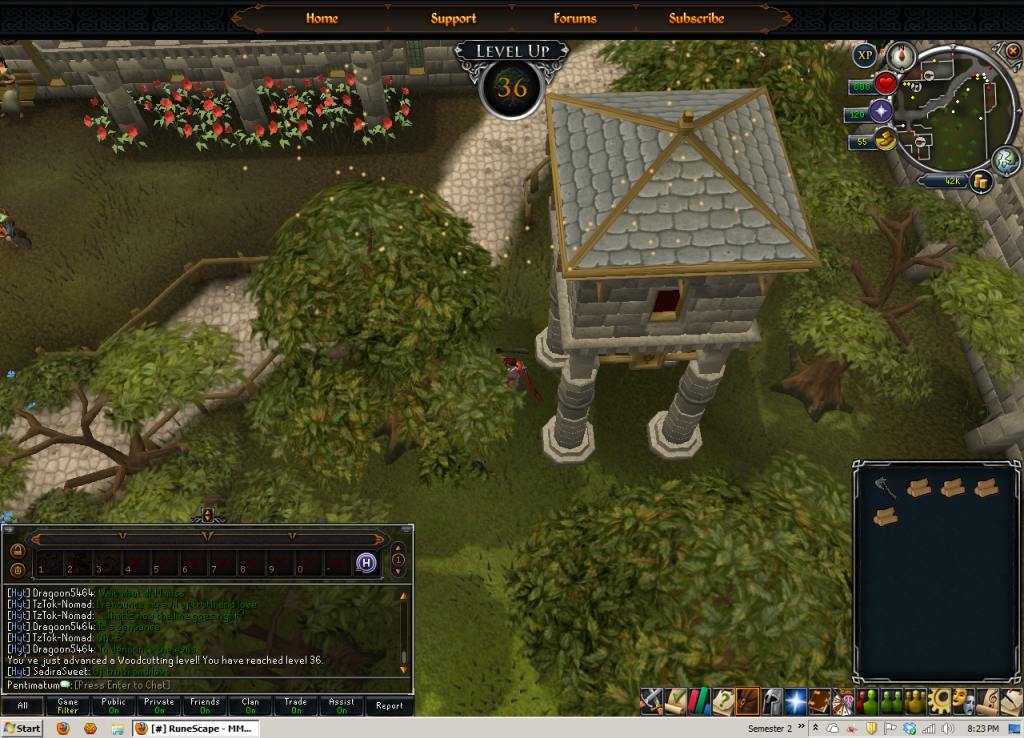 [/hide]
[hide=37 Woodcutting]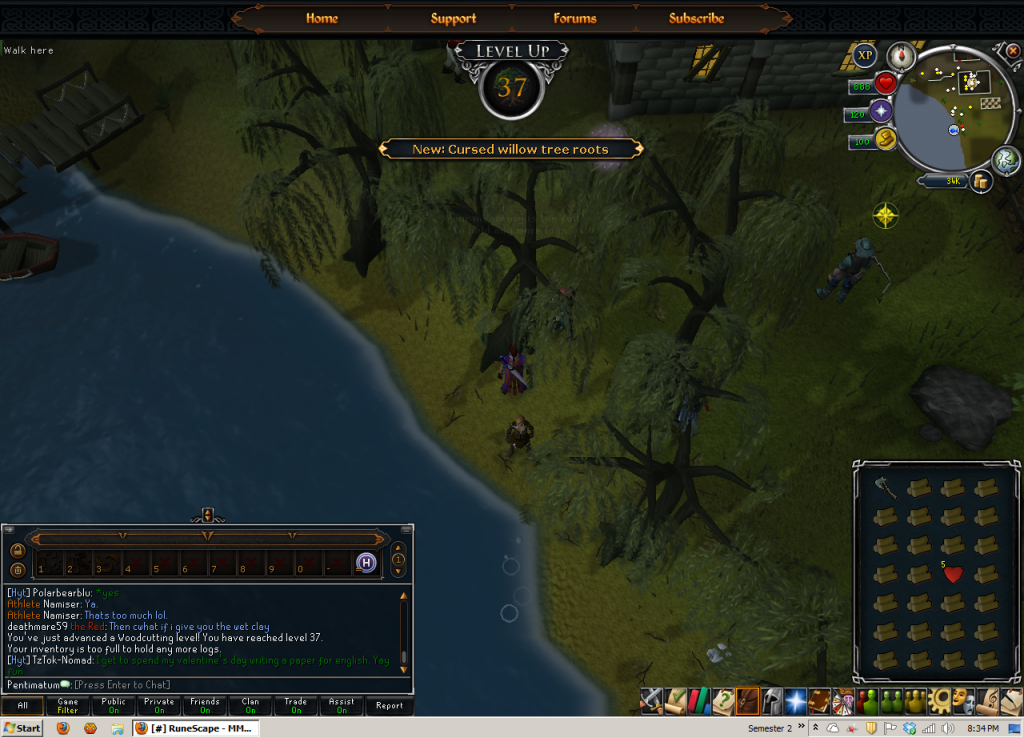 [/hide]
[hide=38 Woodcutting]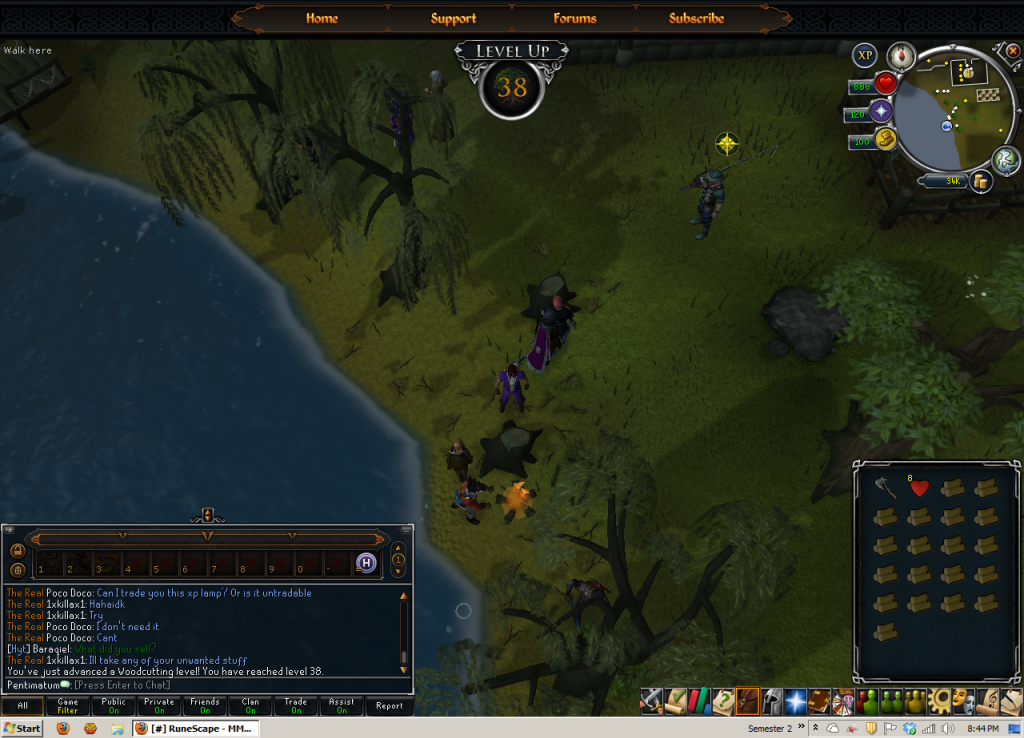 [/hide]
[hide=39 Woodcutting]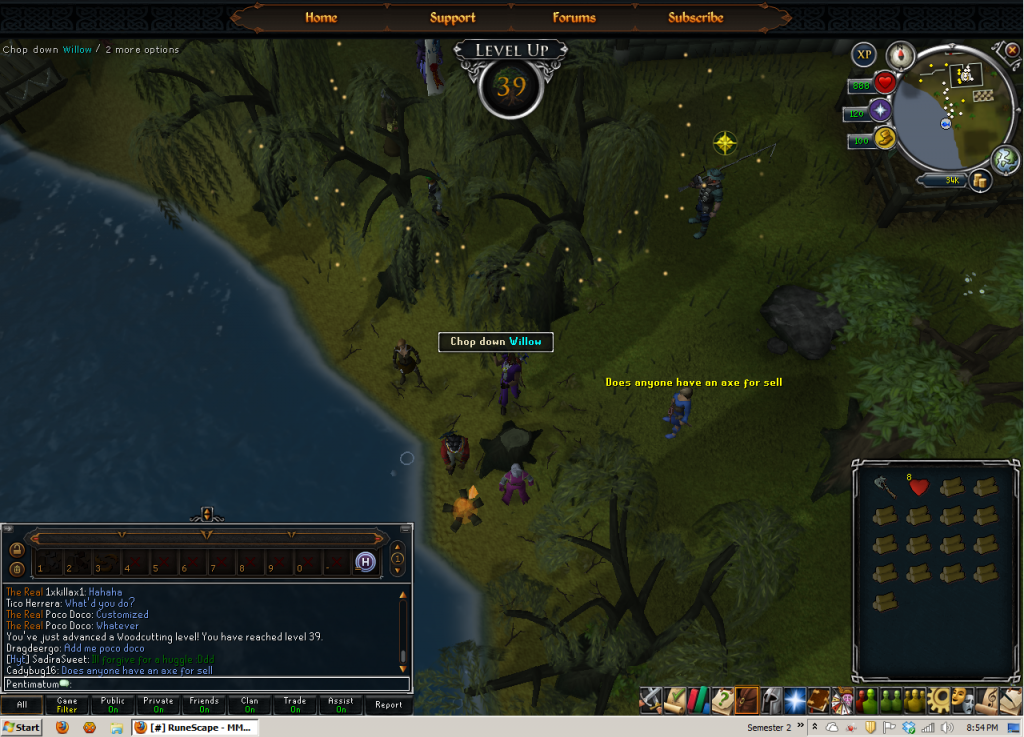 [/hide]
[hide=40 Woodcutting]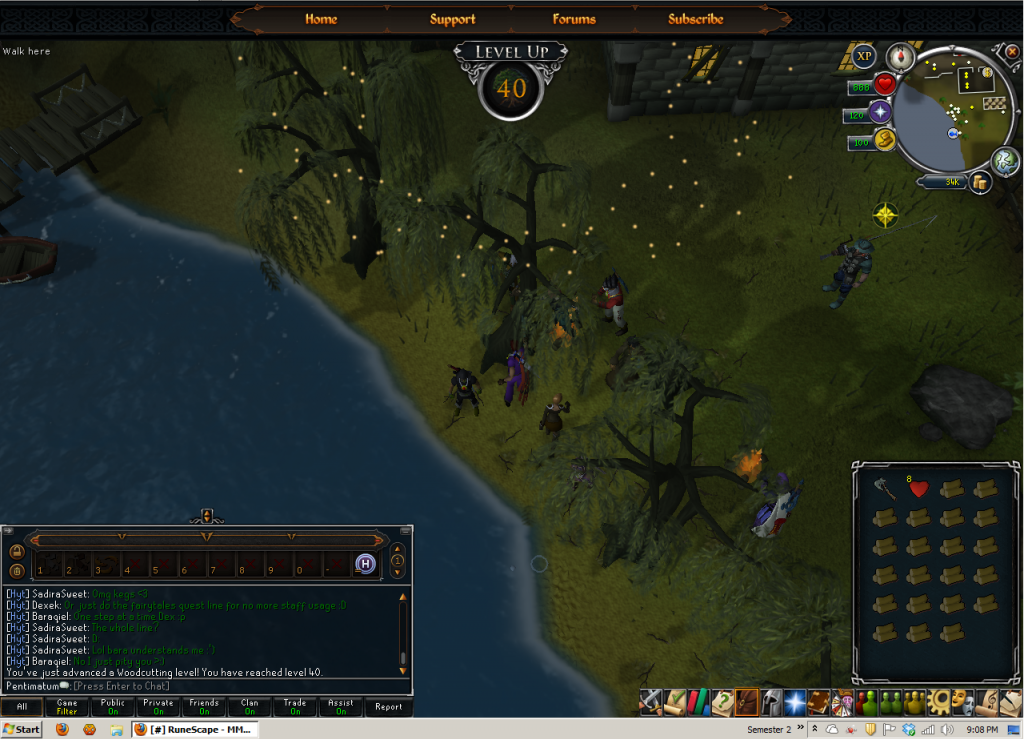 [/hide]
[hide=41 Woodcutting]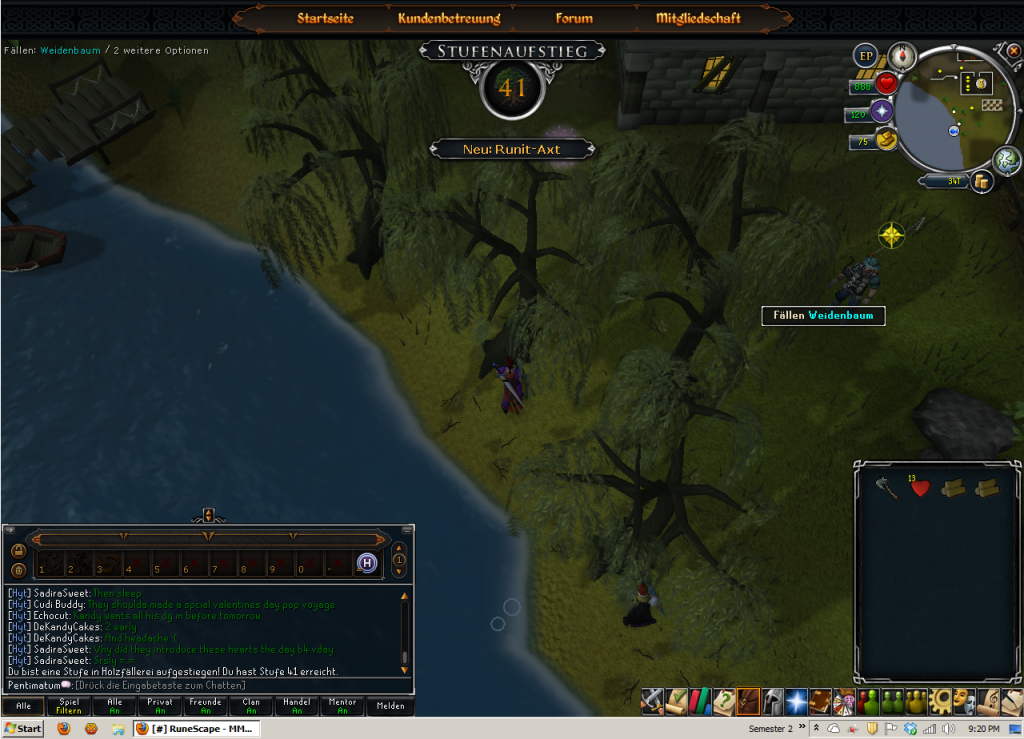 [/hide]
[hide=42 Woodcutting]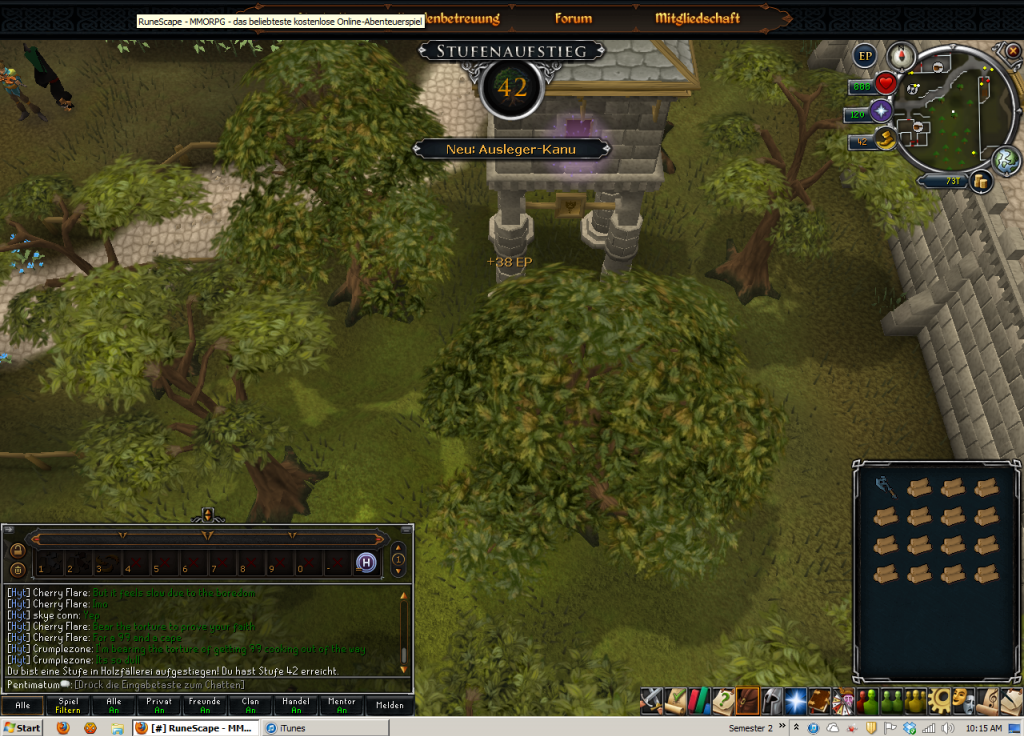 [/hide]
[hide=43 Woodcutting]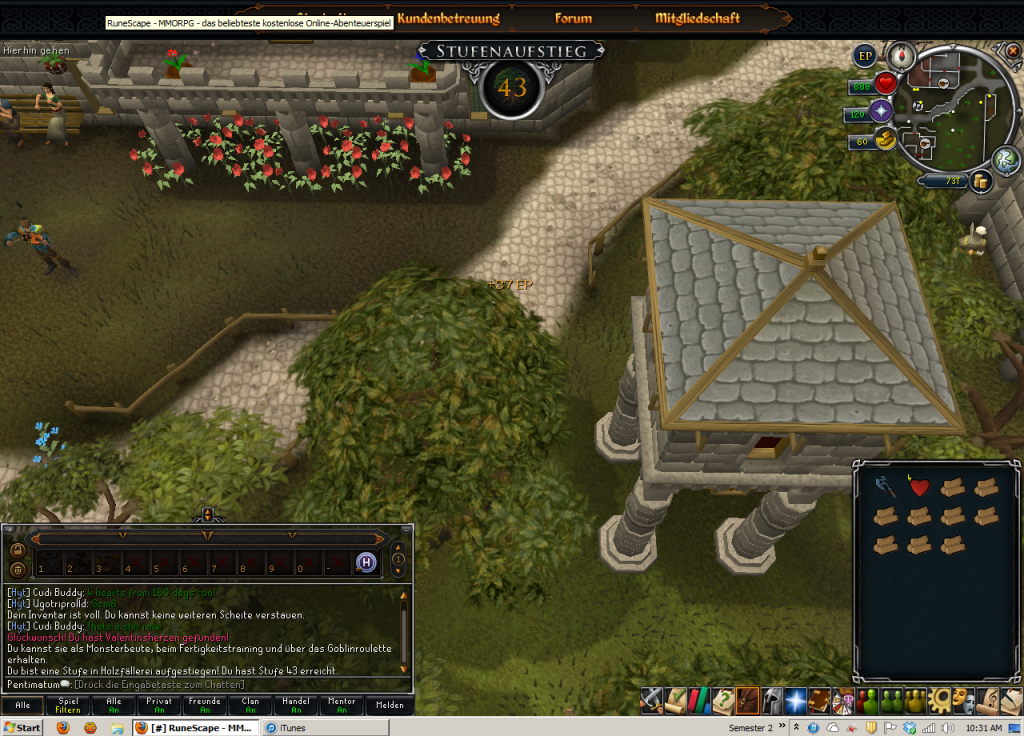 [/hide]
[hide=44 Woodcutting]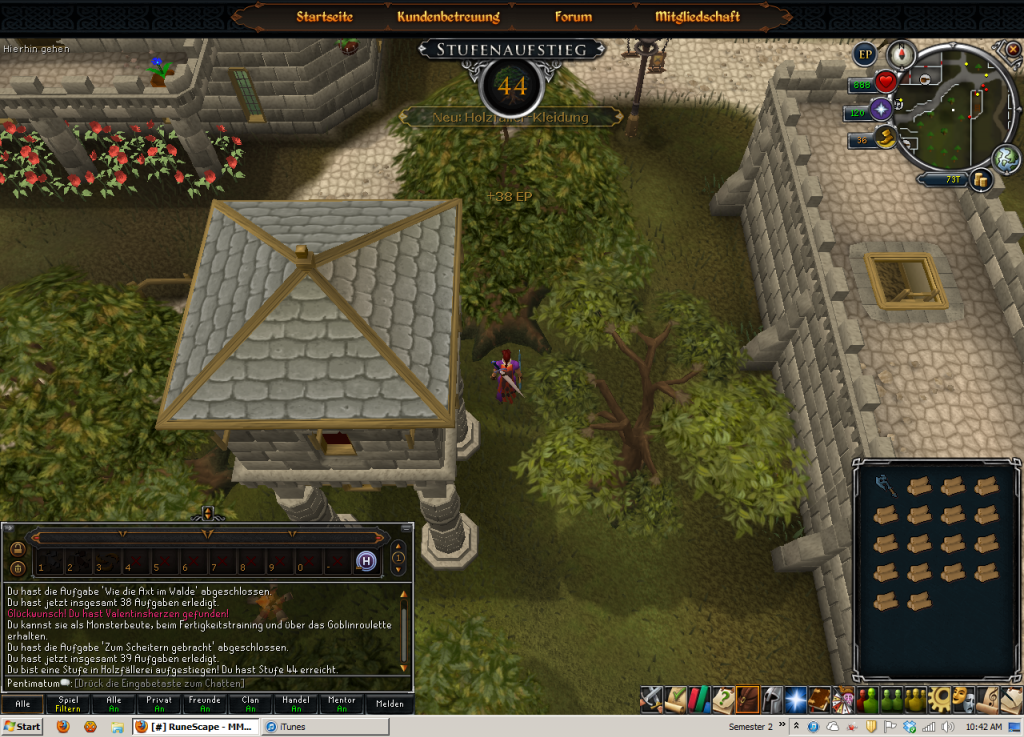 [/hide]
[hide=45 Woodcutting]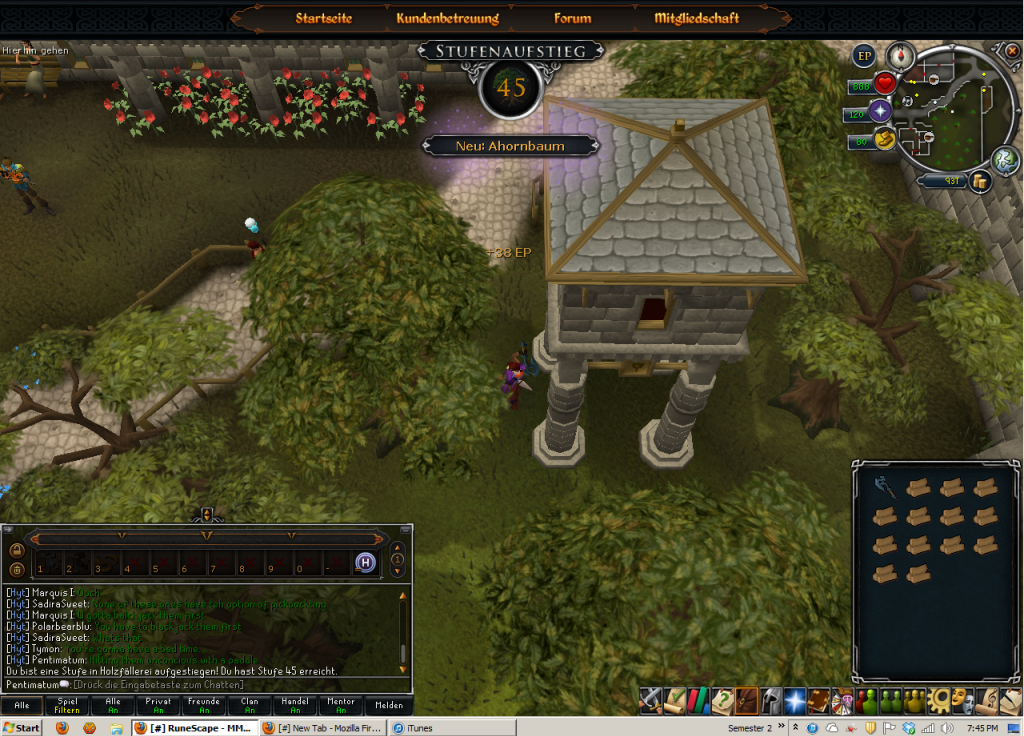 [/hide]
[hide=46 Woodcutting]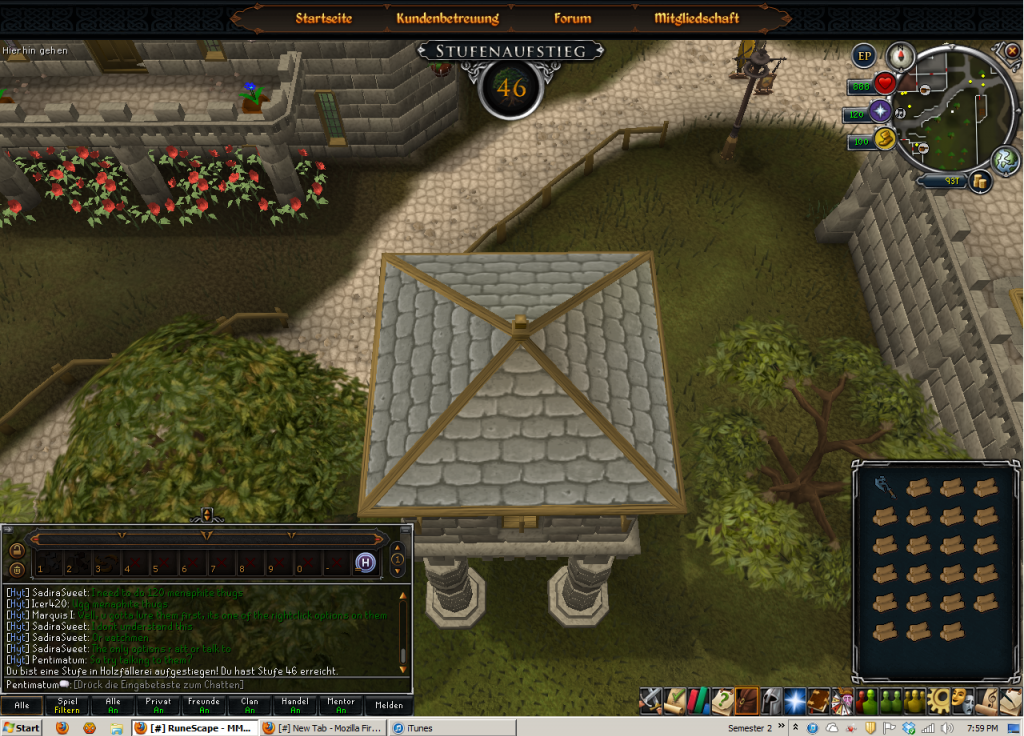 [/hide]
[/hide]
[hide=Smithing]
[hide=35 Smithing]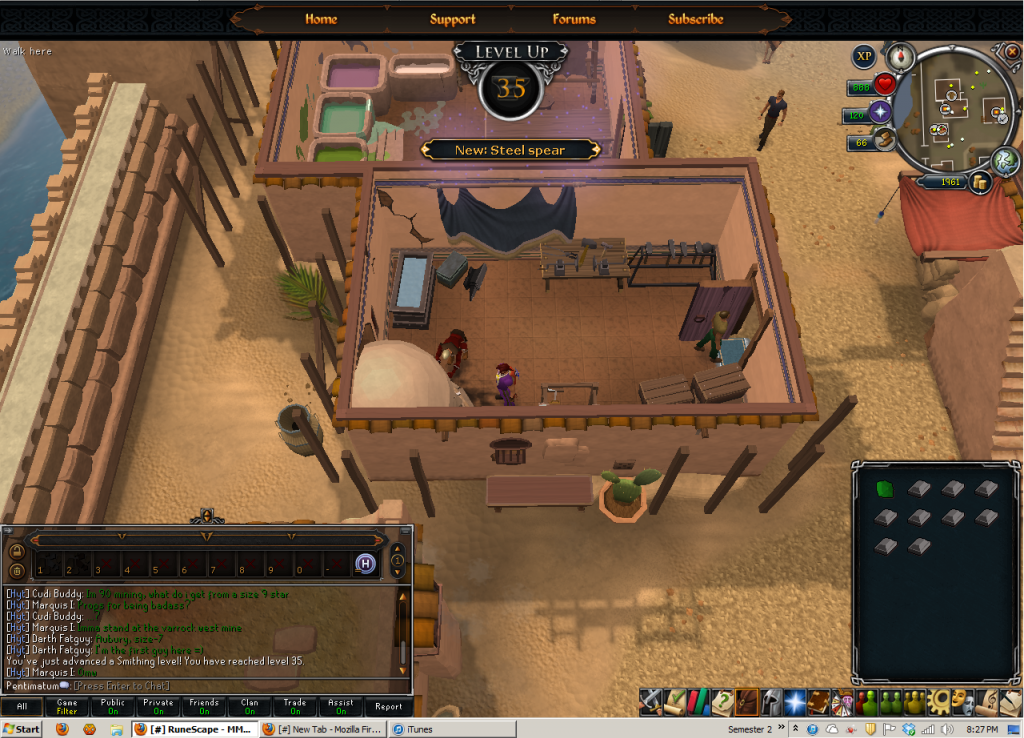 [/hide]
[hide=36 Smithing]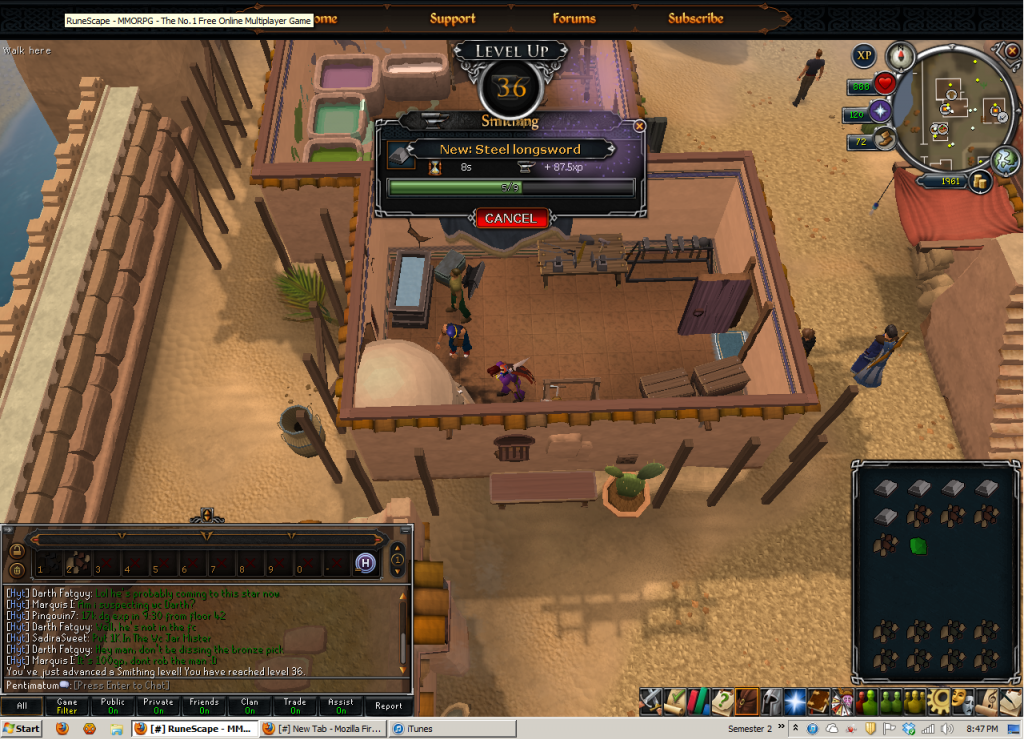 [/hide]
[hide=37 Smithing]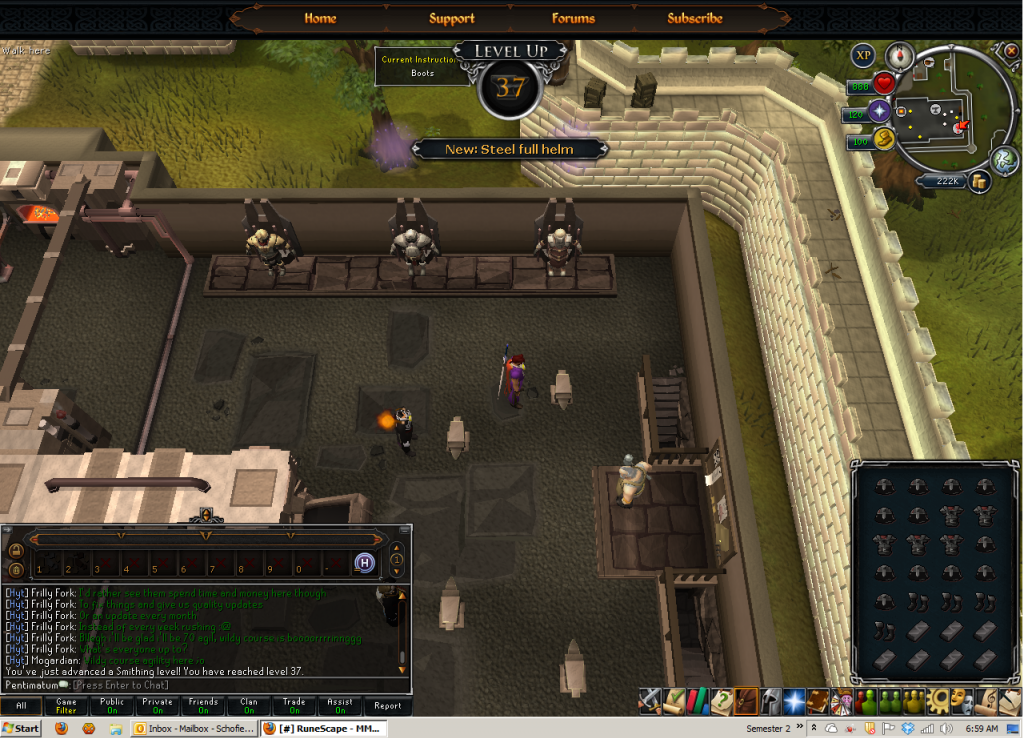 [/hide]
[hide=38 Smithing]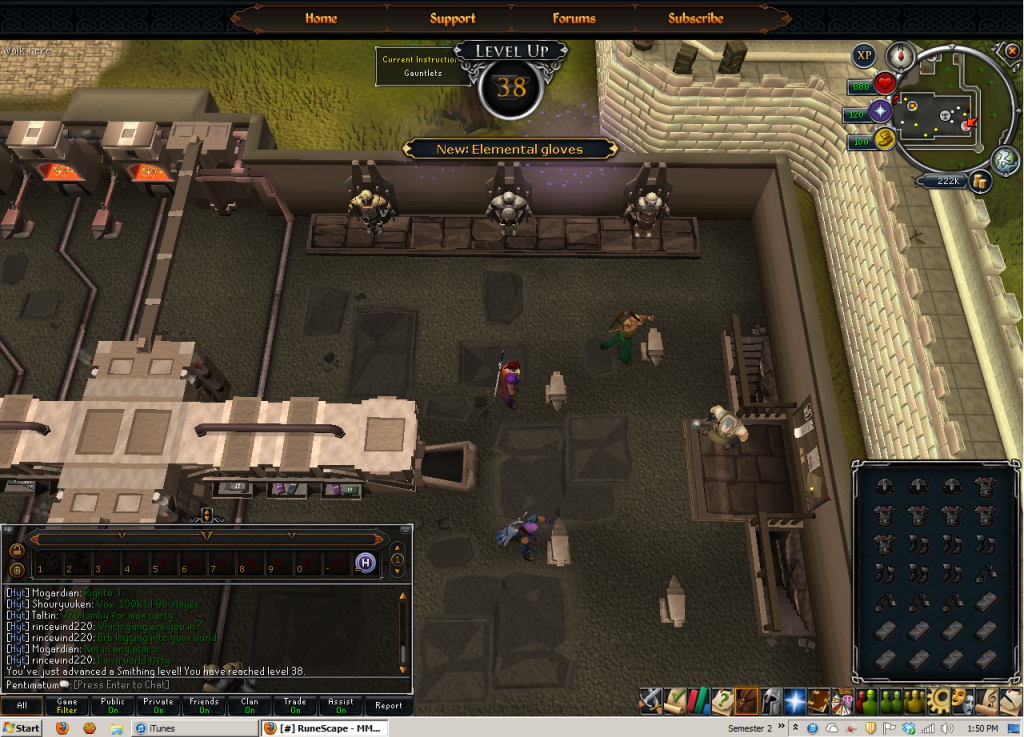 [/hide]
[hide=39 Smithing]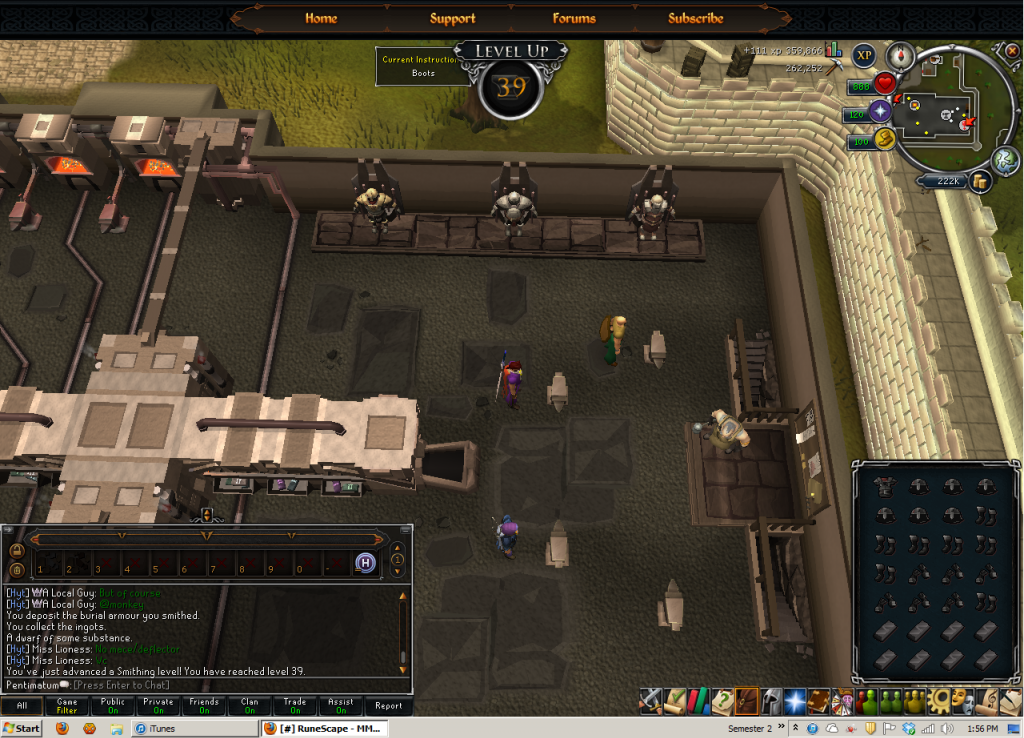 [/hide]
[hide=40 Smithing]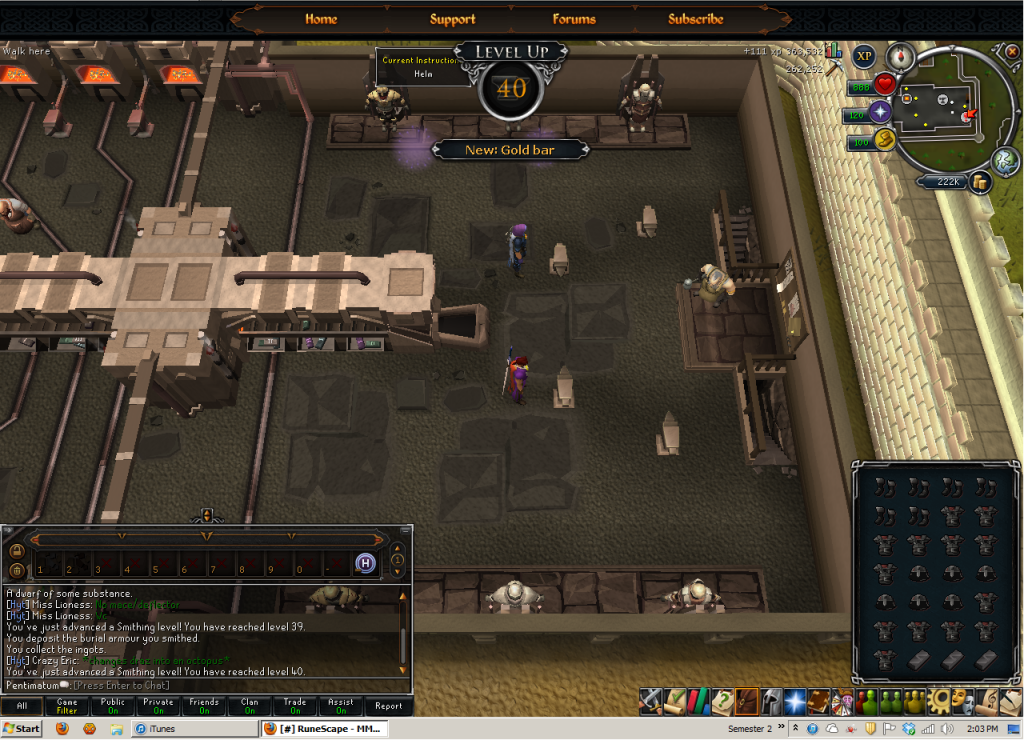 [/hide]
[hide=41 Smithing]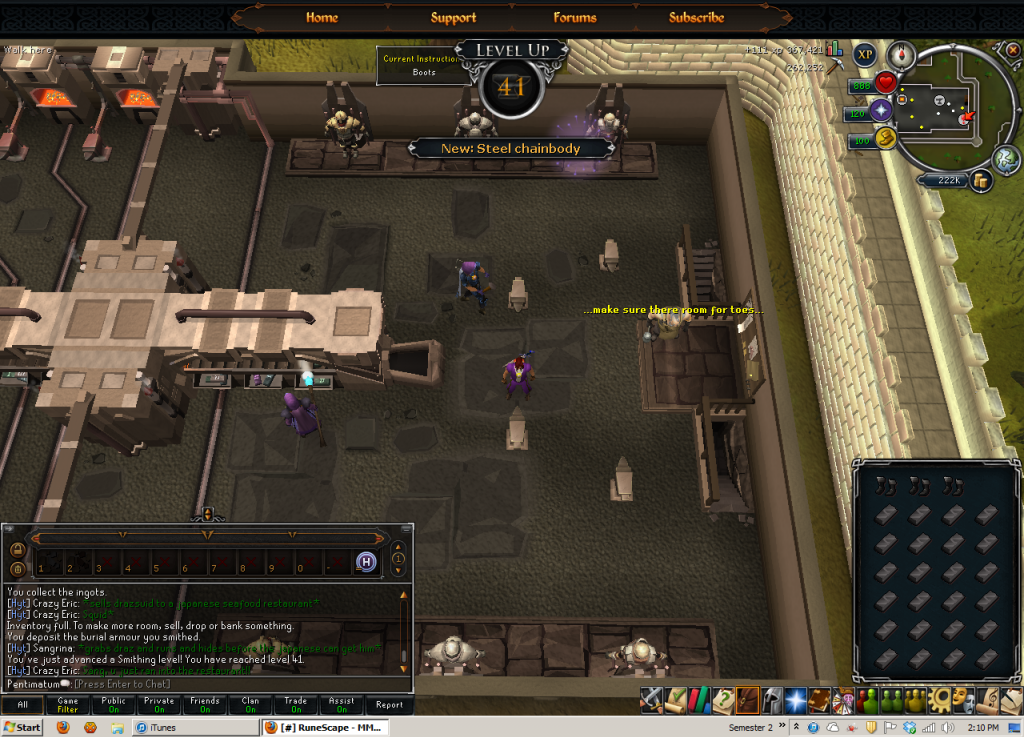 [/hide]
[hide=42 Smithing]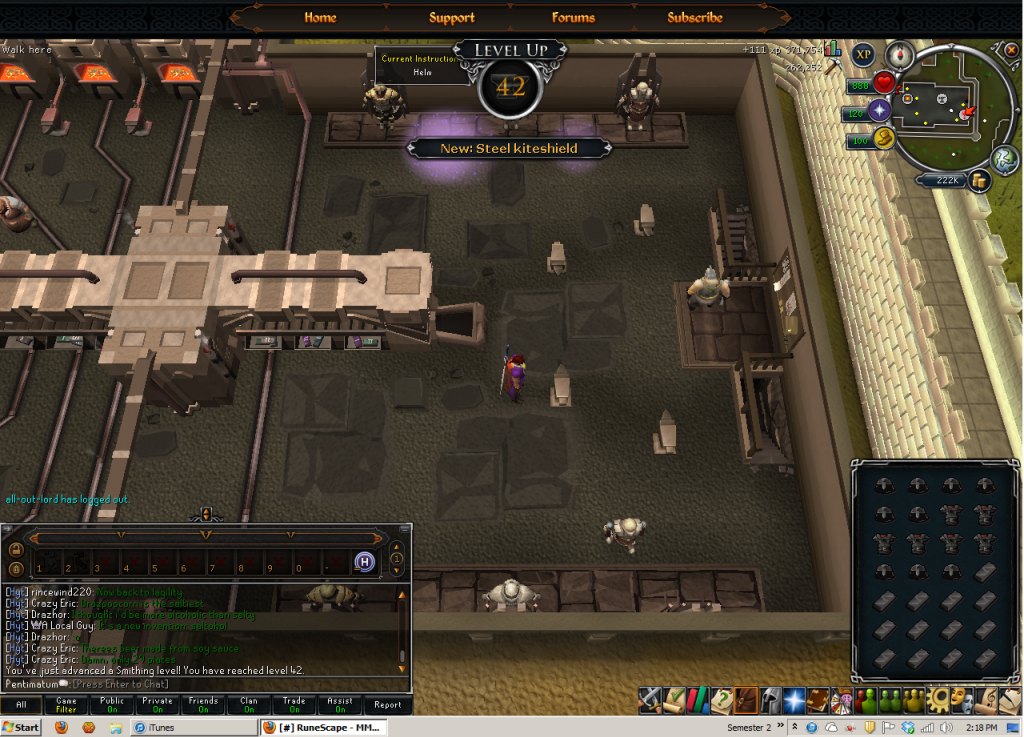 [/hide]
[/hide]
Wow, expanded out it looks much more level-ful that the list above makes it look =P. Furthermore, I also reached my monetary goal and now posses a whole 212k. I reached this by cutting oaks. Not exactly the most efficient, but with my previous wealth gained me monies much faster that trying to flip would've. Especially considering I was never very successfull at flipping even when I had wealth (old account) =0. My new monetary goal'll be reaching 500k.
As for smithing, I should have enough ores to be able to get to 50 smithing and still have some left over. Guess we'll have to see what happens from there.
Also, I want to thank everyone for their comments before. Even if I didn't directly respond I did read them (just forgot to respond, busy week =0). Time for a new question however.
How exactly does combat XP work in the EoC? Cause I've got a very screwed up strength level (~ 1/2 of my attack) due to me wanting to be able to wield my tools when I created this account. I tried attacking some weak things and didn't recieve any xp. Do my enemies have to be around the same level as me?
~Pentimatum
Recommended Comments