Skip to content
View in the app

A better way to browse. Learn more.

Tip.It Forum

A full-screen app on your home screen with push notifications, badges and more.

To install this app on iOS and iPadOS
  1. Tap the Share icon in Safari
  2. Scroll the menu and tap Add to Home Screen.
  3. Tap Add in the top-right corner.
To install this app on Android
  1. Tap the 3-dot menu (⋮) in the top-right corner of the browser.
  2. Tap Add to Home screen or Install app.
  3. Confirm by tapping Install.

Happy April Fools Day!

(0 reviews)

Before I begin with the levels, I hope no one got pranked to hard, or pranked someone else too hard :P


Besides that, here come the newest batch of levels!


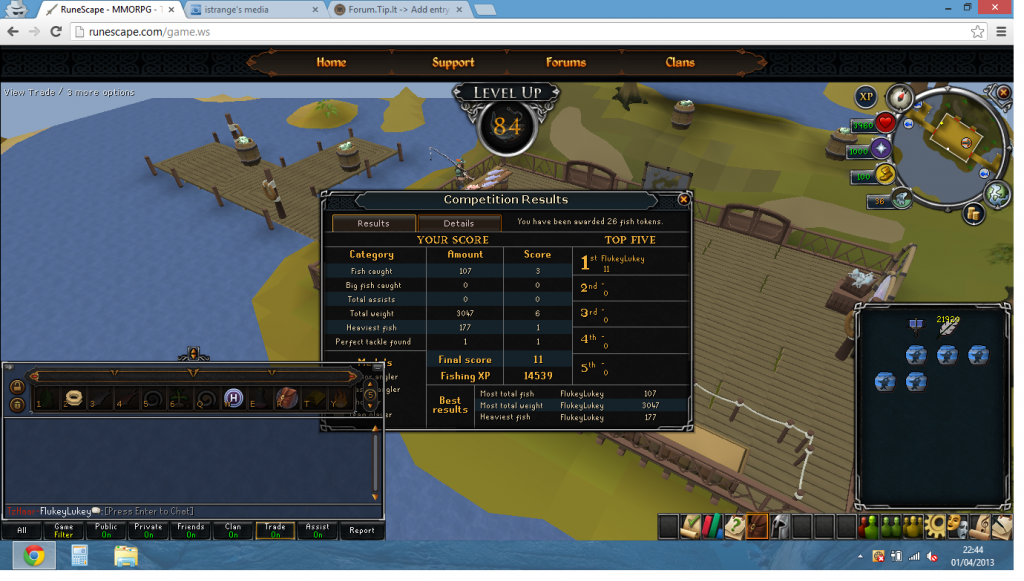
First of all I got some fishing levels,83 and now 84 fish:
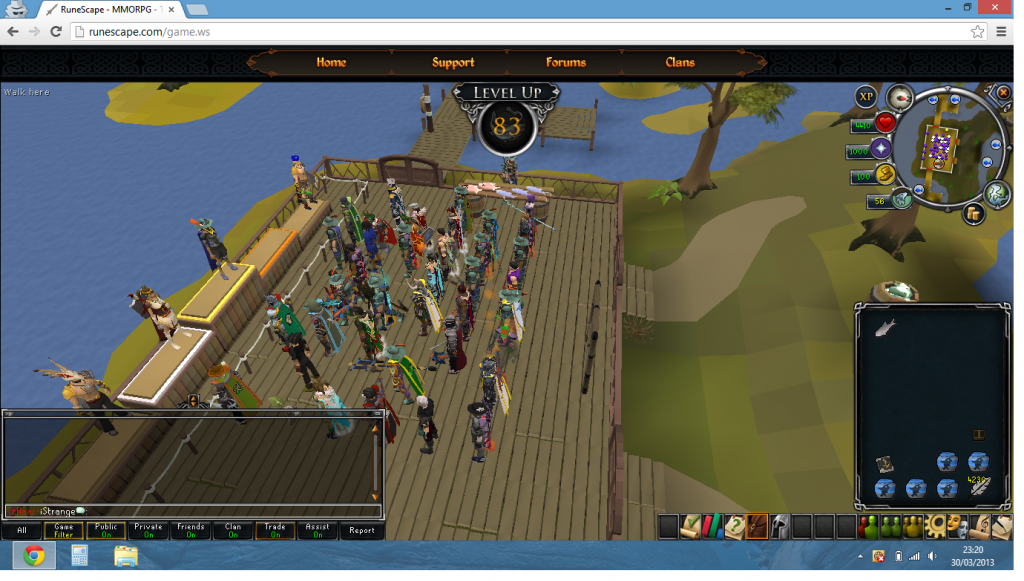
 

83fish_zpsa839d506.png


84fish_zps357895e7.png


I also got 95 farming today (again so close but yet so far!):
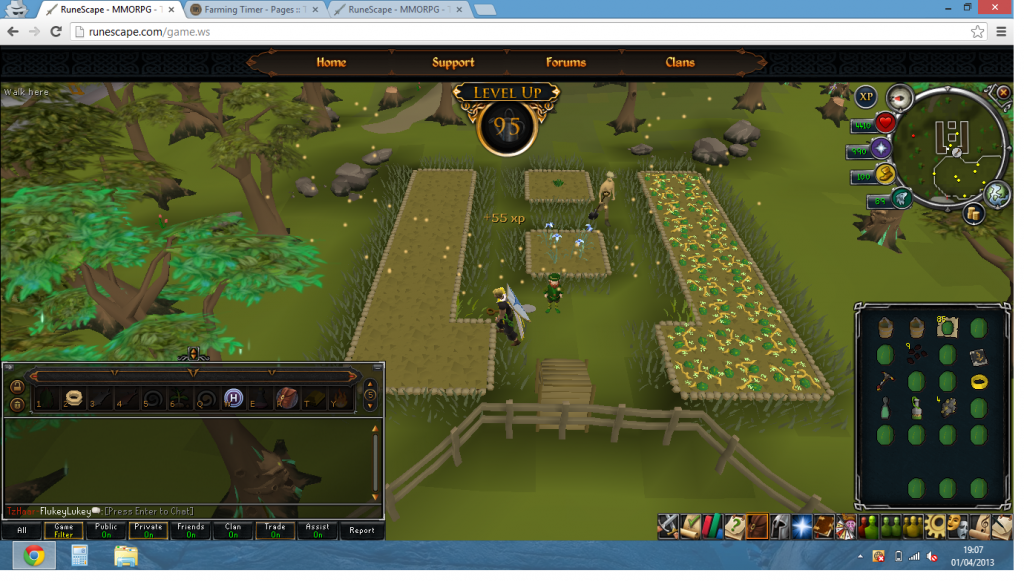
 

95farm_zpsd0194088.png


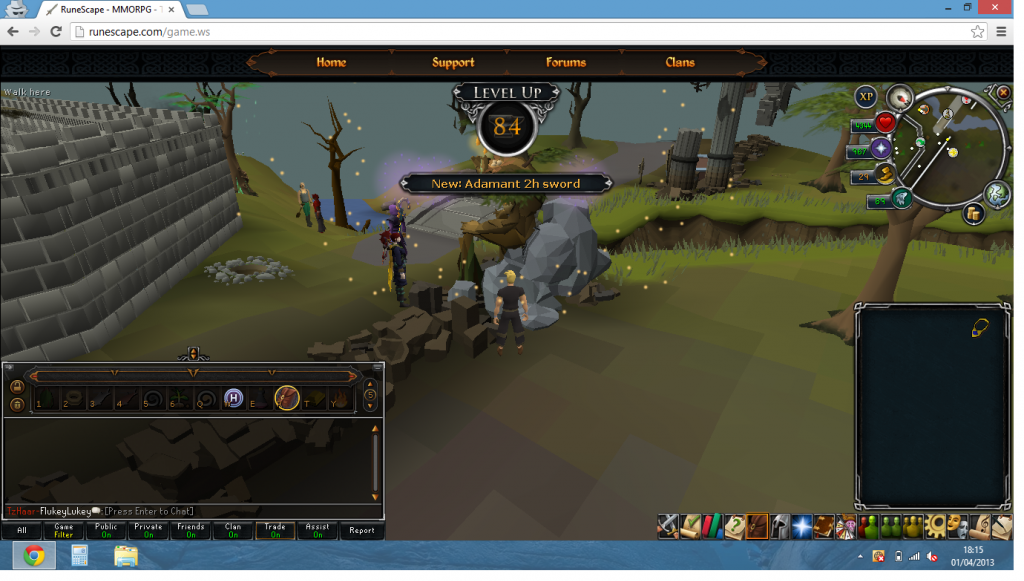
Next for today's entry, some smithing levels! I'm now 84, but here is 83 and 84,
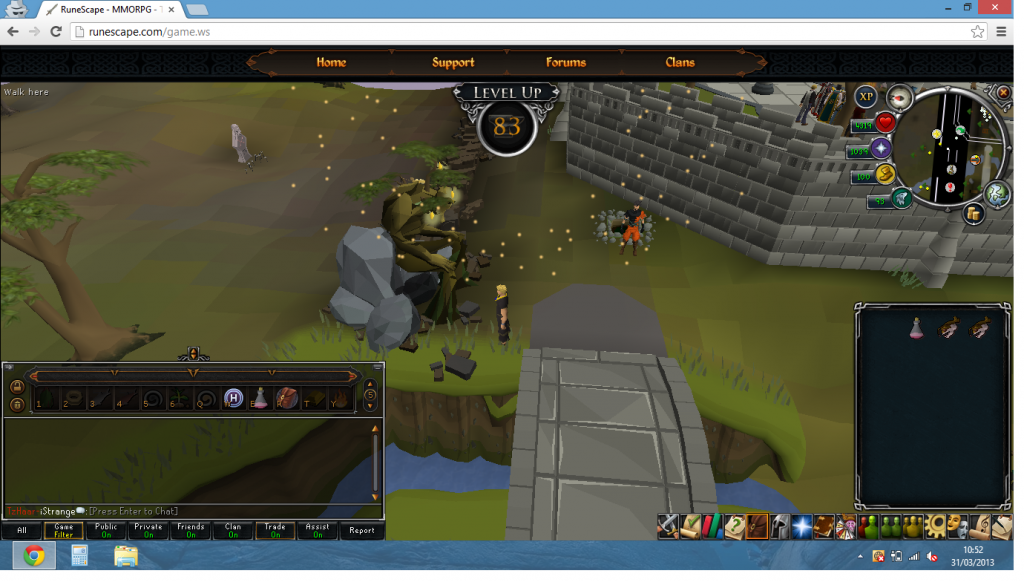
 

83smith_zps93e40aaa.png


84smith_zpse34ae358.png


I did my God Statues for the month and got 82 contrsuction :D
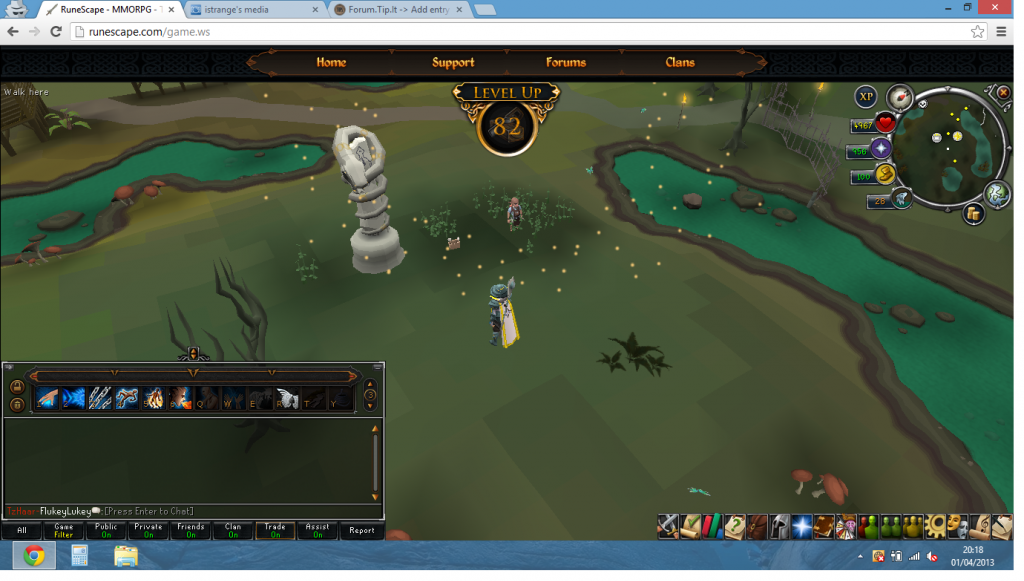
 

82con_zps0fec566c.png


Finally, I did some big chinchompa daily and got 82 hunter :D Which brings me to a lowest skill level of 82!
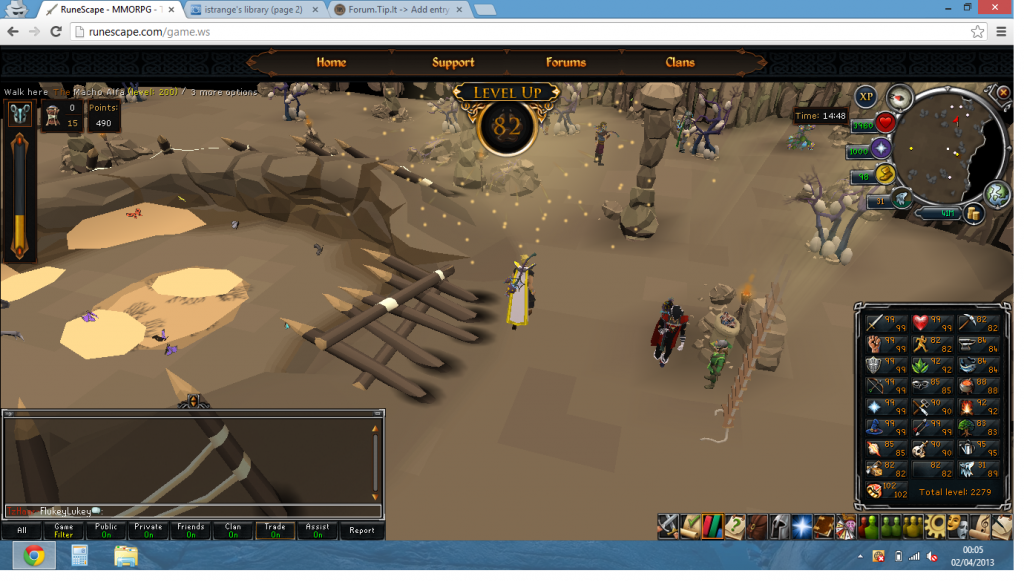
 

82hunt_zps31068f5f.png


On another note, I changed my RS screen name to "FlukeyLukey", just FYI :)


Until next time,


Luke.

1 Comment

Recommended Comments

Tansuo

Members

Runescape on incognito mode :thumbup:

Important Information

By using this site, you agree to our Terms of Use.

Account

Navigation

Search

Search

Configure browser push notifications

Chrome (Android)
  1. Tap the lock icon next to the address bar.
  2. Tap Permissions → Notifications.
  3. Adjust your preference.
Chrome (Desktop)
  1. Click the padlock icon in the address bar.
  2. Select Site settings.
  3. Find Notifications and adjust your preference.