





-
- 1253 views
- 10 comments
A better way to browse. Learn more.
A full-screen app on your home screen with push notifications, badges and more.
Pewpew
Well, for a german project I need to add a rainbow and some clouds into the back of a video using sony vegas 9. I thought it would be easy but I cant figure it out. How would I go about doing it? I just basically need to get the image on top of the video, without disrupting it.


Yay I guess. Im poor tho
Meow. Another 99 down. Row #4 completed. I got 3.3m experience yesterday and like 2m experience today. Yeah, I got like 93-99 in 2.5 days. It's a pretty easy skill if you like pyramid plunder. I wasn't graced with any sceptres though. =(
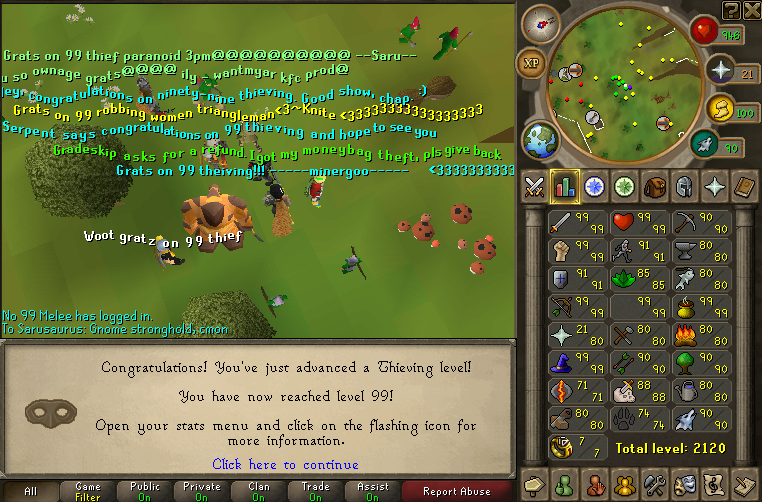


Rate Please. next up is 99 defence/agility/mining/96 summoning/all skills 80+ lol
I FOUND DAS' HIDDEN IMAGE!!!!!!
CUSTOM RANK PLEASEEE
Oh and I got 89 mining and 87 agility.
By using this site, you agree to our Terms of Use.