




Inspired by Darkwitchery, I decided to take up hoarding (it's one step below Diy). :thumbsup: So here's an entry for a little over 24h into it. Will update monthly, or maybe longer than that. Mostly using it as a way to increase my bank's dirty-looking awesomeness. And yes, I have a boss way of organizing, don't I? :P
Here is my stats/Xp/Combat pic.
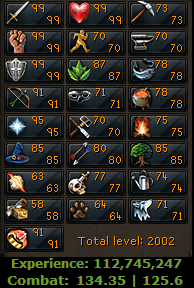
Yep, about 4/5 of my total exp is entirely combat :rolleyes: ...
Current goals:
-120 Strength in XP
-120 Dungeoneering
-2100 Total level
-All skills 70+
Bank pics:
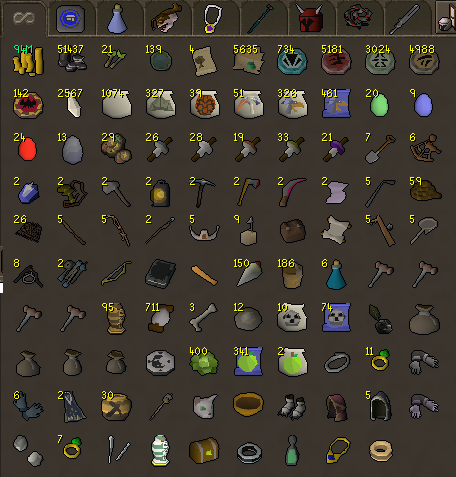
Tab 1 - Mostly for misc items, currency, charms, pouches, scrolls, stuff I only have 1 of (no placeholders).
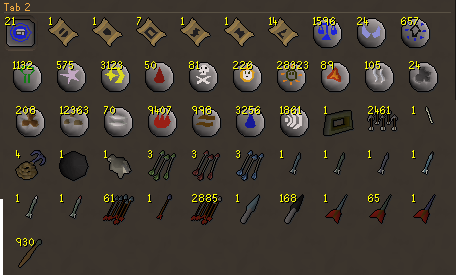
Tab 2 - Teleports, runes and ammo. Stuff I either use or commonly get to collect or sell (had to restart my Addy Jav collection :unsure: ).
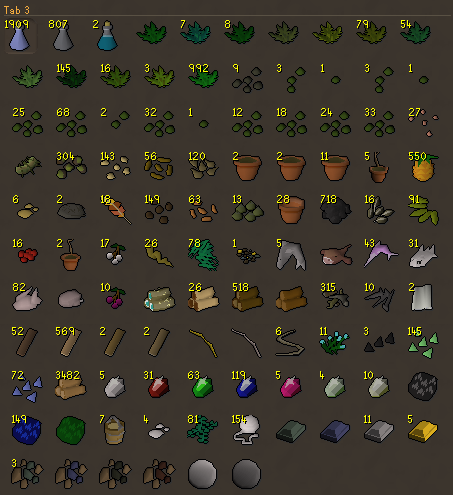
Tab 3 - Herblore, Farming, Fishing, Woodcut, Con, Crafting, Smithing and Mining resource tab.
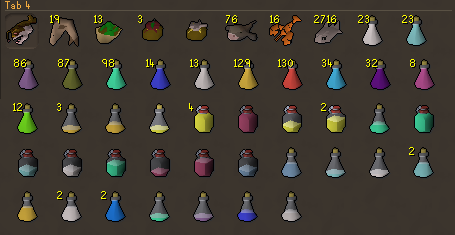
Tab 4 - Consumables. Potions, and food. Nothing super special, except some remnants from those 6 Jad attempts :mellow: .
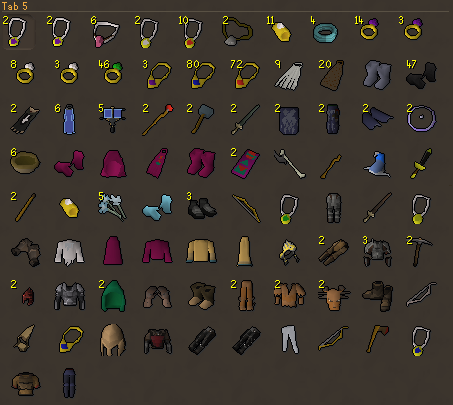
Tab 5 - Jewelry, clothing, Treasure Trail emote items.
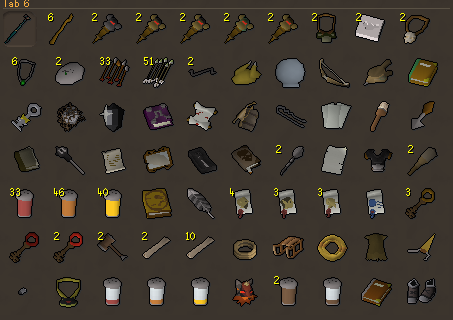
Tab 6 - Quest items or items related to quests.
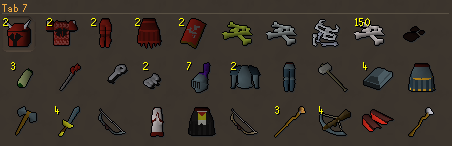
Tab 7 - My latest, but not greatest, drop/clue rewards tab. I will NOT sell Dragon Chains, ever. And will keep 2 sets of Dchain armor.
Tab 8 and 9 - Combat gear, and tab 9 contains just a few f2p items that are useful if I do lose membership.
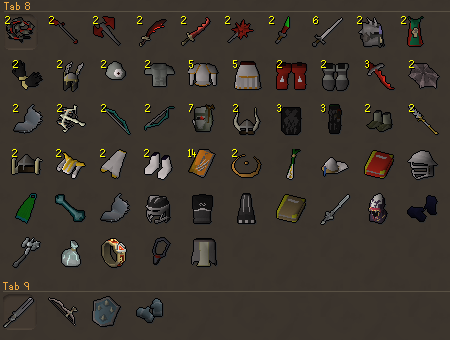
Overall, it's a bit messy atm. But when I update this April 1st, I'll re-organize it a bit and throw out more stuff for more room.
Hope someone's impressed by it for now!..because later it will be wtfamazing :twisted: .
-
- 1645 views
- 1 comment
