Skip to content
View in the app

A better way to browse. Learn more.

Tip.It Forum

A full-screen app on your home screen with push notifications, badges and more.

To install this app on iOS and iPadOS
  1. Tap the Share icon in Safari
  2. Scroll the menu and tap Add to Home Screen.
  3. Tap Add in the top-right corner.
To install this app on Android
  1. Tap the 3-dot menu (⋮) in the top-right corner of the browser.
  2. Tap Add to Home screen or Install app.
  3. Confirm by tapping Install.

6 Comments

Recommended Comments

Shyla

Members

Since you did not include a pic of yourself, I will just assume you're that person wearing a bikini standing beside the guy on the beach :lol:

1. Your blog music is epic. KINGDOM HEARTS FTW. :thumbup: :thumbup: :thumbup:


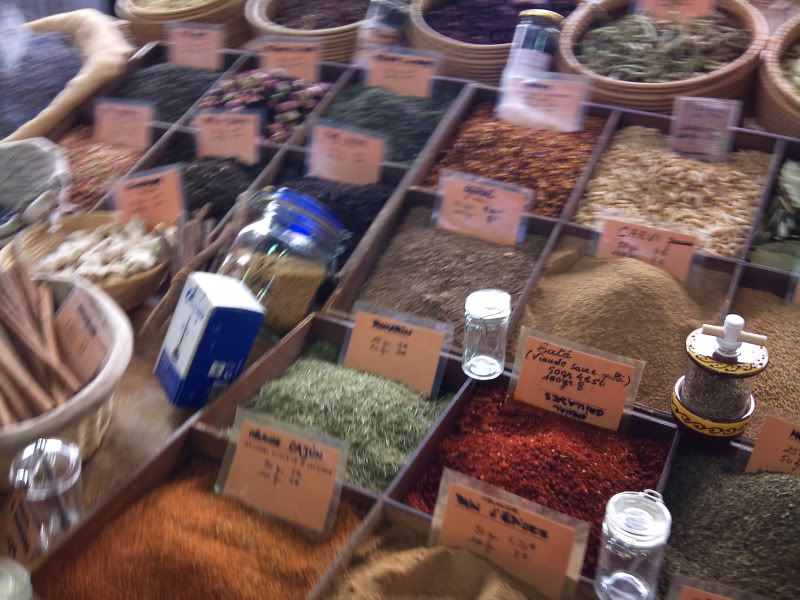
2. I'm so totally jealous that you went to France. The pictures are awesome; that spice stall looks to die for!

Shyla

Members

Pics or I'll continue to stalk your blog.

Xecer

Members

I'm sorry, but I am a rich CEO from a major company, the fact that I play Runescape will ruin my reputation and it probably will cost me millions. Feel free to stalk my blog :D

Bows

Members

I'm curious as to how you uploaded the music, like that. Please PM me with instructions on how, if you get the chance. ;)

I tested it out a bit - all you need to do is put an MP3 file in media tags.

Important Information

By using this site, you agree to our Terms of Use.

Account

Navigation

Search

Search

Configure browser push notifications

Chrome (Android)
  1. Tap the lock icon next to the address bar.
  2. Tap Permissions → Notifications.
  3. Adjust your preference.
Chrome (Desktop)
  1. Click the padlock icon in the address bar.
  2. Select Site settings.
  3. Find Notifications and adjust your preference.