Skip to content
View in the app

A better way to browse. Learn more.

Tip.It Forum

A full-screen app on your home screen with push notifications, badges and more.

To install this app on iOS and iPadOS
  1. Tap the Share icon in Safari
  2. Scroll the menu and tap Add to Home Screen.
  3. Tap Add in the top-right corner.
To install this app on Android
  1. Tap the 3-dot menu (⋮) in the top-right corner of the browser.
  2. Tap Add to Home screen or Install app.
  3. Confirm by tapping Install.

Going on hiatus.

(0 reviews)

Yup.

One of my beloved pets passed away yesterday.

I've lost all interest in Runescape and anything for that matter.

I don't know if I'll come back. Hiatus suggests I will, but I guess we'll see.


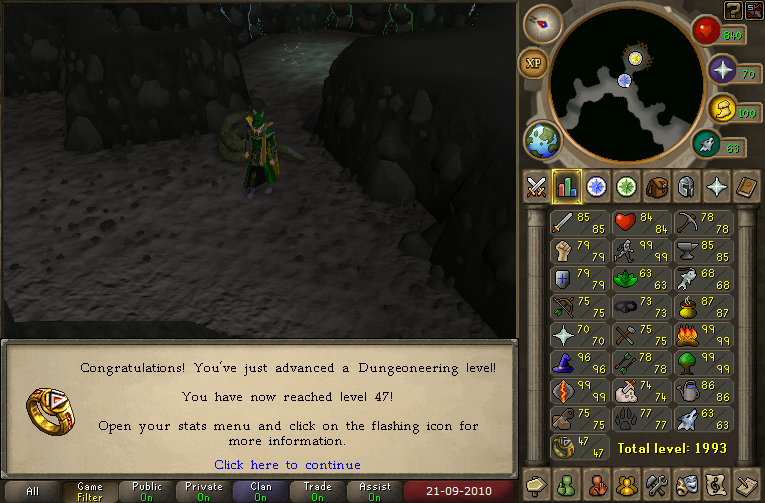
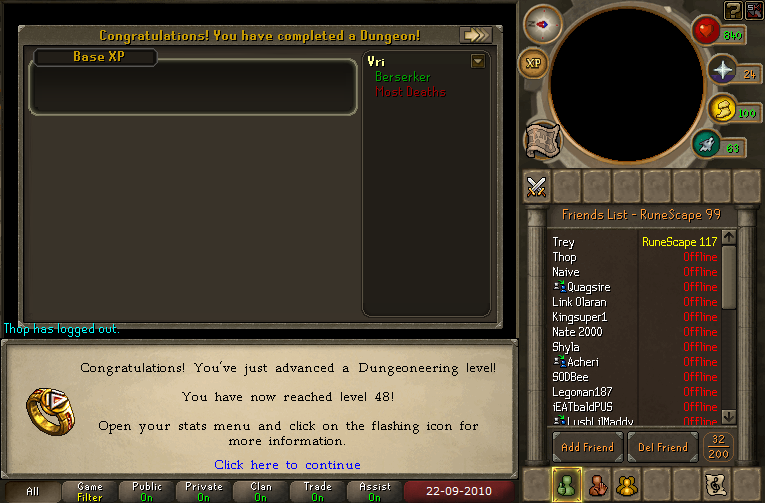
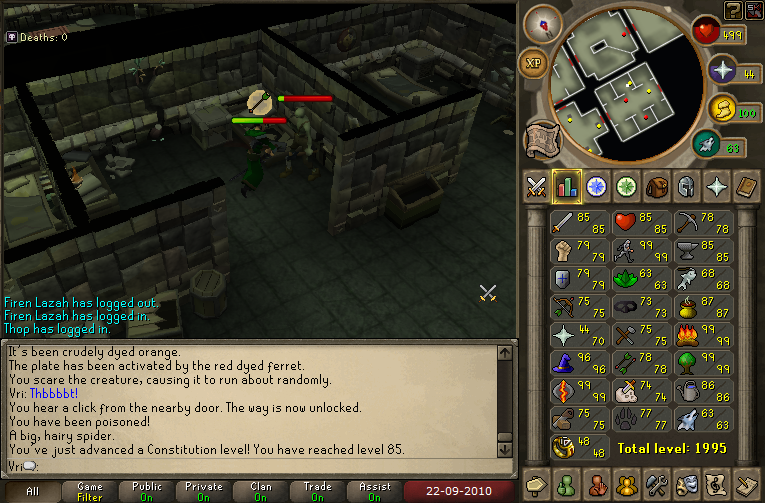
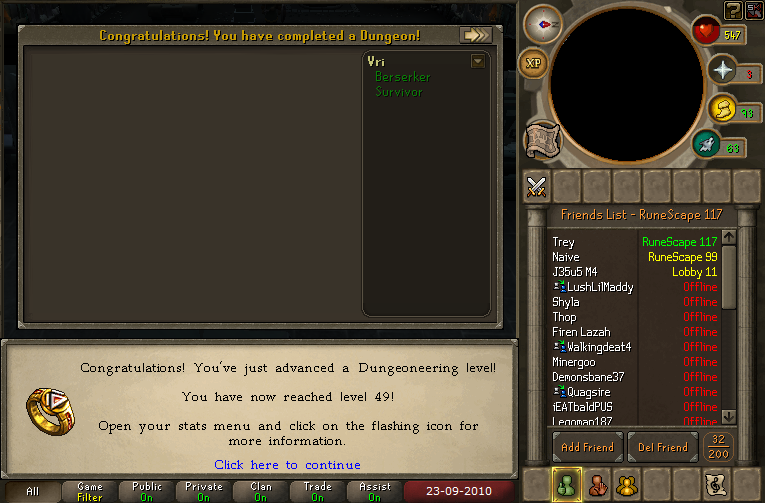
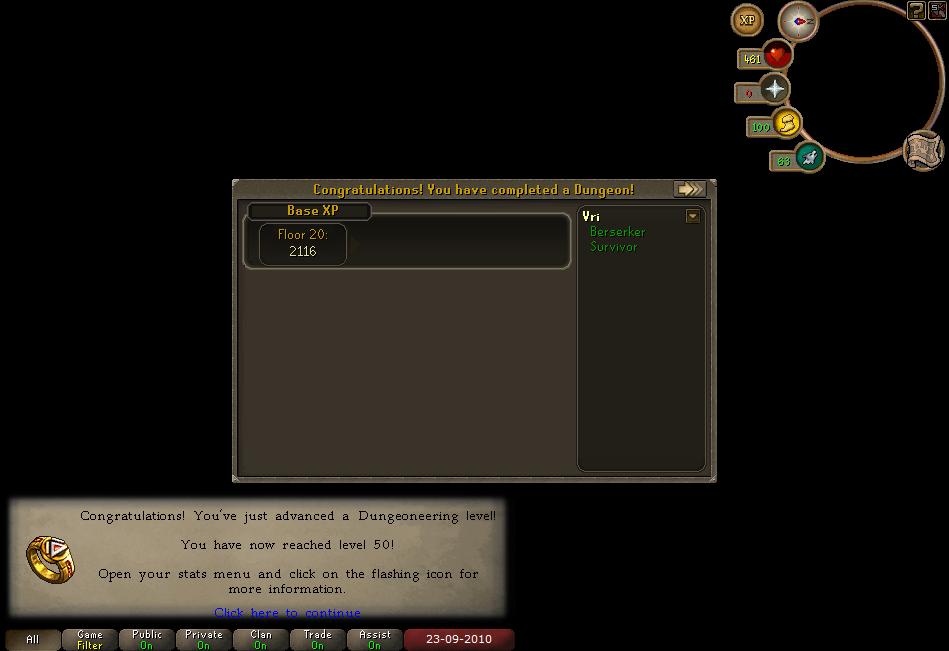
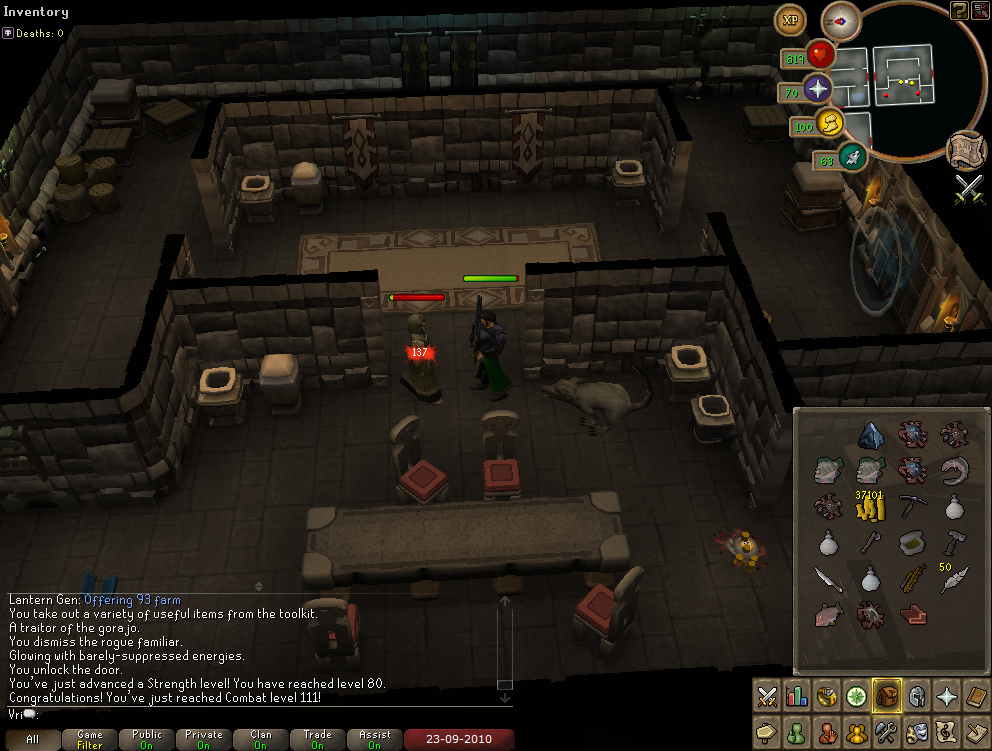
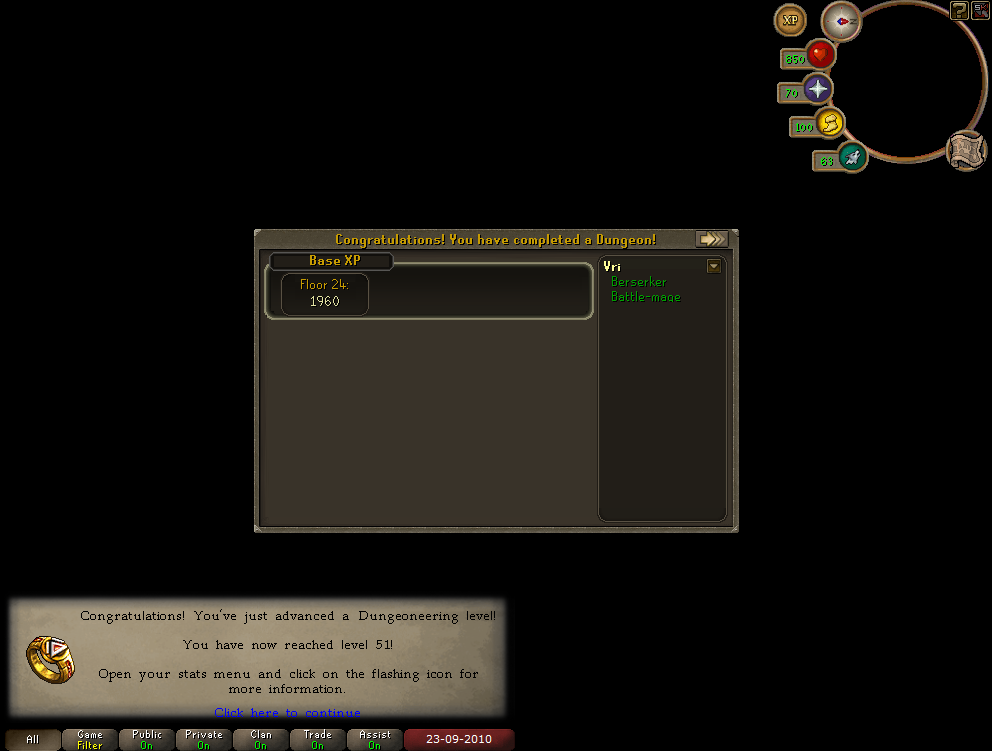
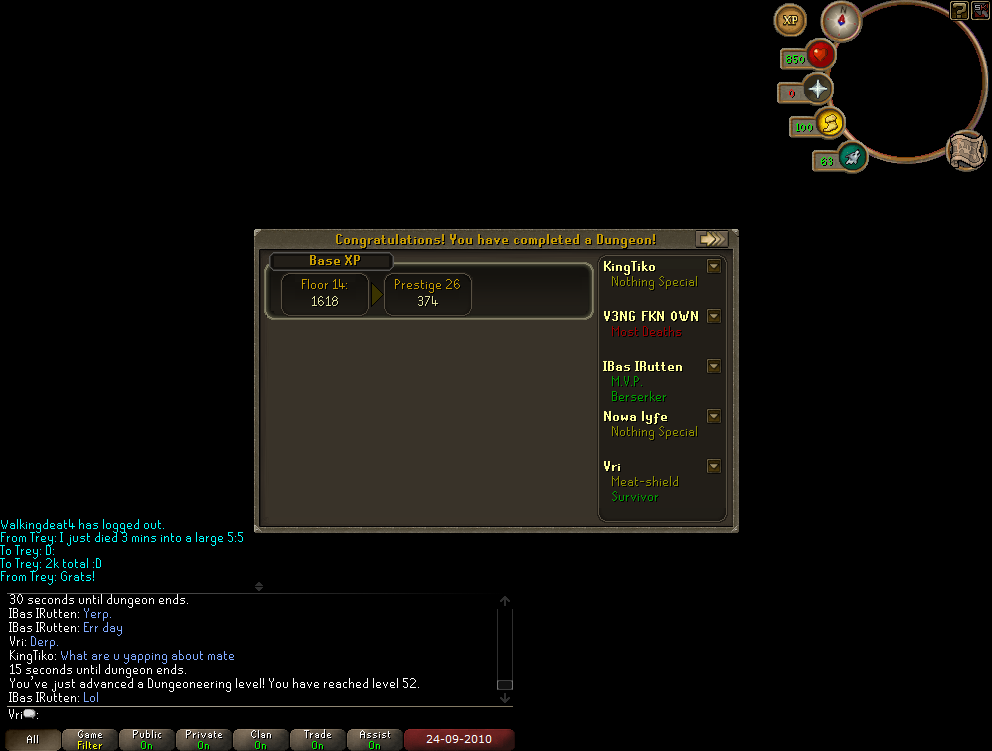
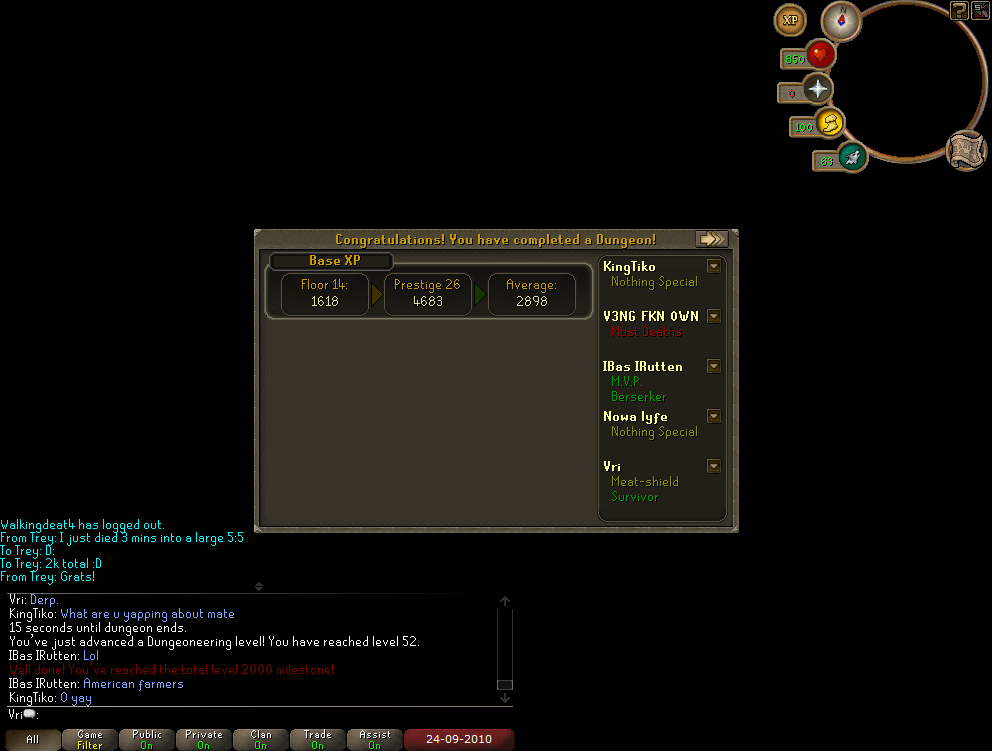
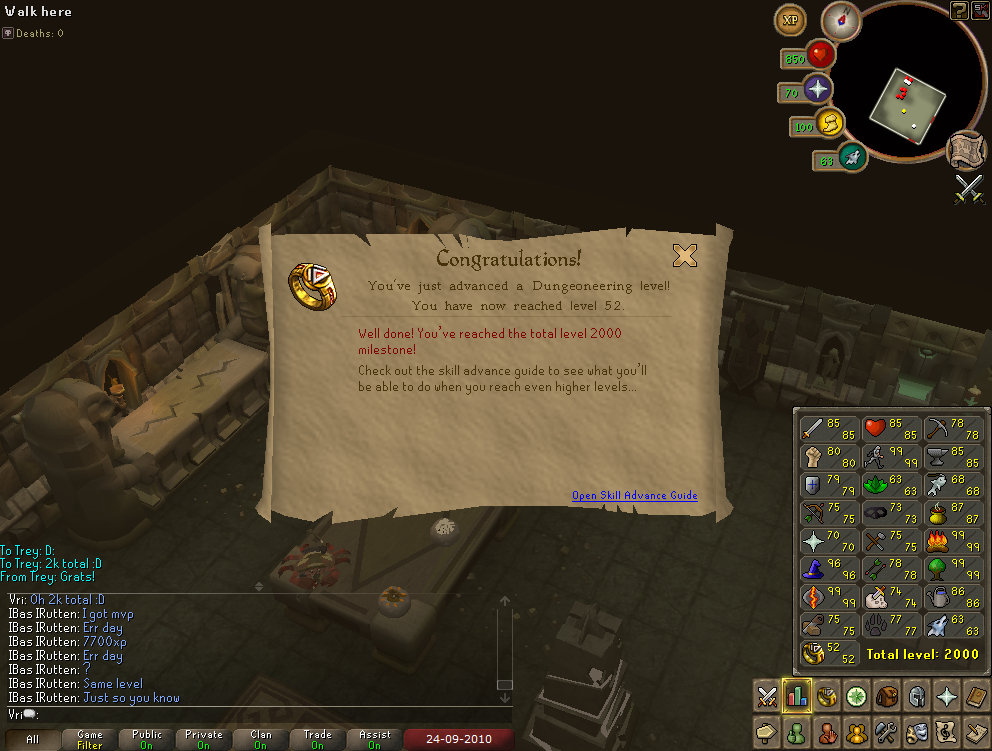
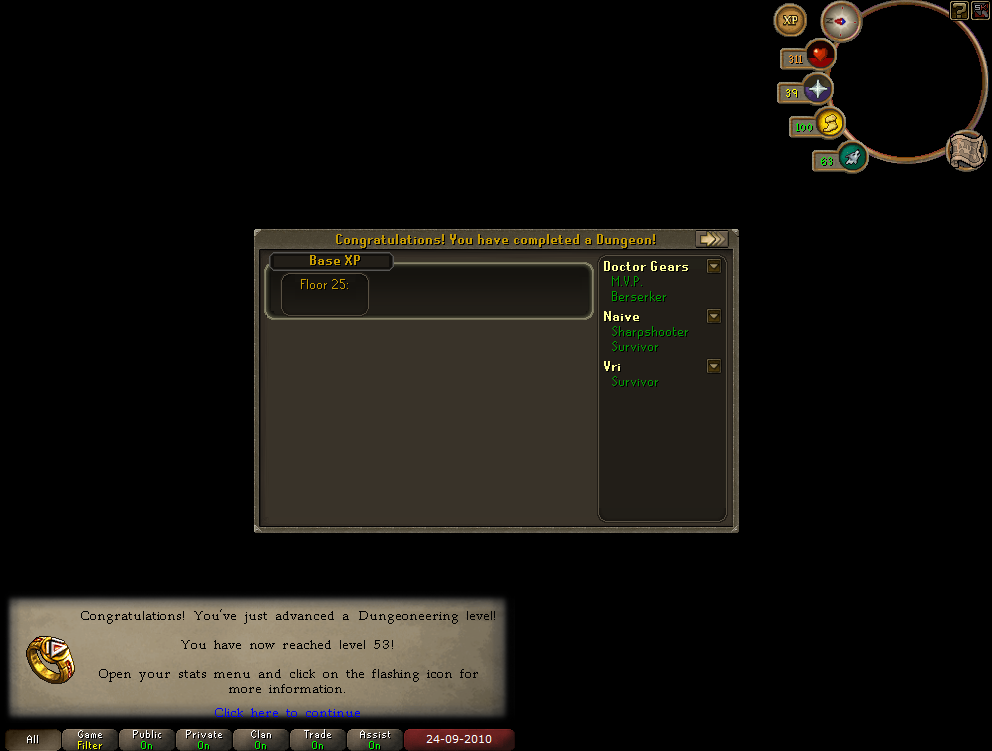
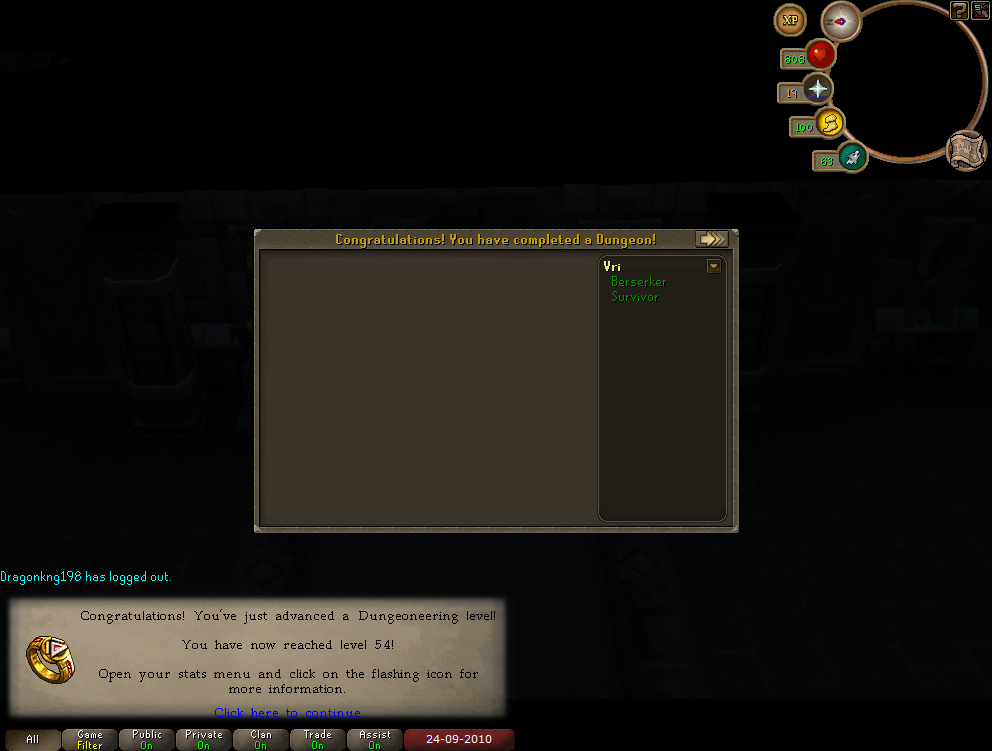
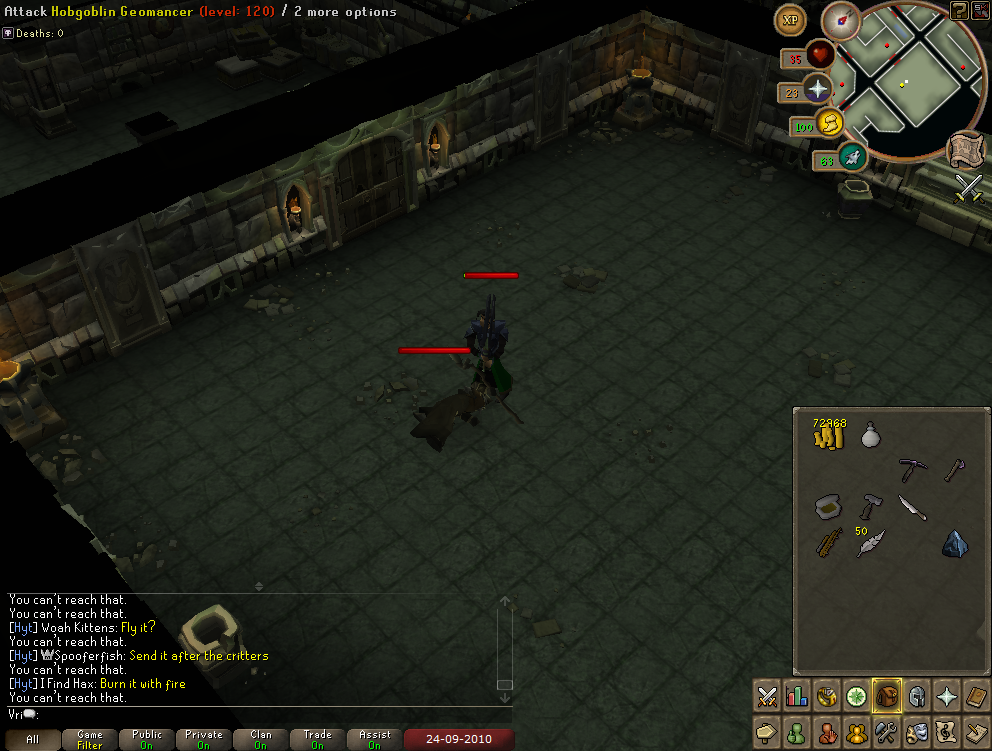
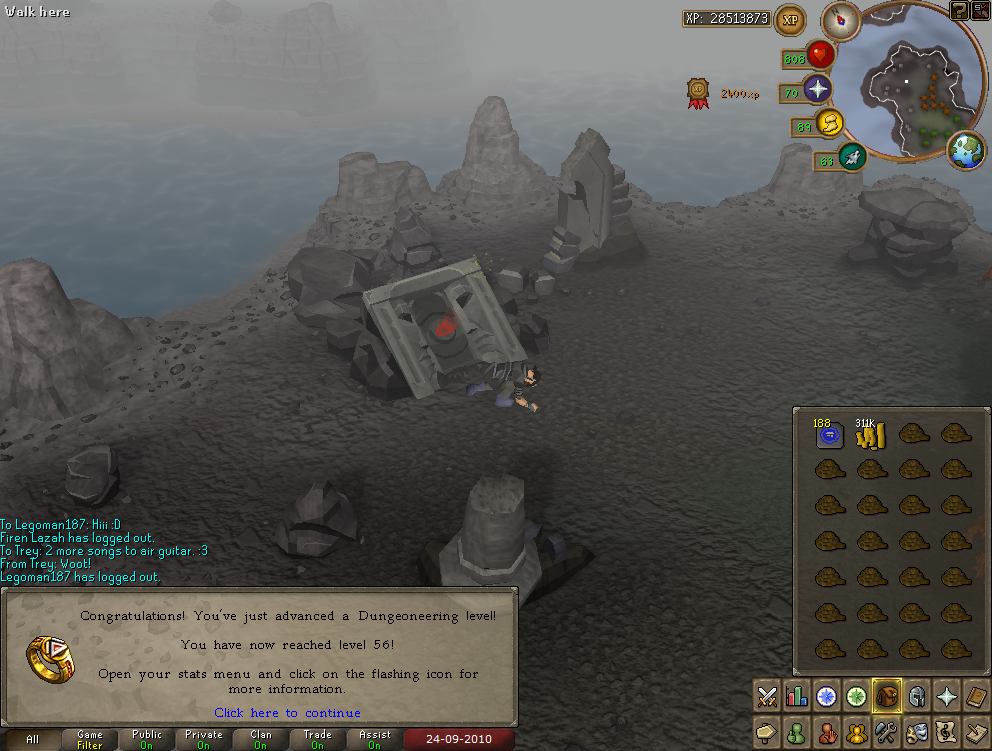
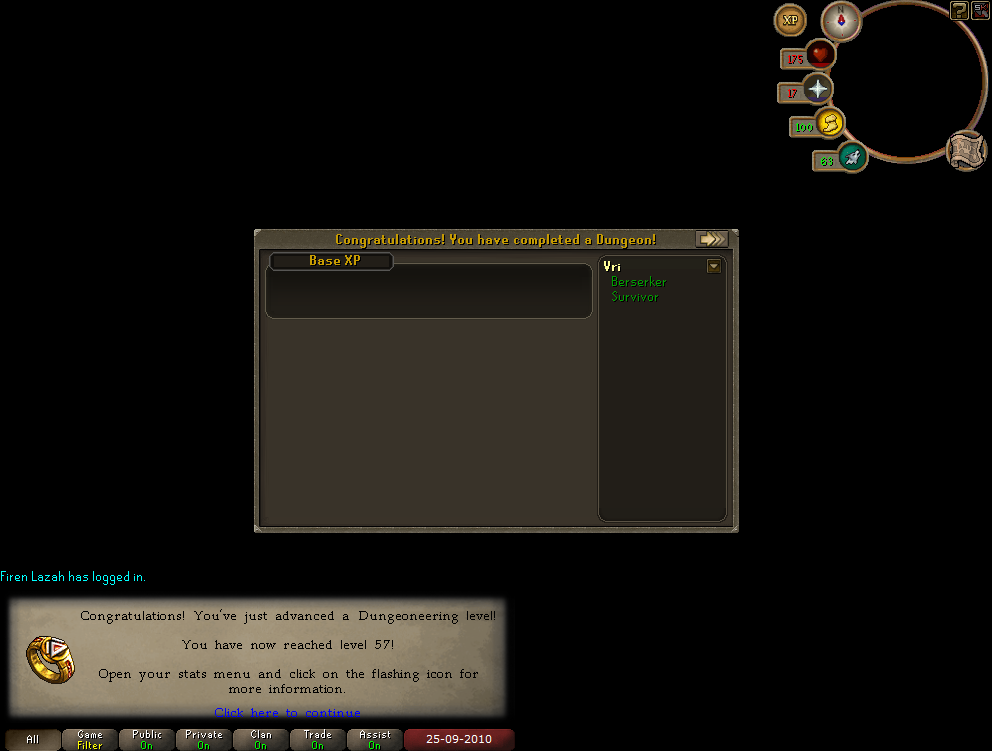
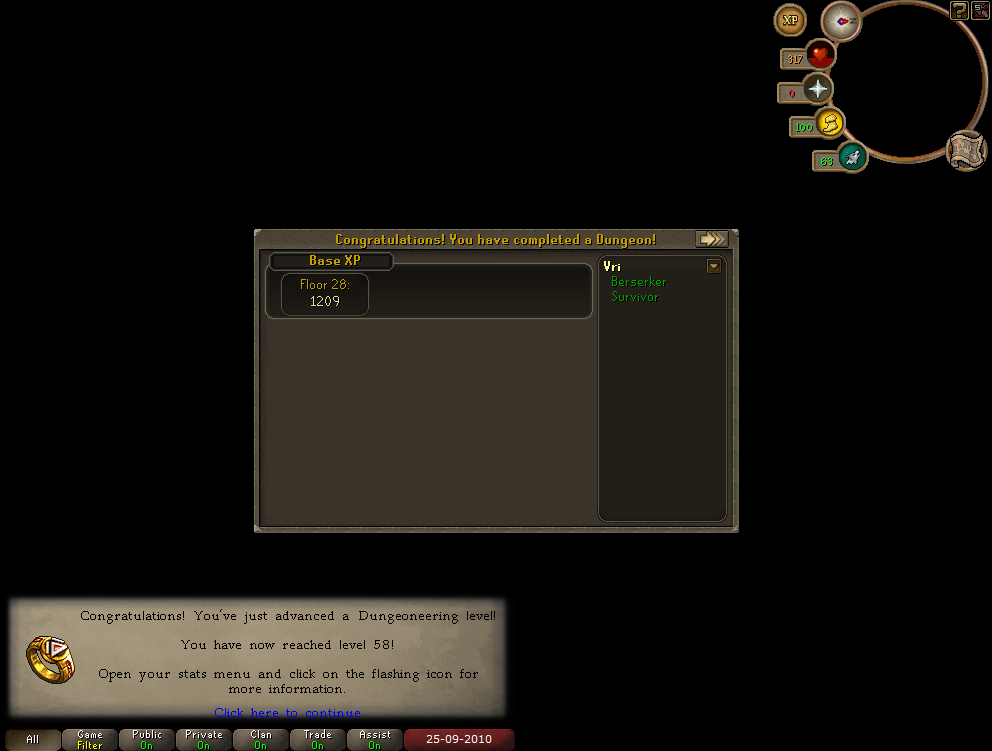
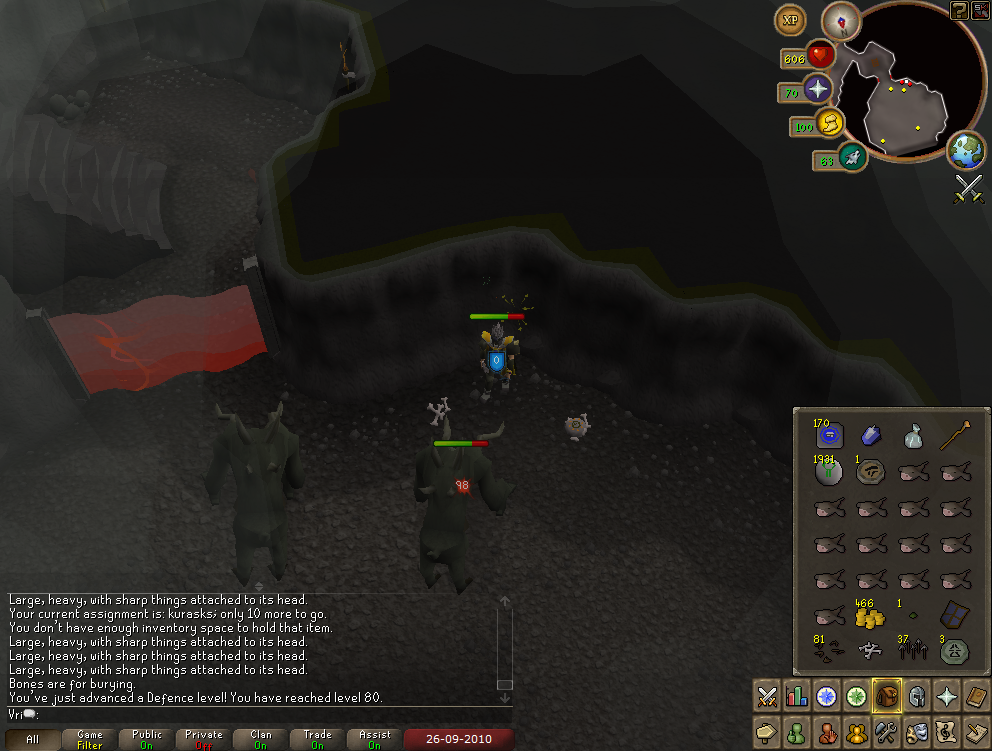
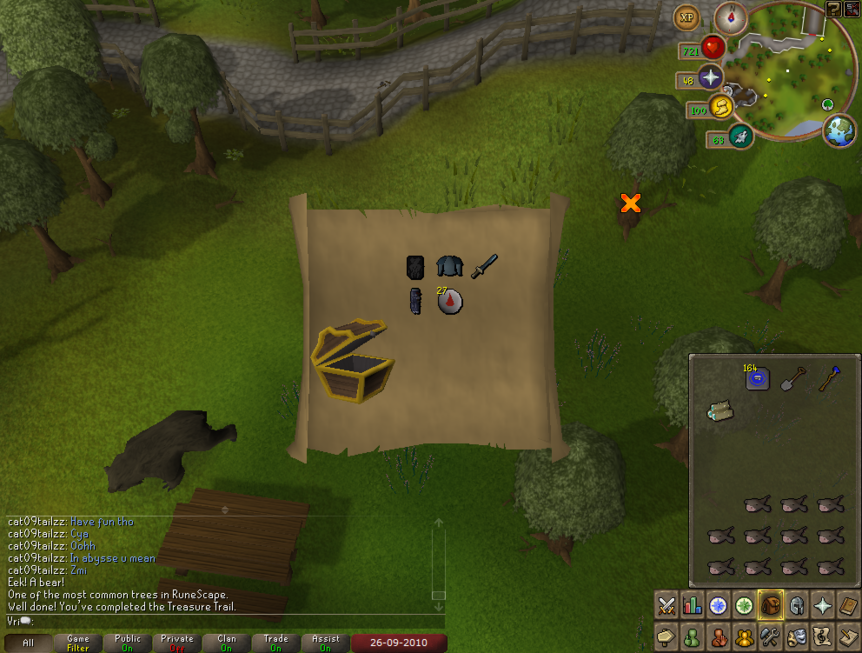
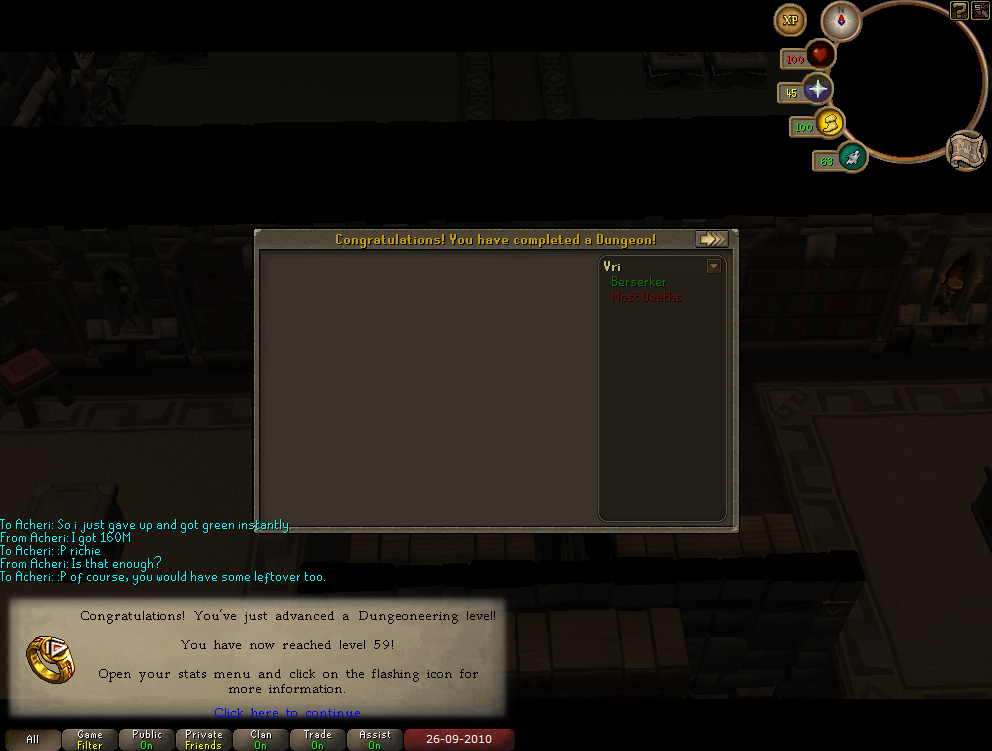
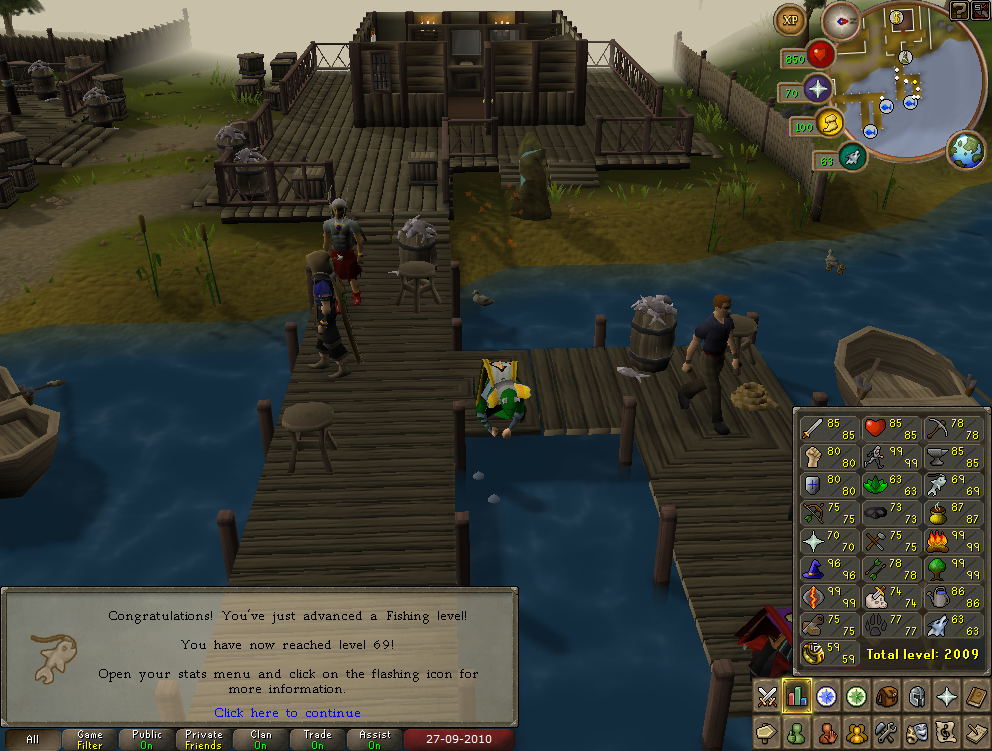
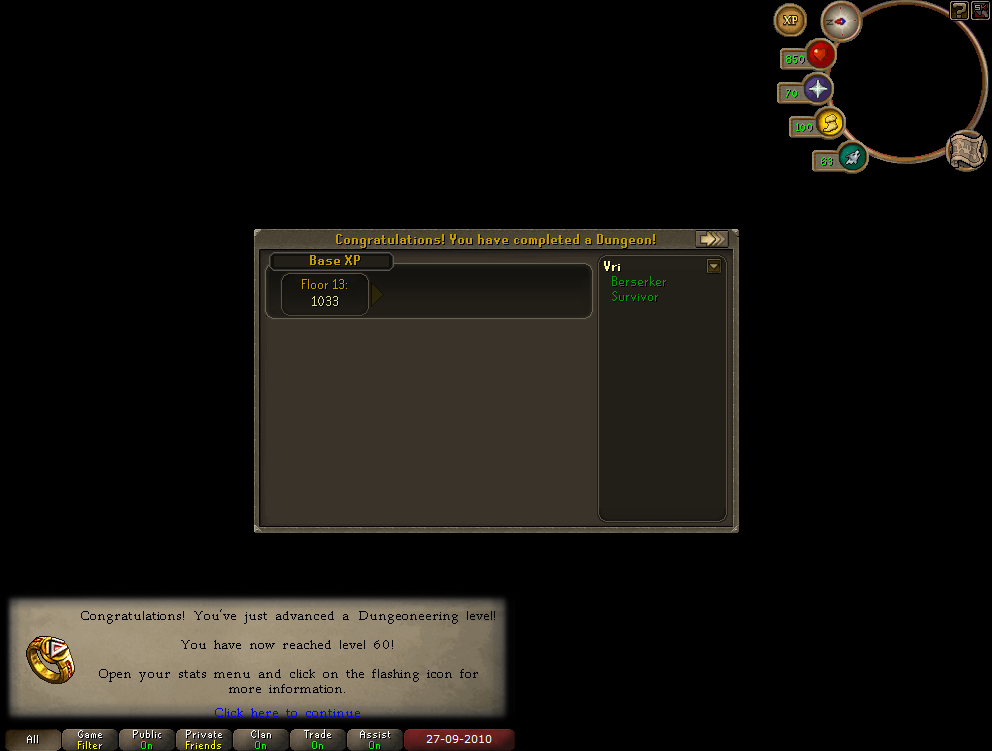
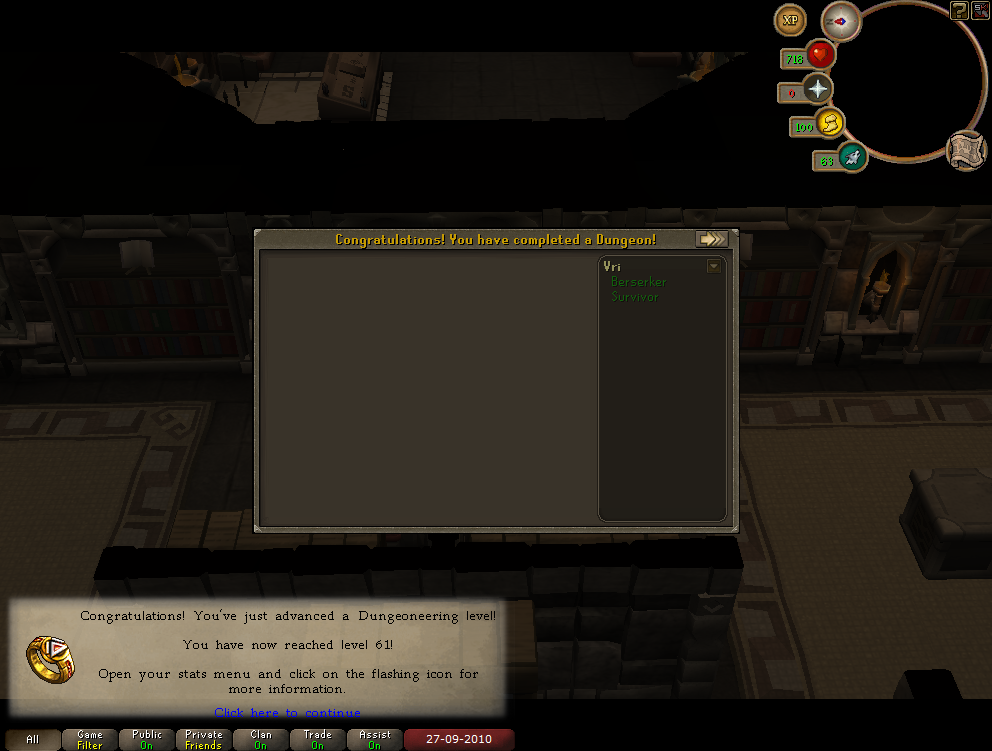
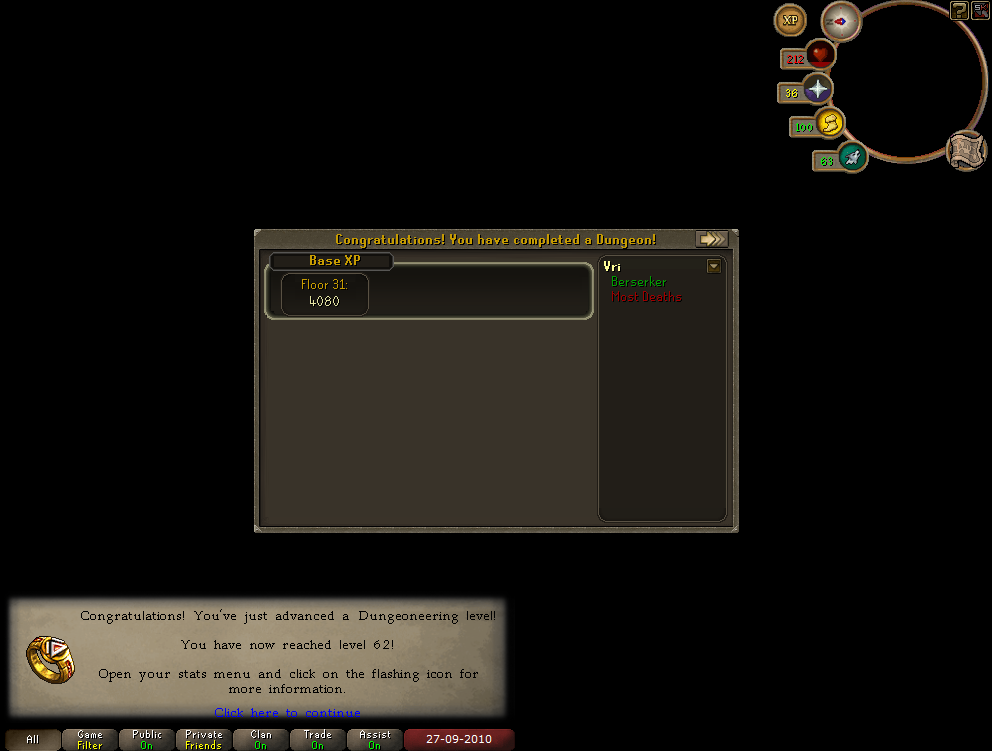
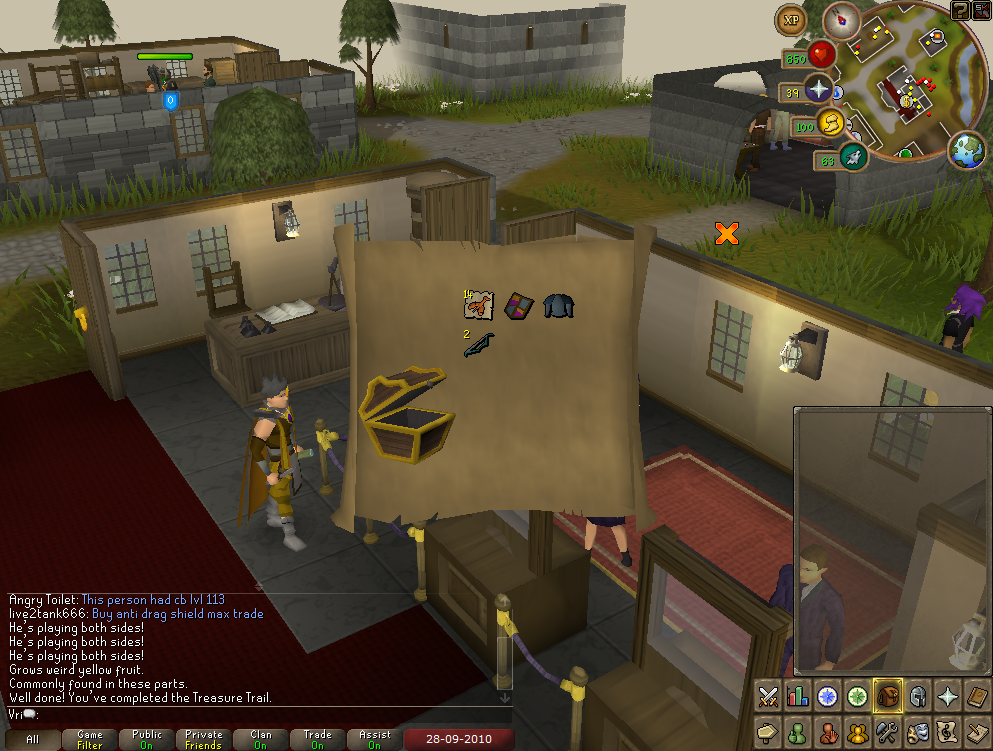
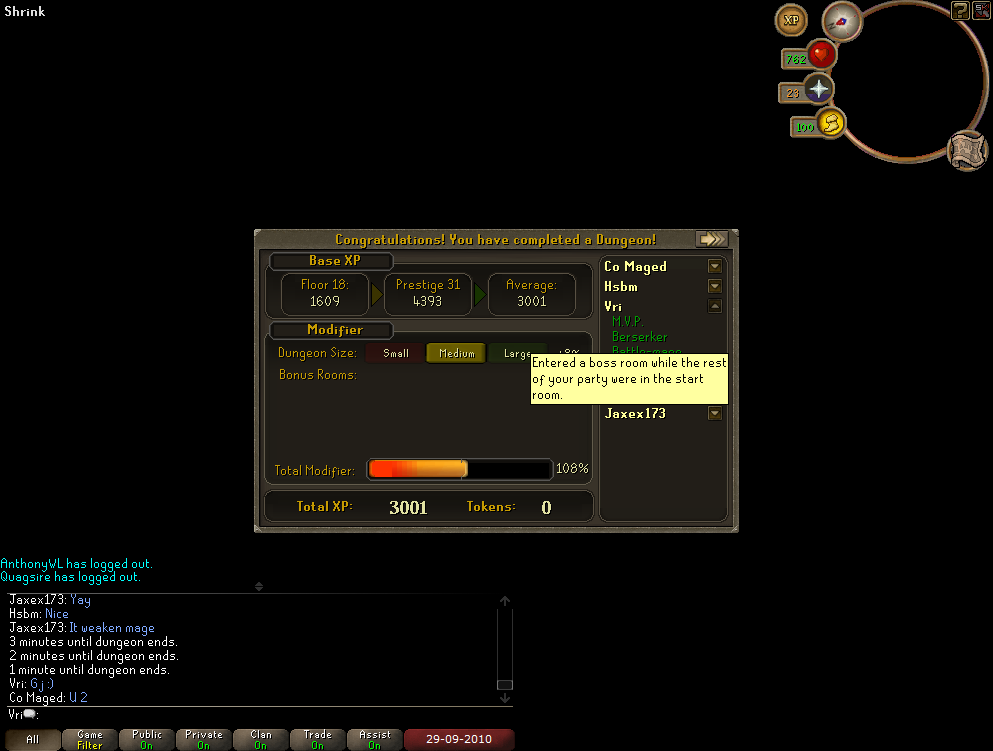
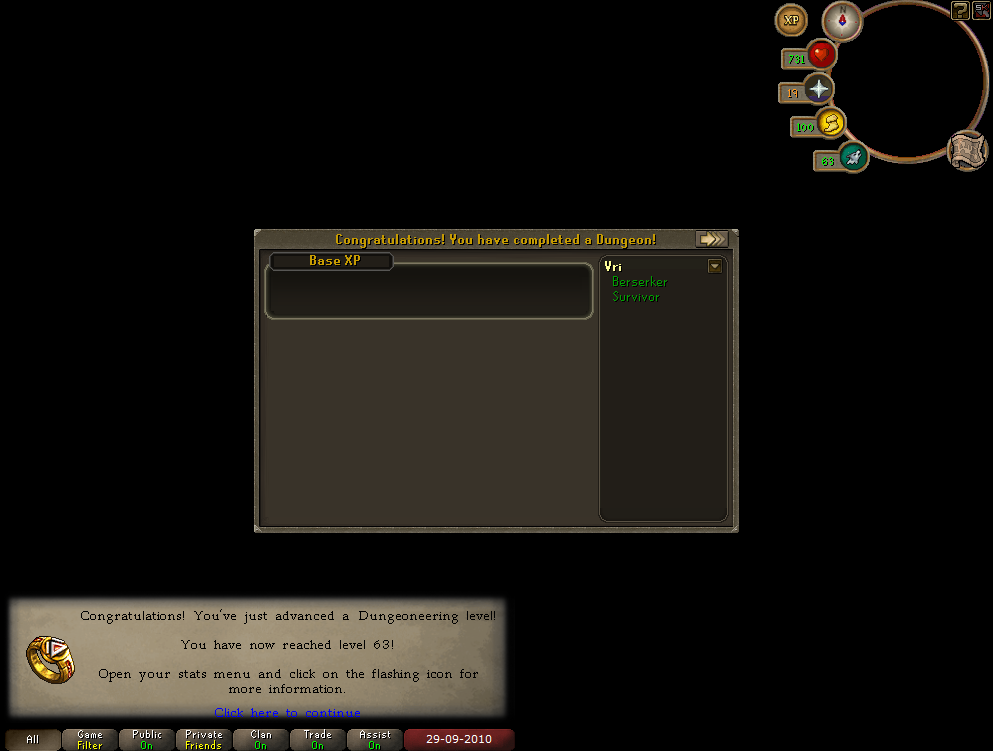
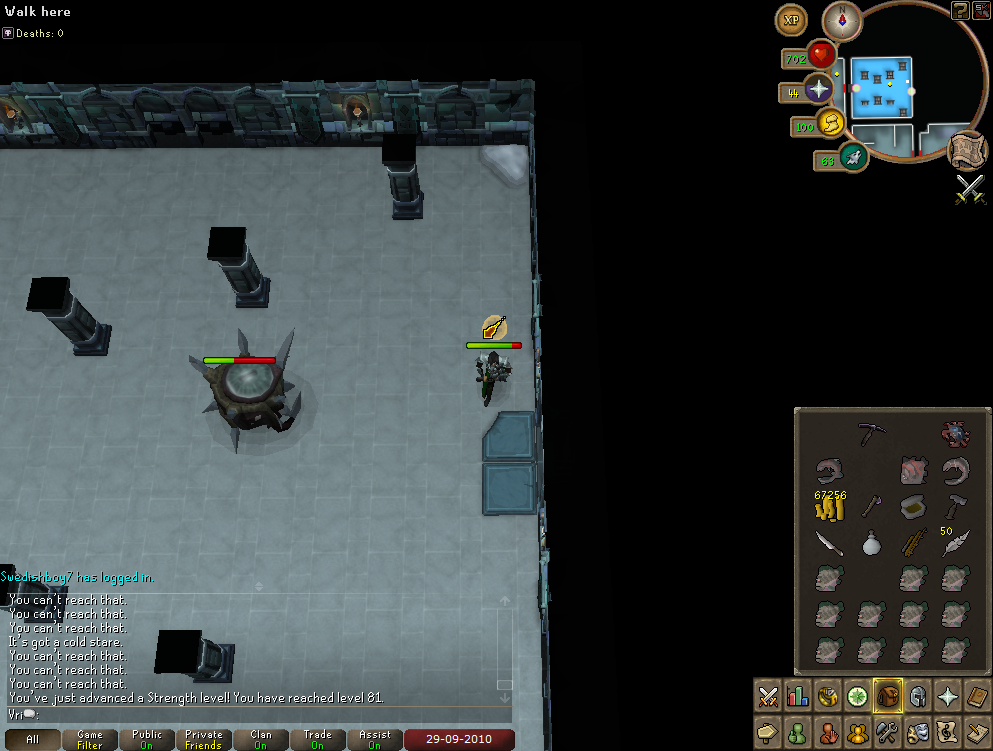
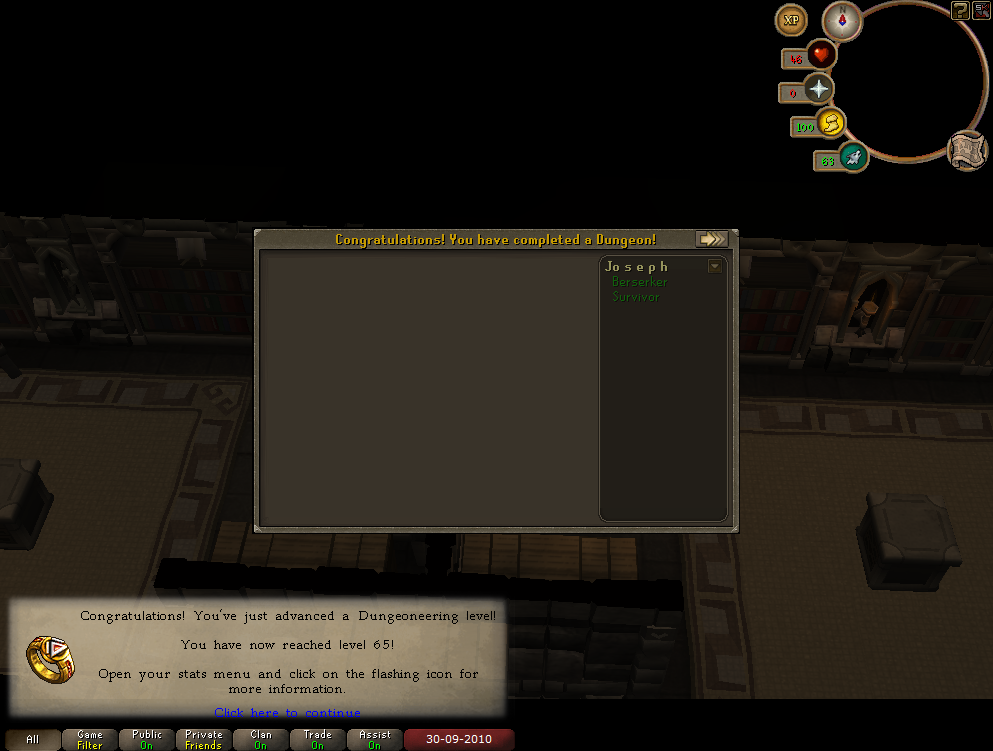
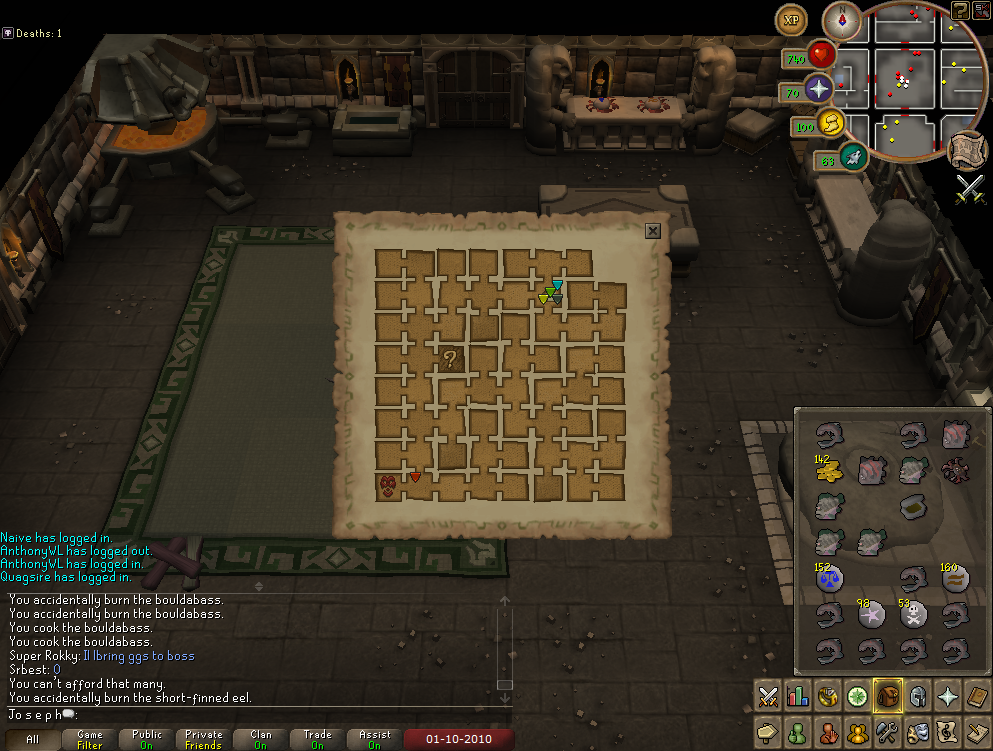
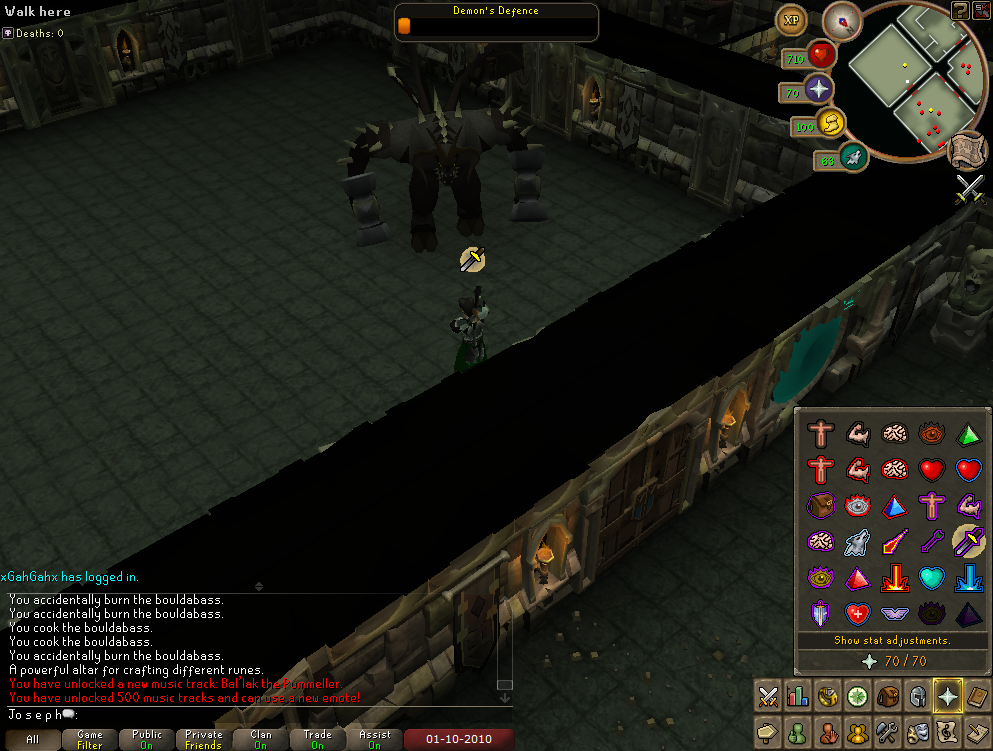
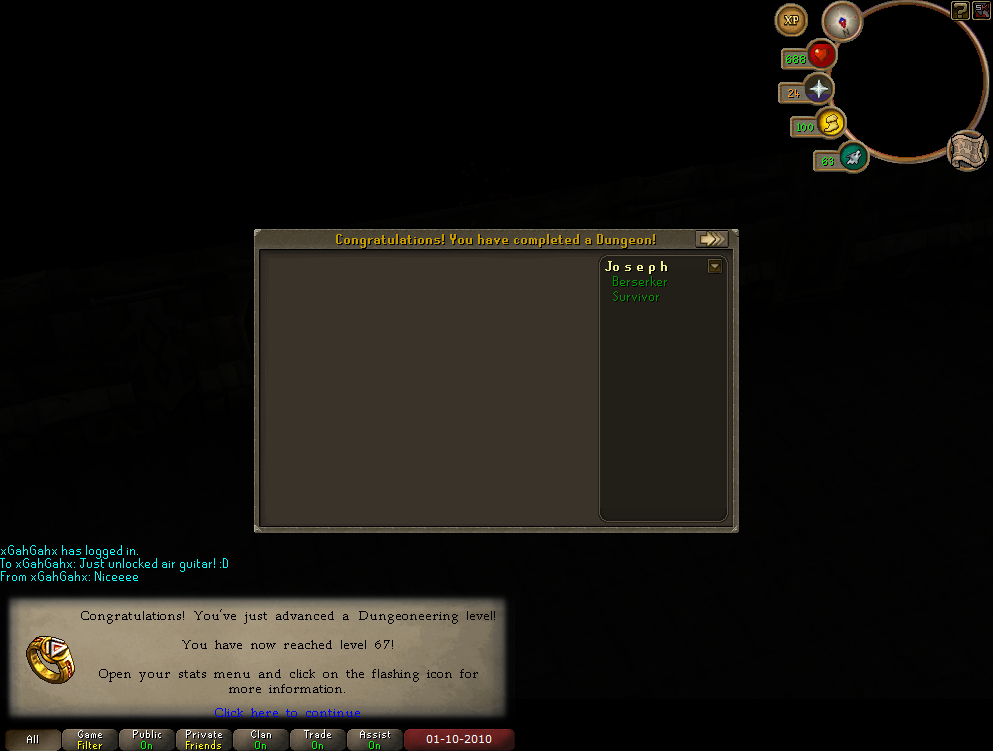
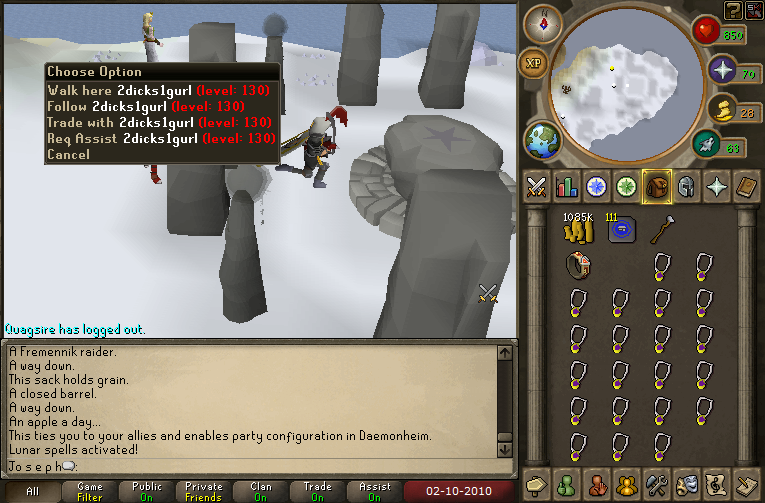
Below is my recent levels and crap.


[hide]
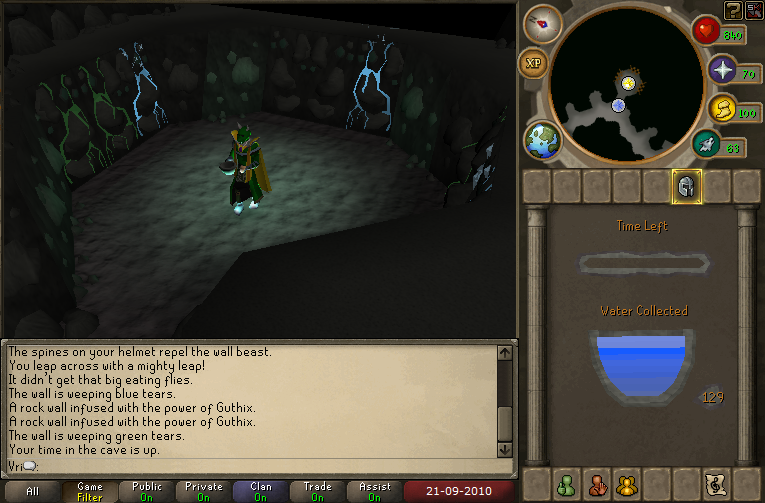
10-09-21235858.png

10-09-21235907.png

10-09-22035913.png

10-09-22231014.png

10-09-23022252.png

10-09-23071414.png

10-09-23203629.png

10-09-23205335.png

10-09-24003134.png

10-09-24003136.png

10-09-24003230.png

10-09-24041706.png

10-09-24055817.png

10-09-24063931.png

10-09-24213836.png

10-09-25012312.png

10-09-25055630.png

10-09-26070950.png

10-09-26075737.png

10-09-26120129.png

10-09-27031430.png

10-09-27052929.png

10-09-27101329.png

10-09-27211938.png

10-09-28042949.png

10-09-29001952.png

10-09-29061106.png

10-09-29092153.png


In case you're wondering about this one, read my game chat down at the bottom. Good fight 99 RC.
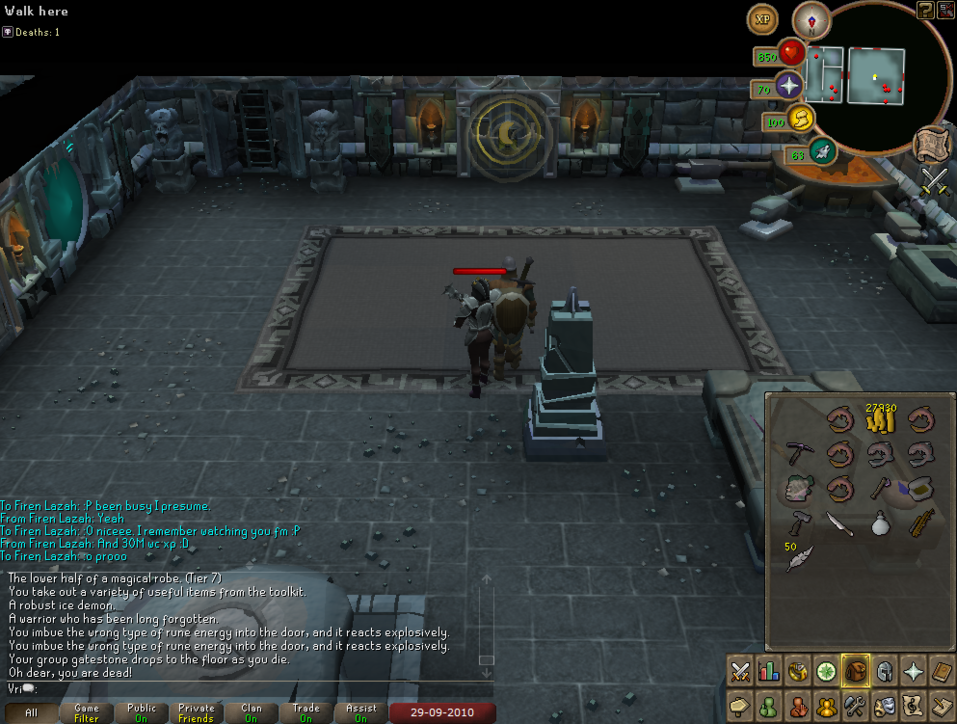
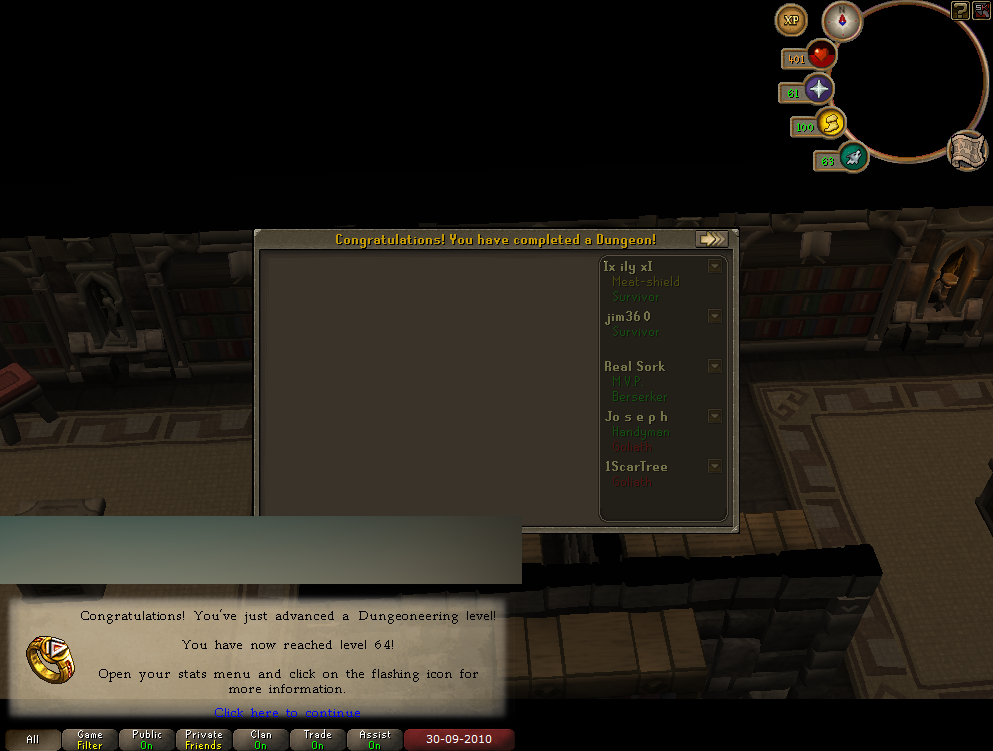
10-09-29094844.png

Untitled-5.png

10-09-30103359.png

10-10-01062858.png

10-10-01154541.png

10-10-01155225.png

10-10-02135121.png


[/hide]

3 Comments

Recommended Comments

That's terrible. My condolences on your loss.

Bows

Members

Sorry about your pet, man. We all love you and hope you come back soon. :)

Ima miss you. If you're on msn gimme a message and I'll reply as soon as I get it. And also PM on here is always open for you <3:

Important Information

By using this site, you agree to our Terms of Use.

Account

Navigation

Search

Search

Configure browser push notifications

Chrome (Android)
  1. Tap the lock icon next to the address bar.
  2. Tap Permissions → Notifications.
  3. Adjust your preference.
Chrome (Desktop)
  1. Click the padlock icon in the address bar.
  2. Select Site settings.
  3. Find Notifications and adjust your preference.