Skip to content
View in the app

A better way to browse. Learn more.

Tip.It Forum

A full-screen app on your home screen with push notifications, badges and more.

To install this app on iOS and iPadOS
  1. Tap the Share icon in Safari
  2. Scroll the menu and tap Add to Home Screen.
  3. Tap Add in the top-right corner.
To install this app on Android
  1. Tap the 3-dot menu (⋮) in the top-right corner of the browser.
  2. Tap Add to Home screen or Install app.
  3. Confirm by tapping Install.

Autograph Adventures with Das: Some recent pickups

(0 reviews)

Since i've got a lot more time on my hands, figured i'd start a blog of my adventures in autograph collecting. To start it off, I thought i'd share some of my favorite recent pickups in the last month or so! I collect pretty much anyone and everything with a focus on Star Wars, Voice actors of my favorite cartoons and TV Shows. It's a hobby that requires networking - time and patience.


Anyways...

Dave Prowse - Darth Vader (The man in the suit) - Star Wars - Obtained directly from Dave
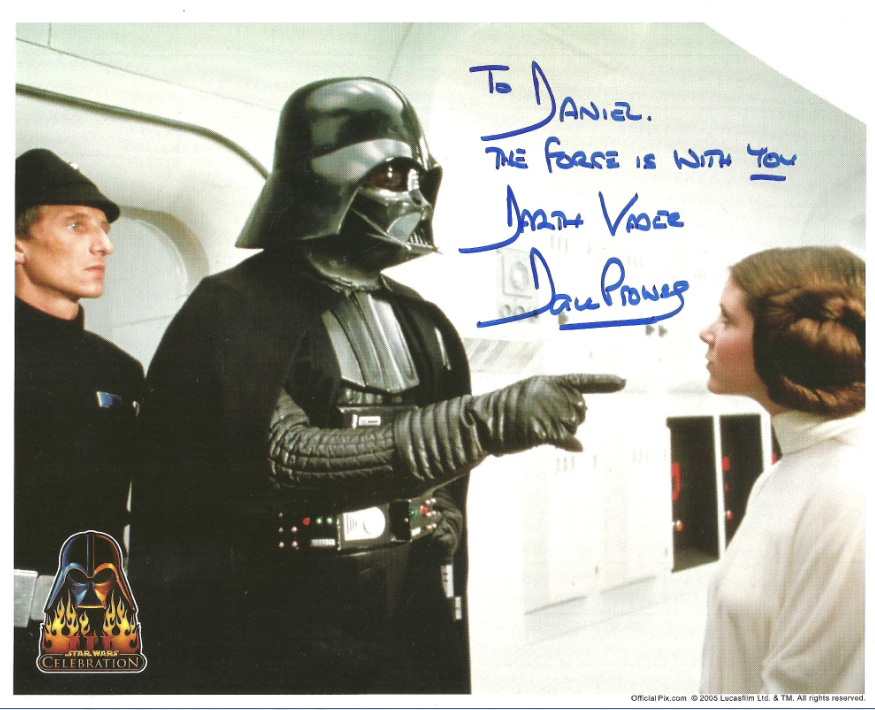
dprowse4.jpg

Playmate Heather Carolin - She's a favorite hottie of mine - Obtained Directly from Heather

hcarolin.jpg

Arian Foster - Houston Texans Running Back. The Texans are a favorite team of mine
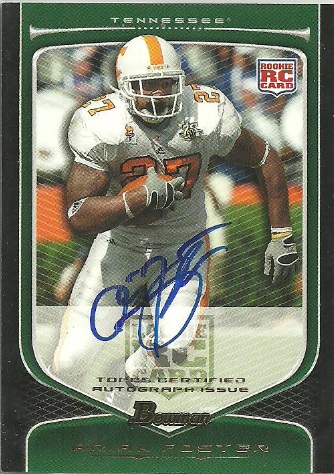
afoster.jpg

Slug - Better known for being in Atmosphere - One of my favorite Rappers - Obtained with the Fifth Element Preorder
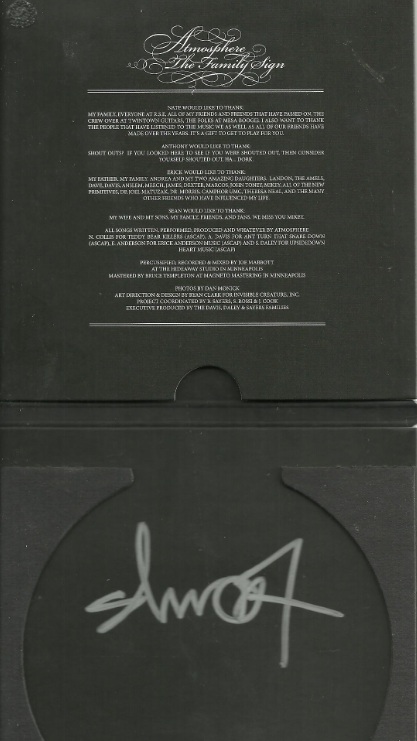
atmosphere.jpg

Jack Mackenzie - Cal Alder - Star Wars Empire Strikes Back - Obtained from a fellow 'grapher who got him at a convention in Germany.
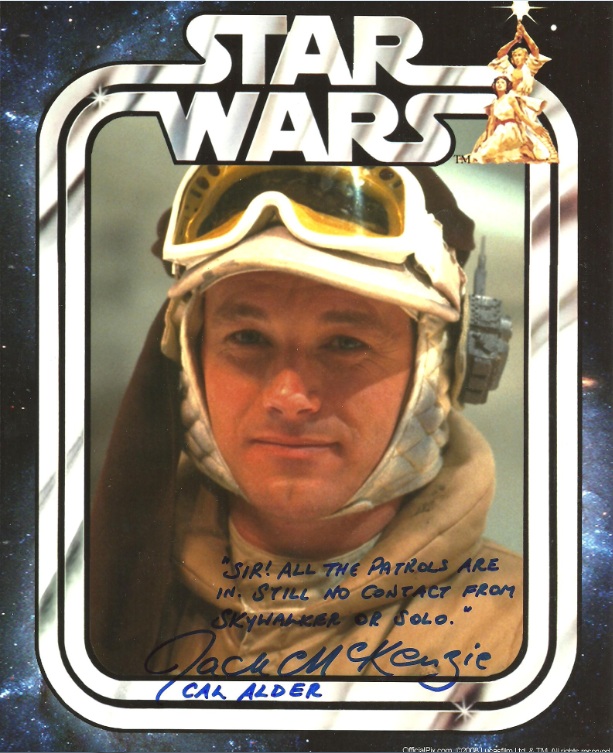
jmckenzie2.jpg

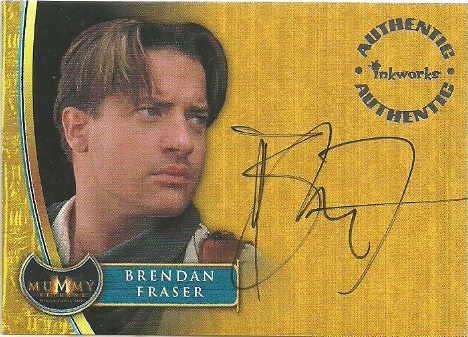
Brendan Fraser

bfraser.jpg

Julie Benz

jbenz.jpg

Tricia Helfer - Obtained through the Women of Sci Fi convention

thelfer.jpg

Kristine Sutherland - Buffy/Angel is one of my many casts I focus on. Even the actors with small roles get me excited.
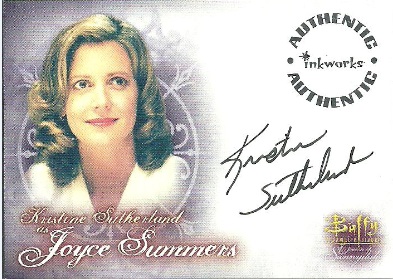
ksutherland.jpg

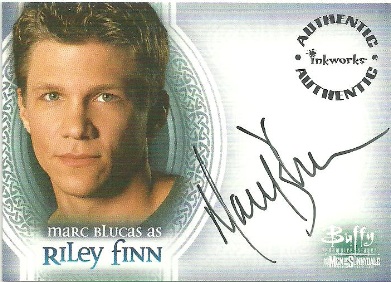
Marc Blucas

mblucas.jpg

3 Comments

Recommended Comments

PuppyKing

Members

Thats cool. :thumbup:

Pretty awesome Das! I might upload a few of my autographs in my collection sometime...

Sentry_Wolf

Members

Brilliant finds as always Das. :D Julie Benz ftw

Important Information

By using this site, you agree to our Terms of Use.

Account

Navigation

Search

Search

Configure browser push notifications

Chrome (Android)
  1. Tap the lock icon next to the address bar.
  2. Tap Permissions → Notifications.
  3. Adjust your preference.
Chrome (Desktop)
  1. Click the padlock icon in the address bar.
  2. Select Site settings.
  3. Find Notifications and adjust your preference.