Skip to content
View in the app

A better way to browse. Learn more.

Tip.It Forum

A full-screen app on your home screen with push notifications, badges and more.

To install this app on iOS and iPadOS
  1. Tap the Share icon in Safari
  2. Scroll the menu and tap Add to Home Screen.
  3. Tap Add in the top-right corner.
To install this app on Android
  1. Tap the 3-dot menu (⋮) in the top-right corner of the browser.
  2. Tap Add to Home screen or Install app.
  3. Confirm by tapping Install.

Autographing adventures with Das: Round 2

(0 reviews)

I've been busy as ever.


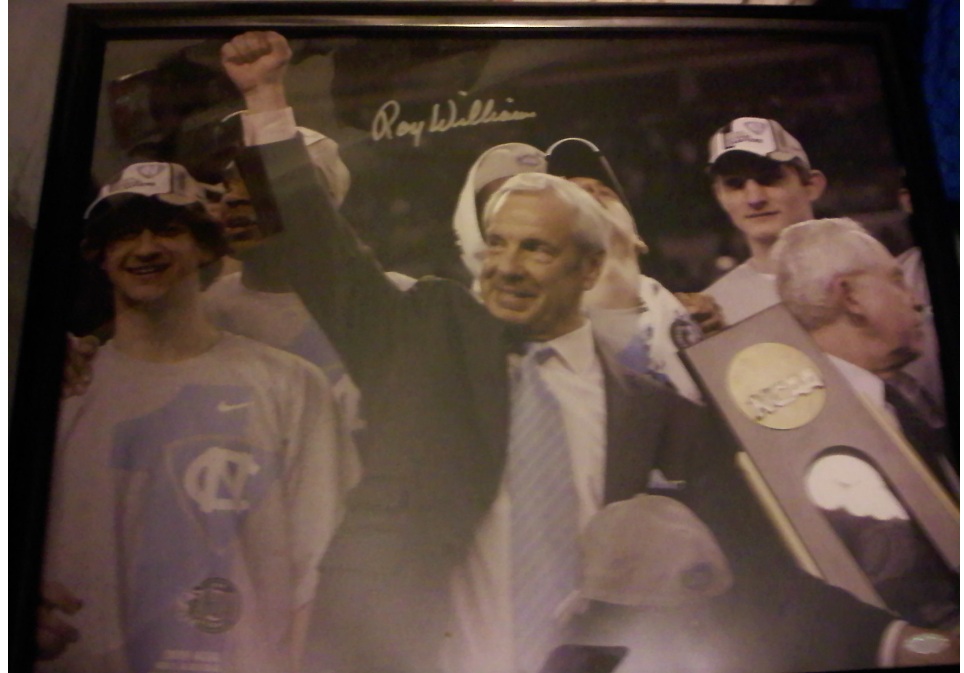
Picked up this 16x20 of UNC Basketball Coach Roy Williams from Stiener Sports
 

rwilliams.jpg


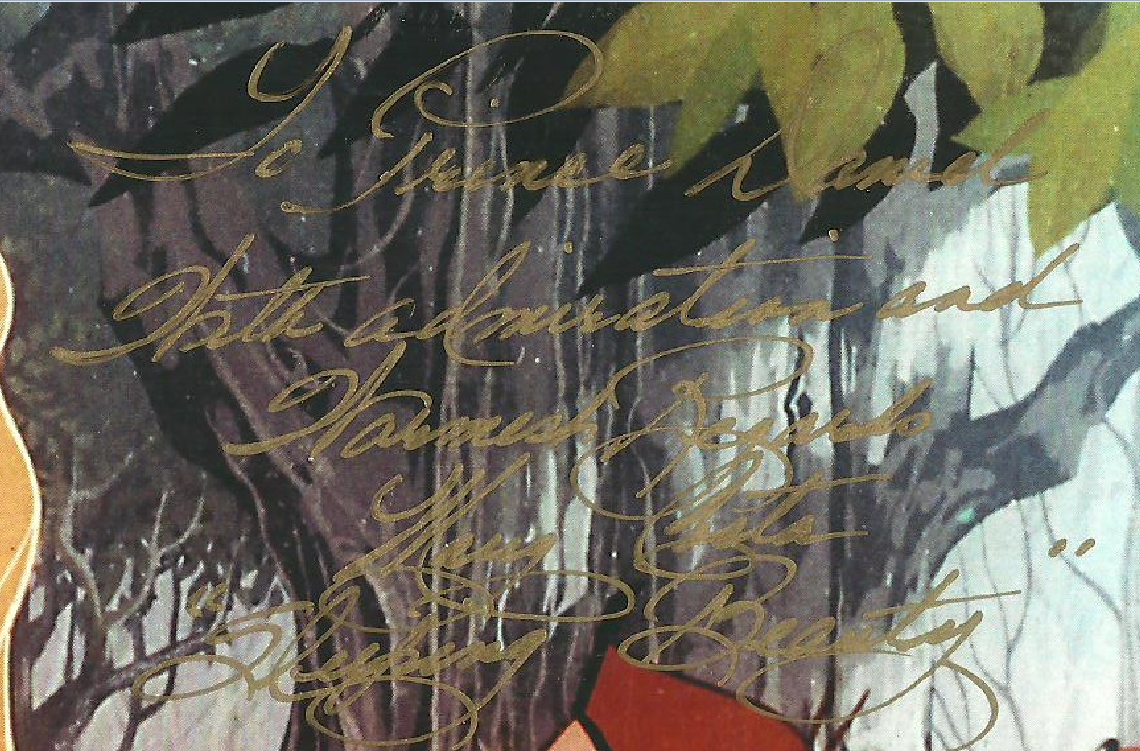
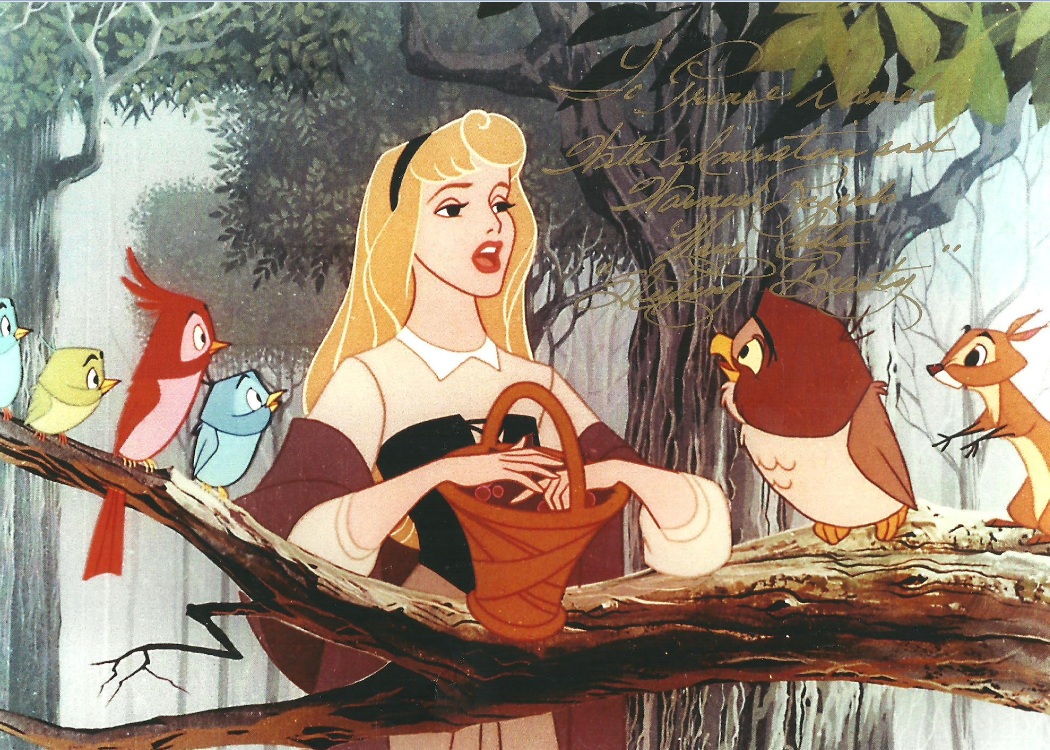
Mary Costa plays Sleeping Beauty - She has some epic handwriting too, probably the best i've ever seen.
marycosta.jpg


Here's a closeup

marycostacloseup.png


I loved the movie Thor - and Jamie Alexander was a hottie - I think she'll have a bright career.

 

jalexander.jpg


Pippa Black is smoking Hot from Outsourced (ashamed it got canceled)


pblack.jpg


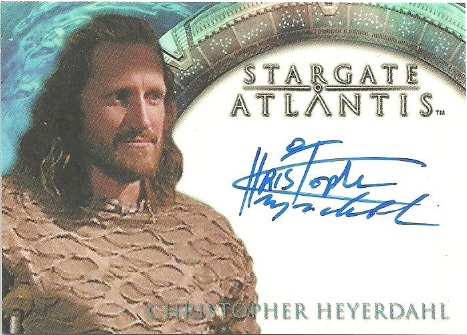
Christopher Heyerdahl was absolutely awesome in supernatural.
heyerdahl.jpg


I've Started two multisig pieces...


Scott Pilgrim VS the world (Signed by Mae Whitman and Aubrey Plazza)

scottpilgrim.jpg

And The Rite (Signed by Marta Gastini, Torey Devito and Director Mikael Hafstrom)
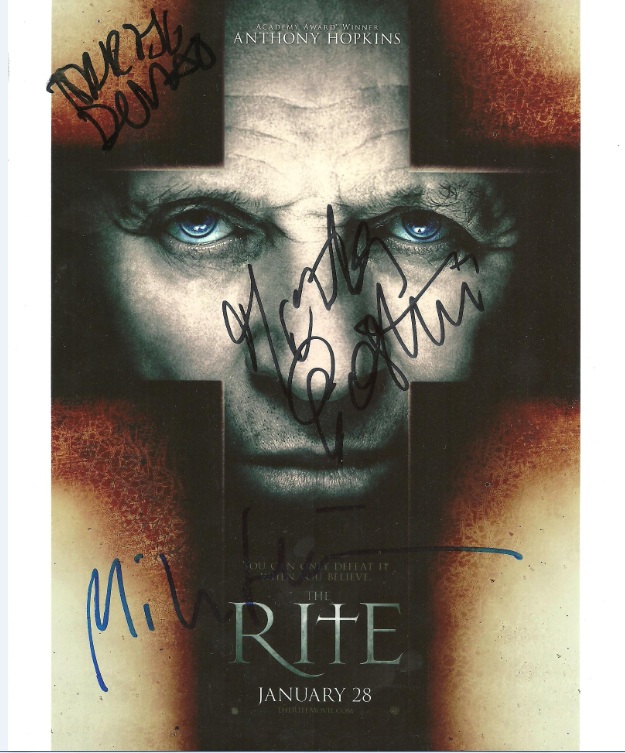
therite.jpg


And because tripsis said I could put her in Hide Tags - Miss Lupe Fuentes (No way the Marie McCray will ever be Tip.it approved, Lulz)

[hide]lupe.jpg[/hide]

7 Comments

Recommended Comments

The Observer

SwiftKit Staff

How did you get an autograph of Marie McCray? Was there like an autograph signing? :blink:

they make adult conventions too :P

Bows

Members

I am jelly.

I wish my autograph collection was as good as this!

That last woman looks like a cow, I don't even know who she is

pippa black is not a cow :o


She's even from down under mate

Important Information

By using this site, you agree to our Terms of Use.

Account

Navigation

Search

Search

Configure browser push notifications

Chrome (Android)
  1. Tap the lock icon next to the address bar.
  2. Tap Permissions → Notifications.
  3. Adjust your preference.
Chrome (Desktop)
  1. Click the padlock icon in the address bar.
  2. Select Site settings.
  3. Find Notifications and adjust your preference.