



May/June: Dungeoneering and Arson!

By Octarine
· 939 views
So, exams happened these past few months and god its been horrible...
Probably have some resits BUT is atleast done for now! :D
Having a bit of a shaky time irl atm, but its nothing back to back episodes of friends and big bang theory cant solve for now! So a slight break from rune, just really logging on for weekly things and an odd bit of skilling.
Also something brilliant happened last month! THE BASEBALLS RELEASED A NEW ALBUM! If you havent heard them by now, DO IT, they're actually incredible.
Got my 3DS on order now, very much looking forward to Ocarina next week and completing it for I think the 3rd time now? and I'l give master quest a real go since I never got that far into it first time, god its very tough D:
As for this 99 dealie, here we go:
[spoiler=99 Firemaking 29/05/11]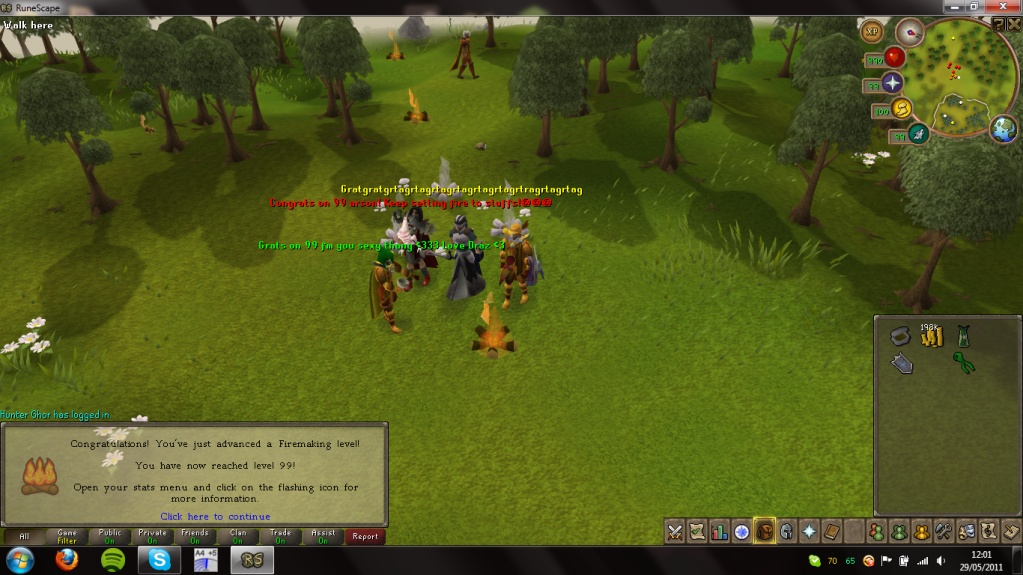
[spoiler=99 Dungeoneering! 01/06/11]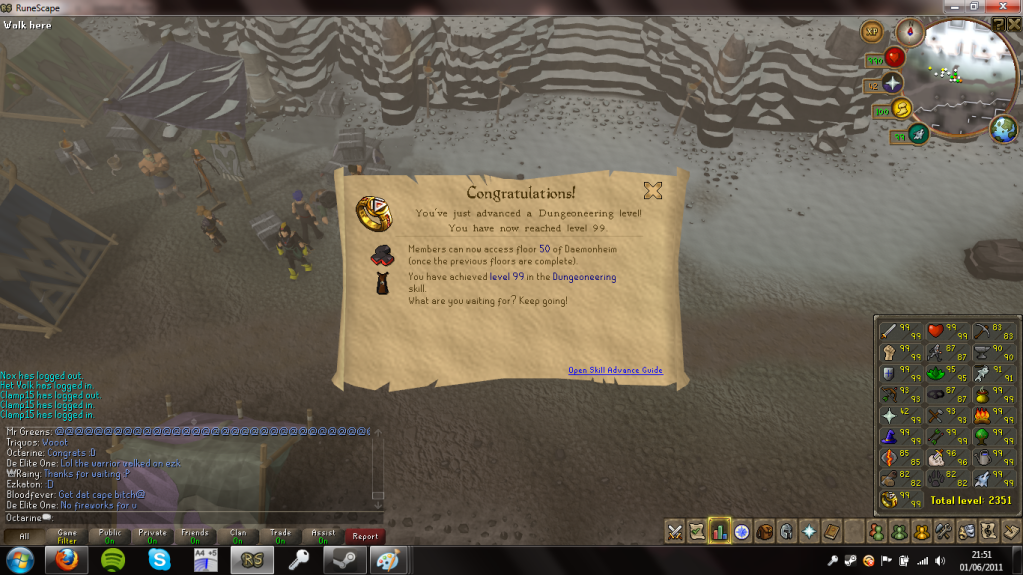
Dging with all of DGS has been great fun sofar, a massive thankyou to everyone thats dg'd with me, and don't worry I havent just got 99 and left! Bit of a break atm but I'll be back soon for atleast 105!
Just enjoying my last few weeks of uni for now! :D
Recommended Comments