Skip to content
View in the app

A better way to browse. Learn more.

Tip.It Forum

A full-screen app on your home screen with push notifications, badges and more.

To install this app on iOS and iPadOS
  1. Tap the Share icon in Safari
  2. Scroll the menu and tap Add to Home Screen.
  3. Tap Add in the top-right corner.
To install this app on Android
  1. Tap the 3-dot menu (⋮) in the top-right corner of the browser.
  2. Tap Add to Home screen or Install app.
  3. Confirm by tapping Install.

April: Max Melees and 138 Combat :D :D

(0 reviews)

So, heres what I did this month! Feeling this 99 a month thing is going fairly well sofar, and got a fair few others lined up for the coming months too :)

Trying to not get them just for the sake of them, in the meantime I'm working on finishing up the elite diaries and all 90+ skills


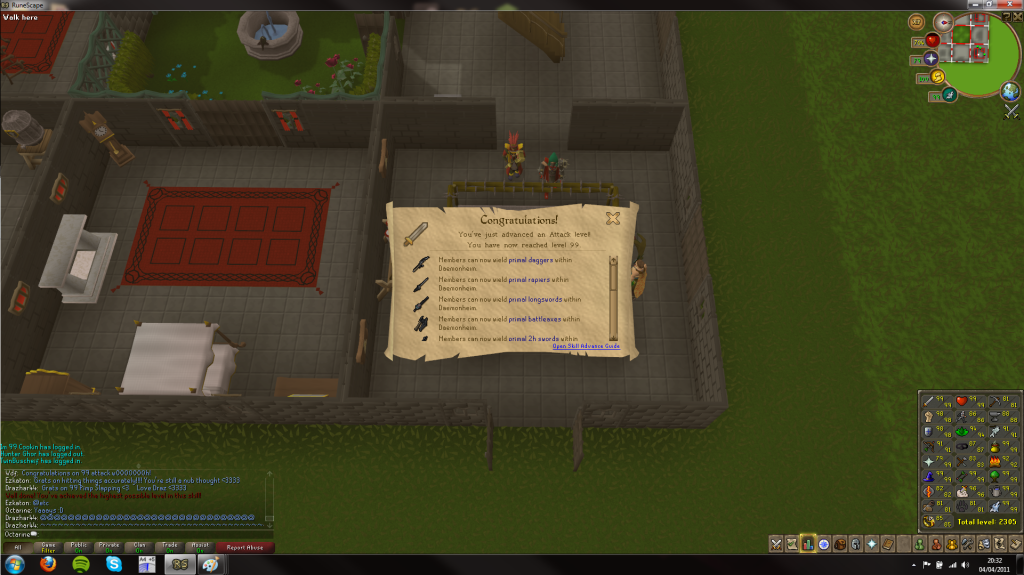
[spoiler=04/04/11 - 99 Attack]99Attack040411.png?t=1304613383
 

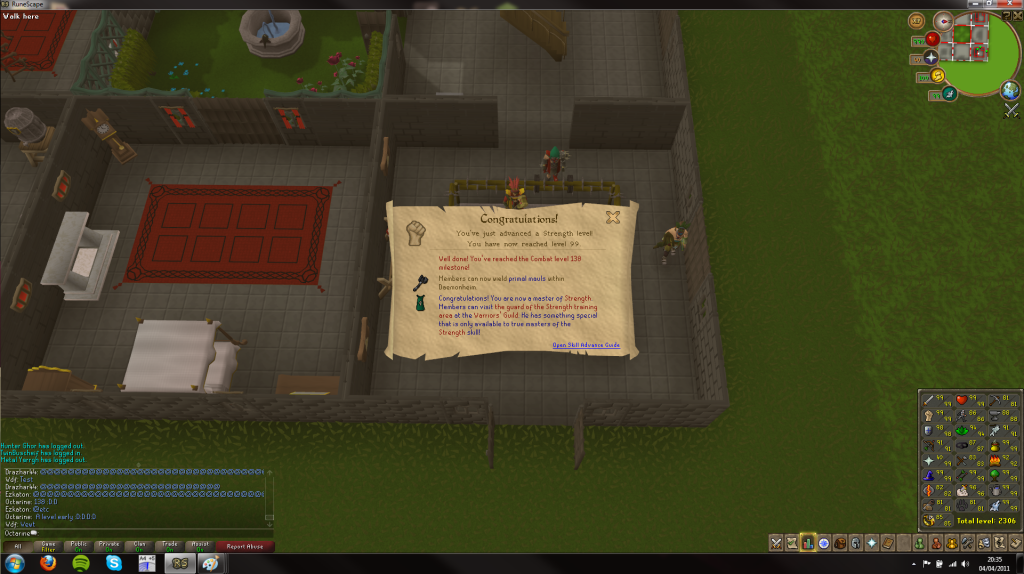
[spoiler=04/04/11 - 99 Strength and 138 Combat!]99Strength040411.png?t=1304613552
 

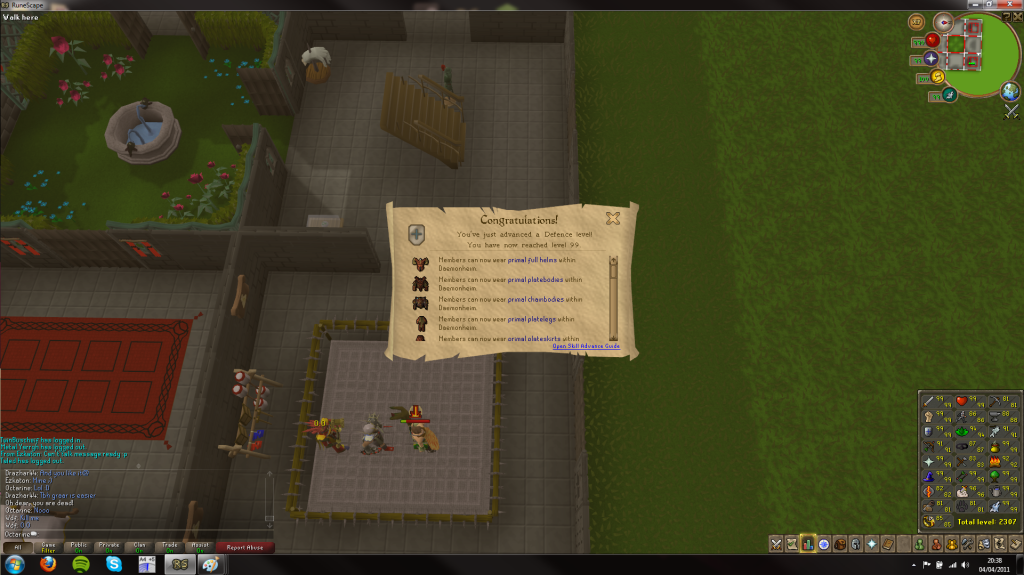
[spoiler=04/04/11 - 99 Defence]99Defence040411.png?t=1304613647


Finally a 138, though still need to get 99 range which should happen over the summer with slayer


Little break from proper rune for the next month or so due to exam times (funfun) but really got into dungeoneering recently so thinking that'l be the next one that I'l get in the summer :)

As for a 99 for May (Even though im already 6 99s on 4 months) looks like firemaking is on the cards, nice easy one to get out of the way and should help a tad with DG keying too :)


Fairly small and dull blog post, seems like I got these absolutely ages ago though :S

4 Comments

Recommended Comments

MrGreens

Members

dungeon dungeon dungeon@@@@@

Octarine

Members

^I really wanna keep dging tbh, but exams have to happen :(

Important Information

By using this site, you agree to our Terms of Use.

Account

Navigation

Search

Search

Configure browser push notifications

Chrome (Android)
  1. Tap the lock icon next to the address bar.
  2. Tap Permissions → Notifications.
  3. Adjust your preference.
Chrome (Desktop)
  1. Click the padlock icon in the address bar.
  2. Select Site settings.
  3. Find Notifications and adjust your preference.