Skip to content
View in the app

A better way to browse. Learn more.

Tip.It Forum

A full-screen app on your home screen with push notifications, badges and more.

To install this app on iOS and iPadOS
  1. Tap the Share icon in Safari
  2. Scroll the menu and tap Add to Home Screen.
  3. Tap Add in the top-right corner.
To install this app on Android
  1. Tap the 3-dot menu (⋮) in the top-right corner of the browser.
  2. Tap Add to Home screen or Install app.
  3. Confirm by tapping Install.

#17: Completionist: Week 9.

(0 reviews)

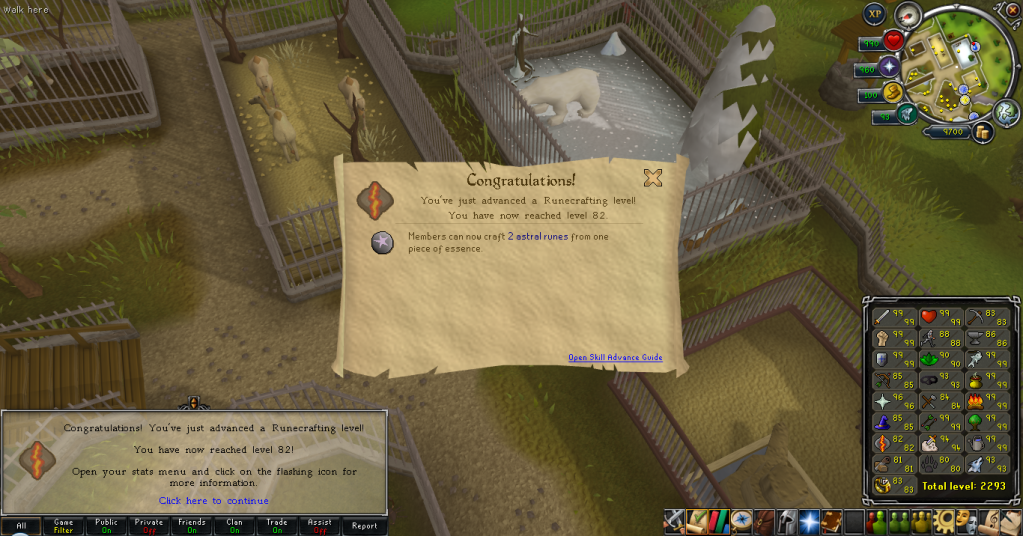
Two levels. 82 Runecrafting:

82Runecrafting.png

Also pictured, my favourite way to train Runecrafting.


And then 81 Hunter:
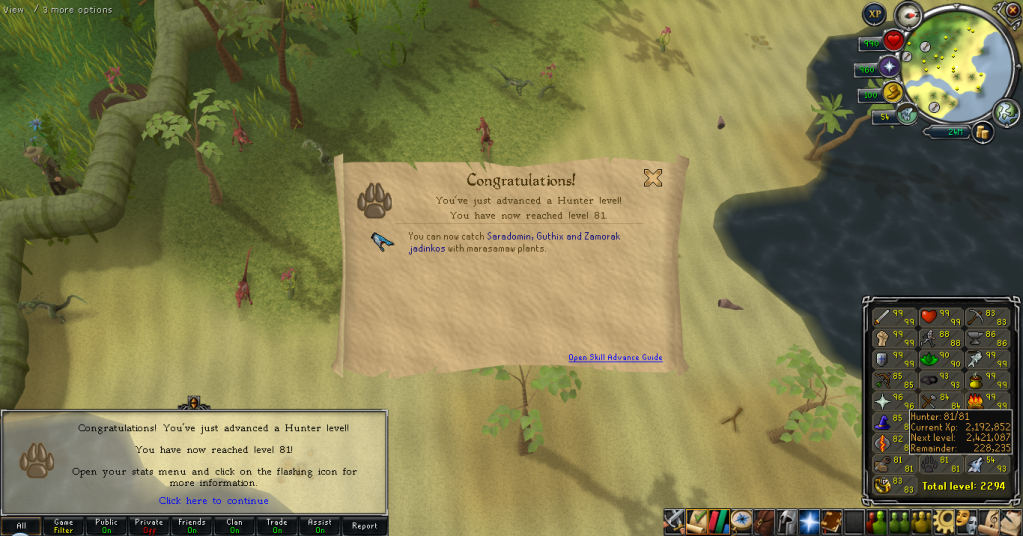
81Hunter.png

Testing out Draconics/Commons, theyre easy enough to do and reasonably fast (Only set to go faster), Hunter may be coming earlier than I thought.


I was out of town last night and unable to do my update, so here it is tonight. Not much has been happening, though that may be me still being a bit tired and such from the trip. Catch you next time, ~Dax.

2 Comments

Recommended Comments

daxdaxdaxdaxdaxdaxdaxdaxdaxdaxdaxdaxdaxdaxdaxdaxdaxdaxdaxdaxdaxdaxdaxdaxdaxdaxdaxdaxdaxdaxdaxdaxdaxdaxdaxdaxdaxdaxdaxdaxdaxdaxdaxdaxdaxdaxdaxdaxdax

Dax

Members

@Jimmy: jimmyjimmyjimmyjimmyjimmyjimmyjimmyjimmyjimmyjimmyjimmyjimmyjimmyjimmyjimmyjimmyjimmyjimmyjimmyjimmyjimmyjimmyjimmyjimmyjimmyjimmyjimmyjimmyjimmyjimmyjimmyjimmyjimmyjimmyjimmyjimmyjimmyjimmyjimmyjimmyjimmyjimmyjimmyjimmyjimmyjimmyjimmyjimmy

Important Information

By using this site, you agree to our Terms of Use.

Account

Navigation

Search

Search

Configure browser push notifications

Chrome (Android)
  1. Tap the lock icon next to the address bar.
  2. Tap Permissions → Notifications.
  3. Adjust your preference.
Chrome (Desktop)
  1. Click the padlock icon in the address bar.
  2. Select Site settings.
  3. Find Notifications and adjust your preference.