Skip to content
View in the app

A better way to browse. Learn more.

Tip.It Forum

A full-screen app on your home screen with push notifications, badges and more.

To install this app on iOS and iPadOS
  1. Tap the Share icon in Safari
  2. Scroll the menu and tap Add to Home Screen.
  3. Tap Add in the top-right corner.
To install this app on Android
  1. Tap the 3-dot menu (⋮) in the top-right corner of the browser.
  2. Tap Add to Home screen or Install app.
  3. Confirm by tapping Install.

#28: Bonus Exp Weekend Gains and Some Others.

(0 reviews)

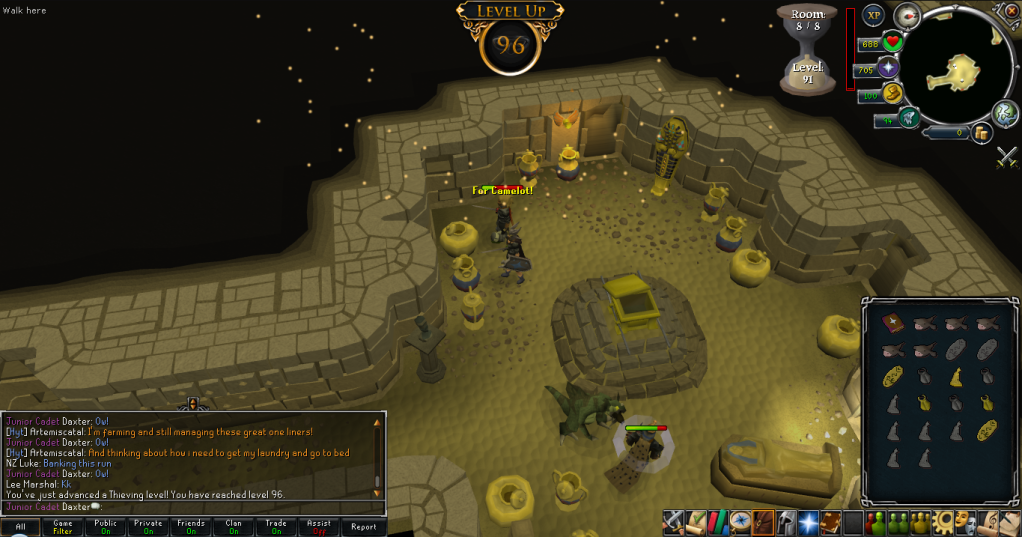
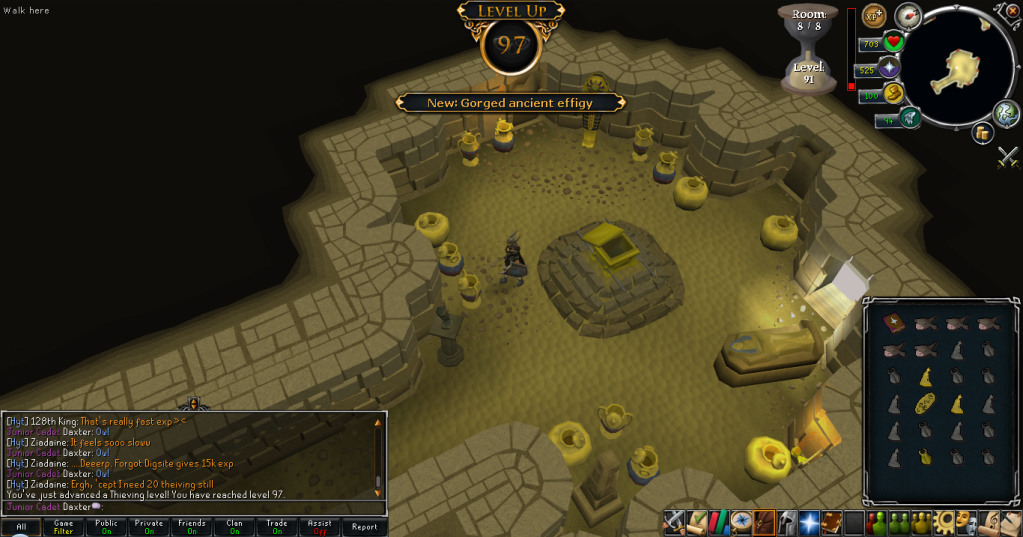
I stuck to my word. I thieved to:

96Thieving.png


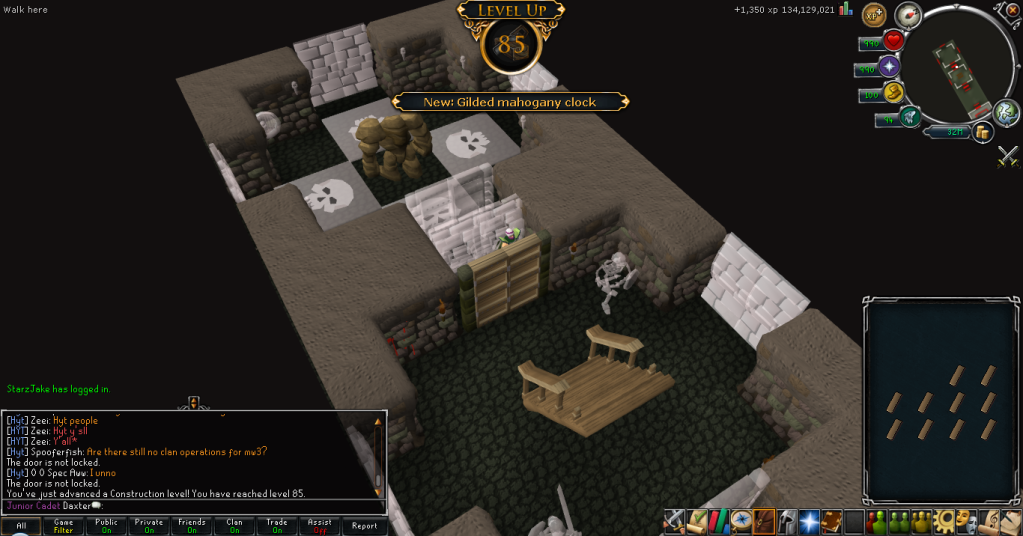
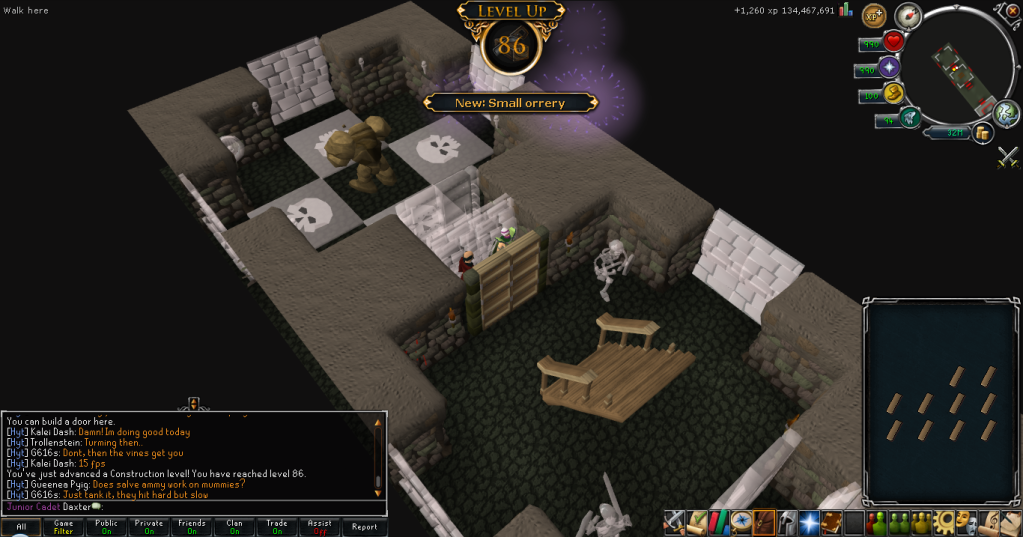
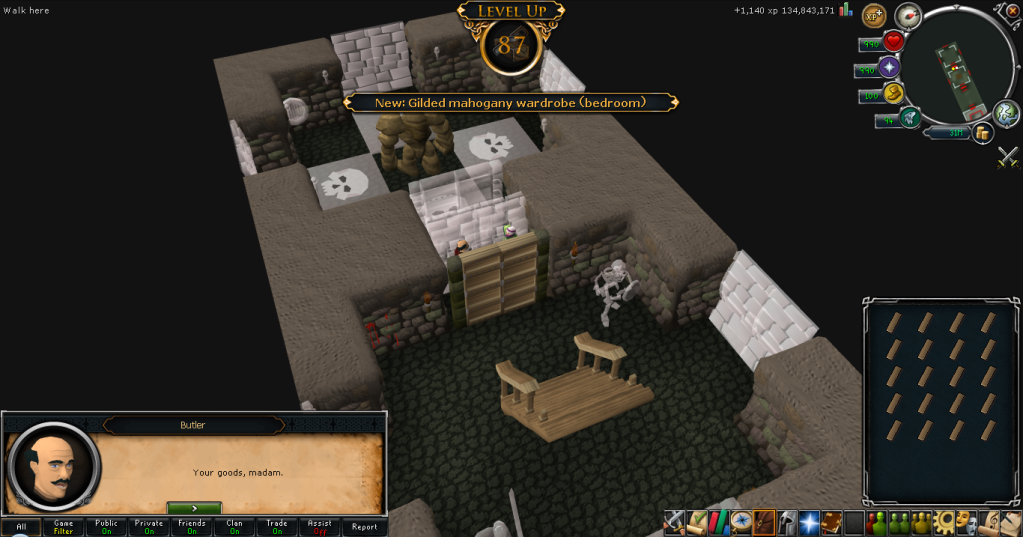
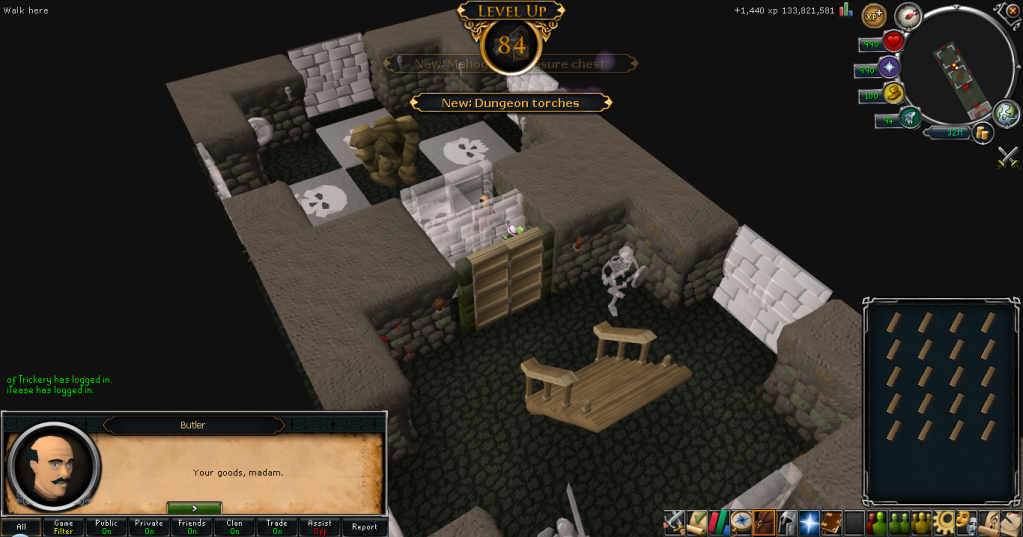
And as we all know, this past weekend was the Bonus Exp Weekend, so I prepared myself and stood at the door to my house with 20 oak planks in my inventory and my money pouch filled up, as soon as I woke up the morning after it begun (It started at 11PM in Australia, which is the time I usually go to sleep), I begun my Construction.
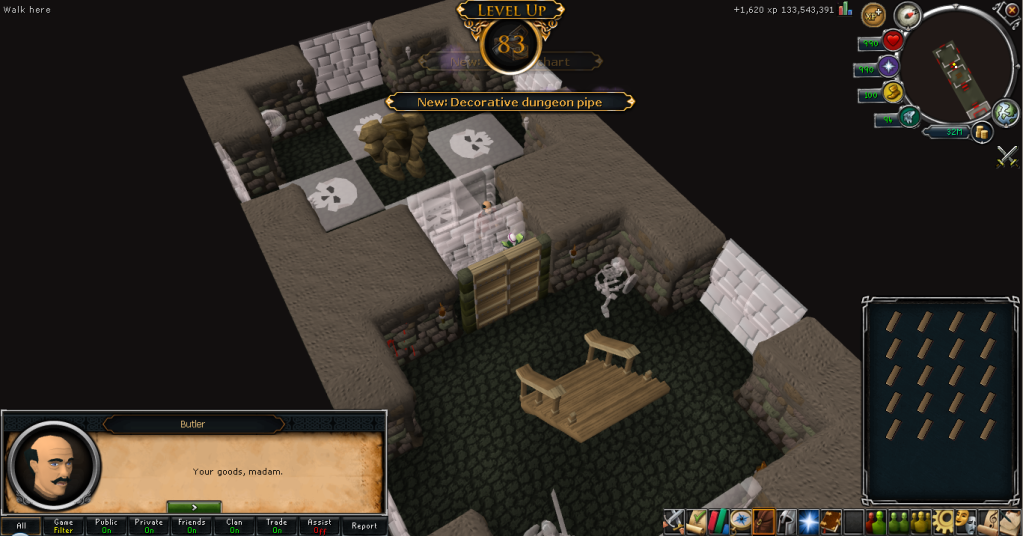
83Construction.png


84Construction.png


85Construction.png


86Construction.png


87Construction.png


Then I had to go visit my sister in hospital, so I missed a day, but when I returned, I got:
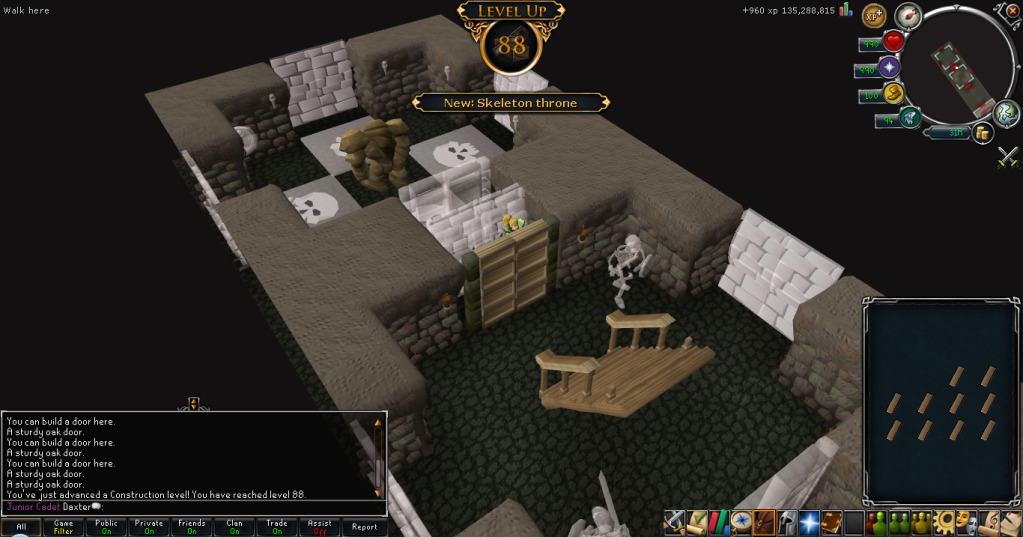
 

88Construction.png


97Thieving.png


Now that the weekend's over, I'll be working full time on Thieving, I'm getting that bastard, and soon. Catch you next time, ~Dax.

0 Comments

Recommended Comments

There are no comments to display.

Important Information

By using this site, you agree to our Terms of Use.

Account

Navigation

Search

Search

Configure browser push notifications

Chrome (Android)
  1. Tap the lock icon next to the address bar.
  2. Tap Permissions → Notifications.
  3. Adjust your preference.
Chrome (Desktop)
  1. Click the padlock icon in the address bar.
  2. Select Site settings.
  3. Find Notifications and adjust your preference.