



Skip to content
View in the app

A better way to browse. Learn more.

Tip.It Forum

A full-screen app on your home screen with push notifications, badges and more.

To install this app on iOS and iPadOS
  1. Tap the Share icon in Safari
  2. Scroll the menu and tap Add to Home Screen.
  3. Tap Add in the top-right corner.
To install this app on Android
  1. Tap the 3-dot menu (⋮) in the top-right corner of the browser.
  2. Tap Add to Home screen or Install app.
  3. Confirm by tapping Install.

#32: Completionist: Weeks 24/25.

(0 reviews)

Two weeks in one! Amazing, isn't it? Was out of town last week, so I couldn't update.


Only got:
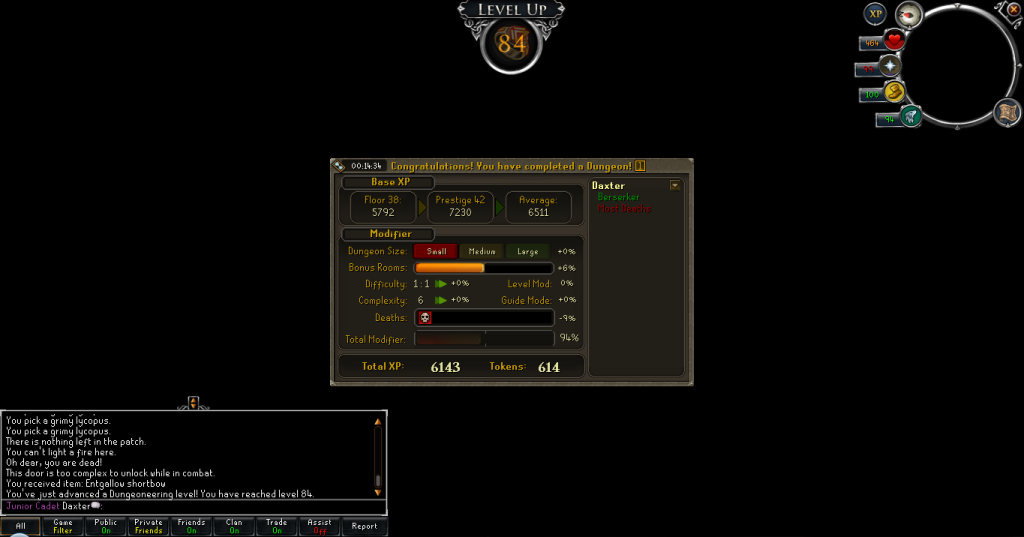
84Dungeoneering.png


Last week. Was trying to get an Arcane Stream to slightly speed up Slayer and Magic.


As for this week just past, I got three levels, Mining:
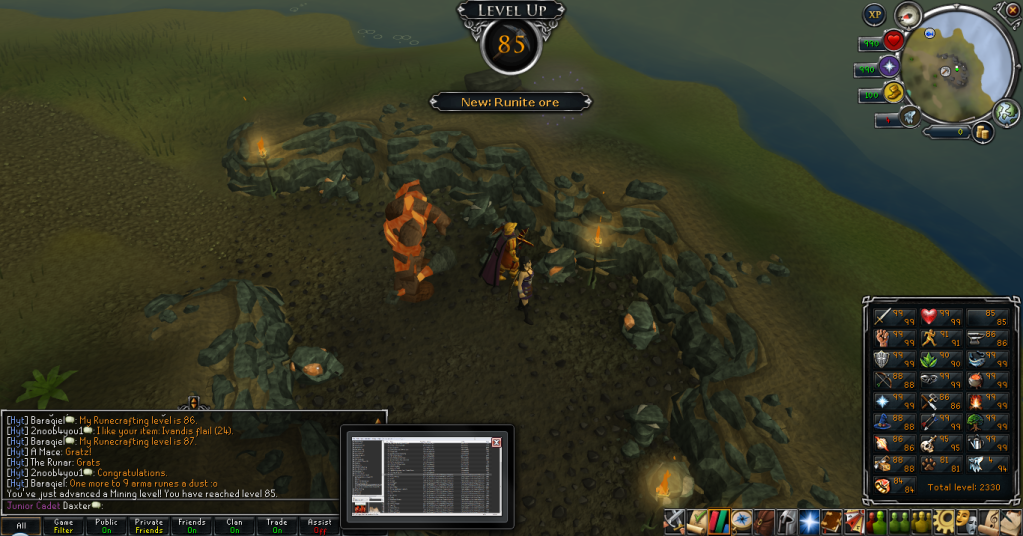
85Mining.png


Yay Rune, not that I'll mine any, but yay! And I just realised I left the preview up for Foobar. Well, I was listening to Presidents of the United States of America when I got it.


And Hunter:
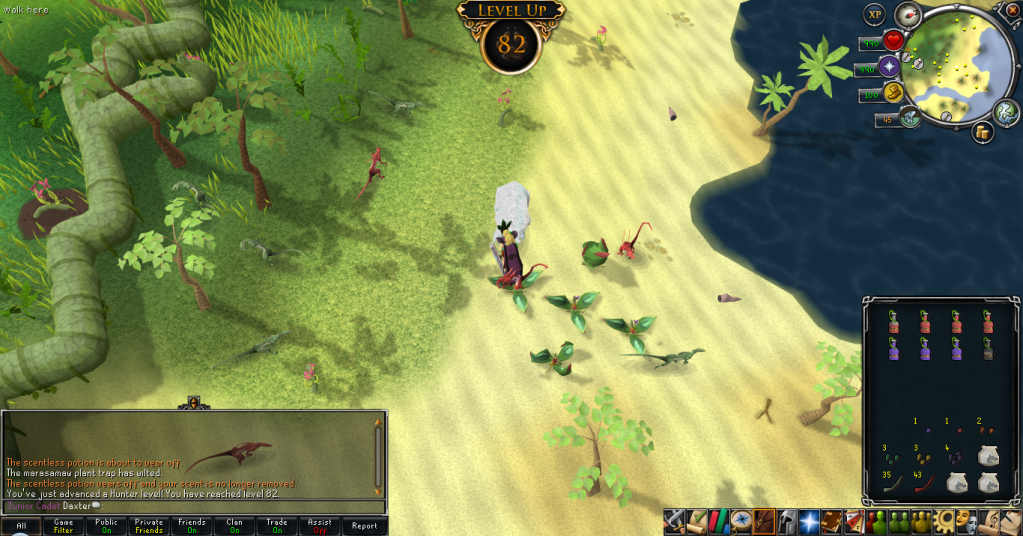
82Hunter.png


I'd like to level this again for Dragon Implings (So I can just grab 'em when I see them), but I'm lazy and not much a fan of Hunter.Then I did both new Sagas (Only fully doing Thok's as he's amazing and I love every moment of his sagas, and I messed up one thing in mind reading in Moia's and didn't want to do it again, though I will finish it up some day) and got enough exp/tokens to get this fancy amulet thingy:
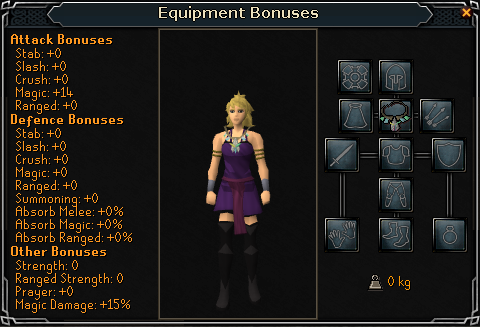
ArcaneStream.png


Might just do another level of Dungeoneering to get to 85. Been meaning to do so since Frost Dragons anyway. I then decided to spy on some penguins and got this:
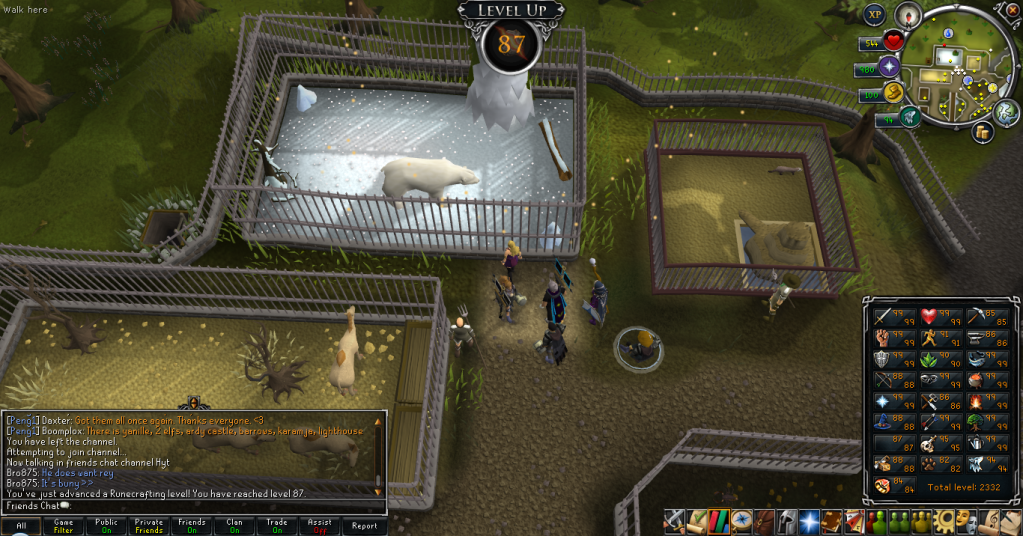
87Runecrafting.png


Might try do that Nature crafting for the Elite Karamja Diary now it's slightly easier. Catch you next time, ~Dax.

3 Comments

Recommended Comments

Bxpprod

Members

<3 +4 rc stew boost

Dax

Members

Tried at 86. Hehe. But I couldn't get the +5. Should be a lot easier now.

Bxpprod

Members

Took me 5 to get the +4. Worth it. :D

Important Information

By using this site, you agree to our Terms of Use.

Account

Navigation

Search

Search

Configure browser push notifications

Chrome (Android)
  1. Tap the lock icon next to the address bar.
  2. Tap Permissions → Notifications.
  3. Adjust your preference.
Chrome (Desktop)
  1. Click the padlock icon in the address bar.
  2. Select Site settings.
  3. Find Notifications and adjust your preference.