Skip to content
View in the app

A better way to browse. Learn more.

Tip.It Forum

A full-screen app on your home screen with push notifications, badges and more.

To install this app on iOS and iPadOS
  1. Tap the Share icon in Safari
  2. Scroll the menu and tap Add to Home Screen.
  3. Tap Add in the top-right corner.
To install this app on Android
  1. Tap the 3-dot menu (⋮) in the top-right corner of the browser.
  2. Tap Add to Home screen or Install app.
  3. Confirm by tapping Install.

45: Completionist: Week 37.

(0 reviews)

Got a nice selection of levels this past week, also got bothered and finished the last Fremennik Saga (Moia's, I failed it so many times around release because of stupid things, like getting all the way through and only then realising I messed up one of the memories at the start, so I just left it and ignored it). Plus I bought myself a Scroll of Cleansing, so when the money I need for Herblore turns up (It will somehow, I promise), I can save a little of it for other pursuits.
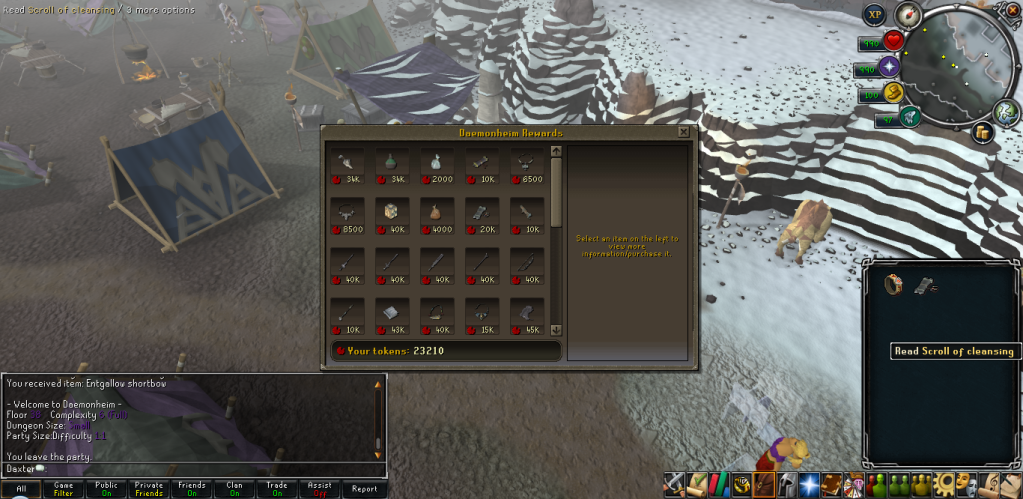
 

ScrollofCleansing.png


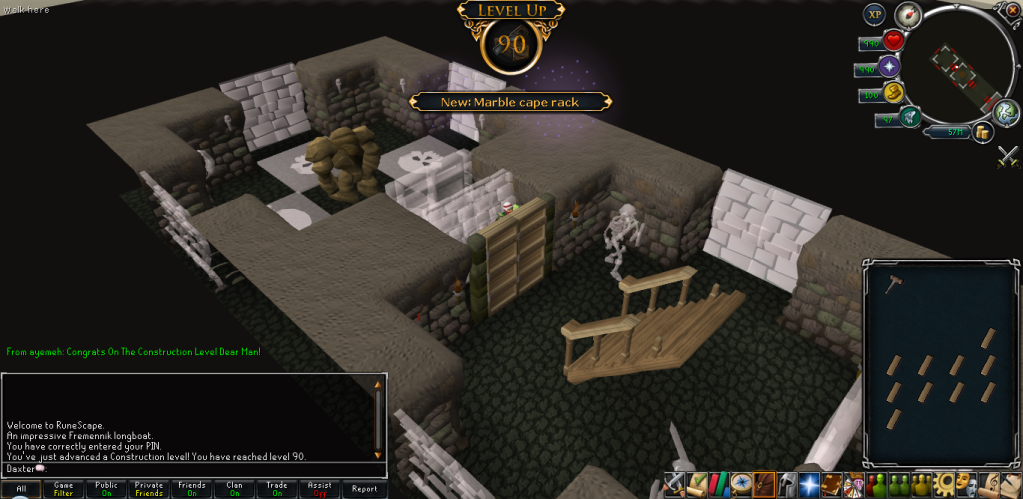
Got another 90!

90Construction.png


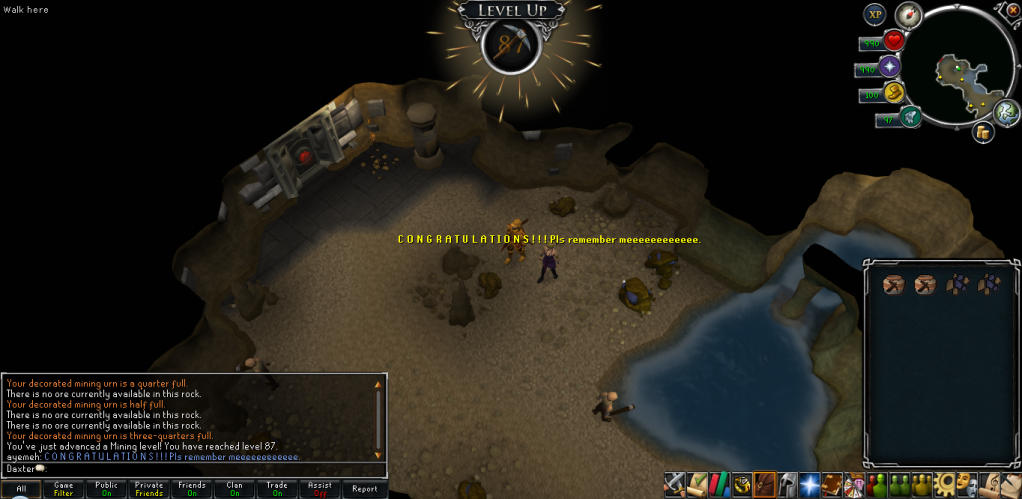
Got closer to another 90!

87Mining.png


Did a reasonable amount of Dungeoneering this week.
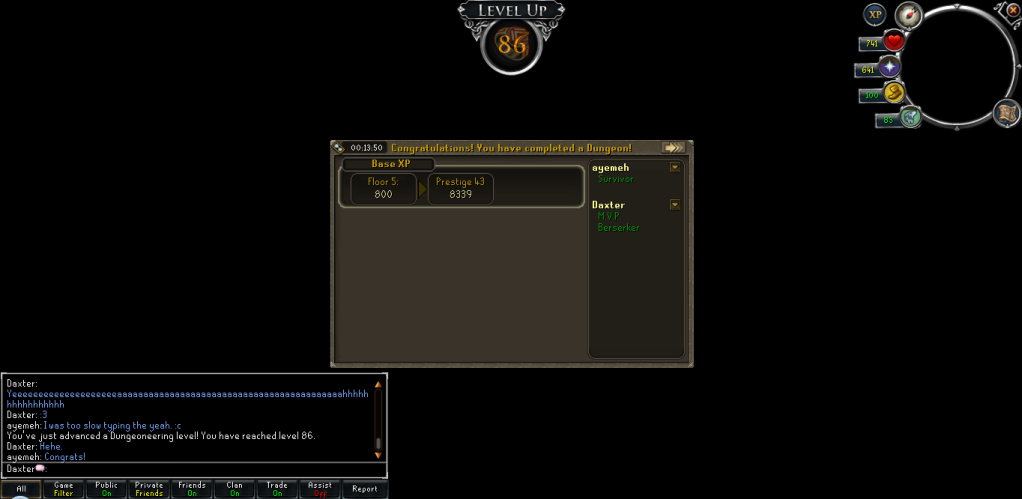
86Dungeoneering.png


Also experienced this famous little glitch while doing it.
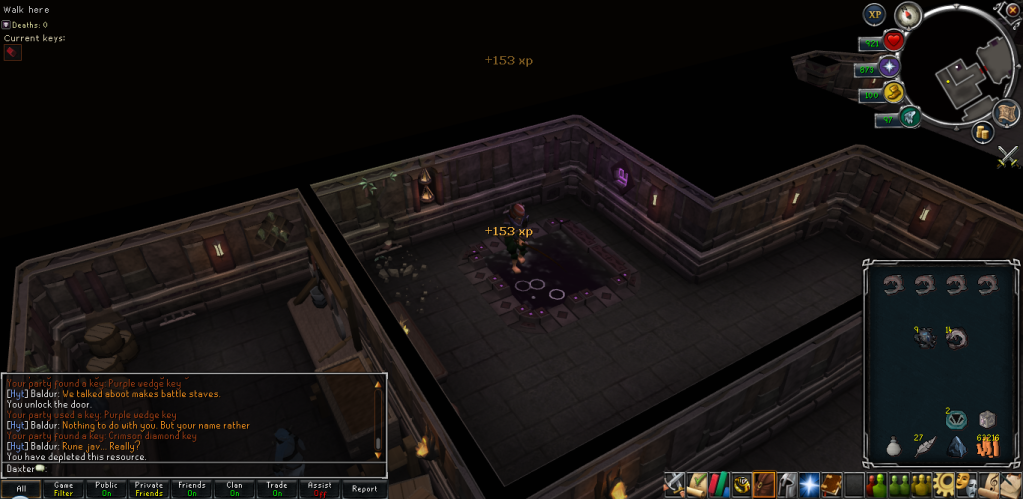
WalkingonWater.png


Catch you next time, ~Dax.

0 Comments

Recommended Comments

There are no comments to display.

Important Information

By using this site, you agree to our Terms of Use.

Account

Navigation

Search

Search

Configure browser push notifications

Chrome (Android)
  1. Tap the lock icon next to the address bar.
  2. Tap Permissions → Notifications.
  3. Adjust your preference.
Chrome (Desktop)
  1. Click the padlock icon in the address bar.
  2. Select Site settings.
  3. Find Notifications and adjust your preference.