



Skip to content
View in the app

A better way to browse. Learn more.

Tip.It Forum

A full-screen app on your home screen with push notifications, badges and more.

To install this app on iOS and iPadOS
  1. Tap the Share icon in Safari
  2. Scroll the menu and tap Add to Home Screen.
  3. Tap Add in the top-right corner.
To install this app on Android
  1. Tap the 3-dot menu (⋮) in the top-right corner of the browser.
  2. Tap Add to Home screen or Install app.
  3. Confirm by tapping Install.

51: Completionist: Week 43.

(0 reviews)

Did a little bit of stuff this week, first up, a clue I got randomly.
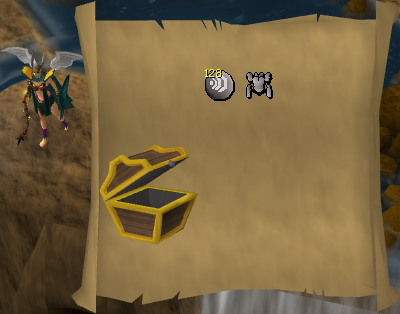
 

Medium016.png

(Went for a nice little bit of cash for nothing)


Then I went and got another Agility level. Good old Olympics, I wish they'd stick around for a little longer so I can get to 99 quicker.


94Agility.png


Then I decided to spend my 350K free exp on Slayer and got a level.
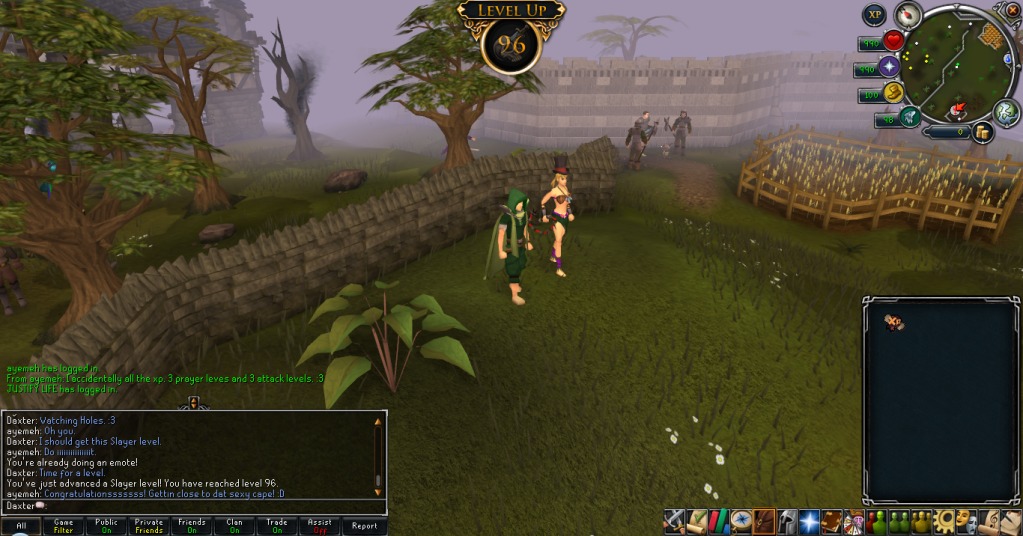
 

96Slayer.png


And finally, I bought a Herblore level.
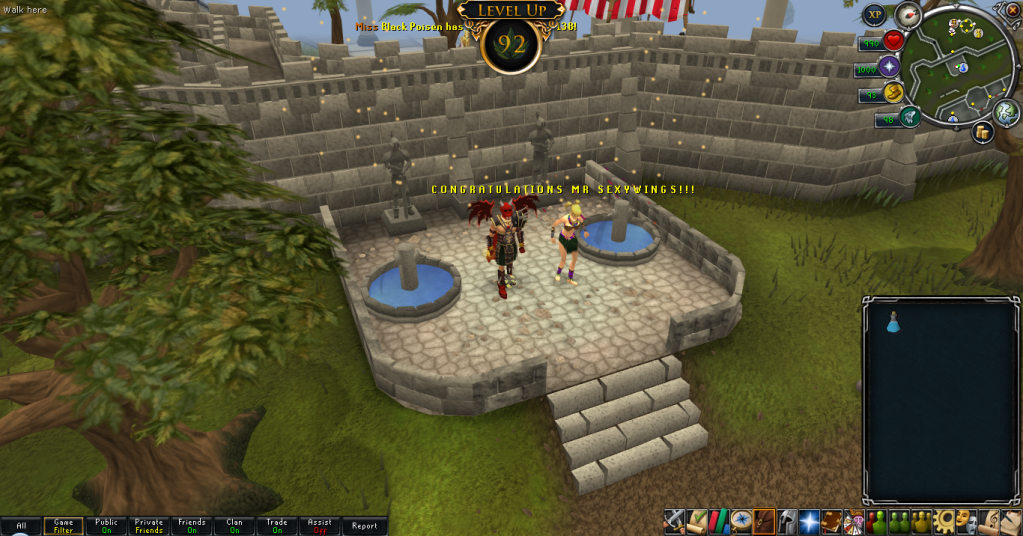
 

92Herblore.png


Won't be around next week to do my weekly update, so don't get worried. Hehe. Catch you next time, ~Dax.

1 Comment

Recommended Comments

Platinum_Myr

Members

Go Go Go

Important Information

By using this site, you agree to our Terms of Use.

Account

Navigation

Search

Search

Configure browser push notifications

Chrome (Android)
  1. Tap the lock icon next to the address bar.
  2. Tap Permissions → Notifications.
  3. Adjust your preference.
Chrome (Desktop)
  1. Click the padlock icon in the address bar.
  2. Select Site settings.
  3. Find Notifications and adjust your preference.