Skip to content
View in the app

A better way to browse. Learn more.

Tip.It Forum

A full-screen app on your home screen with push notifications, badges and more.

To install this app on iOS and iPadOS
  1. Tap the Share icon in Safari
  2. Scroll the menu and tap Add to Home Screen.
  3. Tap Add in the top-right corner.
To install this app on Android
  1. Tap the 3-dot menu (⋮) in the top-right corner of the browser.
  2. Tap Add to Home screen or Install app.
  3. Confirm by tapping Install.

A bit of an update

(0 reviews)

So I haven't posted an update in a while. Mostly because I am lazy but I also had midterms to study for, so I haven't been playing much of anything. Aside from the usual applying for job and whatnot, I've been feeling tired. I just want to sleep all day, but can't as I usually have evening activities. I think I need to change my bed time to 9pm.


Anyway, instead of a log post, here's some shit that's happened.

[hide]

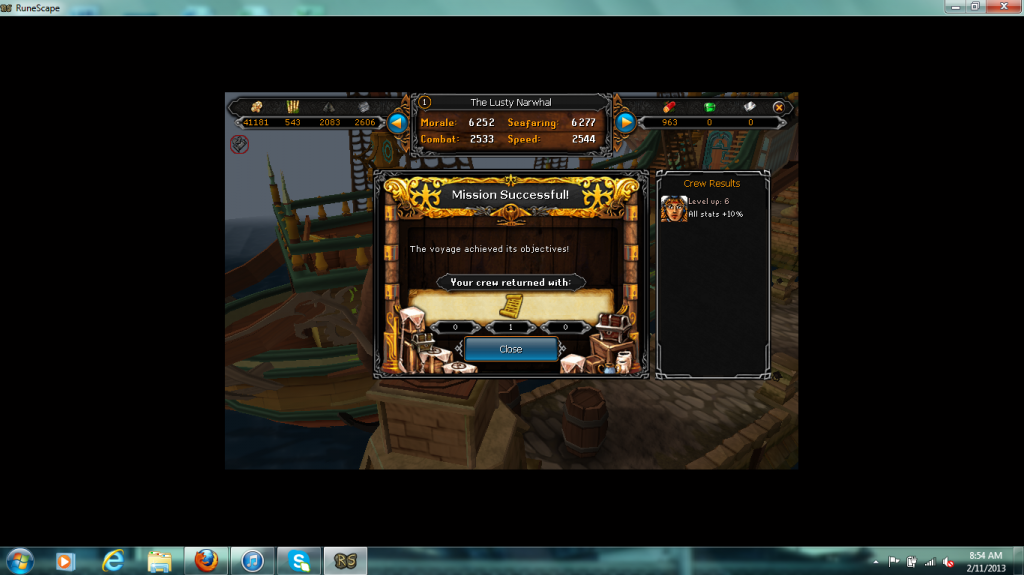
The boooooooooooooooooowl
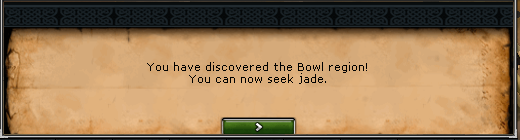
Theboooooowwl_zps3e42836d.png


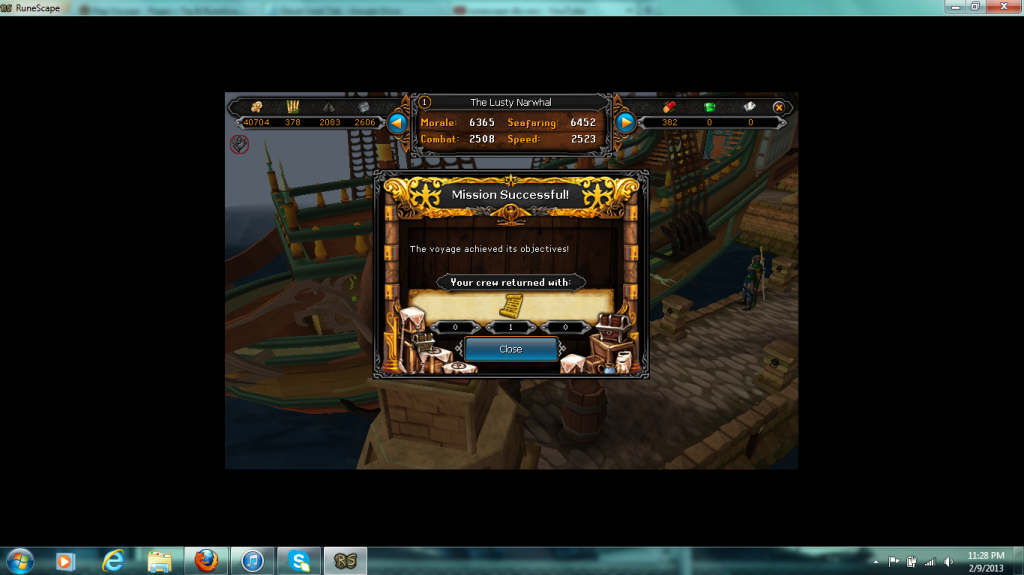
Tetsu Laminar

TetsuLaminarscroll2_zps682f2d18.png

TetsuLaminarscroll1_zps581d2cbb.png


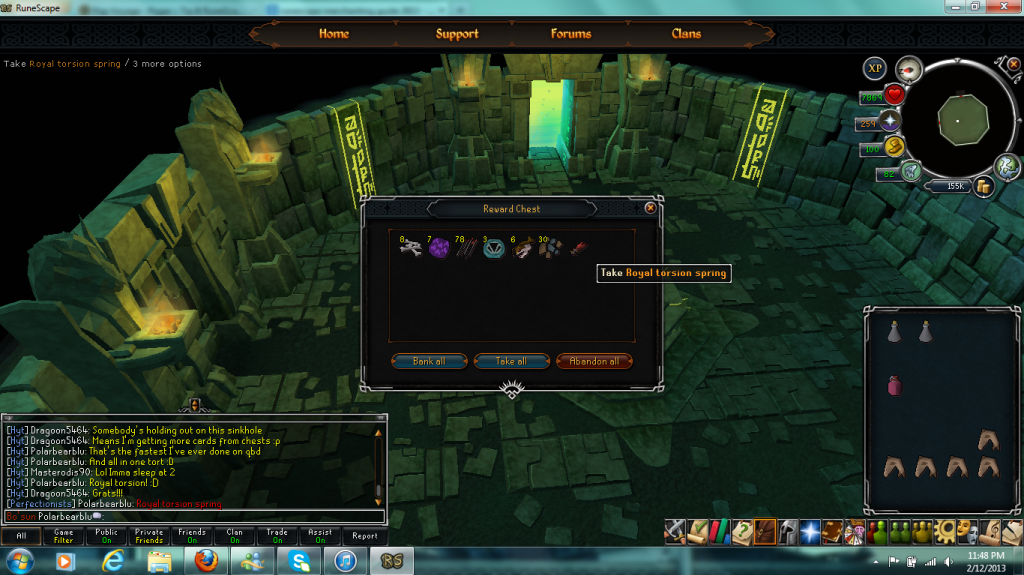
Big QBD drop

firstbigqbddrop_zpsbd213f55.png


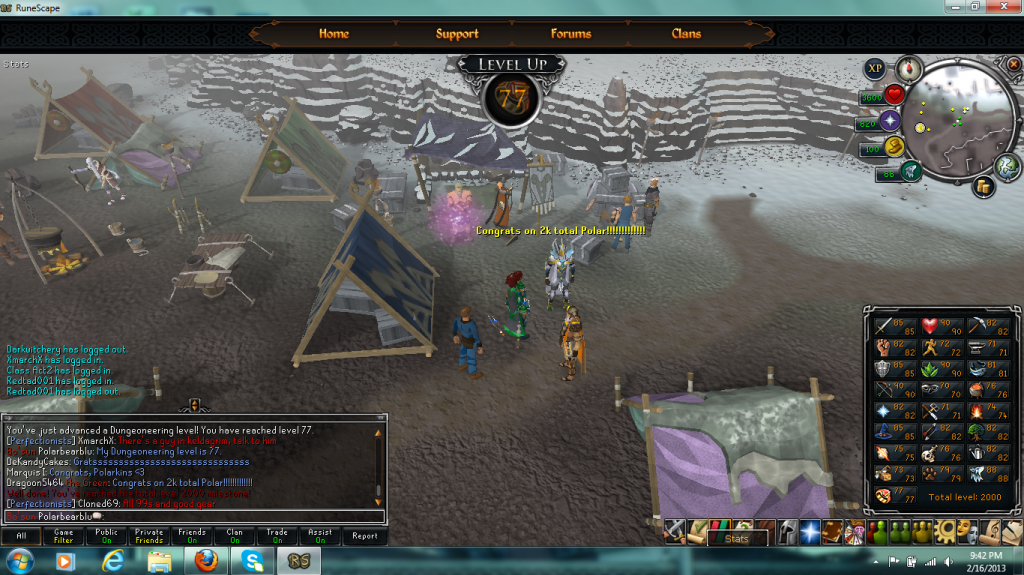
2,000 total club

2ktotal_zps9412ca1d.png[/hide]


I'll be questing, hopefully to have WGS done before Monday's update (Or Tuesday if they changed update schedules)


Until next time


P.S: Northwestern Mutual didn't like me so still looking for internships. Laptop needs a new hard drive so I'm broke :| And I'll eventually update my slayer loot tab

0 Comments

Recommended Comments

There are no comments to display.

Important Information

By using this site, you agree to our Terms of Use.

Account

Navigation

Search

Search

Configure browser push notifications

Chrome (Android)
  1. Tap the lock icon next to the address bar.
  2. Tap Permissions → Notifications.
  3. Adjust your preference.
Chrome (Desktop)
  1. Click the padlock icon in the address bar.
  2. Select Site settings.
  3. Find Notifications and adjust your preference.