



While Guthix Snores

· 1702 views
While still working on my quest cape for 2k13 I decided since 6 months free is 6 months, I'd take a break every now and again and play on Oldschool Runescape.
The idea of starting over and lack of feature suck. I'll get that out the way now. I have no levels so I can teleport ANYWHERE. I have no money so I can't buy ANYTHING. I'm weak, so monsters over level 2 can kill me. And I somehow have to complete quest, some of which rewards me with skill levels or items I could have used for said quest. I can't skip convo using the space bar, the screen is stuck on a small window, and curse word a censored so half of HYT chat looks like ************.
With that said, it is refreshing playing a simpler game and earn levels so quickly, even if I do have to DIY everything. So I decided to take those free 6 months and play two account. Big bear (EOC) will still be working to a quest cape. Little bear (OSRS) will probably be a 45 defense pure. Why? Well I decided I'd also trying this pking business.
Little Bear's First Quest
[hide]
 [/hide]
In other news
[hide]
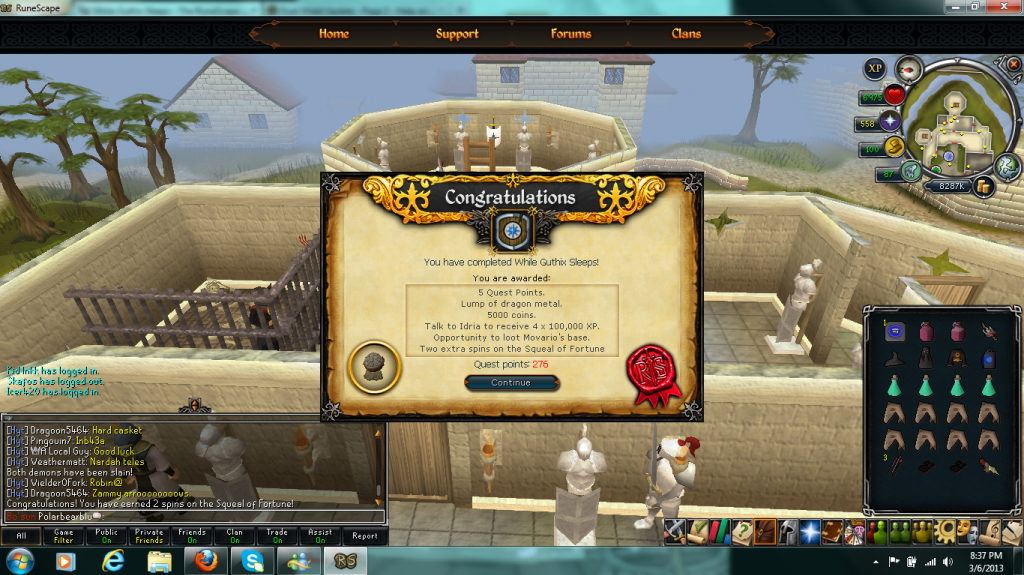
Bear Bear's GM quest 3!
 [/hide]
Onwards to TWW!
Recommended Comments