Skip to content
View in the app

A better way to browse. Learn more.

Tip.It Forum

A full-screen app on your home screen with push notifications, badges and more.

To install this app on iOS and iPadOS
  1. Tap the Share icon in Safari
  2. Scroll the menu and tap Add to Home Screen.
  3. Tap Add in the top-right corner.
To install this app on Android
  1. Tap the 3-dot menu (⋮) in the top-right corner of the browser.
  2. Tap Add to Home screen or Install app.
  3. Confirm by tapping Install.

77: 99 Crafting!

(0 reviews)

Kinda forgot to do my blog yesterday, so I'm probably a bit late, but I have no idea how American time works, so I might still be on Wednesday there. But here's 99 Crafting!

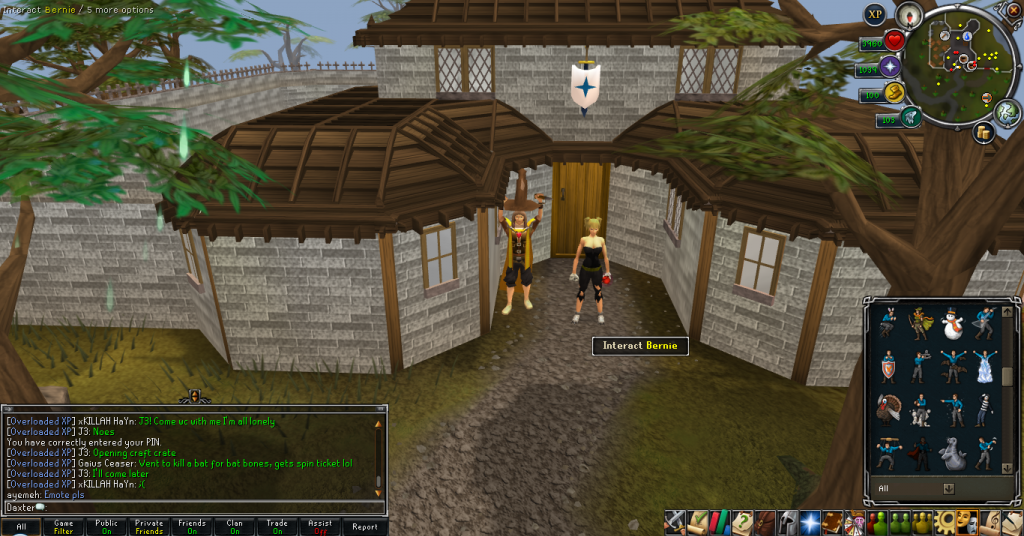
 

99Crafting01_zps1f5a5fc6.png

99Crafting02_zps42602f3a.png

99Crafting03_zps84bcb560.png


Not sure what to do now, but I have access to Warped floors now!


95Dungeoneering_zpsb78252b1.png


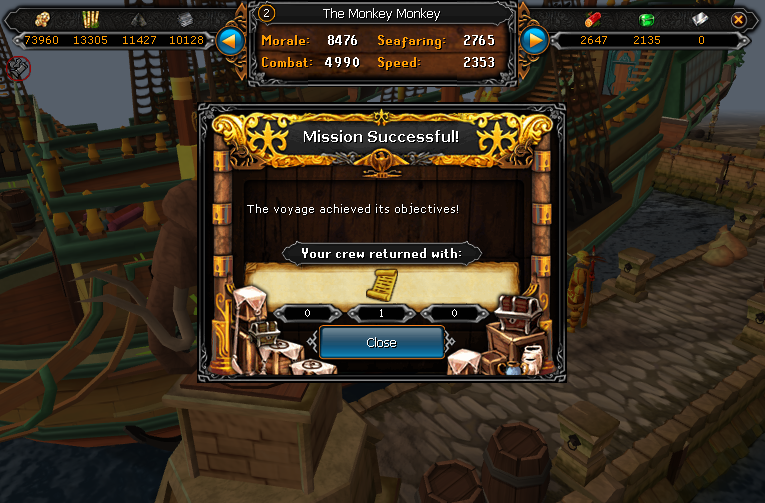
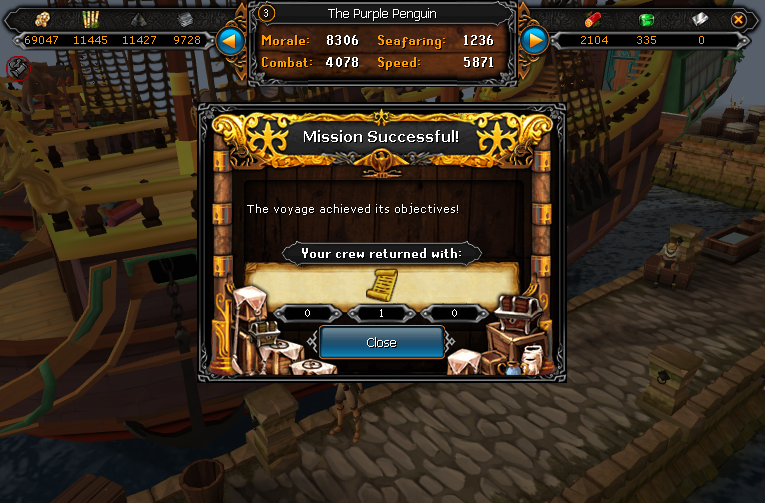
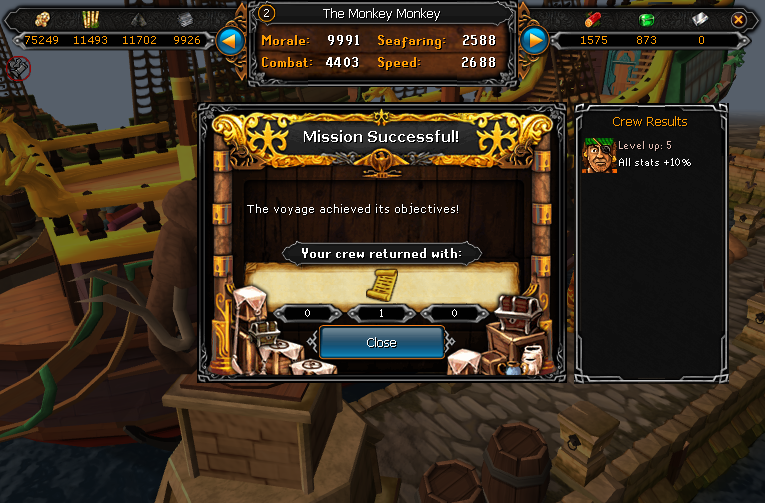
And I also did some Port stuff.


Scroll01_zpsbcb5dbe2.png

Scroll02_zpsad82dd84.png

Scroll03_zps3952e846.png


That's all of Tetsu Legs, and half of the Tetsu helm!


Catch you next time, ~Dax.

1 Comment

Recommended Comments

Important Information

By using this site, you agree to our Terms of Use.

Account

Navigation

Search

Search

Configure browser push notifications

Chrome (Android)
  1. Tap the lock icon next to the address bar.
  2. Tap Permissions → Notifications.
  3. Adjust your preference.
Chrome (Desktop)
  1. Click the padlock icon in the address bar.
  2. Select Site settings.
  3. Find Notifications and adjust your preference.