Skip to content
View in the app

A better way to browse. Learn more.

Tip.It Forum

A full-screen app on your home screen with push notifications, badges and more.

To install this app on iOS and iPadOS
  1. Tap the Share icon in Safari
  2. Scroll the menu and tap Add to Home Screen.
  3. Tap Add in the top-right corner.
To install this app on Android
  1. Tap the 3-dot menu (⋮) in the top-right corner of the browser.
  2. Tap Add to Home screen or Install app.
  3. Confirm by tapping Install.

89: A Bit Behind the Times.

(0 reviews)

ChaoticStaff_zpsc78e34c7.png


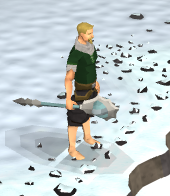
First of all this week, here I am wielding my brand new Chaotic Staff, which the Orphanage of Torvaed Children donated to me for being so cool. Good thing they're not releasing new higher-level magic gear any time soon! Heh. Hehe. Hmm. Oh well. I'm not gonna be able to afford it anyway, so I don't caaaaare!


Pretty reasonable week this week, got a couple of levels and such, as per usual. Here's a couple for ya:
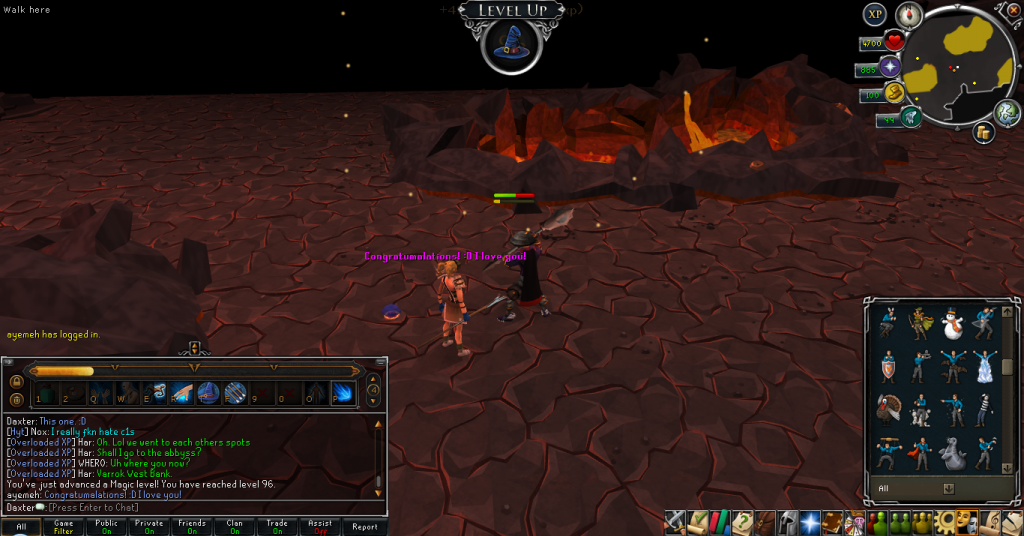
 

96Magic_zps4e589a0a.png

96 Magic, awesome, slowly getting there. Not sure when I'll do it, but it's going somewhere.
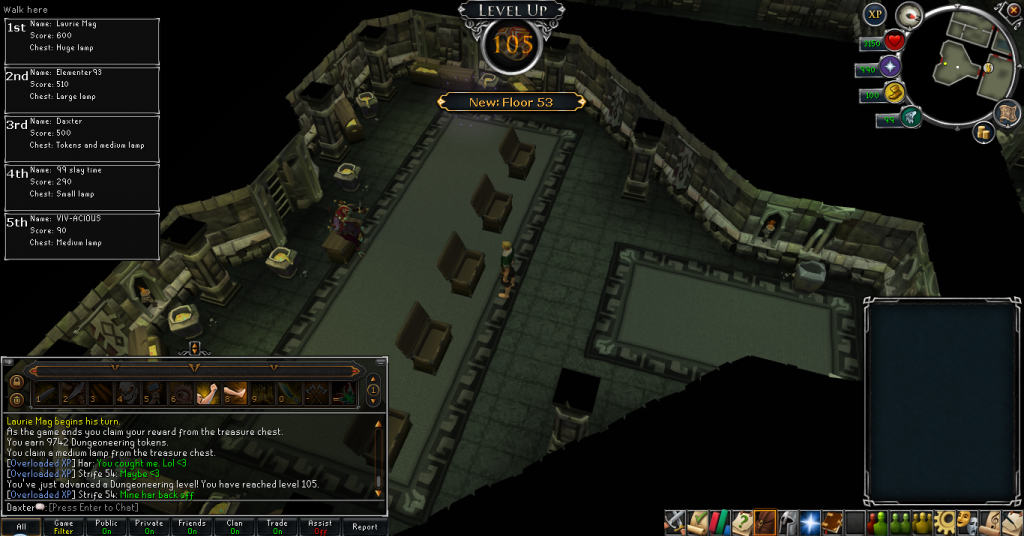
 

105Dungeoneering_zpsd93b6eda.png

105 Dungeoneering, also steadily raising. I've had a bunch of daily-reset tokens from SoF for ages, so I took on this daily to use them up. On a somewhat related note, I've fought the Hope Devourer three times now and never gotten his music track. What's up with that? I want to delete it from my list.


And for those scroll-piece fans, don't you worry, I've got some:
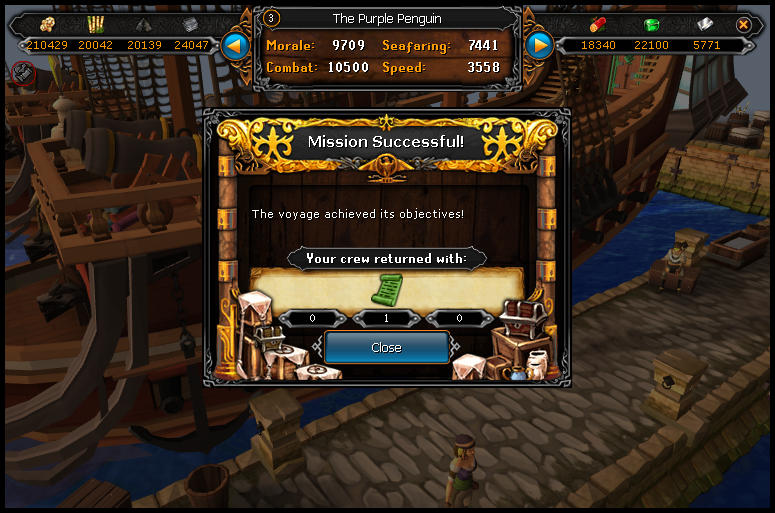
 

DeathLotusLegsScroll04_zpsfad87297.png

That's the last one for the Lotus Legs. Awesome.
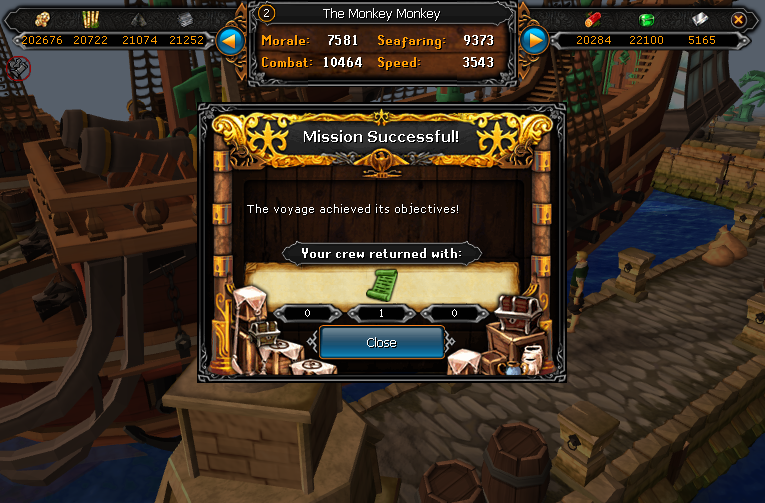
 

DeathLotusHelmScroll01_zps0ed69e04.png

First of the helm. Also awesome.


And that's it again. Catch you next time, ~Dax.

2 Comments

Recommended Comments

PolarBearBlue

Members

I liked the part when you said scrolls. :D

Dax

Members

You know that's right.


I want to rub the scrolls all over my body.

Important Information

By using this site, you agree to our Terms of Use.

Account

Navigation

Search

Search

Configure browser push notifications

Chrome (Android)
  1. Tap the lock icon next to the address bar.
  2. Tap Permissions → Notifications.
  3. Adjust your preference.
Chrome (Desktop)
  1. Click the padlock icon in the address bar.
  2. Select Site settings.
  3. Find Notifications and adjust your preference.