Skip to content
View in the app

A better way to browse. Learn more.

Tip.It Forum

A full-screen app on your home screen with push notifications, badges and more.

To install this app on iOS and iPadOS
  1. Tap the Share icon in Safari
  2. Scroll the menu and tap Add to Home Screen.
  3. Tap Add in the top-right corner.
To install this app on Android
  1. Tap the 3-dot menu (⋮) in the top-right corner of the browser.
  2. Tap Add to Home screen or Install app.
  3. Confirm by tapping Install.

98: I Should Have Waited Another Week... (99 Hunter! :D)

(0 reviews)

99Hunter03_zps1d14b2c0.png


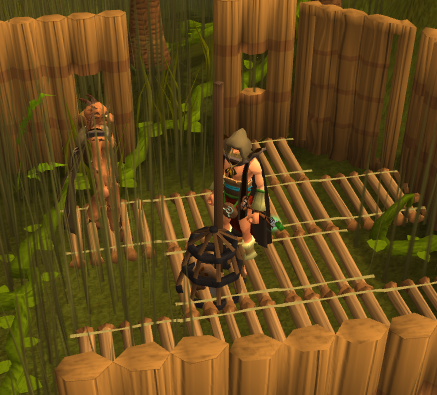
Oh yeah! 99 Hunter! I was expecting this to be my last 99 for the longest time, probably since the beginning of this little ol' goal of mine, but with lamps and laziness, I've prevailed. I accidentally got this one at Burthorpe, forgetting about the doubled exp rewards of daily challenges, but that doesn't matter as it's all over now!
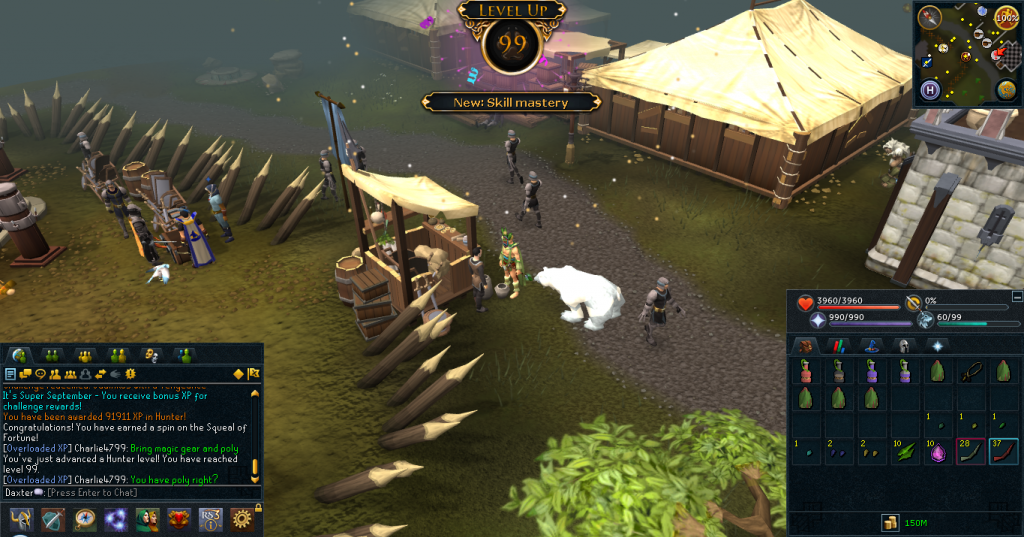
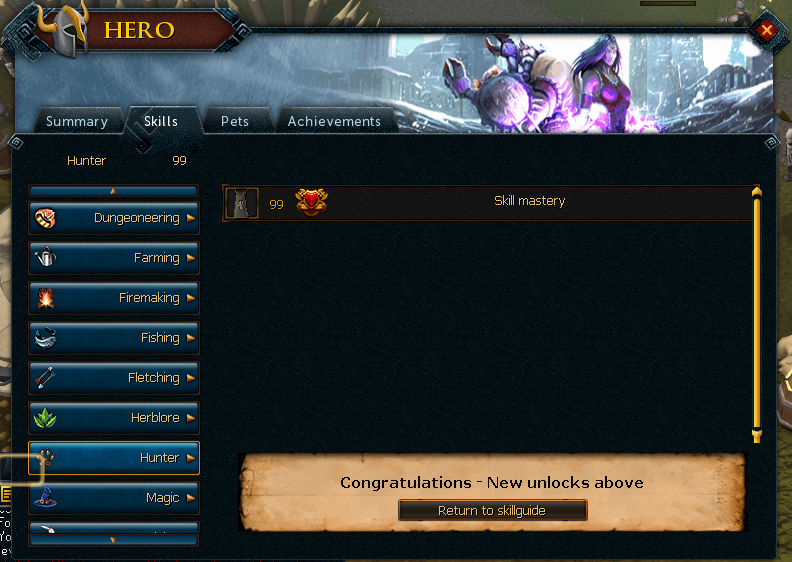
 

99Hunter01_zps6aa3aae8.png99Hunter02_zps48c7a4d5.png


Next goal, using up all my leftover pendants/recharge gems on Smithing, getting that together with Mining, then other things. Good thing I've already made a start on both of those:
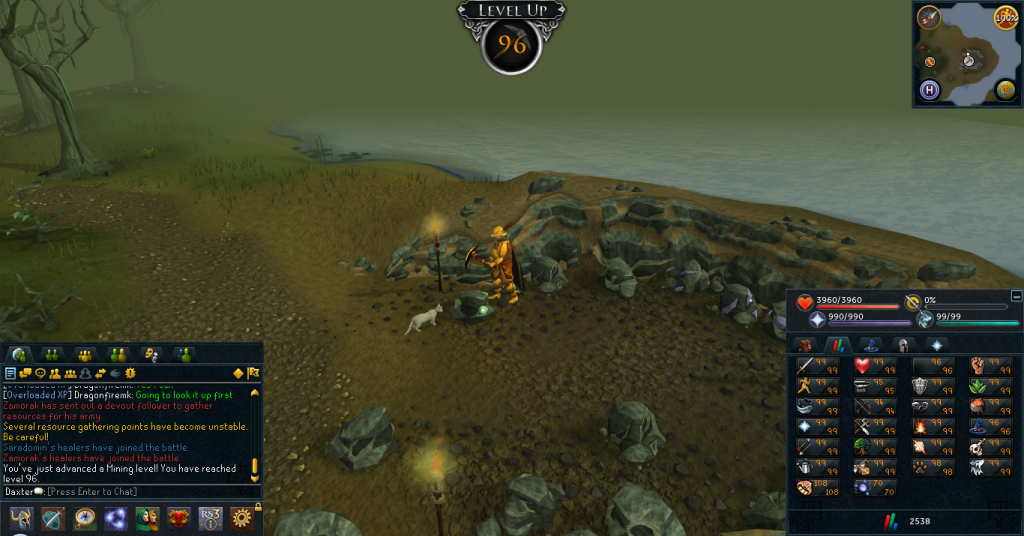
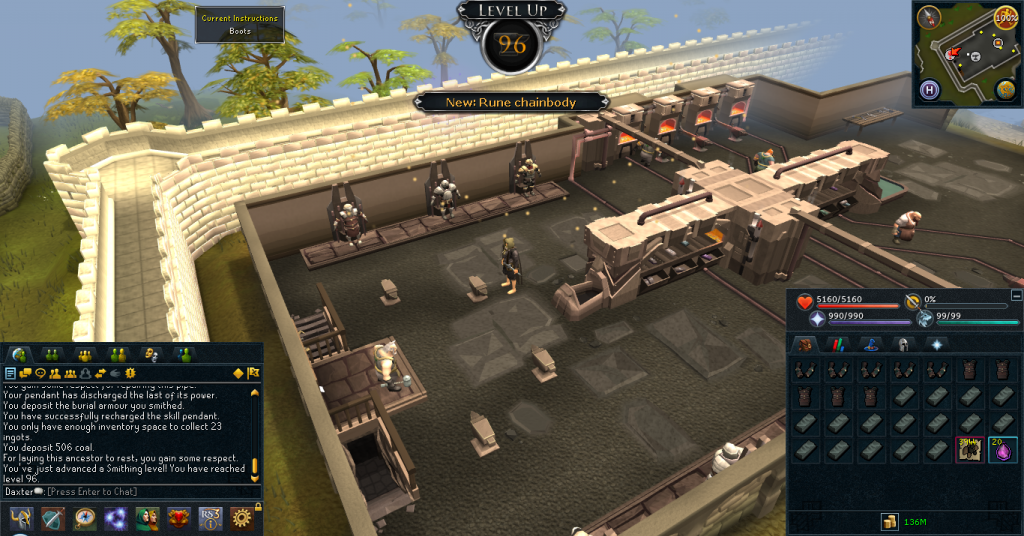
 

96Mining_zpsc59b9a1e.png96Smithing_zpsf2852771.png


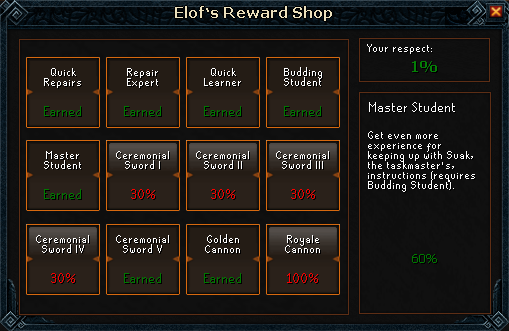
MasterStudent_zps18dbc77e.png


Also bought this, because I like spending points, and because this is what I'm doing at the moment.


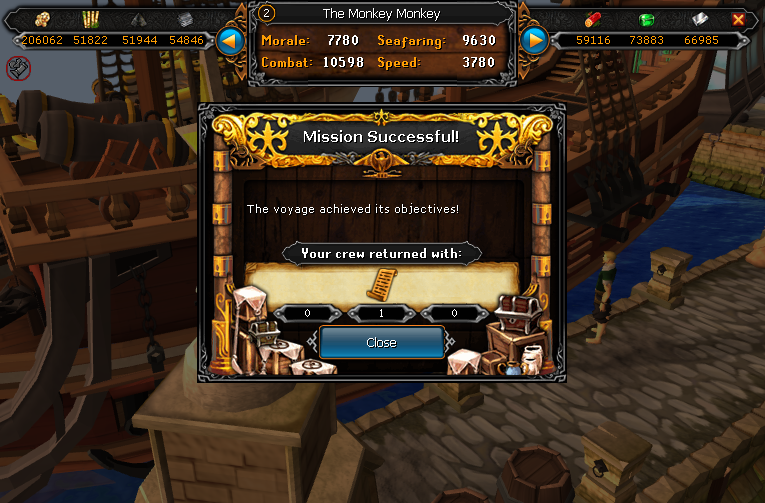
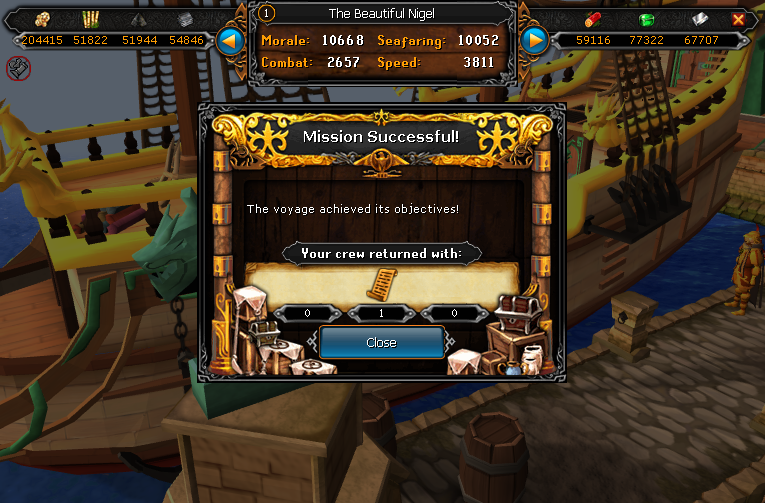
SCROLL PIECESSSSSSSS.
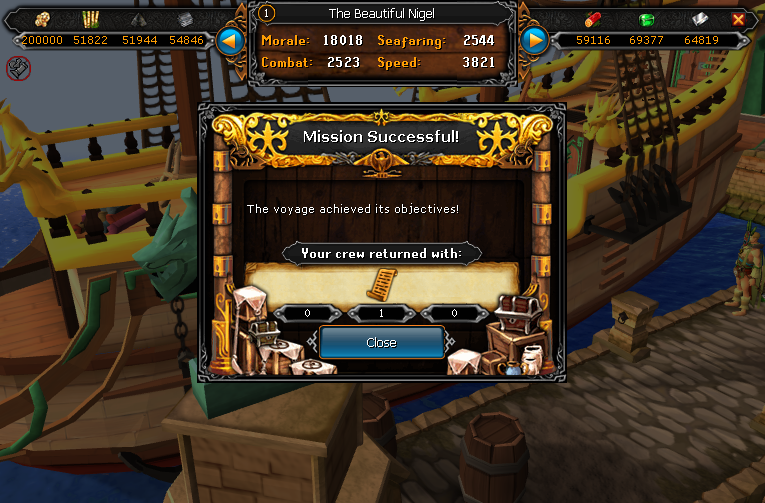
CrueltyScrimshawScroll04_zps324d8ec7.png


CRUELTY DONE.


VampyrismScrimshawScroll01_zps991c85ae.pngVampyrismScrimshawScroll02_zps88fcde19.png

VampyrismScrimshawScroll03_zpse80ac6e6.png


VAMPYRISM MOSTLY DONE.


CATCH YOU NEXT TIME, ~DAX.

0 Comments

Recommended Comments

There are no comments to display.

Important Information

By using this site, you agree to our Terms of Use.

Account

Navigation

Search

Search

Configure browser push notifications

Chrome (Android)
  1. Tap the lock icon next to the address bar.
  2. Tap Permissions → Notifications.
  3. Adjust your preference.
Chrome (Desktop)
  1. Click the padlock icon in the address bar.
  2. Select Site settings.
  3. Find Notifications and adjust your preference.