Skip to content
View in the app

A better way to browse. Learn more.

Tip.It Forum

A full-screen app on your home screen with push notifications, badges and more.

To install this app on iOS and iPadOS
  1. Tap the Share icon in Safari
  2. Scroll the menu and tap Add to Home Screen.
  3. Tap Add in the top-right corner.
To install this app on Android
  1. Tap the 3-dot menu (⋮) in the top-right corner of the browser.
  2. Tap Add to Home screen or Install app.
  3. Confirm by tapping Install.
  • Entry

    1
  • Comments

    4
  • Views

    1862

About this blog

A runescape guy

Entries in this blog

Digital painting

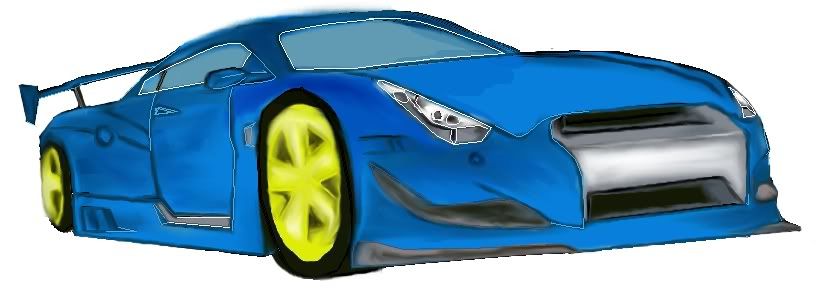
I've been doing a few drawings so that I can make a unique siggy, it's freaking tough to do but I think I'm getting it somewhat. Have a look and comment if you like. I did it using the sketch on paper method and transfer it to GIMP. Keep refining till it look decent (again it's lengthy process).


First step
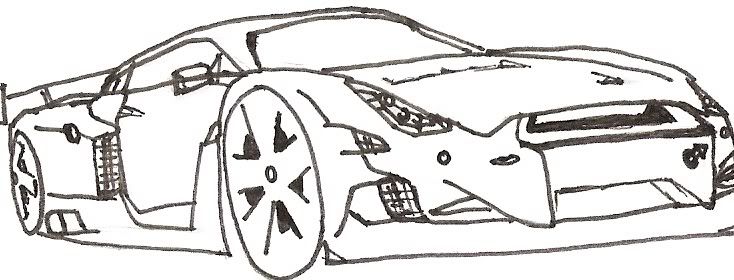
scan0004.jpg


final product

gt-r.jpg


My previous attempt which wasn't that good :unsure:
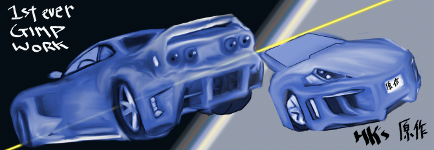
BnWcarSig.png


Again, I'll be continuing on more painting cause, it's really great and keeps me off runescape LoL.

Important Information

By using this site, you agree to our Terms of Use.

Account

Navigation

Search

Search

Configure browser push notifications

Chrome (Android)
  1. Tap the lock icon next to the address bar.
  2. Tap Permissions → Notifications.
  3. Adjust your preference.
Chrome (Desktop)
  1. Click the padlock icon in the address bar.
  2. Select Site settings.
  3. Find Notifications and adjust your preference.