Skip to content
View in the app

A better way to browse. Learn more.

Tip.It Forum

A full-screen app on your home screen with push notifications, badges and more.

To install this app on iOS and iPadOS
  1. Tap the Share icon in Safari
  2. Scroll the menu and tap Add to Home Screen.
  3. Tap Add in the top-right corner.
To install this app on Android
  1. Tap the 3-dot menu (⋮) in the top-right corner of the browser.
  2. Tap Add to Home screen or Install app.
  3. Confirm by tapping Install.

New Book & Art

(0 reviews)

Well it's been ages since I've updated this :P Although I haven't done much. I already posted this image on my thread in the RuneScape Media forum but I'll repost it here anyway:


tipitadminshirt.png


My most recent digital painting.


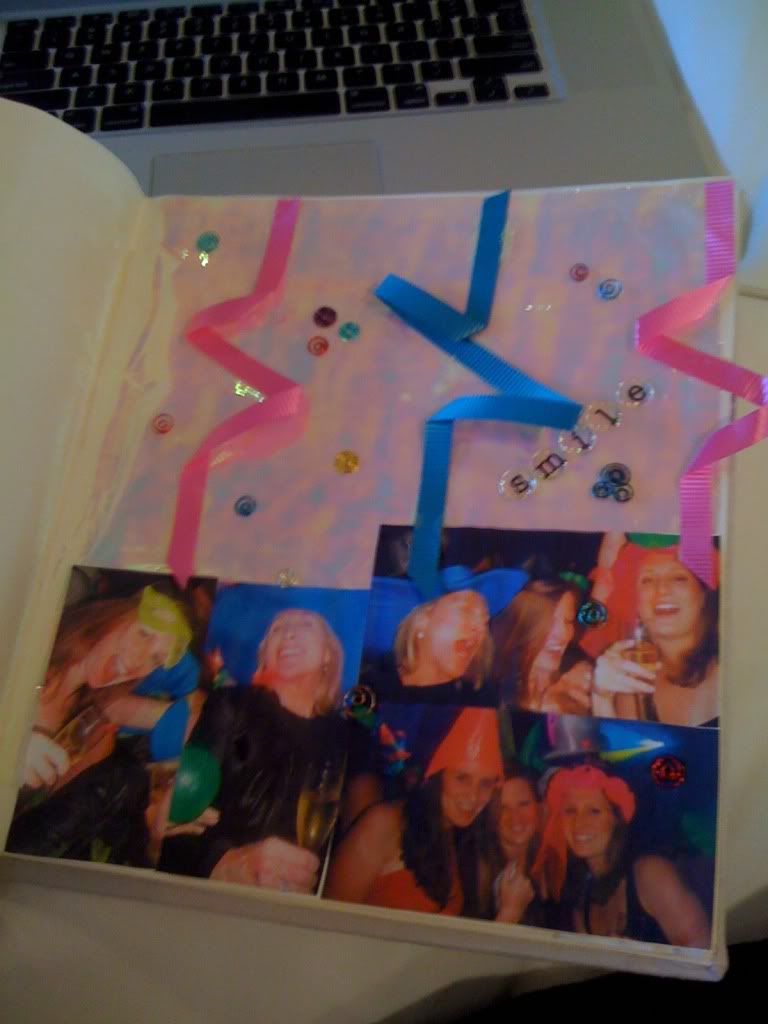
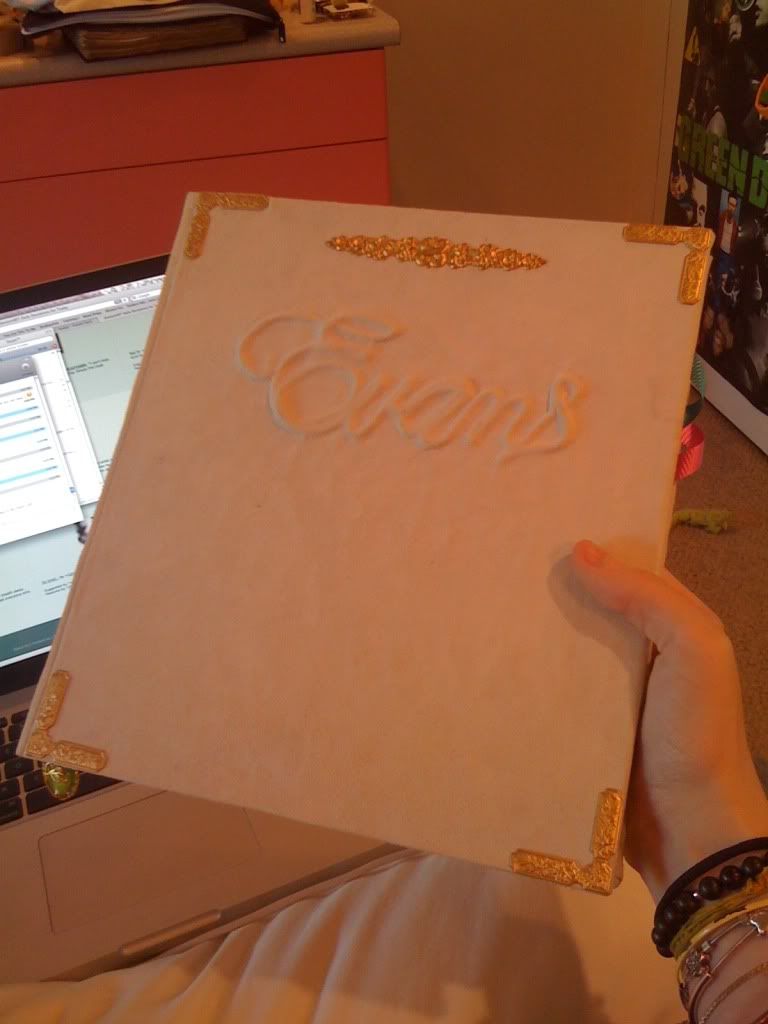
This weekend I made a scrapbook kind of thing for my mom for her birthday. I bound the book from scratch as usual, then I filled up about 15 pages with photos of our family and other decorations.


[hide=Photos]13817fd4.jpg
 

fb2f441a.jpg


227d2b96.jpg[/hide]

2 Comments

Recommended Comments

Mirror

Members

Nice!

And how nice of you. You got twice the amount of nice for your daily needs. :D

Slayer_Jesse

Members

You should of given her the Zamorak book instead, filled with crazy chantings.

Important Information

By using this site, you agree to our Terms of Use.

Account

Navigation

Search

Search

Configure browser push notifications

Chrome (Android)
  1. Tap the lock icon next to the address bar.
  2. Tap Permissions → Notifications.
  3. Adjust your preference.
Chrome (Desktop)
  1. Click the padlock icon in the address bar.
  2. Select Site settings.
  3. Find Notifications and adjust your preference.