Skip to content
View in the app

A better way to browse. Learn more.

Tip.It Forum

A full-screen app on your home screen with push notifications, badges and more.

To install this app on iOS and iPadOS
  1. Tap the Share icon in Safari
  2. Scroll the menu and tap Add to Home Screen.
  3. Tap Add in the top-right corner.
To install this app on Android
  1. Tap the 3-dot menu (⋮) in the top-right corner of the browser.
  2. Tap Add to Home screen or Install app.
  3. Confirm by tapping Install.

March: 99 Summon and Ezzy comes to stay! :)

(0 reviews)

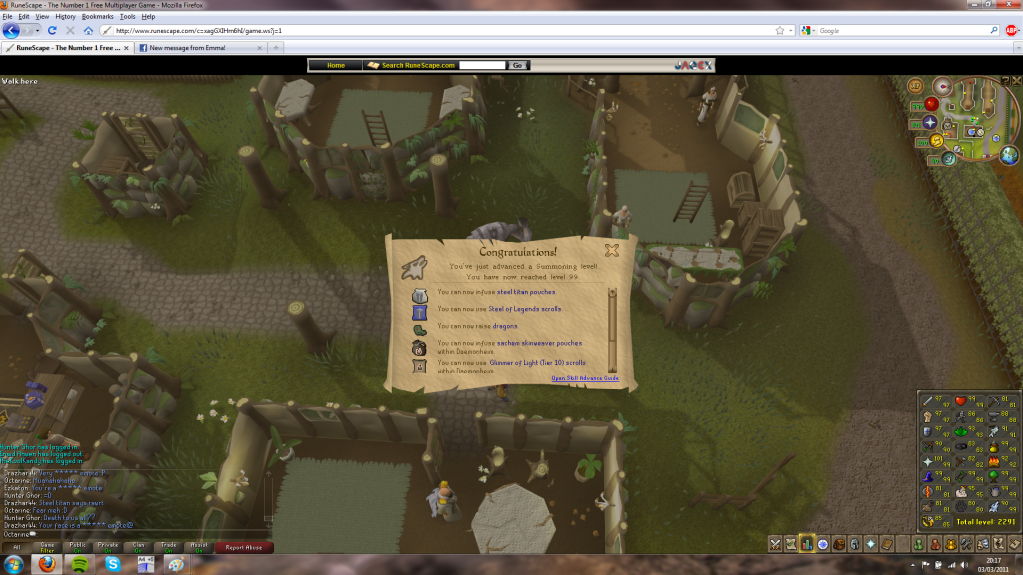
Continuing on my goal of a 99 a month for this whole year, I give you, 99 summoning! Currently having lots of fun with my steel titan but no dragon egg yet :(


[spoiler=99 Summoning (03/03/11)]99Summoningget.png?t=1300105182
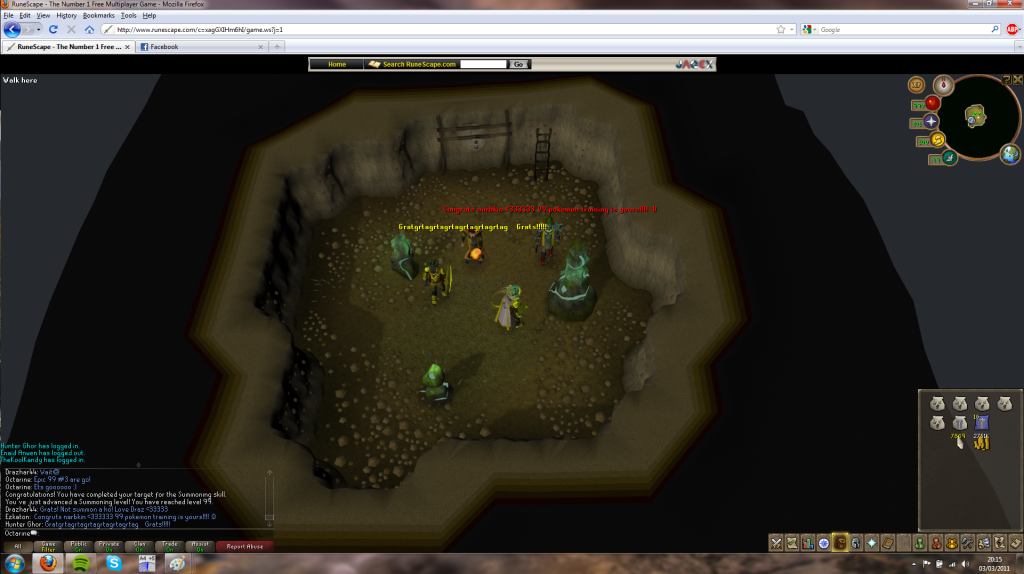
99Summoning-1.png?t=1300105221


So, that bonus xp weekend happened! The sum total of my efforts for the weekend being this:


2:30 of thieving at plunder and then the rest of my bonus wasted messing about with ezkaton :P no worries though, didnt care for bxp too much anyway.
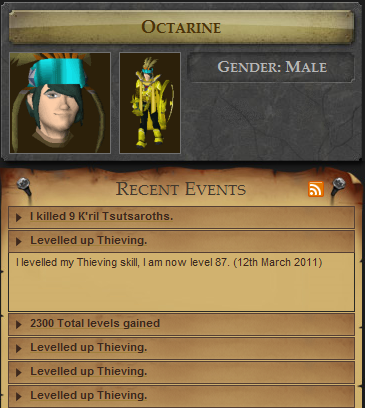
 

bxp.png?t=1300105349


Hooray Efficiency!


Which I guess brings me onto the most important thing, Ezkaton (Ian) came up to stay for the weekend! :D:D

Had a great time doing general messing about, night out (haven't drunk so much in agggess..) and general nerding on rune ending with zamorak trip, because whynot? :D

Also gonna keep at it til we get that hilt..


[spoiler=Scary people inside! Beware! D:]IMG_0706-1.jpg?t=1300105740
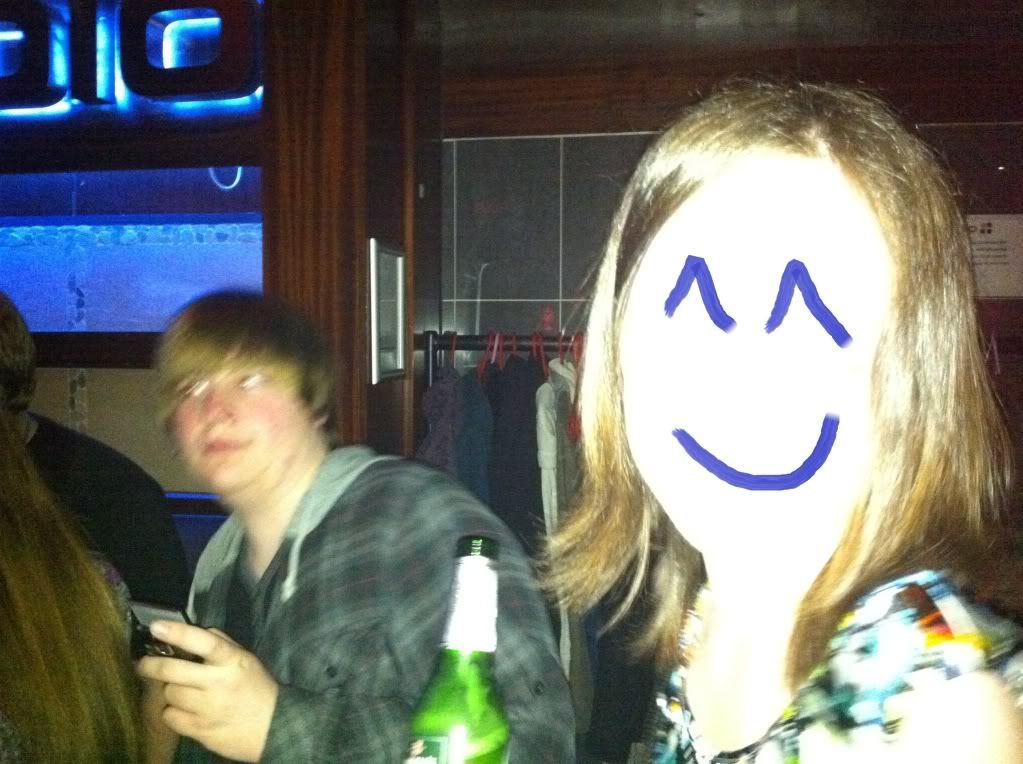
 

Ok thats genuinely creepy. Had to do it after flash-fail though.

 

IMG_0712.jpg?t=1300105769


Ian + his crush <3


IMG_0735.jpg?t=1300105796

IMG_0736.jpg?t=1300105815


DAT 99 COOKING


So, next month, maxing melees! :D and also, happy Pi Day Tif! :D

2 Comments

Recommended Comments

Bangin_Blonde

Members

Better hope Katya doesn't see that Ian. ;)

Important Information

By using this site, you agree to our Terms of Use.

Account

Navigation

Search

Search

Configure browser push notifications

Chrome (Android)
  1. Tap the lock icon next to the address bar.
  2. Tap Permissions → Notifications.
  3. Adjust your preference.
Chrome (Desktop)
  1. Click the padlock icon in the address bar.
  2. Select Site settings.
  3. Find Notifications and adjust your preference.