Skip to content
View in the app

A better way to browse. Learn more.

Tip.It Forum

A full-screen app on your home screen with push notifications, badges and more.

To install this app on iOS and iPadOS
  1. Tap the Share icon in Safari
  2. Scroll the menu and tap Add to Home Screen.
  3. Tap Add in the top-right corner.
To install this app on Android
  1. Tap the 3-dot menu (⋮) in the top-right corner of the browser.
  2. Tap Add to Home screen or Install app.
  3. Confirm by tapping Install.

Witchy's bank as of 1st January 2012

(0 reviews)

I got hacked in the summer and lost around 500m of things, but thankfully my third-age robes weren't taken :) Here is my bank!


Money, runes and stuff I need daily. I don't pick up any charms anymore.
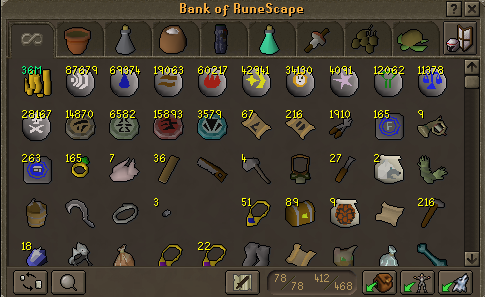
 

bank1-1.png


Farm tab! 4 rubbish herb seeds are at the top and then the lower ones are in order of level.
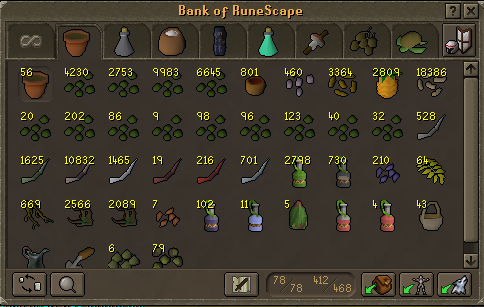
 

farmtab.png


Herb tab. I think this is the best one that i've grown from scratch :) Those potions are unfinished belladonna ones.
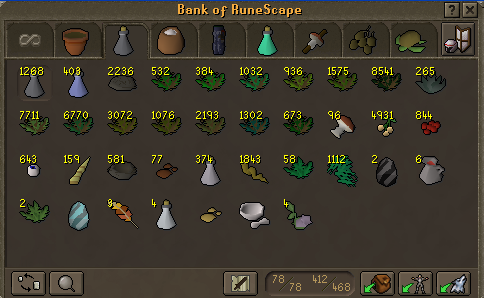
 

herbtab.png


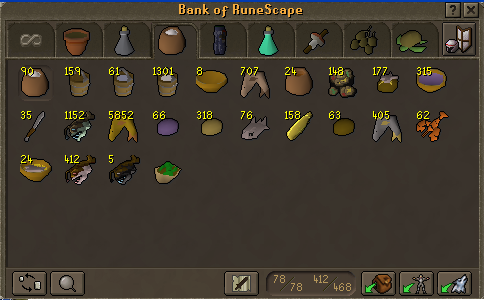
Food and cooking!


foodandcookingtab.png


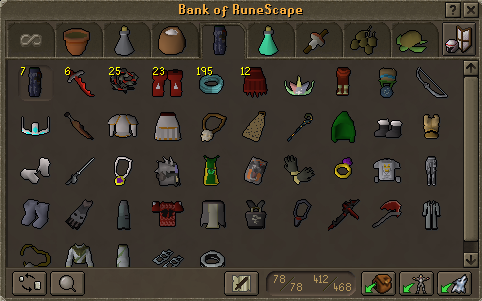
Equipables and clothes.


clothesandequipables.png


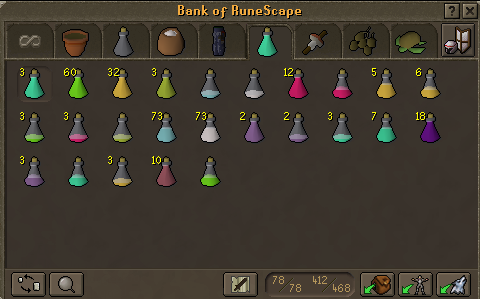
Potions!


potionstab.png


Miscellaneous skills, the bottom line that you can't see is just agility effigies that i'm saving up...
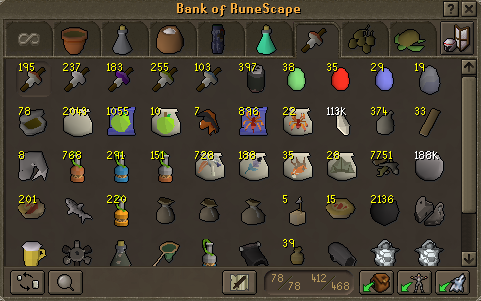
 

miscskilltab.png


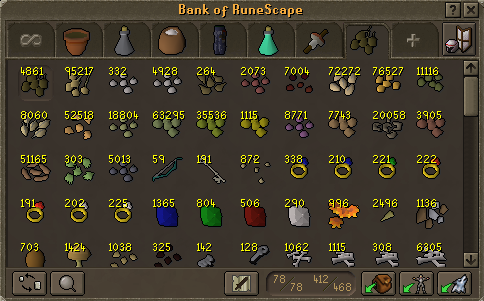
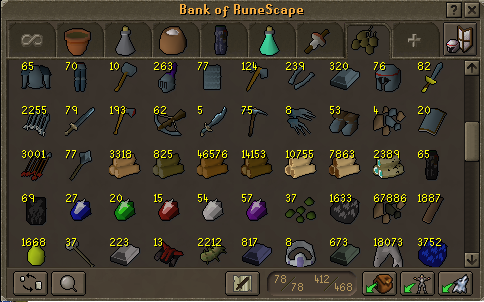
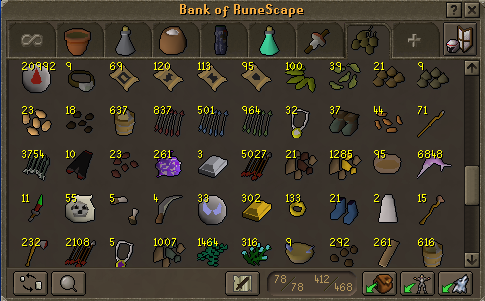
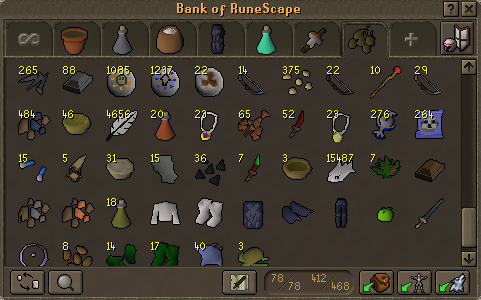
Things to sell...


selltab1.png


selltab2.png


selltab3.png


selltab4.png

9 Comments

Recommended Comments

Naive

Members

Dat sexy sell tab

DeEliteOne

Members

99 summon get@@@@

also sell brackish blade and d chain

Saradomin_Mage

Members

What's the pile of 71 sticks in sell tab 3 o_O

Hell Wicthy! That is one hell of a gorgeous bank! :D

WoodenFruit

Members

They're lava battlestaves, but Jagex chopped their orb bit off.

MuffinMaddy

Members

Really organised, really nice tbh

Ishamael

Members

Organize my bank please?

Sunny_Day

Members

Whats supposed to be in first screenie between crystals + games necklaces? Really nice tho, dont sell bloods, give them to me ;) <3

WoodenFruit

Members

Oh Crycry, that's a small net :P They became invisible ages ago and still haven't been fixed.

Important Information

By using this site, you agree to our Terms of Use.

Account

Navigation

Search

Search

Configure browser push notifications

Chrome (Android)
  1. Tap the lock icon next to the address bar.
  2. Tap Permissions → Notifications.
  3. Adjust your preference.
Chrome (Desktop)
  1. Click the padlock icon in the address bar.
  2. Select Site settings.
  3. Find Notifications and adjust your preference.