Skip to content
View in the app

A better way to browse. Learn more.

Tip.It Forum

A full-screen app on your home screen with push notifications, badges and more.

To install this app on iOS and iPadOS
  1. Tap the Share icon in Safari
  2. Scroll the menu and tap Add to Home Screen.
  3. Tap Add in the top-right corner.
To install this app on Android
  1. Tap the 3-dot menu (⋮) in the top-right corner of the browser.
  2. Tap Add to Home screen or Install app.
  3. Confirm by tapping Install.

Witchy's bank as of January 18th 2013

(0 reviews)

Hi :) This is my bank pic update, for my own record, because a few others like to see it, and maybe a bit of bragging. (I like my bank, it's interesting!)


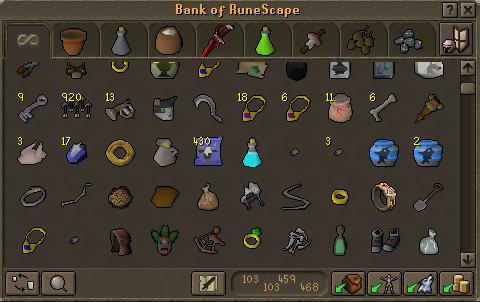
Tab 1, things I need on a daily basis as well as items I might need soon, or need to use soon. It's a little jumbled at the moment.
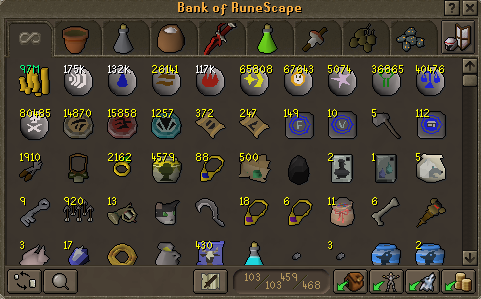
 

bankpic1.png

bankpic2.png


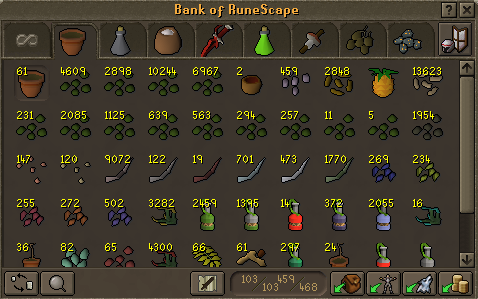
Tab 2, farming!


Guam, marrentill, tarromin and harralander seeds are at the top row. Then the second row is ranarr, toadflax, irit, avantoe, kwuarm, snapdragon, cadantine, lantadyme, dwarf weed and fellstalk.


I've only recently finished farming the lantadymes and dwarf ones, and have started the fellstalks, hence why the first two are so low :)


The bottom row is just spirit tree payment stuff.
 

bankpicfarmtab.png


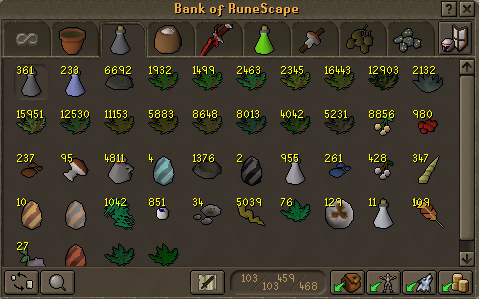
Tab 3, herblore! :) The pale greyish pink potions are unfinished belladonna potions.
 

bankpicherbtab.png


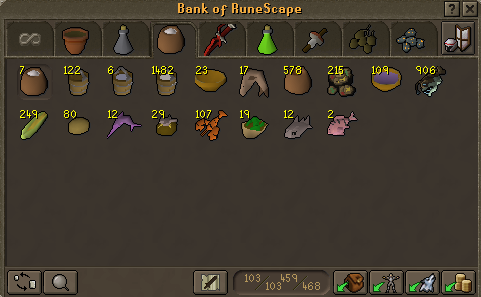
Tab 4, cooking.


bankpiccookingtab.png


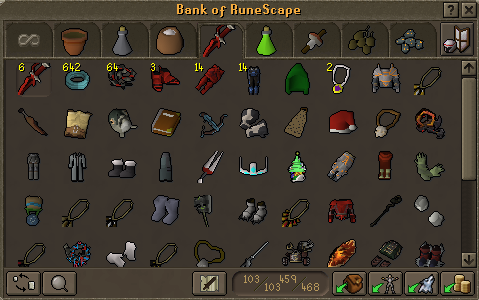
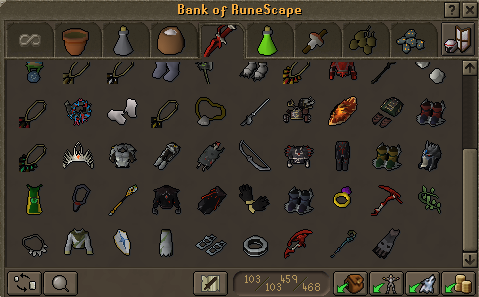
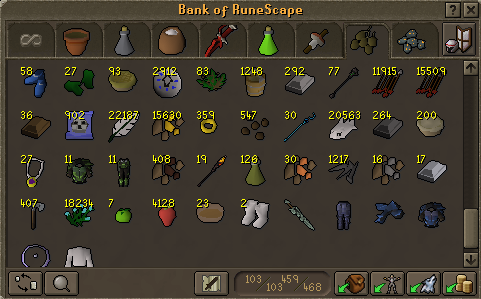
Tab 5, equipables.


bankpicequibles1.png

bankpicequibles2.png


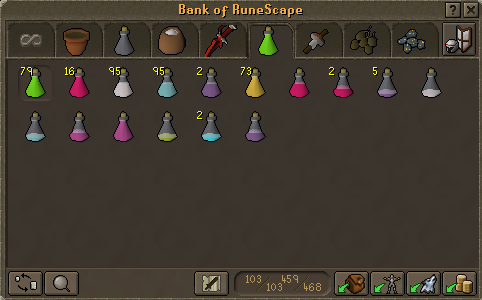
Tab 6, potions!


bankpicpotions.png


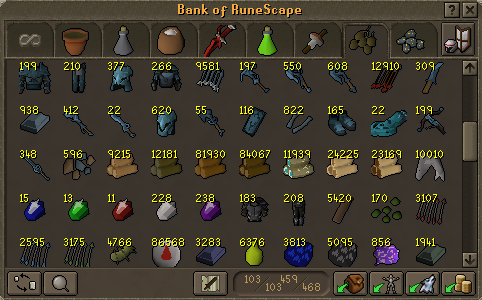
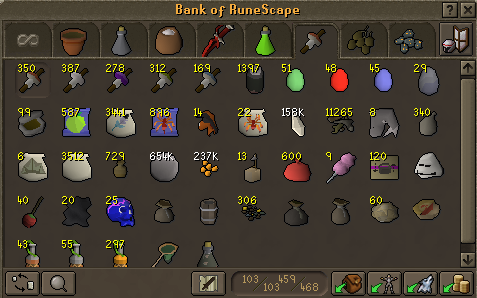
Tab 7, misc skilling things and "weird" things.
 

bankpicmiscskilling.png


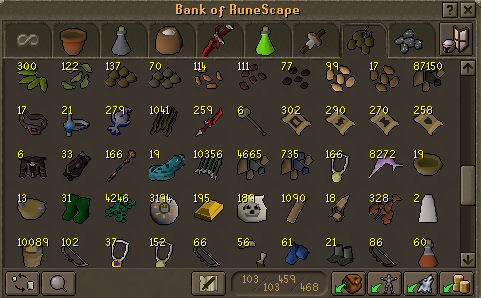
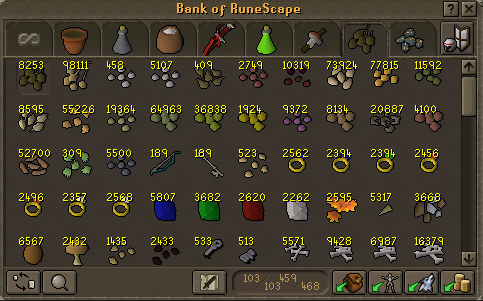
Tab 8, "things to sell" or "the hoard".


The herb seeds in this tab are torstols, since I don't farm them they go in there.
 

bankpicsell1.png

bankpicsell2.png

bankpicsell3.png

bankpicsell4.png


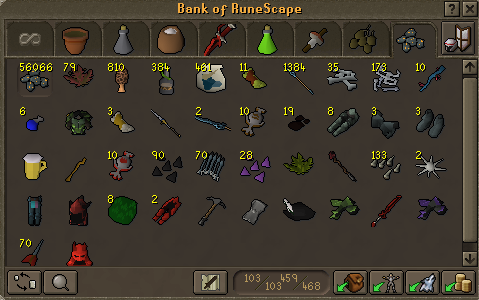
Tab 9. "Things to sell the next time i'm passing the GE". I usually have the exclusive clue rewards, or ROW drops from monsters, and occasional impling loots that don't get stuffed in the previous tab.
 

bankpicsellge.png

12 Comments

Recommended Comments

Andeh

Members

Awwwww dat bank bbygurll, mmmmmmmmmmmmm.

Dragonkng198

Members

Now that I no longer require money, I thought money had no allure for me, but seeing your bank Vikki, I just have to say...


*drools*

Sally

Members

Dang Vikki. You have so much stuff!

PolarBearBlue

Members

Witchy I hate you! Gimmie that xmas tree hat! :P

DeEliteOne

Members

wow

WoodenFruit

Members

No hat for Bloo!

PolarBearBlue

Members

:( Why ya gotta be like that?

Ginger_Warrior

Members

I have more half eaten summer pies than you. ur bank sux.

WoodenFruit

Members

Fu Gingy I gave my half eaten summer pies to someone who needed them for agility training :(

Important Information

By using this site, you agree to our Terms of Use.

Account

Navigation

Search

Search

Configure browser push notifications

Chrome (Android)
  1. Tap the lock icon next to the address bar.
  2. Tap Permissions → Notifications.
  3. Adjust your preference.
Chrome (Desktop)
  1. Click the padlock icon in the address bar.
  2. Select Site settings.
  3. Find Notifications and adjust your preference.