Skip to content
View in the app

A better way to browse. Learn more.

Tip.It Forum

A full-screen app on your home screen with push notifications, badges and more.

To install this app on iOS and iPadOS
  1. Tap the Share icon in Safari
  2. Scroll the menu and tap Add to Home Screen.
  3. Tap Add in the top-right corner.
To install this app on Android
  1. Tap the 3-dot menu (⋮) in the top-right corner of the browser.
  2. Tap Add to Home screen or Install app.
  3. Confirm by tapping Install.

#19: Completionist: Week 11. Prayer and 2,300 Total Acquired!

(0 reviews)

Excellent week, this was. So it begun, with me finishing the new quest, as I always do, as soon as possible.
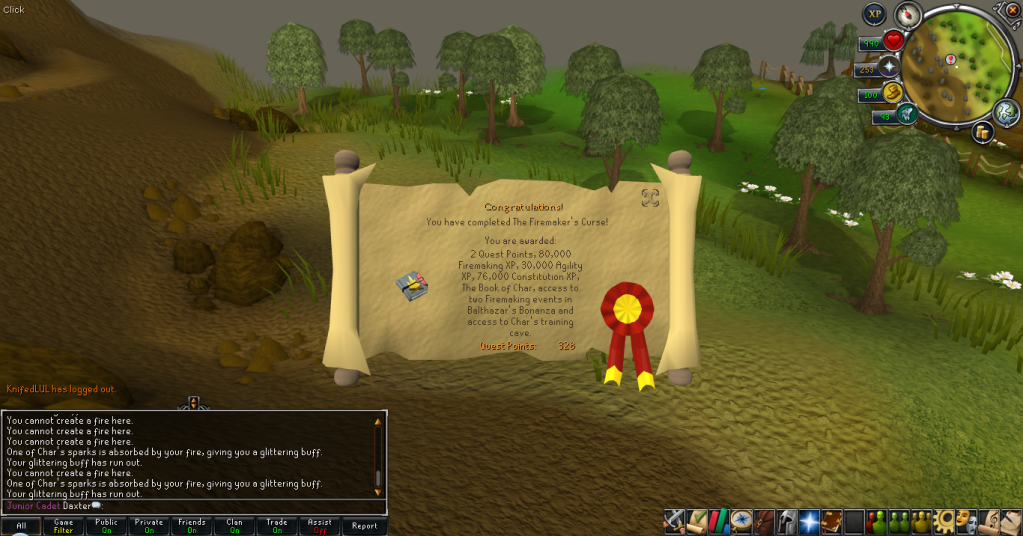
TheFiremakersCurse.png

(Damn shame that most of this stuff is largely useless for me, with 99 Firemaking)


Then I got something of a donation from a friend of mine (Thank you very much, Goon), which led to some money making and:
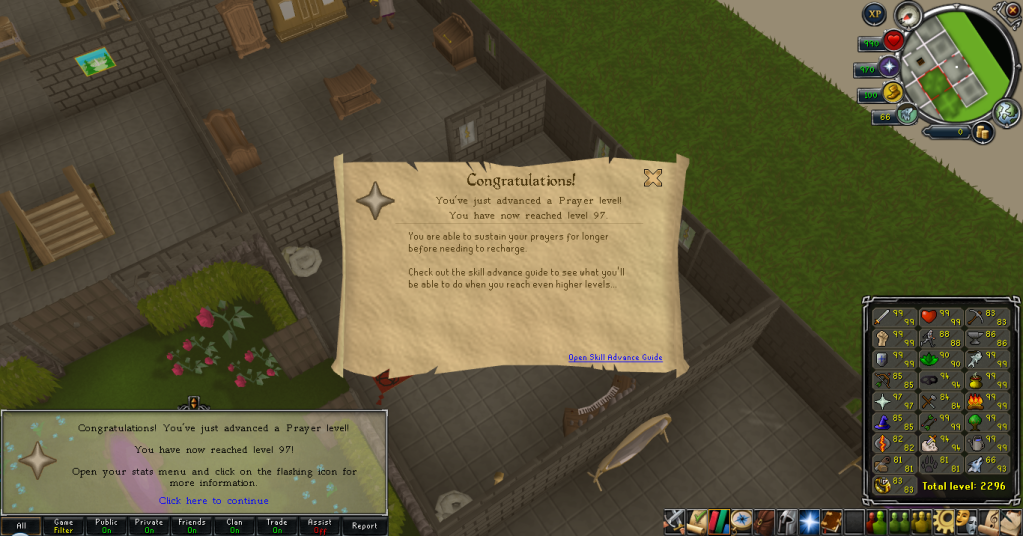
97Prayer.png


And:

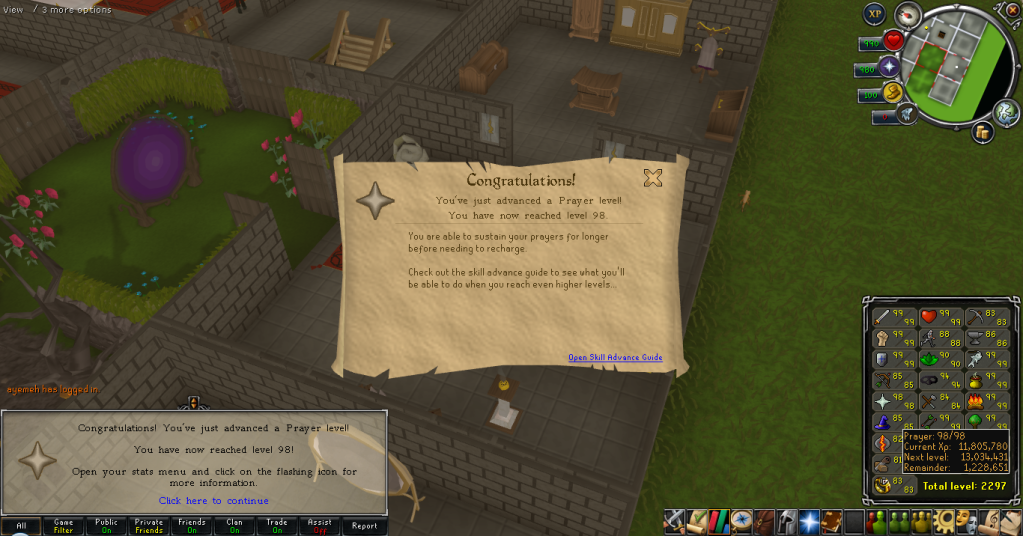
98Prayer.png


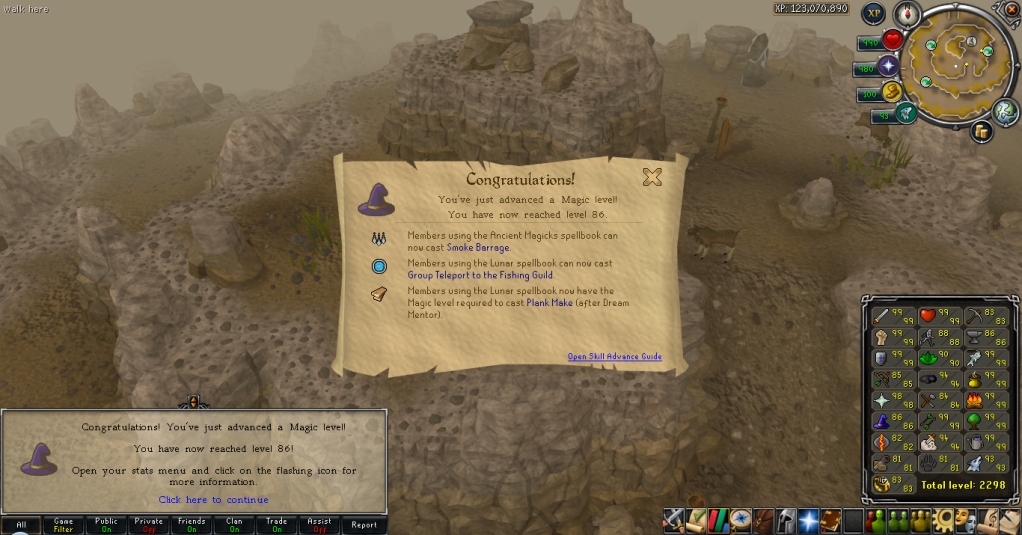
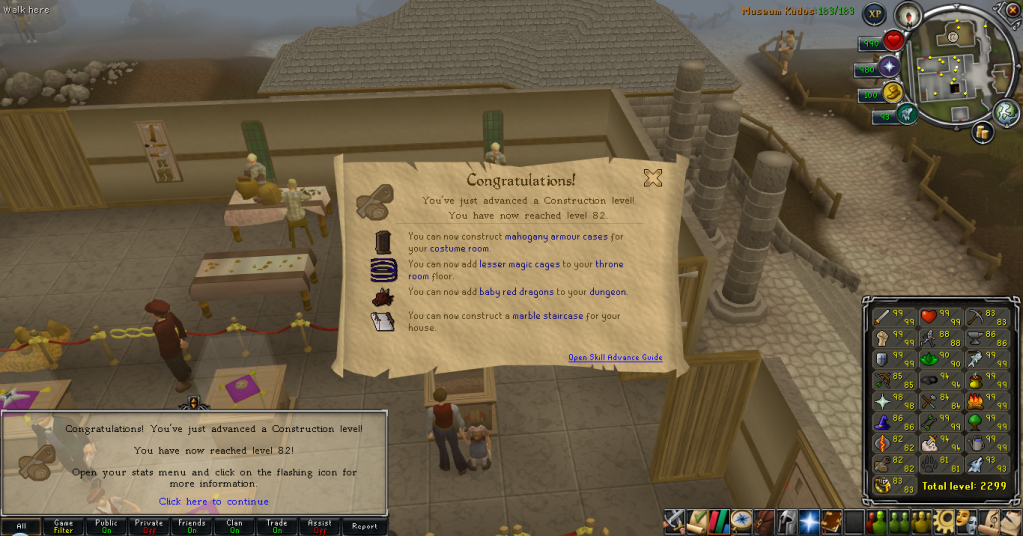
Then I got this and this:

86Magic.png


82Construction.png


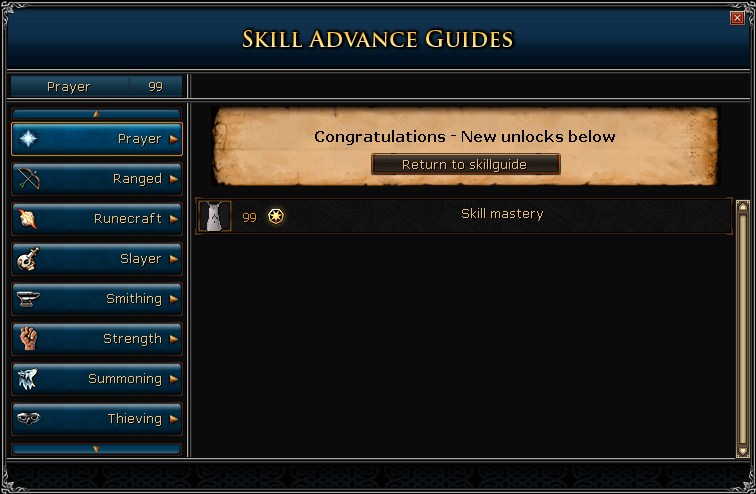
So I could get this and this (I currently dislike the new level screens):
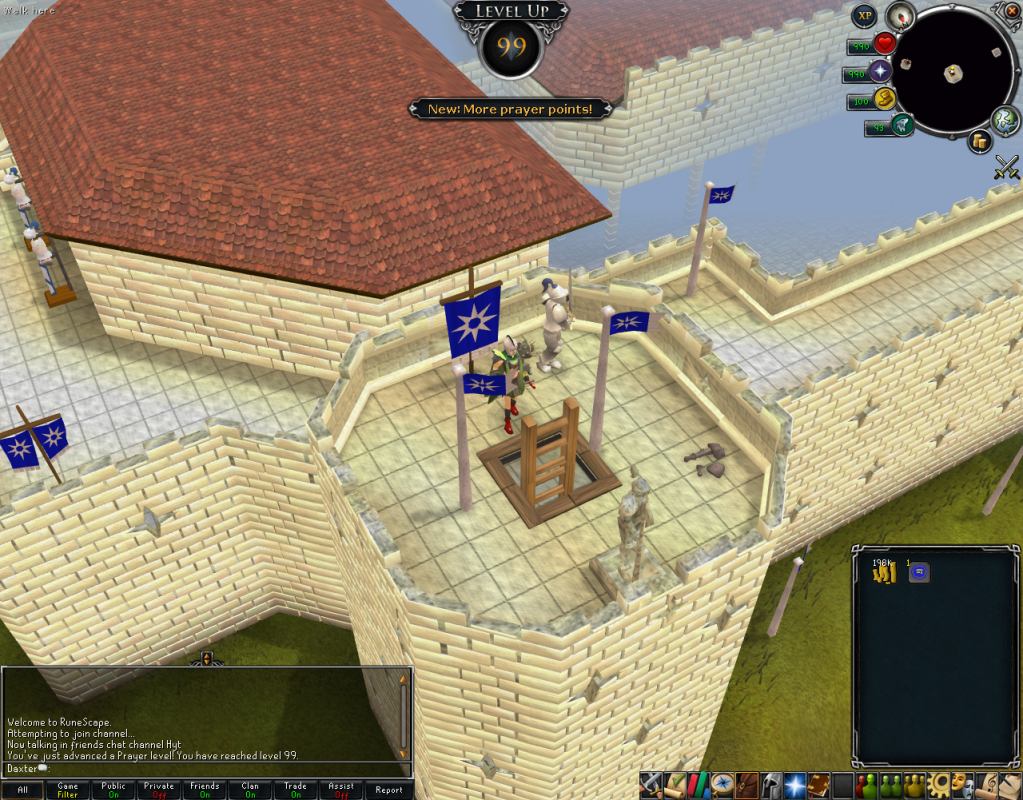
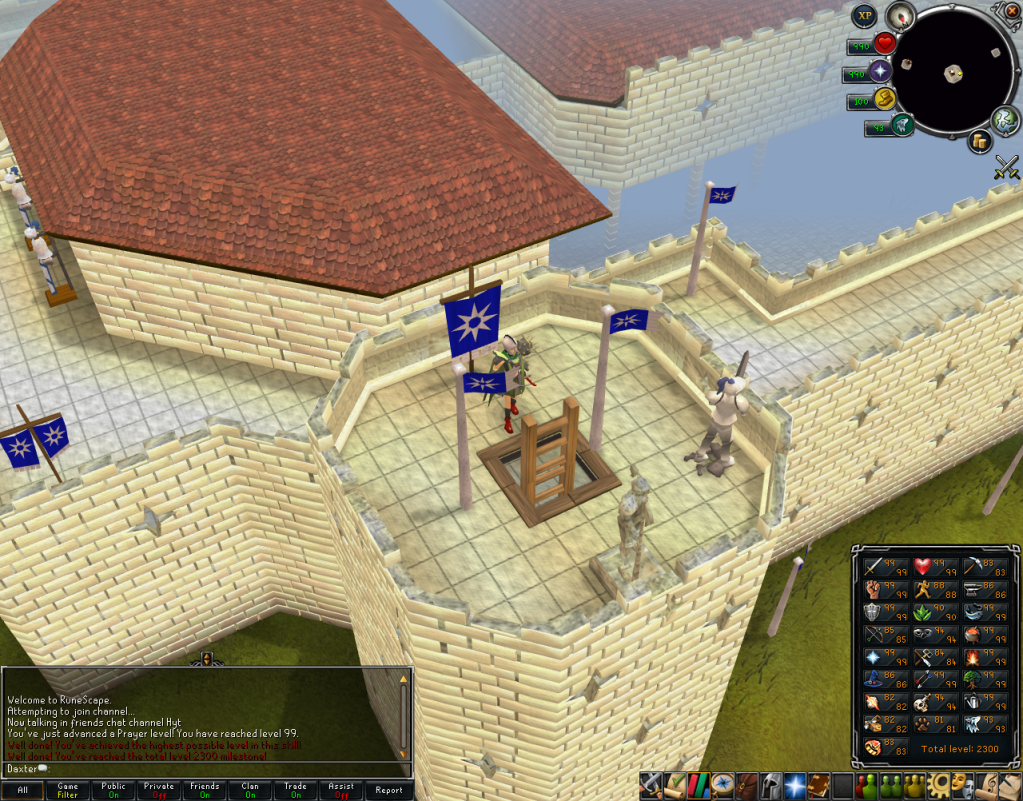
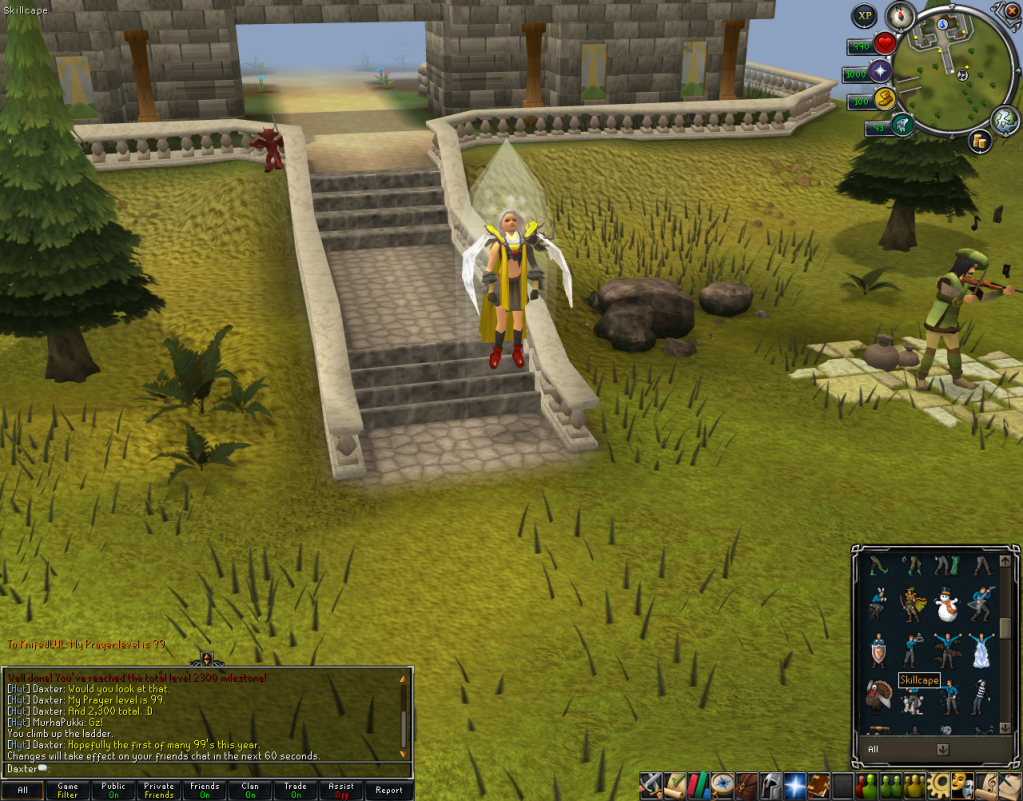
99Prayer01.png

99Prayer02.png

99Prayer03.png

99Prayer04.png


So yes, very good week! Now Ill be heading back down to Sophanem for some Thieving, hopefully ending that pursuit, and another 99. Catch you next time, ~Dax.


EDIT: Got this a little bit after, thought I may as well chuck it in here. Love mah Skoll boots.
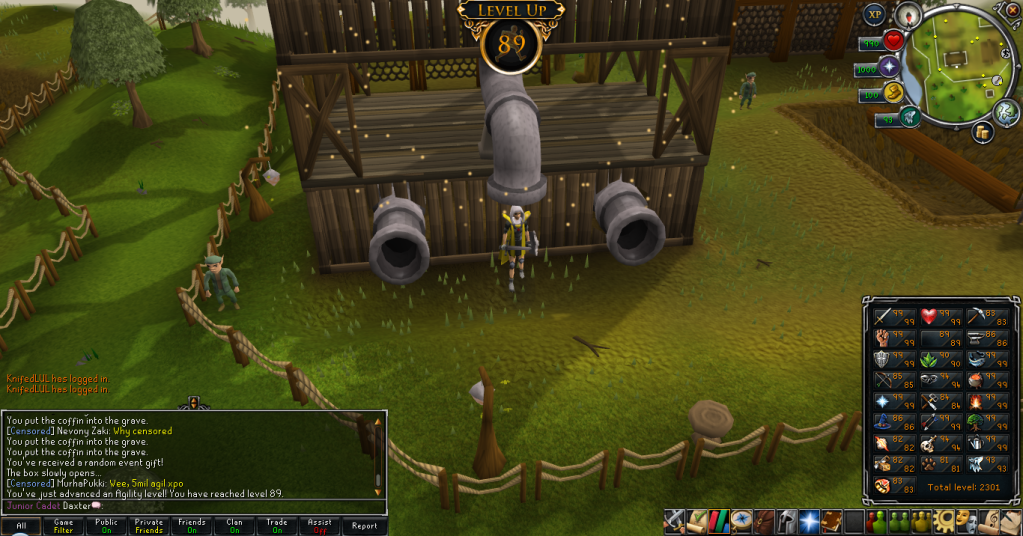
89Agility.png

3 Comments

Recommended Comments

Singh

Members

Very nice!!

you know could probably get 99 range within a week, right? (maybeee 2)

12pure34

Members

Now that's a week to remember :D Great progress! Your goal just a little closer yet again! What is your main source of money making at the moment? Bosses?

Quyneax

Members

99prayer2.png


Hi. Also grats.

Important Information

By using this site, you agree to our Terms of Use.

Account

Navigation

Search

Search

Configure browser push notifications

Chrome (Android)
  1. Tap the lock icon next to the address bar.
  2. Tap Permissions → Notifications.
  3. Adjust your preference.
Chrome (Desktop)
  1. Click the padlock icon in the address bar.
  2. Select Site settings.
  3. Find Notifications and adjust your preference.