



Skip to content
View in the app

A better way to browse. Learn more.

Tip.It Forum

A full-screen app on your home screen with push notifications, badges and more.

To install this app on iOS and iPadOS
  1. Tap the Share icon in Safari
  2. Scroll the menu and tap Add to Home Screen.
  3. Tap Add in the top-right corner.
To install this app on Android
  1. Tap the 3-dot menu (⋮) in the top-right corner of the browser.
  2. Tap Add to Home screen or Install app.
  3. Confirm by tapping Install.

#23: Completionist: Week 15.

(0 reviews)

Had some spare cash lying about, alongside the charms for it, so I got:
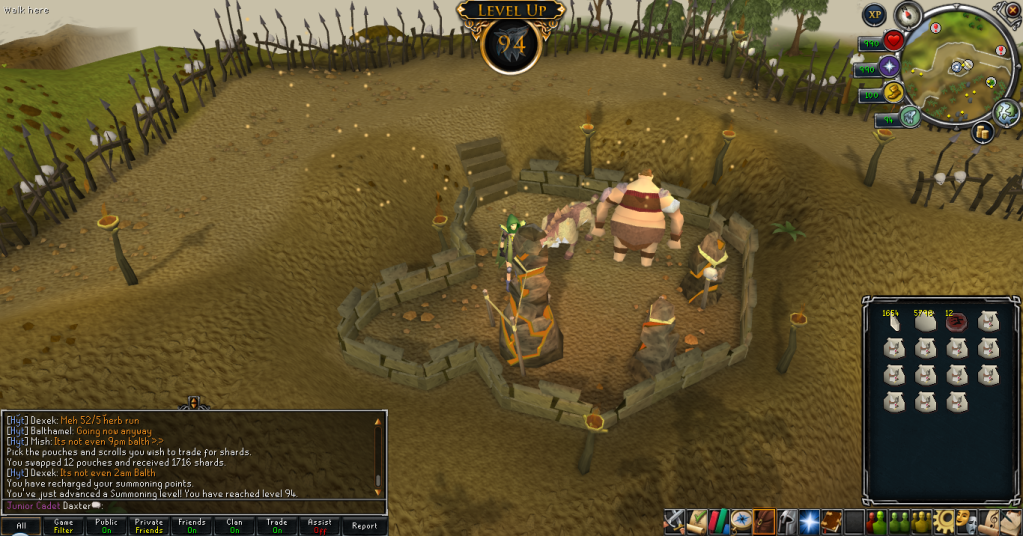
94Summoning.png

One for all but Runecraft/Fire Cape tasks left, and two left for 138.


And then I got this:
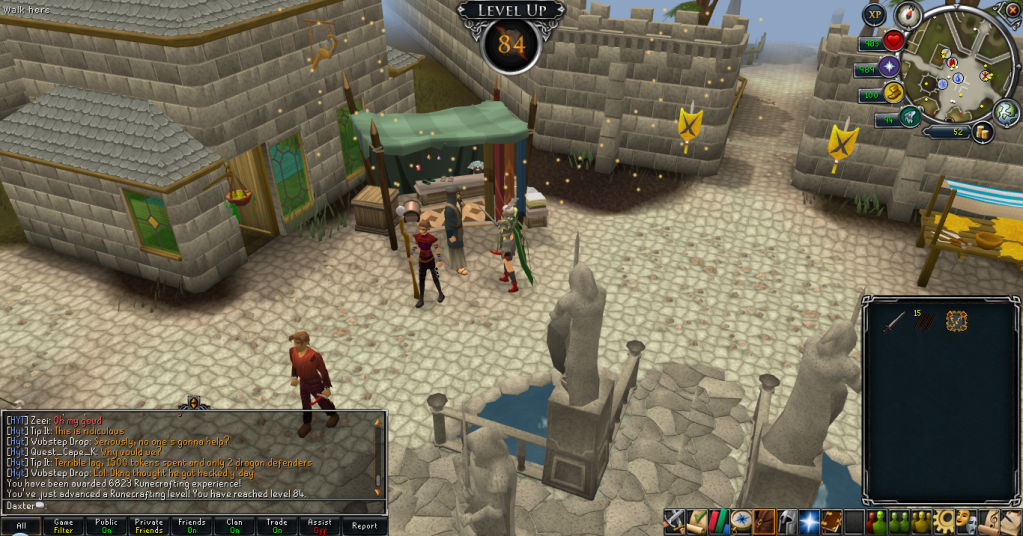
84Runecraft.png

Two to go until I can boost for tasks. Catch you next time, ~Dax.

2 Comments

Recommended Comments

12pure34

Members

Thats like a great week it seems :) Keep updating. Are you close to 95 for Yak or are those charms still miles away?

Dax

Members

@Pure: I used up all my charms to get to 94, so won't get any levels for some time.

Important Information

By using this site, you agree to our Terms of Use.

Account

Navigation

Search

Search

Configure browser push notifications

Chrome (Android)
  1. Tap the lock icon next to the address bar.
  2. Tap Permissions → Notifications.
  3. Adjust your preference.
Chrome (Desktop)
  1. Click the padlock icon in the address bar.
  2. Select Site settings.
  3. Find Notifications and adjust your preference.