Skip to content
View in the app

A better way to browse. Learn more.

Tip.It Forum

A full-screen app on your home screen with push notifications, badges and more.

To install this app on iOS and iPadOS
  1. Tap the Share icon in Safari
  2. Scroll the menu and tap Add to Home Screen.
  3. Tap Add in the top-right corner.
To install this app on Android
  1. Tap the 3-dot menu (⋮) in the top-right corner of the browser.
  2. Tap Add to Home screen or Install app.
  3. Confirm by tapping Install.

#30: Completionist: Thieving Acquired! (And some other stuff)

(0 reviews)

As the title says, I've finally got #12! Woo! I kept everything I stole from 88(-ish, not sure exactly) to 99, and here it is.

 

Bank88to99.png

Got Black Ibis Legs on my fifth last run, I want to go finish the set, but it'll probably take me another fifty years. Through my entire 99 journey, I think I got around eight sceptres, although no fancy ones from the Sarcophagus.


But then my pile of stuff turned into cash:

CoinsfromThieving.png


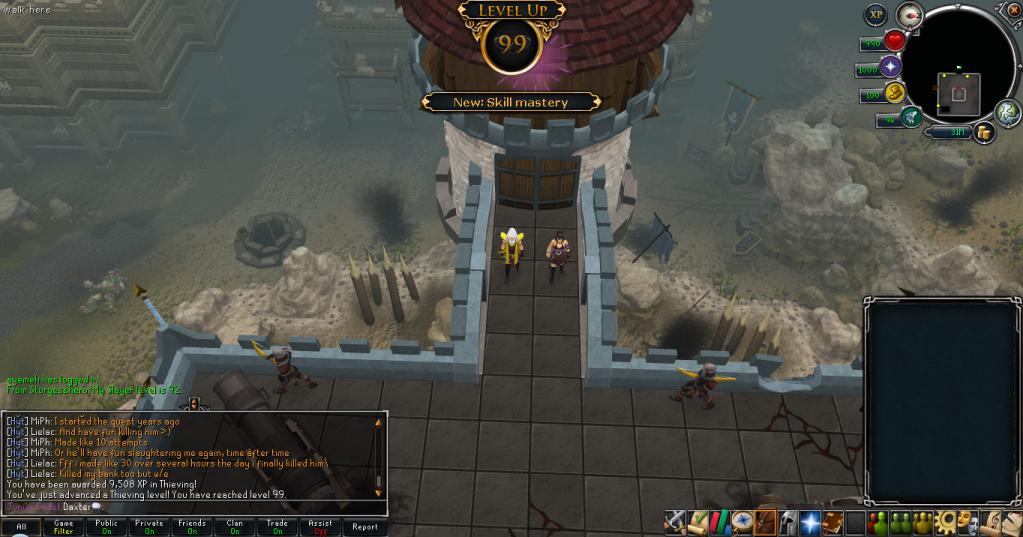
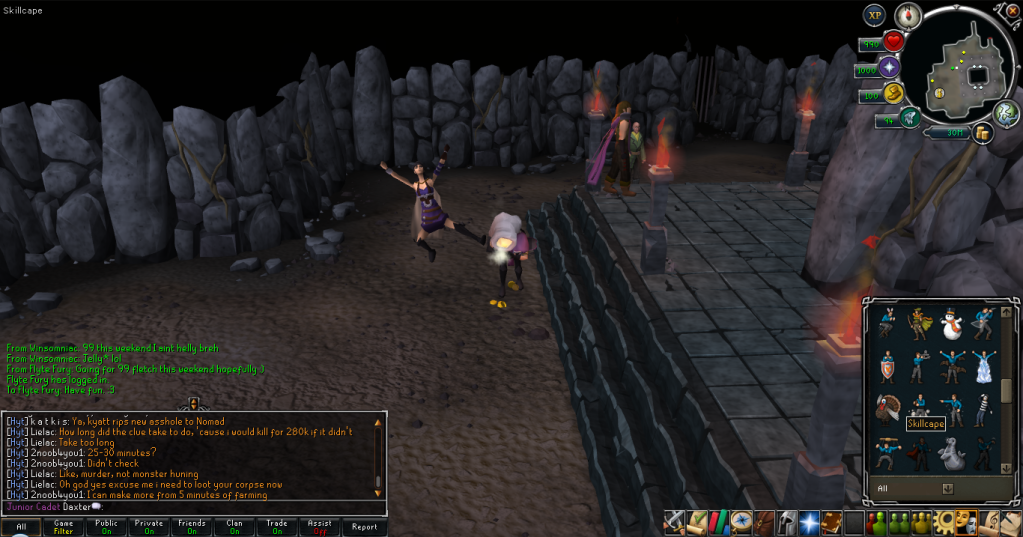
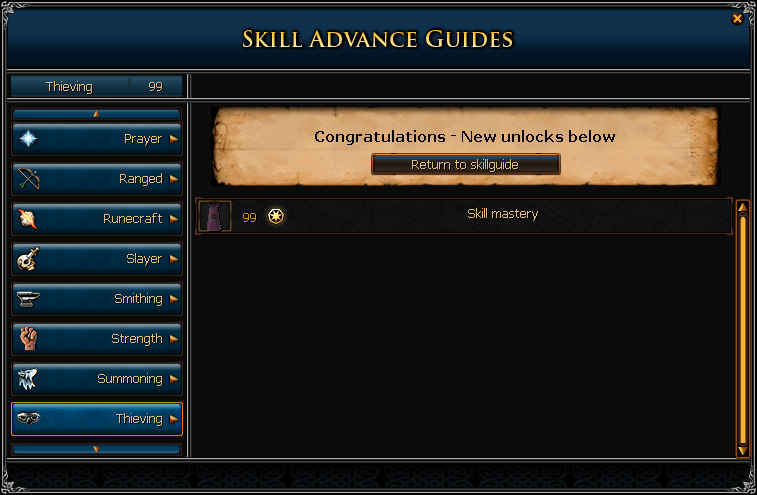
And here are the 99 pictures.

99Thieving01.png

99Thieving02.png

99Thieving03.png


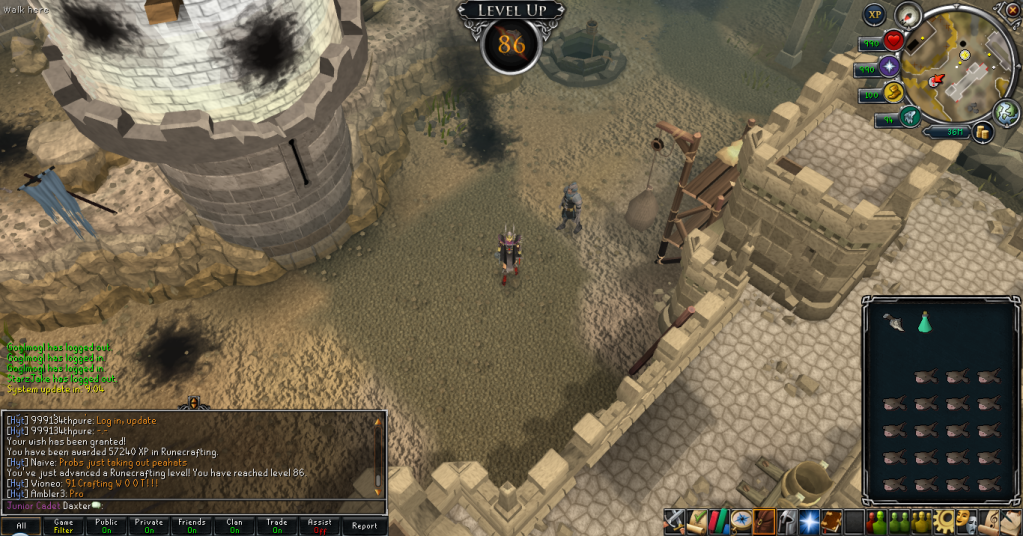
And I got:

86Runecrafting.png


Then I went back to the ol' Slayer and got:
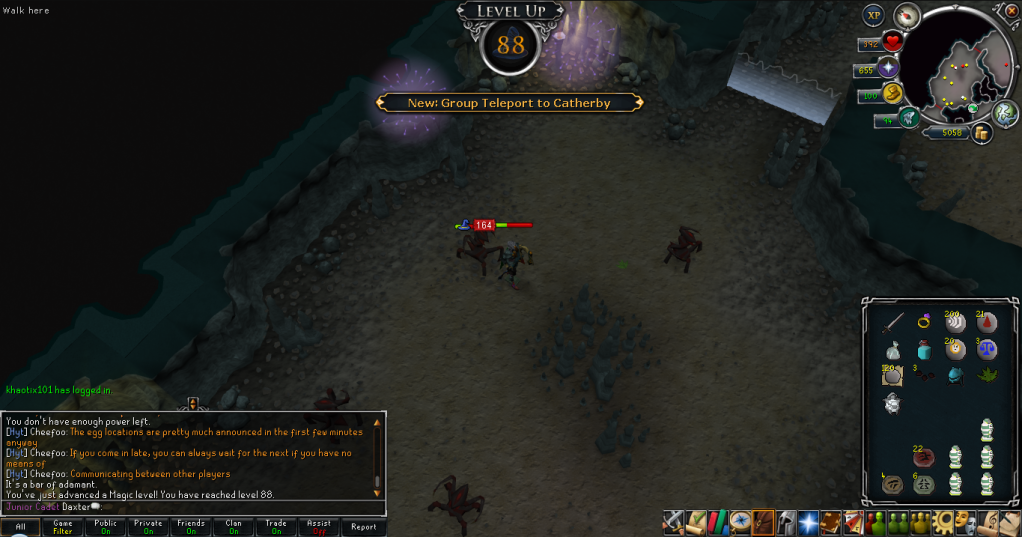
88Magic.png


And did a clue:

HardClue08.png


Catch you next time, ~Dax.

4 Comments

Recommended Comments

aeryn11

Members

wow congratulations! :D I'm so jealous, hoping to get my 99 Thieving by the end of next week.

Blake

Members

How did you bank the loot? Seems like it would slow everything down a lot

Dax

Members

@aeryn11: Thanks. : D Good luck!

@Blake: Used the bank under Sophanem. I rushed to the last room and cleared it out, I didn't have to drop anything or anything like that.

Blake

Members

That's what I figured, but it still seems slow so I just wanted to ask. Anyways, congrats! :)

Important Information

By using this site, you agree to our Terms of Use.

Account

Navigation

Search

Search

Configure browser push notifications

Chrome (Android)
  1. Tap the lock icon next to the address bar.
  2. Tap Permissions → Notifications.
  3. Adjust your preference.
Chrome (Desktop)
  1. Click the padlock icon in the address bar.
  2. Select Site settings.
  3. Find Notifications and adjust your preference.