



Skip to content
View in the app

A better way to browse. Learn more.

Tip.It Forum

A full-screen app on your home screen with push notifications, badges and more.

To install this app on iOS and iPadOS
  1. Tap the Share icon in Safari
  2. Scroll the menu and tap Add to Home Screen.
  3. Tap Add in the top-right corner.
To install this app on Android
  1. Tap the 3-dot menu (⋮) in the top-right corner of the browser.
  2. Tap Add to Home screen or Install app.
  3. Confirm by tapping Install.

36: Completionist: Week 29.

(0 reviews)

Did a clue, got a terrible reward, as usual.
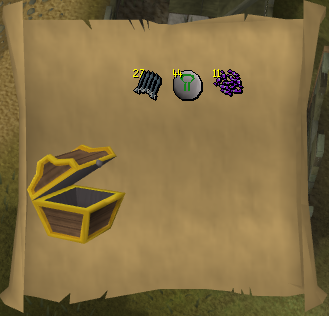
HardClue12.png


I then decided enough was enough, and powered through the last 30 or so Temple Trekking levels. Worked out that the exp from the lamps would push me over to 95 Summoning, so that's what I did.
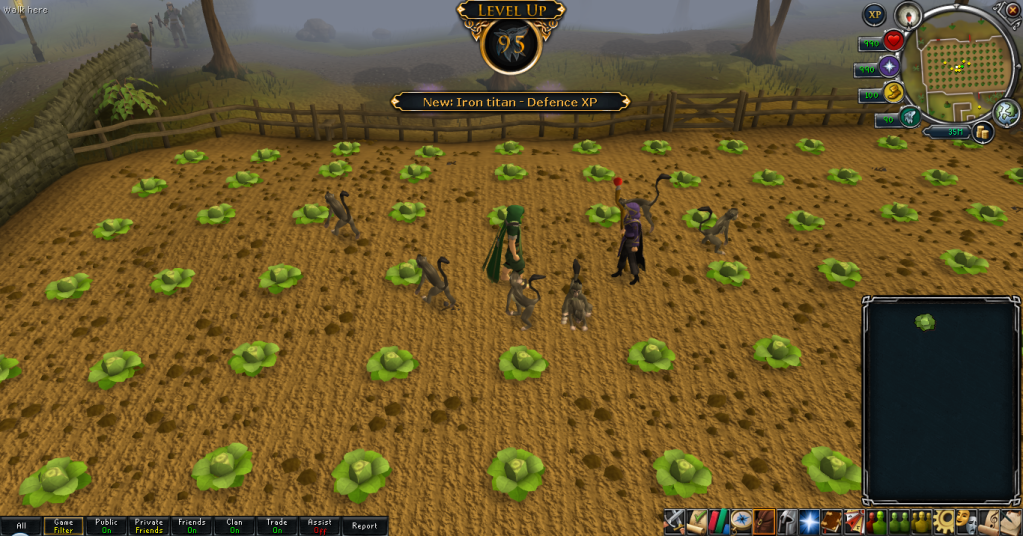
95Summoning.png


Only two tasks to go, both requiring a Fire cape. So I did the only logical thing, went and tried for a Fire cape.


And I didn't get it. Got distracted and a 360 hit me.


So I tried again.


And I didn't get it. Jad's new since I've last seen him, so I didn't know his sounds well enough.


Ah well. I might be 138 before it happens, but I'll get it one day.


Now I'm going back to Runecrafting!
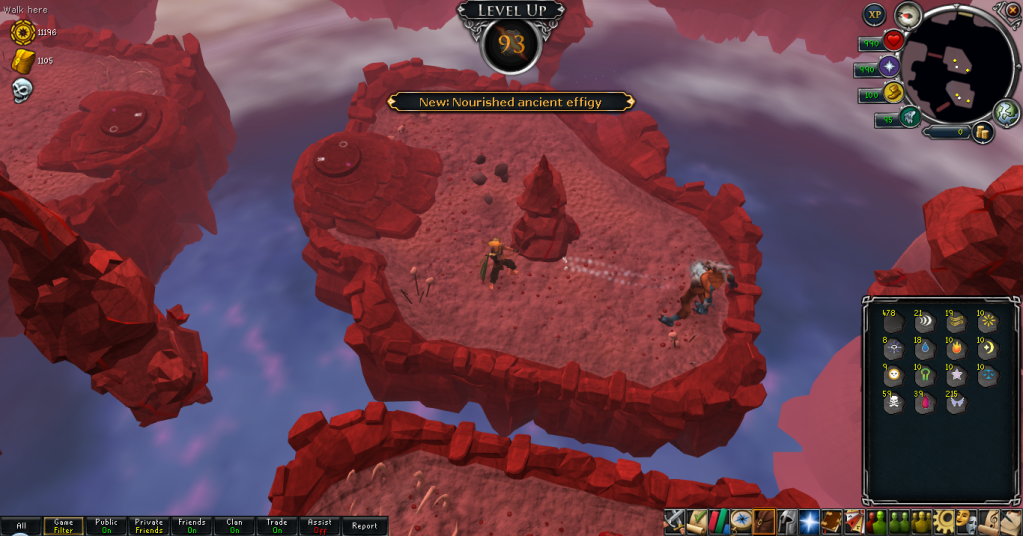
93Runecrafting.png


Catch you next time, ~Dax.

1 Comment

Recommended Comments

12pure34

Members

You will get it some day ;P just power your way through jad with 138. I always had trouble with Jad as well and never succeeded before I quitted. I have no doubt you will make it.

Important Information

By using this site, you agree to our Terms of Use.

Account

Navigation

Search

Search

Configure browser push notifications

Chrome (Android)
  1. Tap the lock icon next to the address bar.
  2. Tap Permissions → Notifications.
  3. Adjust your preference.
Chrome (Desktop)
  1. Click the padlock icon in the address bar.
  2. Select Site settings.
  3. Find Notifications and adjust your preference.