Skip to content
View in the app

A better way to browse. Learn more.

Tip.It Forum

A full-screen app on your home screen with push notifications, badges and more.

To install this app on iOS and iPadOS
  1. Tap the Share icon in Safari
  2. Scroll the menu and tap Add to Home Screen.
  3. Tap Add in the top-right corner.
To install this app on Android
  1. Tap the 3-dot menu (⋮) in the top-right corner of the browser.
  2. Tap Add to Home screen or Install app.
  3. Confirm by tapping Install.

38: Completionist: 138 Combat Acquired!

(0 reviews)

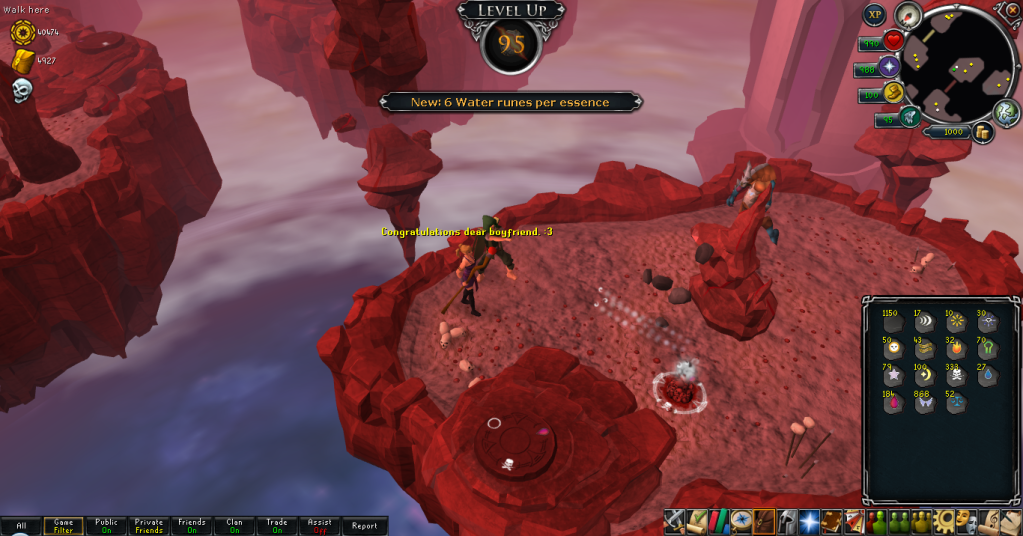
First up, I got a Runecrafting level.

95Runecrafting.png


Then, with the necklace bonus from May (Which I used in about 30 minutes), continued on and had around 120k exp to the level. Luckily, I hadn't cashed in my Penguin points for the week, nor Troll Invasion for the month. So I got them done and was within 8k. Ah-ha! I thought, I'll just use Jack of Trades and finish it all off. Alas, I had to wait two hours for that, but when I did:
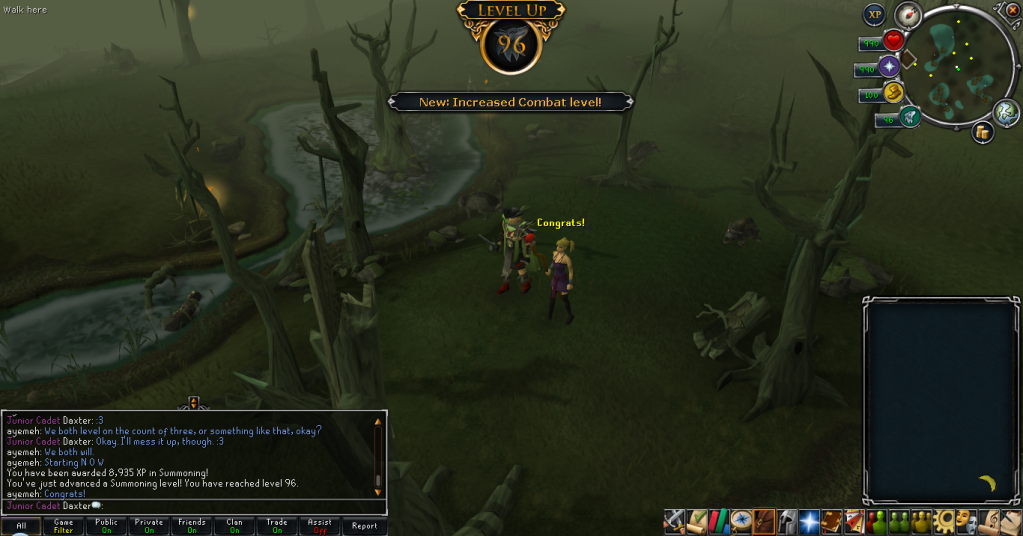
96Summoningand138Combat.png


Feels pretty awesome not being able to ever get a Combat level ever again (Well, unless they release another skill that may increase it). Theeeeeeeen I'd went off to Runespan and got another level:
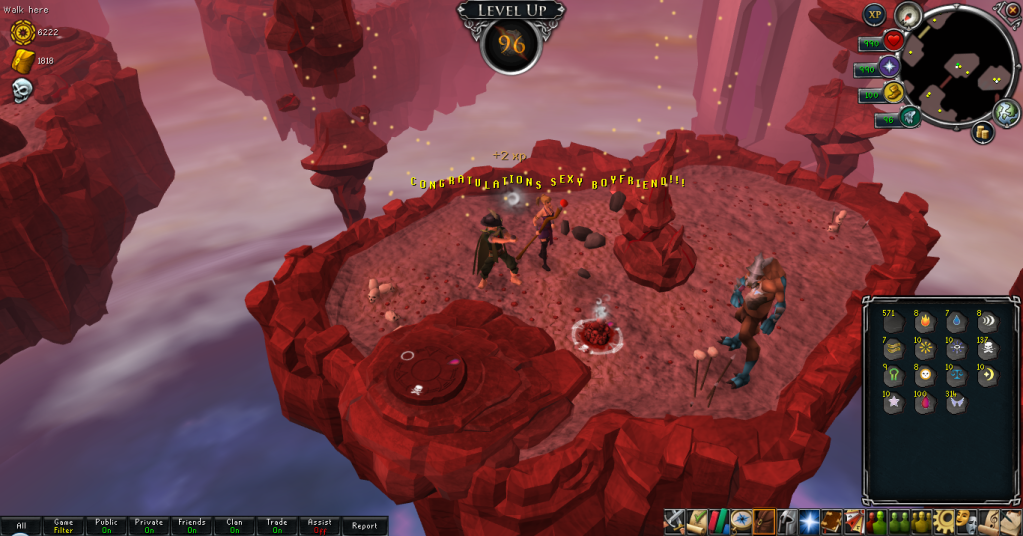
96Runecrafting.png


And accidentally got this one while doing my dailies:
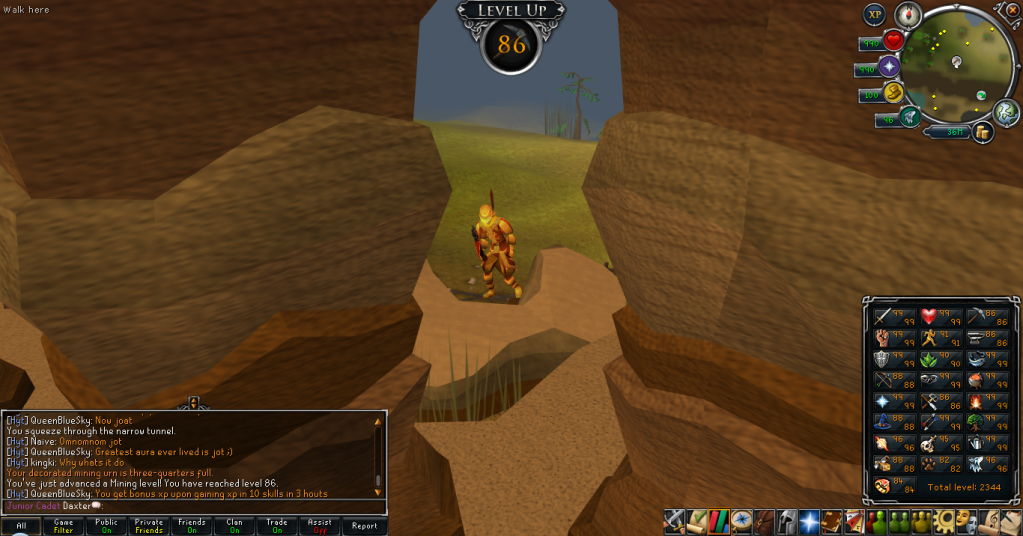
86Mining.png


And I still haven't got a Fire cape! Catch you next time, ~Dax.

4 Comments

Recommended Comments

Wow, quite an awesome week for you! Congrats! Been lurking your blog for awhile, it's inspiring :thumbsup:

Dax

Members

Haha. Thanks. I'm slowly gettin' there.

Dax

Members

no u jimmy

Important Information

By using this site, you agree to our Terms of Use.

Account

Navigation

Search

Search

Configure browser push notifications

Chrome (Android)
  1. Tap the lock icon next to the address bar.
  2. Tap Permissions → Notifications.
  3. Adjust your preference.
Chrome (Desktop)
  1. Click the padlock icon in the address bar.
  2. Select Site settings.
  3. Find Notifications and adjust your preference.