Skip to content
View in the app

A better way to browse. Learn more.

Tip.It Forum

A full-screen app on your home screen with push notifications, badges and more.

To install this app on iOS and iPadOS
  1. Tap the Share icon in Safari
  2. Scroll the menu and tap Add to Home Screen.
  3. Tap Add in the top-right corner.
To install this app on Android
  1. Tap the 3-dot menu (⋮) in the top-right corner of the browser.
  2. Tap Add to Home screen or Install app.
  3. Confirm by tapping Install.

39: Completionist: Week 32.

(0 reviews)

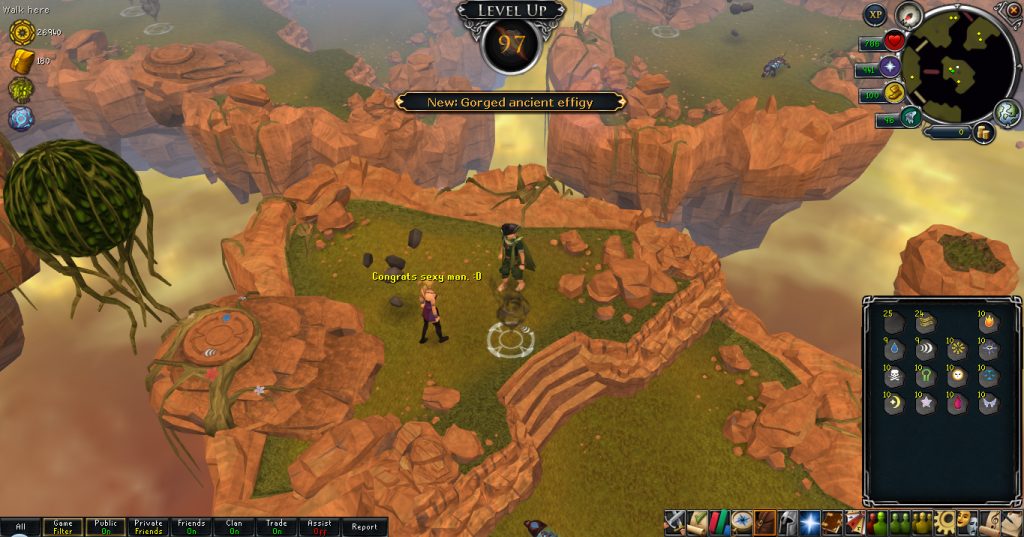
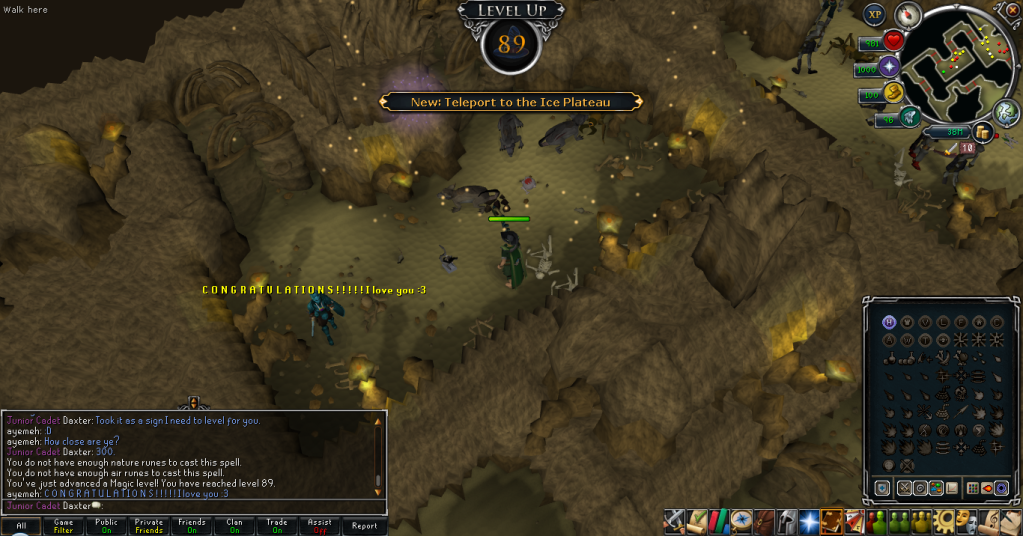
Got all these levels throughout the week, but I'm not sure in what order, and I'm too lazy to check, but here they all are!
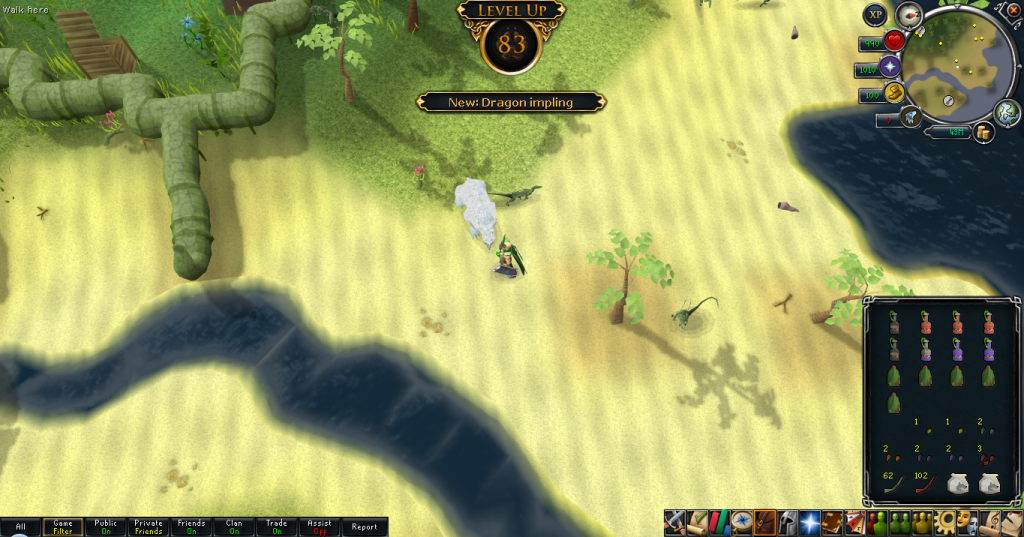
83Hunter.png

89Magic.png

89Ranged.png

97Runecrafting.png


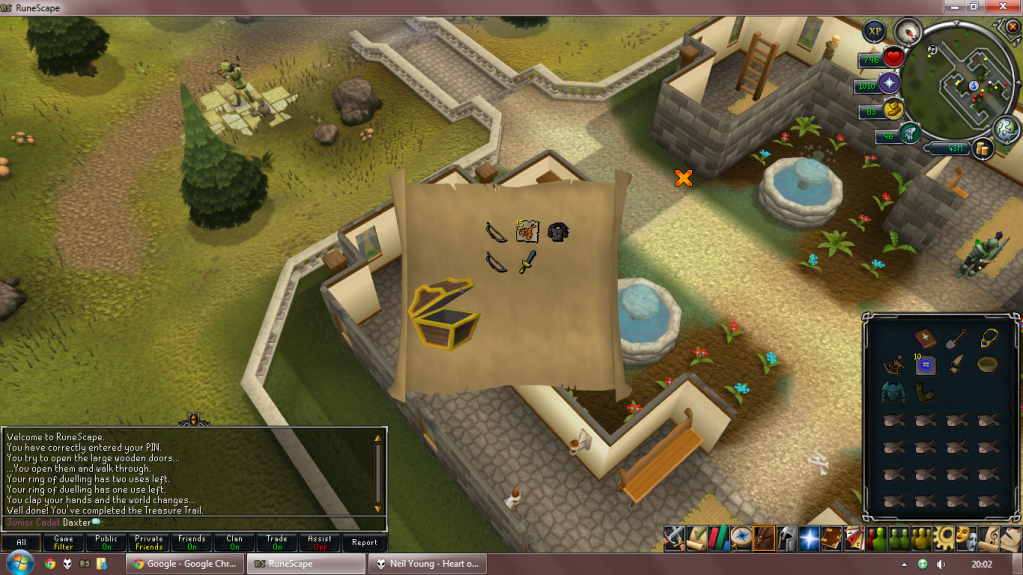
Also did a couple of clues while getting the Ranged and Magic levels, here they are too:
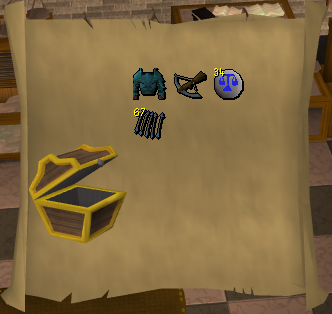
HardClue13.png

HardClue14.png

(Didn't even realise I didn't crop this one. The secret's out! I listen to Neil Young! D:)


That's all for now. Catch you next time, ~Dax.

3 Comments

Recommended Comments

12pure34

Members

Looking good!

Mojo_Monkey

Members

Wow someone who listens to real music :thumbsup:

Nice level ups btw

Reivaxlorp

Members

What program do you crop these images with? :D

Important Information

By using this site, you agree to our Terms of Use.

Account

Navigation

Search

Search

Configure browser push notifications

Chrome (Android)
  1. Tap the lock icon next to the address bar.
  2. Tap Permissions → Notifications.
  3. Adjust your preference.
Chrome (Desktop)
  1. Click the padlock icon in the address bar.
  2. Select Site settings.
  3. Find Notifications and adjust your preference.