Skip to content
View in the app

A better way to browse. Learn more.

Tip.It Forum

A full-screen app on your home screen with push notifications, badges and more.

To install this app on iOS and iPadOS
  1. Tap the Share icon in Safari
  2. Scroll the menu and tap Add to Home Screen.
  3. Tap Add in the top-right corner.
To install this app on Android
  1. Tap the 3-dot menu (⋮) in the top-right corner of the browser.
  2. Tap Add to Home screen or Install app.
  3. Confirm by tapping Install.

40: 99 Runecrafting Acquired!

(0 reviews)

Awesome week. First I got 98, as you do.
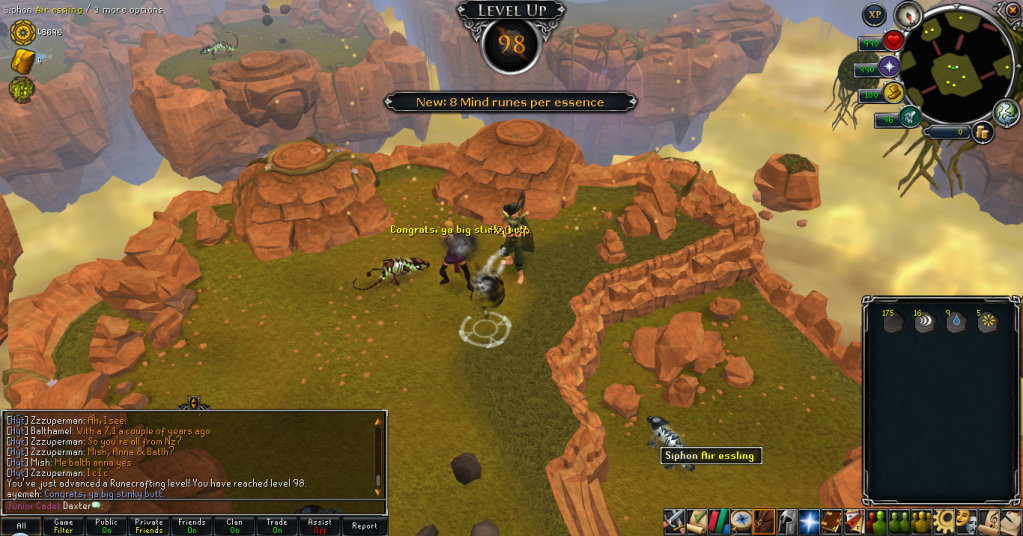
98Runecrafting.png


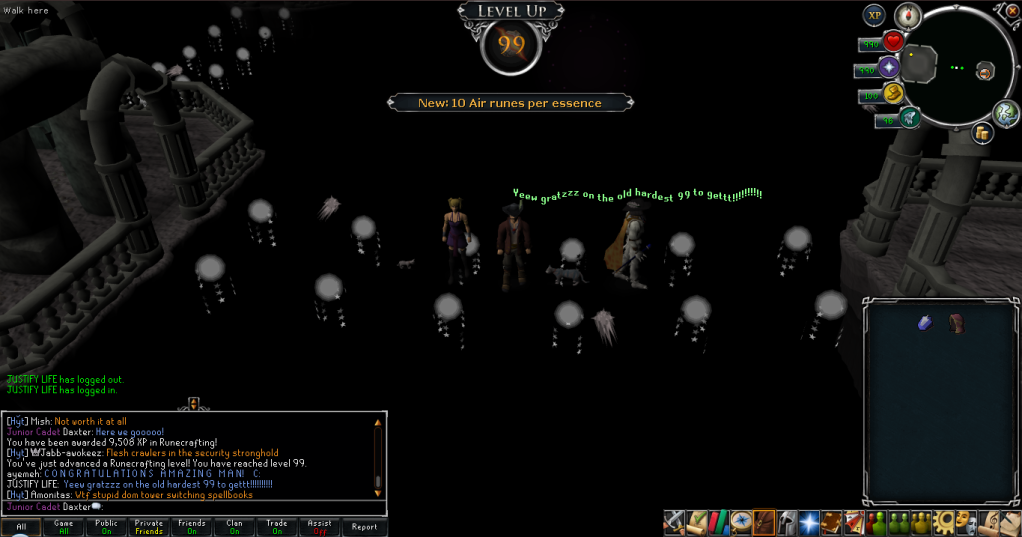
Then I got 99!

99Runecrafting01.png

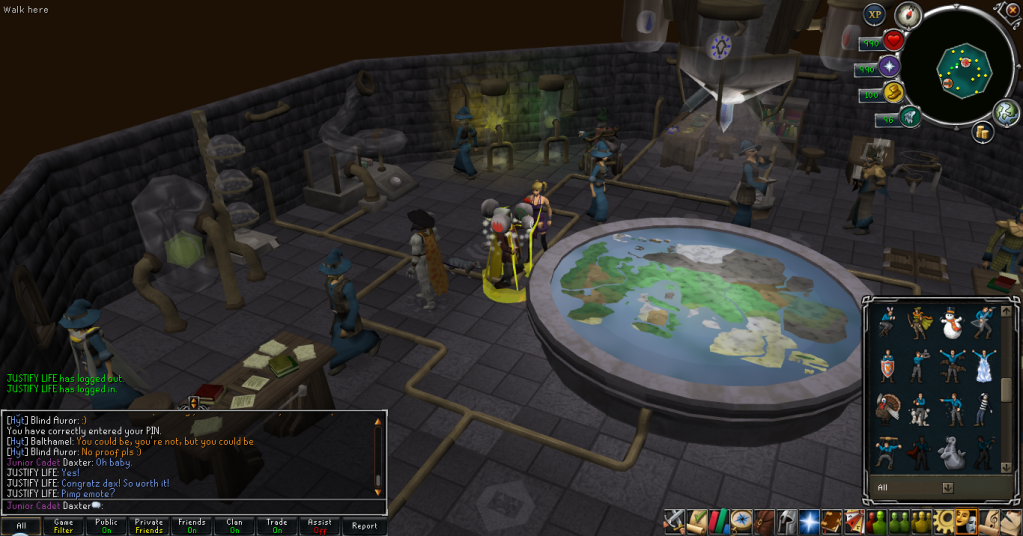
(Waited to try and get both messages in, missed it by a second, I regret everything D: )
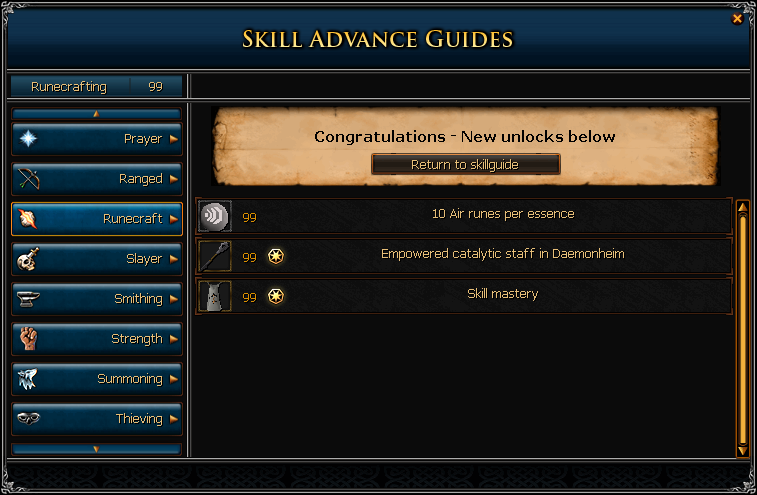
99Runecrafting02.png

99Runecrafting03.png


And that's another 99! Quite a few to go. Looks like I'll be spending some time at Stealing Creation to get the hammers I need for Construction. Catch you next time, ~Dax.

3 Comments

Recommended Comments

12pure34

Members

Grats :D Never buy runes againnnnn :D

Mojo_Monkey

Members

Nice one!

P.S. didnt i call that you'd get it a few weeks back?

Dax

Members

Thanks Pure. : D


And thanks, Mojo. I knew I'd be getting it super quick. Haha. : D

Important Information

By using this site, you agree to our Terms of Use.

Account

Navigation

Search

Search

Configure browser push notifications

Chrome (Android)
  1. Tap the lock icon next to the address bar.
  2. Tap Permissions → Notifications.
  3. Adjust your preference.
Chrome (Desktop)
  1. Click the padlock icon in the address bar.
  2. Select Site settings.
  3. Find Notifications and adjust your preference.