




Skip to content
View in the app

A better way to browse. Learn more.

Tip.It Forum

A full-screen app on your home screen with push notifications, badges and more.

To install this app on iOS and iPadOS
  1. Tap the Share icon in Safari
  2. Scroll the menu and tap Add to Home Screen.
  3. Tap Add in the top-right corner.
To install this app on Android
  1. Tap the 3-dot menu (⋮) in the top-right corner of the browser.
  2. Tap Add to Home screen or Install app.
  3. Confirm by tapping Install.

42: 534/534.

(0 reviews)

So I was forced to finally get a Fire cape by my girlfriend, and so I got it. That allowed me to finish off the last two task sets and get a pretty cool new emote. Another thing for Completionist gone!
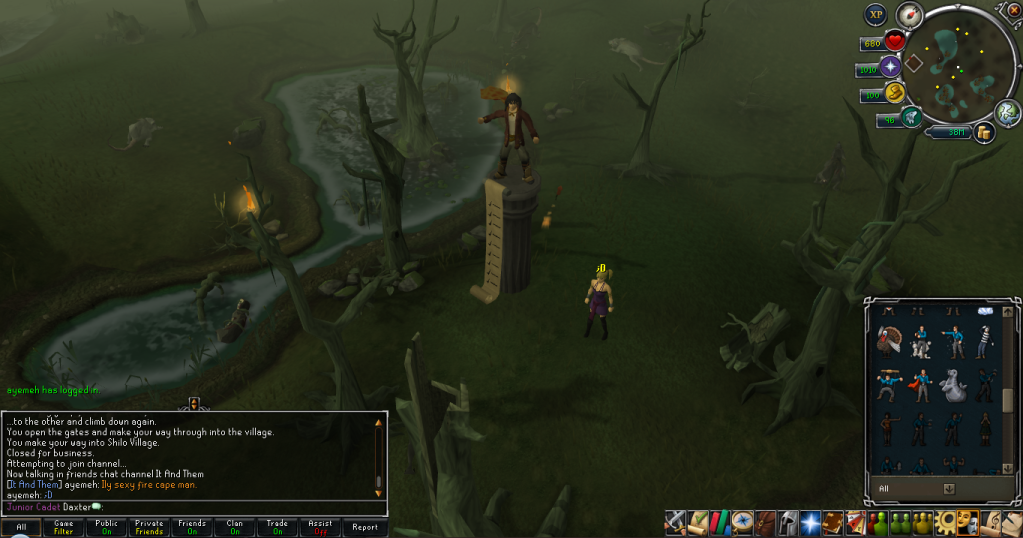
 

TaskmasterandFireCape.png


Also did a clue, but I don't care about that that much.

HardClue14-1.png


Also did the new quest, but I forgot to screenshot the Quest complete. Good quest though. Looks like my next goal will be to catch up with some of my lower skills and get 90+ stats. Catch you next time, ~Dax.

3 Comments

Recommended Comments

Mojo_Monkey

Members

Slow but steady progress :thumbsup:

champion

Members

HI DAX

Platinum_Myr

Members

Gratz on the firecape!!

Important Information

By using this site, you agree to our Terms of Use.

Account

Navigation

Search

Search

Configure browser push notifications

Chrome (Android)
  1. Tap the lock icon next to the address bar.
  2. Tap Permissions → Notifications.
  3. Adjust your preference.
Chrome (Desktop)
  1. Click the padlock icon in the address bar.
  2. Select Site settings.
  3. Find Notifications and adjust your preference.